You can add akubela SL21 locks to residents’ apartments in community and single-family house projects.
For Community Projects
Log in to the cloud with your account.
Navigate to the target community by clicking
 .
.Click
 of the target apartment.
Find the Smart Locks section and click New.
Select SL21 in the model dropdown menu.
Enter the lock’s MAC and name it.
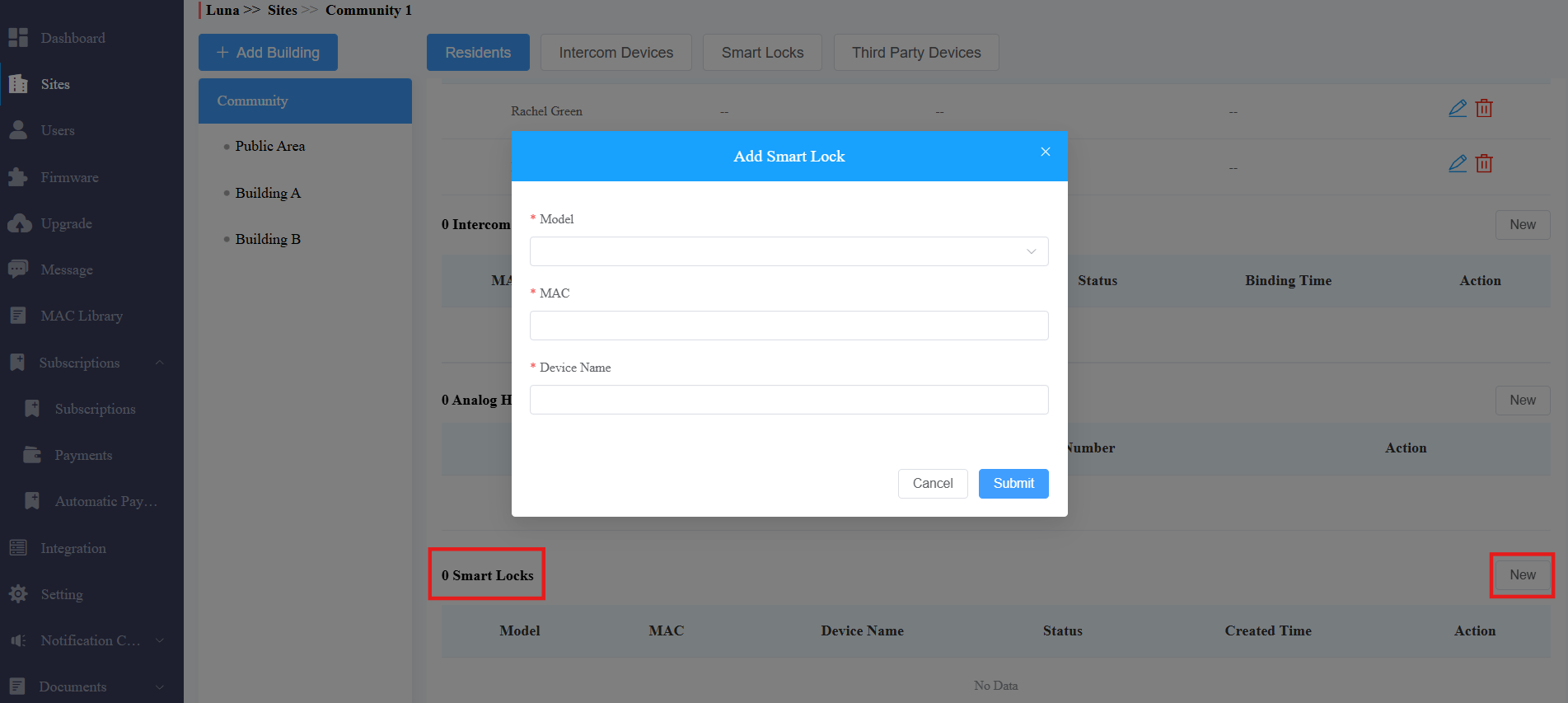
Submit the setting.
For Single-Family House Projects
Log in to the cloud with your account.
Select Single-Family House.
Click
 of the target user > Smart Locks > New.
Select SL21 in the model dropdown menu.
Enter the lock’s MAC and name it.
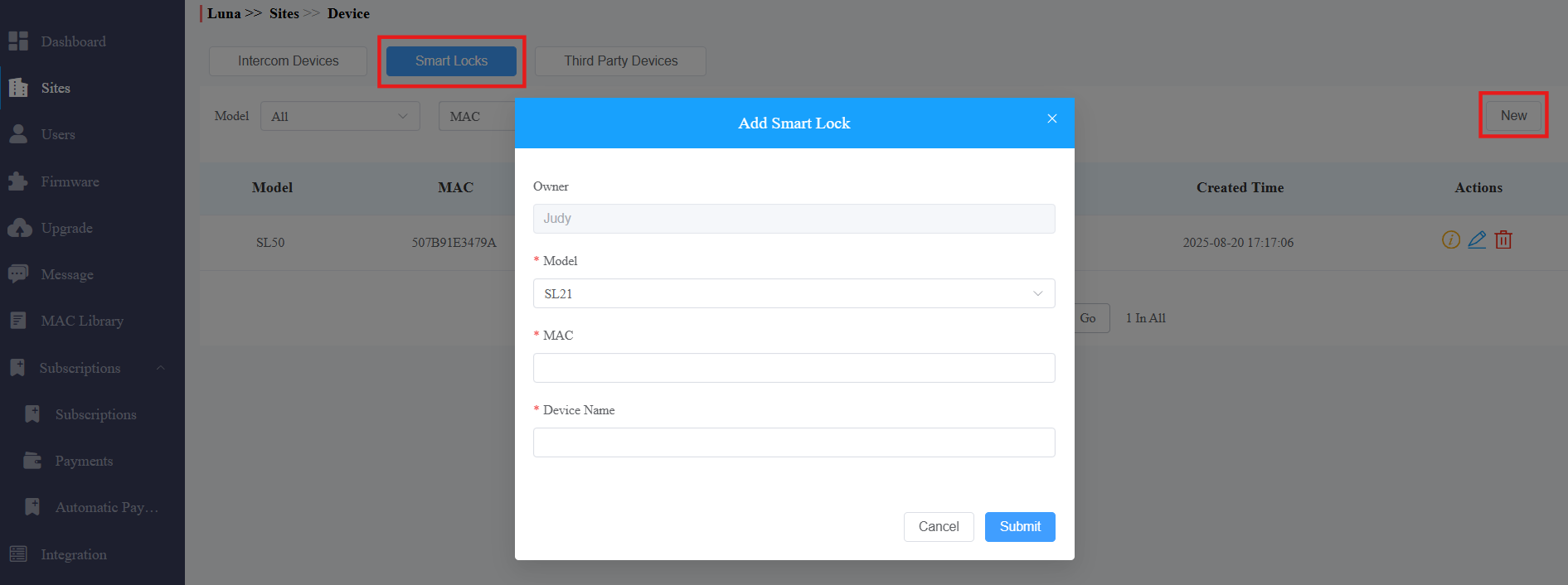
Submit the setting.
After adding the lock, end users can configure the network of the lock and add credentials on their SmartPlus Apps.