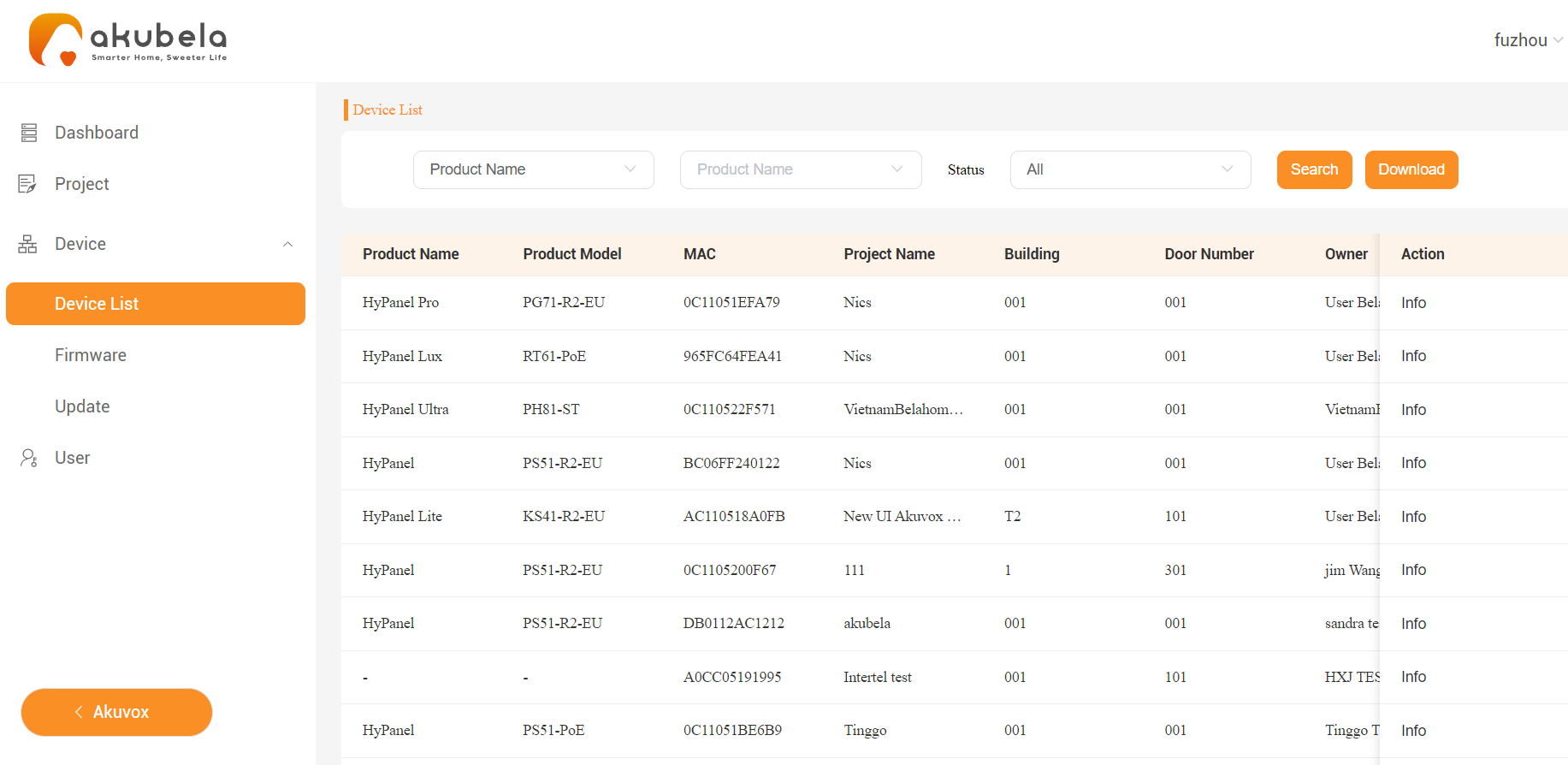
A panel’s MAC address can be found directly on its System Settings screen. Alternatively, users can view all panels’ MAC addresses via the user web portal, eliminating the need to physically check each one individually.
For installers and distributors, they can conveniently access MAC addresses through the akubela Cloud platform and device web portal without physical inspection.
On panels
Here, we take HyPanel with the firmware version 51.1.31.30 as an example.
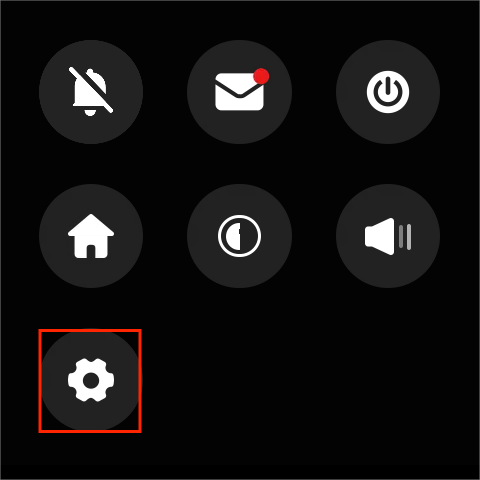
Swipe down from the top of any screen, and tap
 .
.
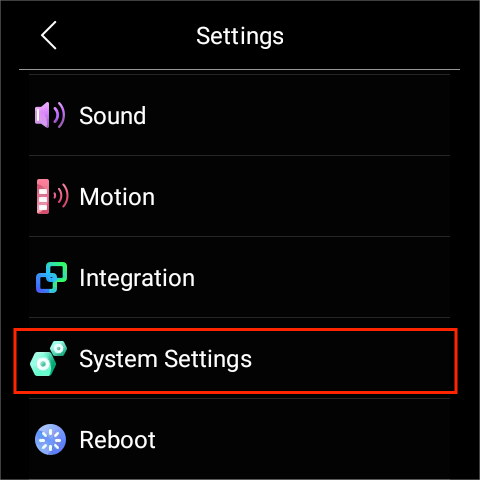
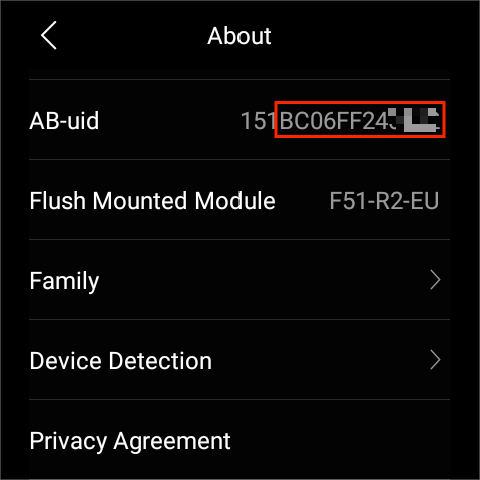
Select System Settings > About.
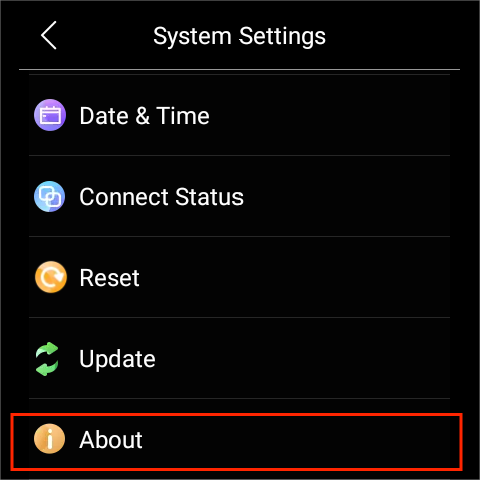
Scroll down to find the AB-uid field. The MAC address starts from the 4th digit of the UID number and is 12 characters long.
Via the user web portal
For users, MAC addresses of all panels within a home are accessible on the user web portal.
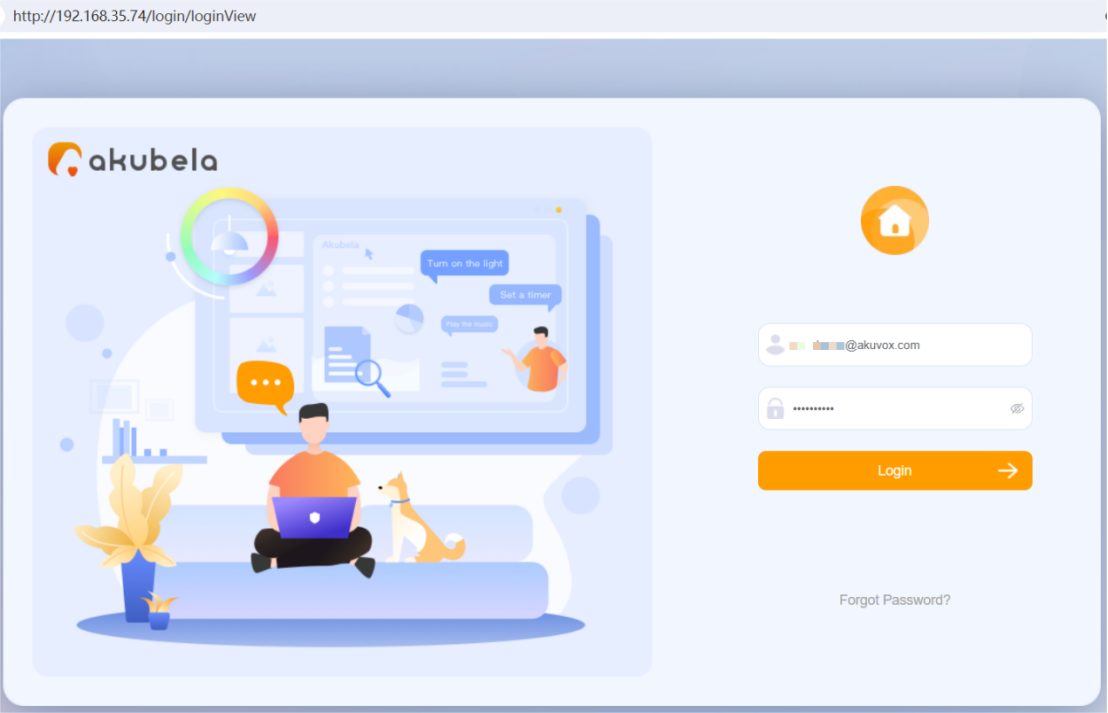
Log into the user web portal.
Tip
For detailed instructions, please refer to Log into User Web Portal.
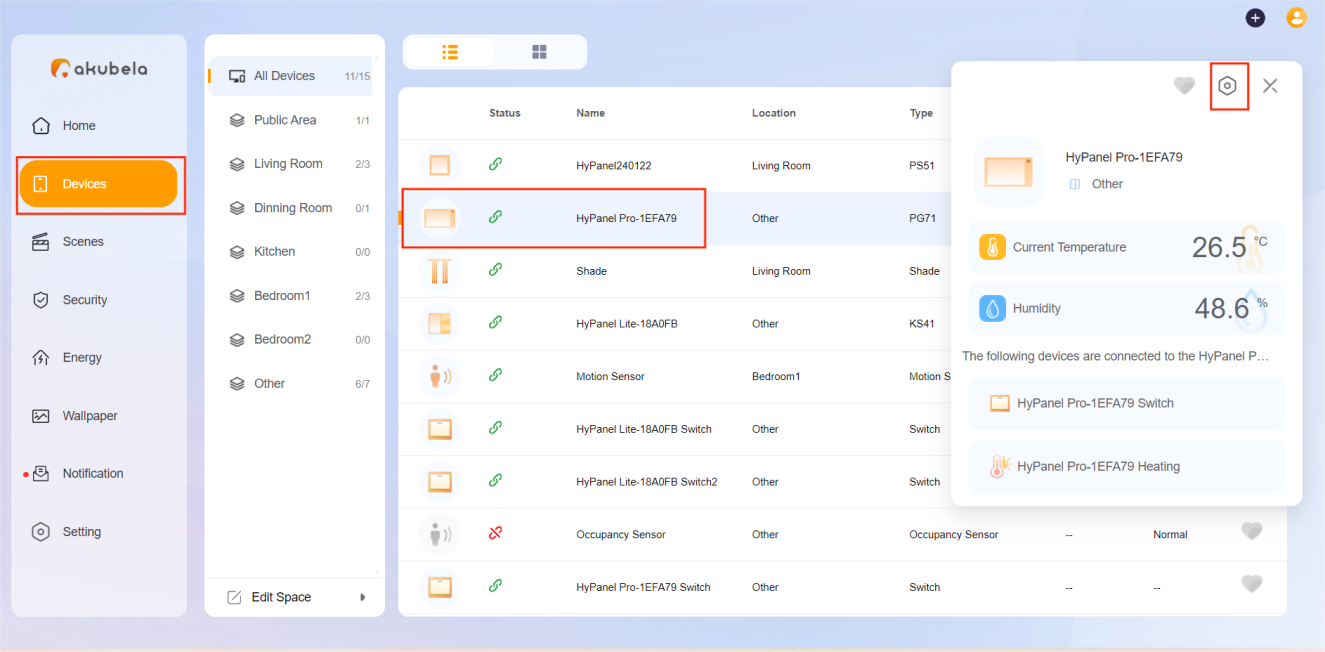
2. Select Device, click on the desired panel, and click on  in the window that appears.
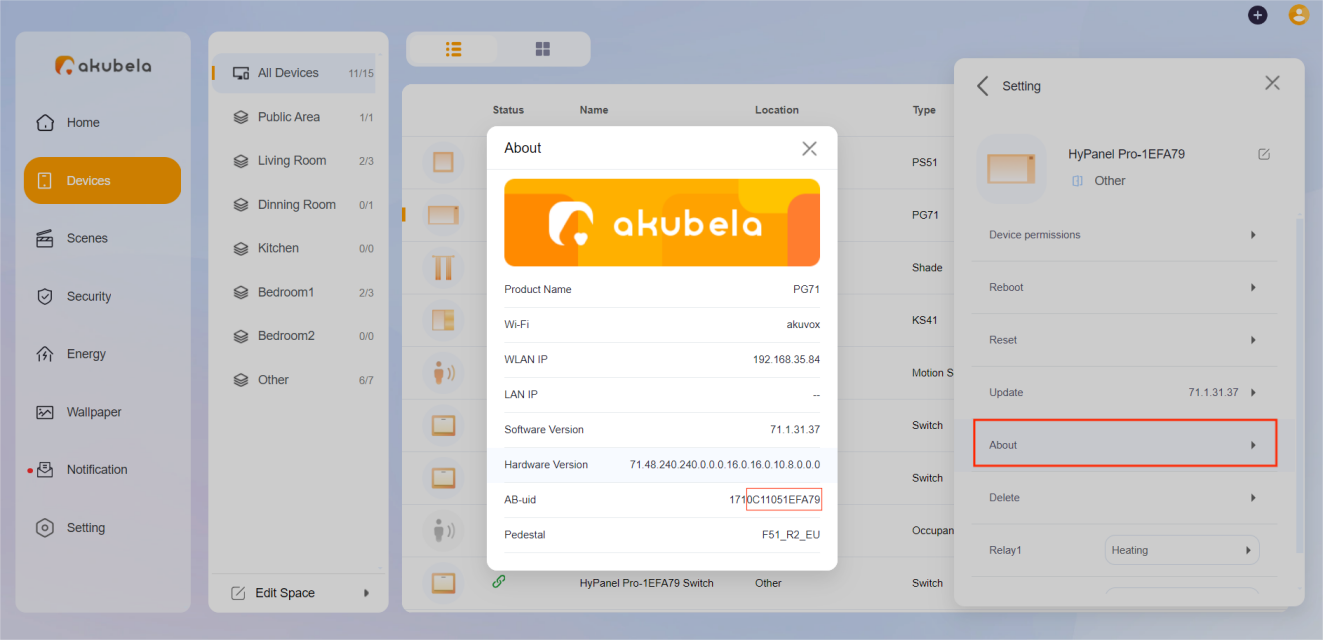
Select About, and find the AB-uid field. The MAC address starts from the 4th digit of the UID number and is 12 characters long.
Via the device web portal
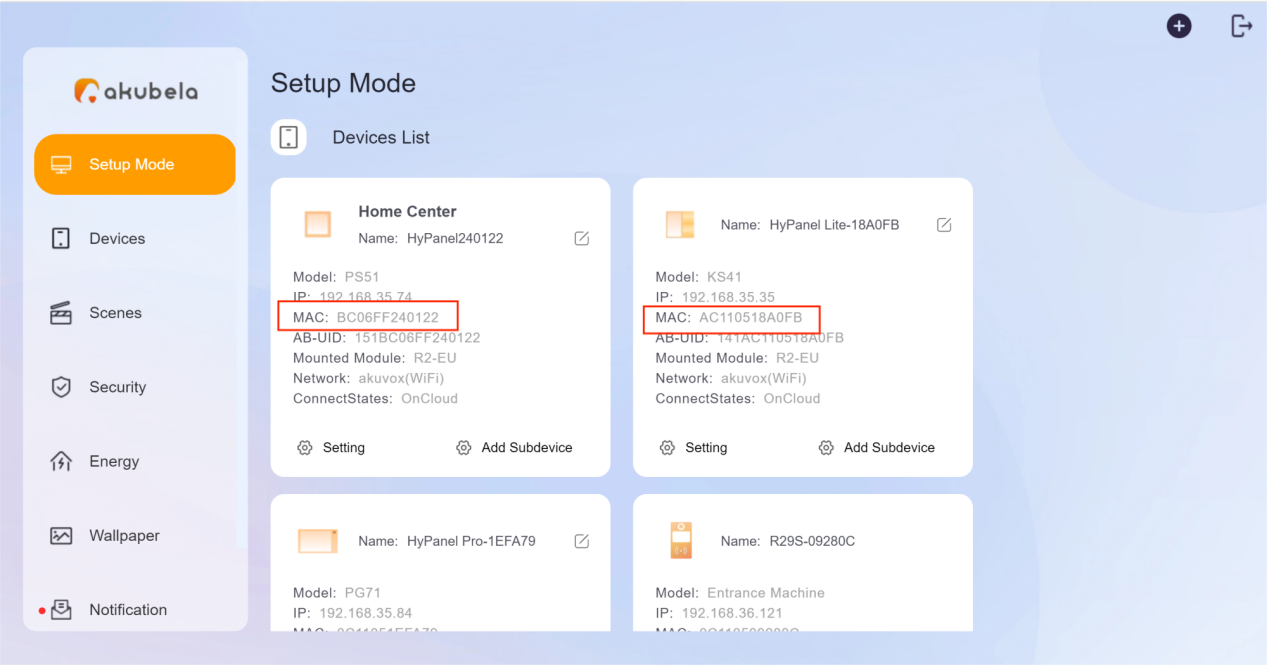
For installers and distributors, the device web portal allows them to view MAC addresses of all panels within a home.
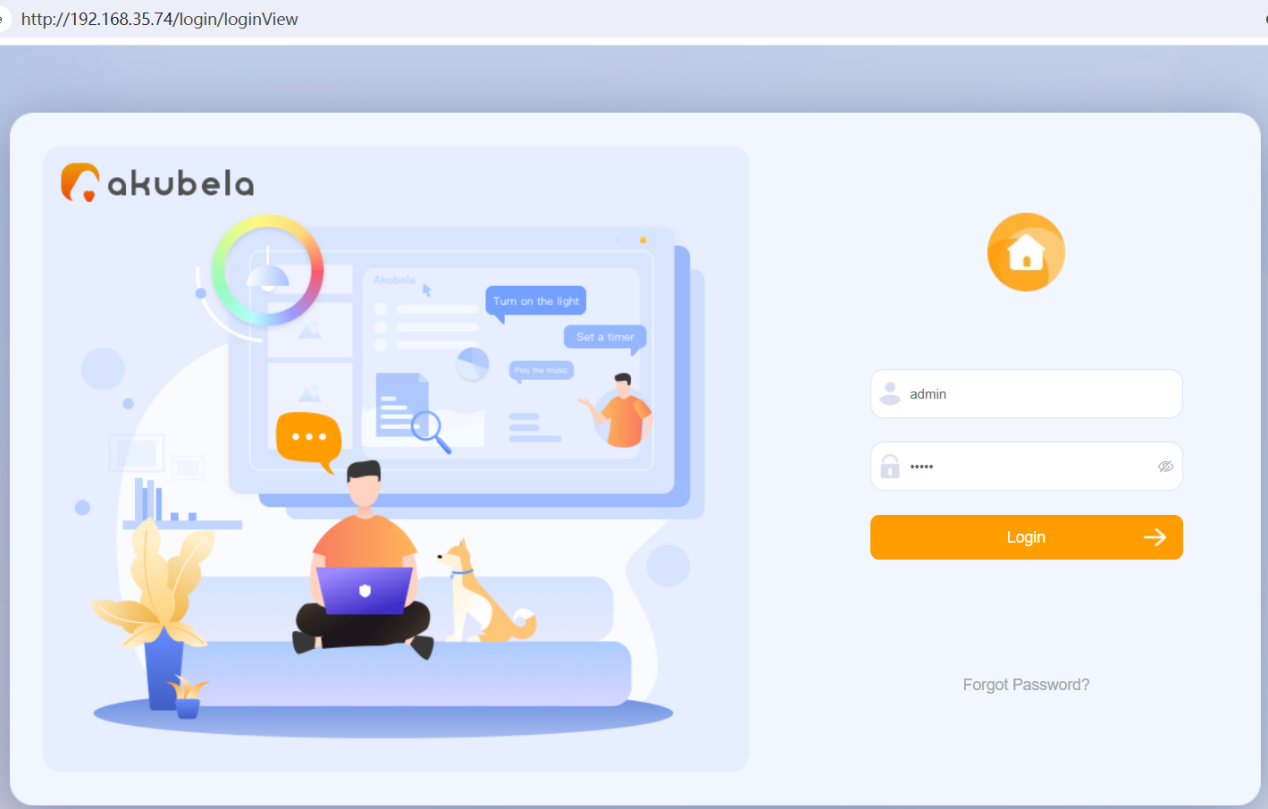
Log into the device web portal.
Tip
For detailed instructions, please refer to Log into Device Web Portal.
All devices’ MAC addresses are listed on the Setup Mode page.
On the akubela Cloud platform
akubela Cloud platform is another tool that enables installers and distributors to access device information from all projects.
Log in to the Cloud website using the installer or distributor account. Refer to the login portals below corresponding to your region:
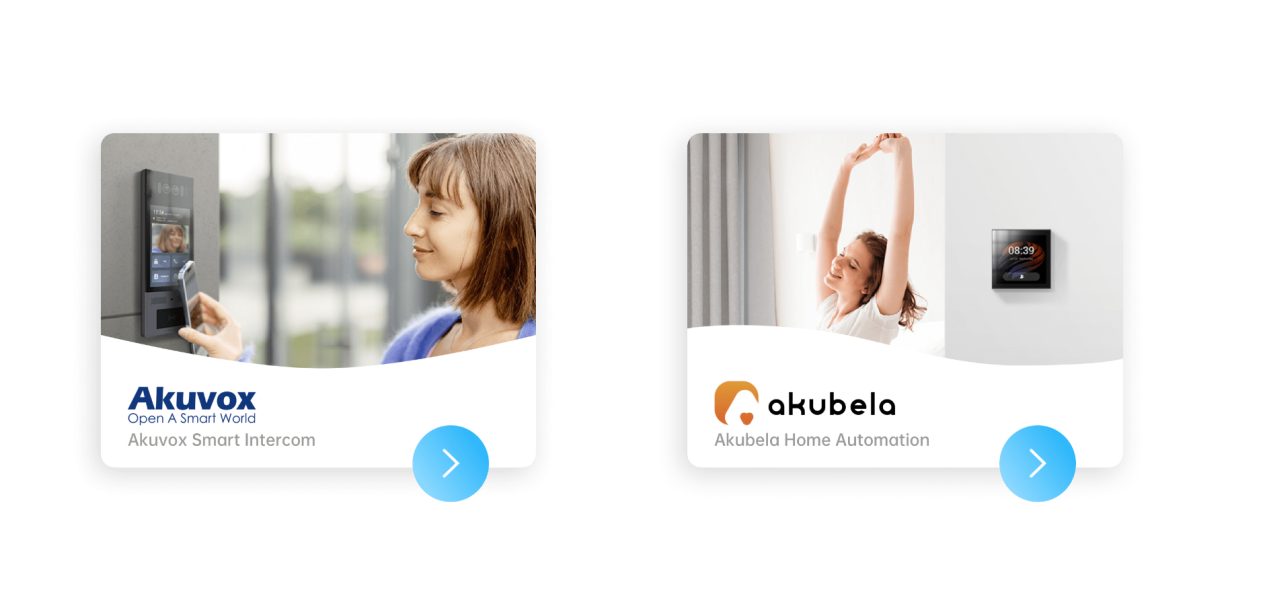
Click on the akubela image on the right.
Select Device > Device List. All devices’ MAC addresses can be found here.