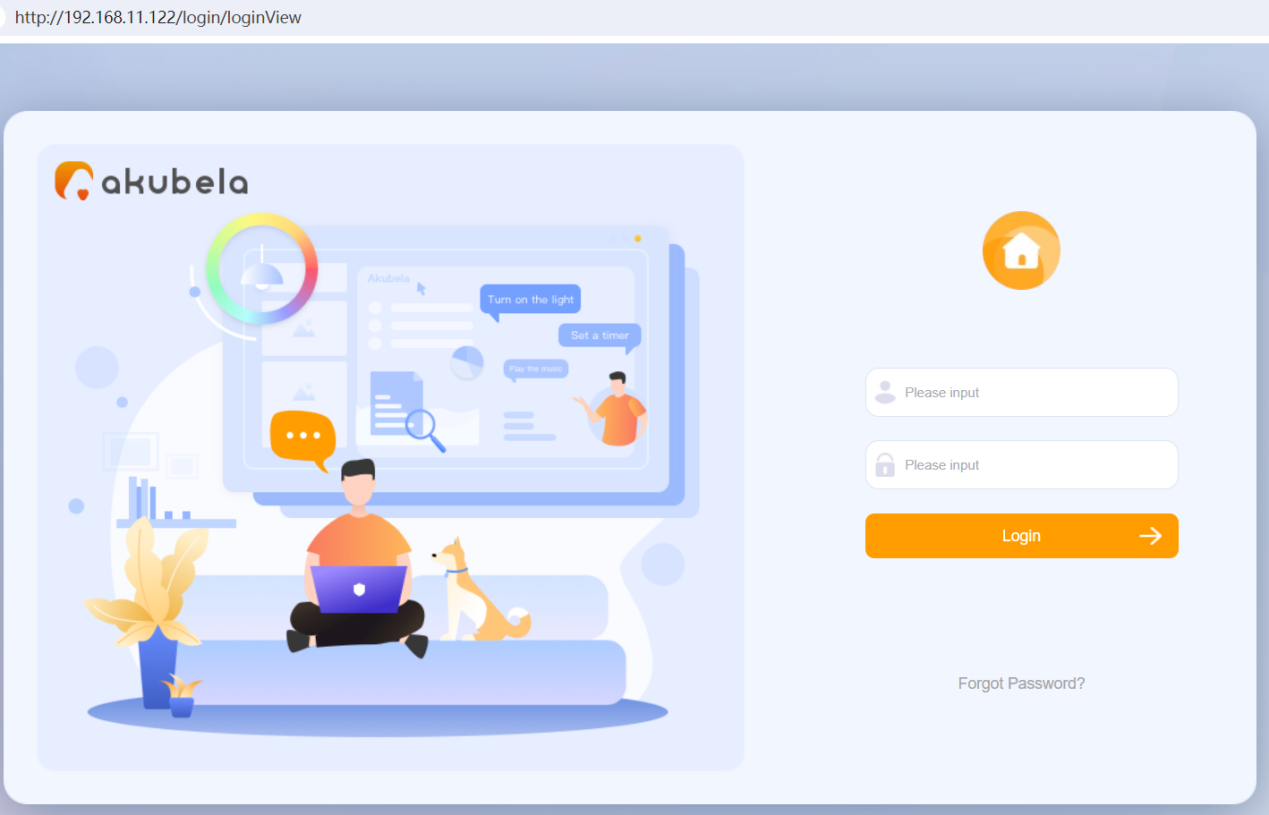
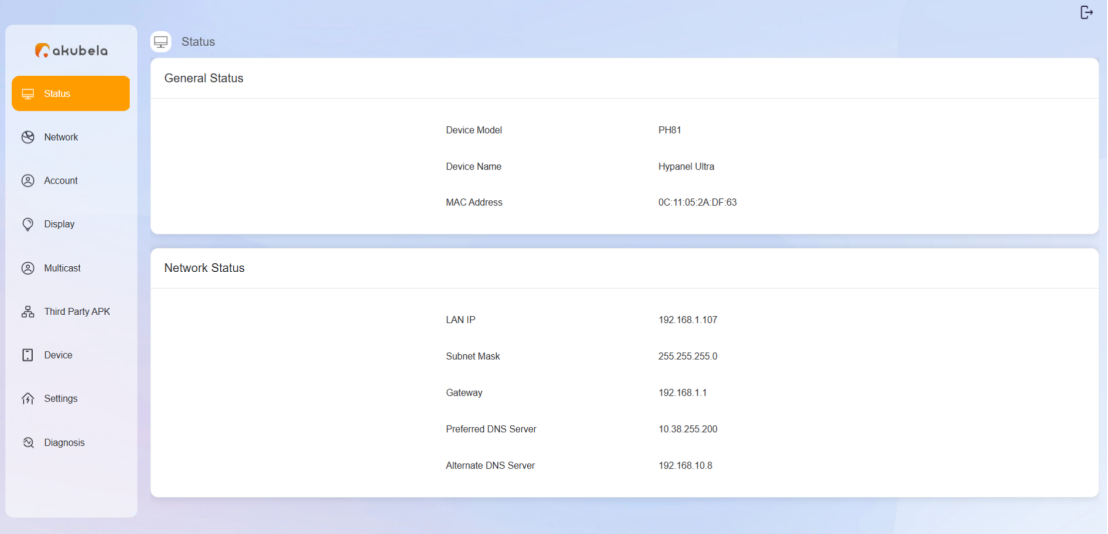
The device web portal enables installers and distributors to maintain and manage akubela devices. Through the portal, they can update firmware, install third-party applications, configure SIP settings, and perform other management tasks.
Before Getting Started
To ensure a smooth login process, please have the following available:
Check the device’s IP address and firmware version by going to System Settings > About screen on the device.
Connect your computer to the same network as the device.
Log In
Open a web browser and enter the device’s IP address.
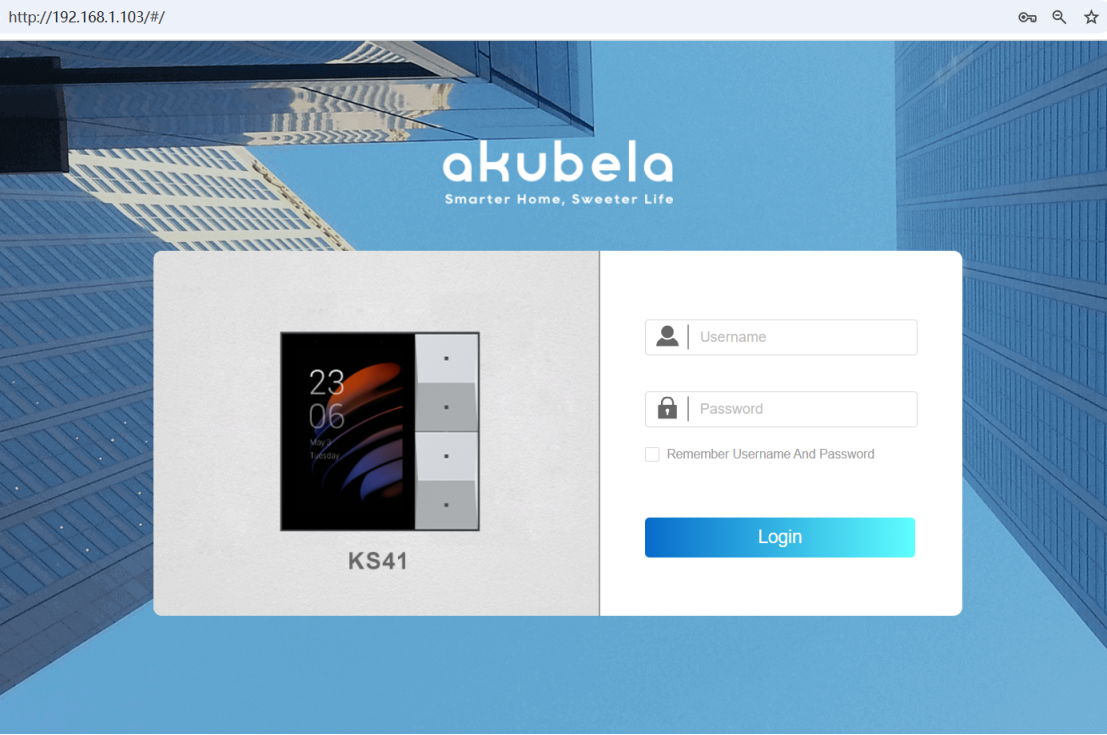
Log in using the default credentials. The username and password are both admin.
NOTE:
The login page you access or are redirected to may vary depending on the device’s firmware version and its role.
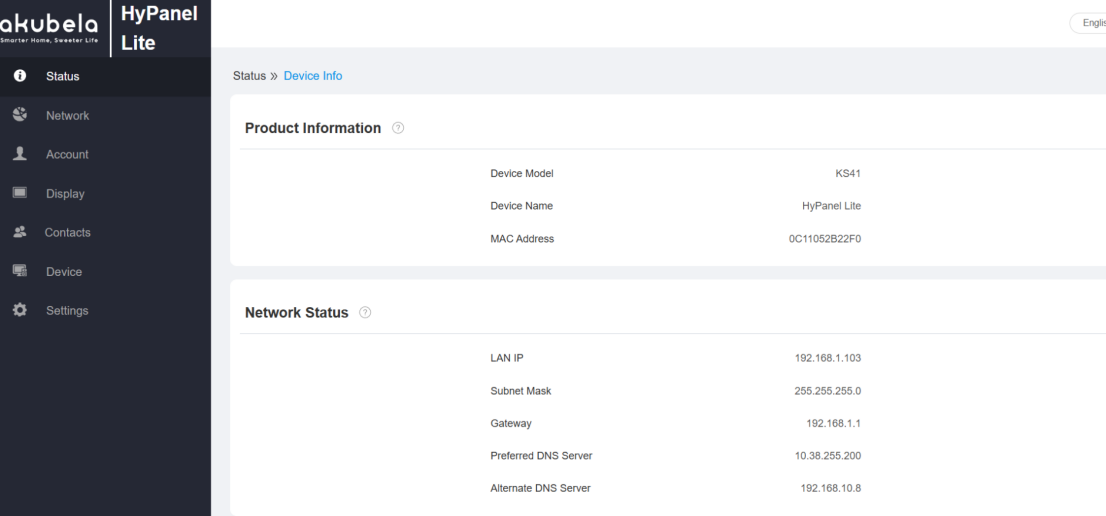
There are three possible types of login pages:
Type 1
This page appears when the device is running an older firmware version.
Whether the device functions as a home center or gateway, you access its own device web portal directly.
Type 2
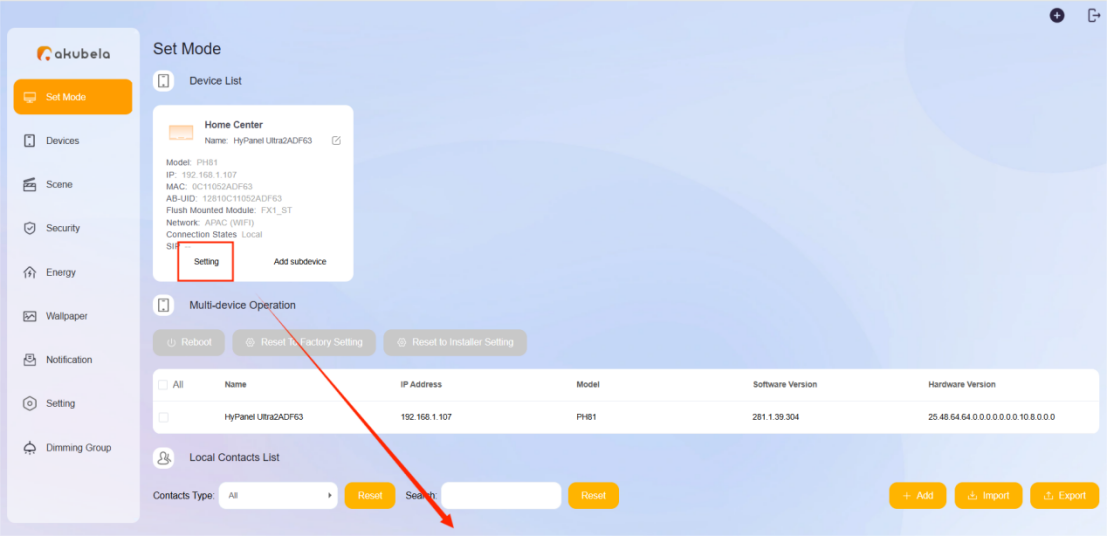
This login page is exclusive to the home center.
You’ll access it when the device itself acts as a home center or when devices with specific firmware versions redirect you here.
From this page, you can open the web portal of any device within the same home by clicking its
 button.
NOTE:
Devices running older firmware versions will automatically redirect to the Type 1 page.
Type 3
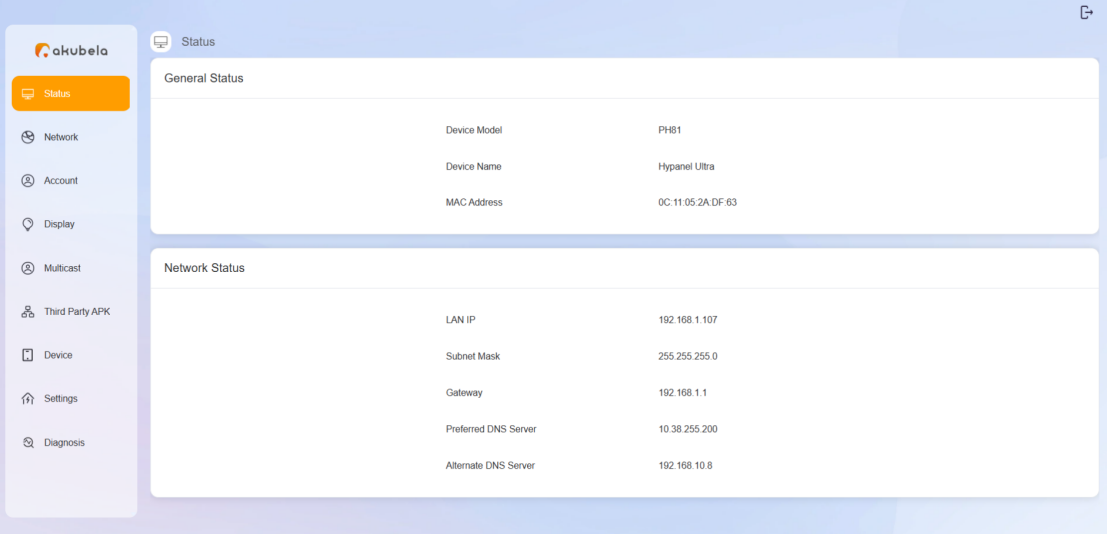
When the device is running the latest firmware version and functions as a gateway, you’ll directly access its own device web portal, as shown in the figure below.