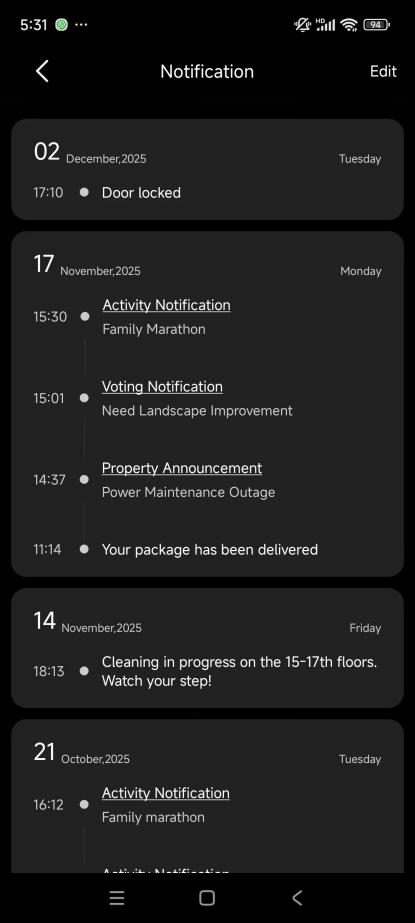
These features help you interact with your community, including booking amenities, requesting maintenance, and accessing notices.
NOTE:
Available only for community project users.
Requires all devices to be connected to the cloud.
Amenity Booking
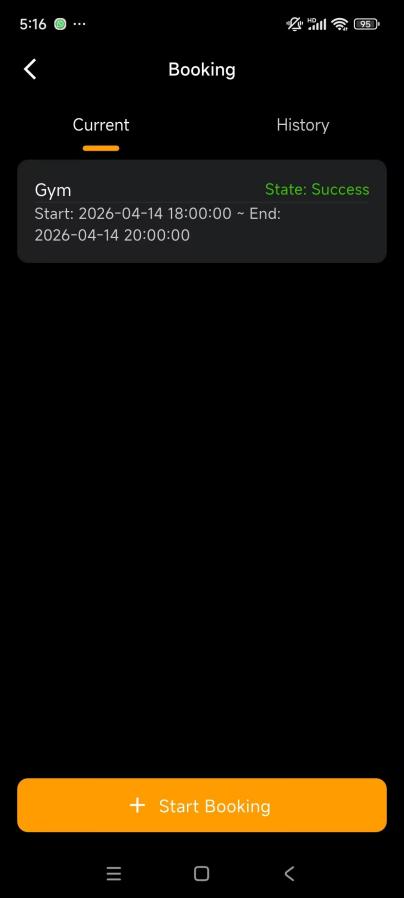
Reserve shared spaces such as gyms, swimming pools, or tennis courts directly from your phone.
Go to Me > Property > Booking > + Start Booking.
Select the desired amenity.
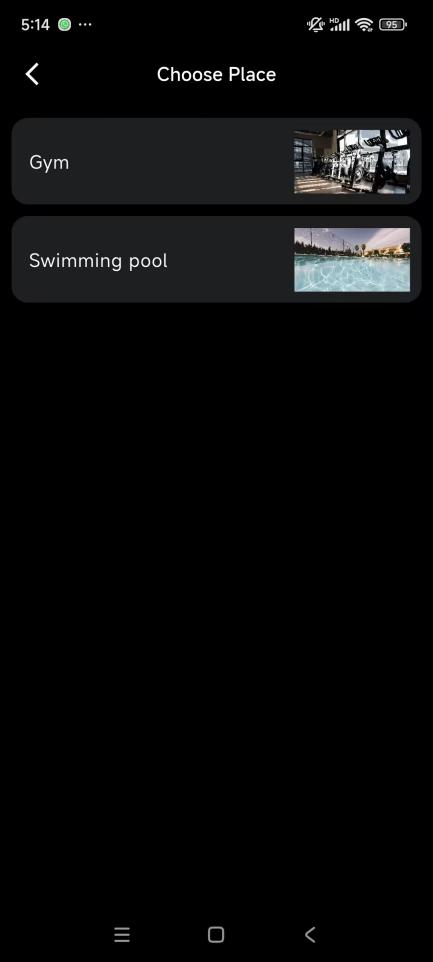
Tap the date field to choose your preferred date, then tap OK.
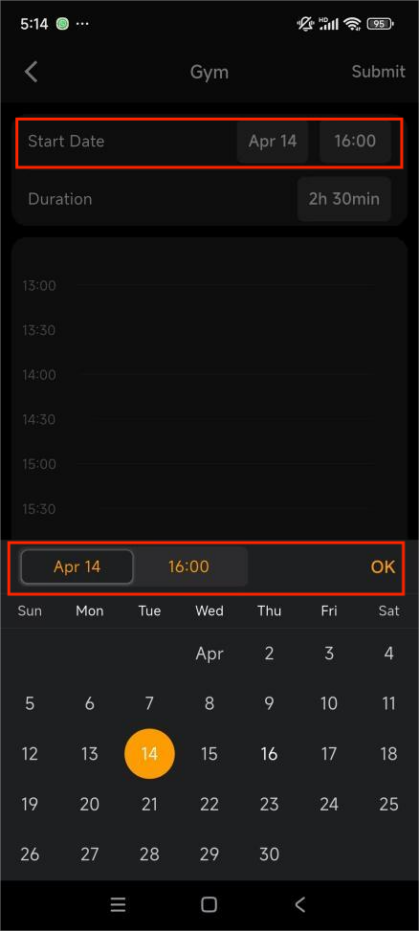
Set the booking time:
Drag the time block to adjust the start time
Resize the block to set the duration.
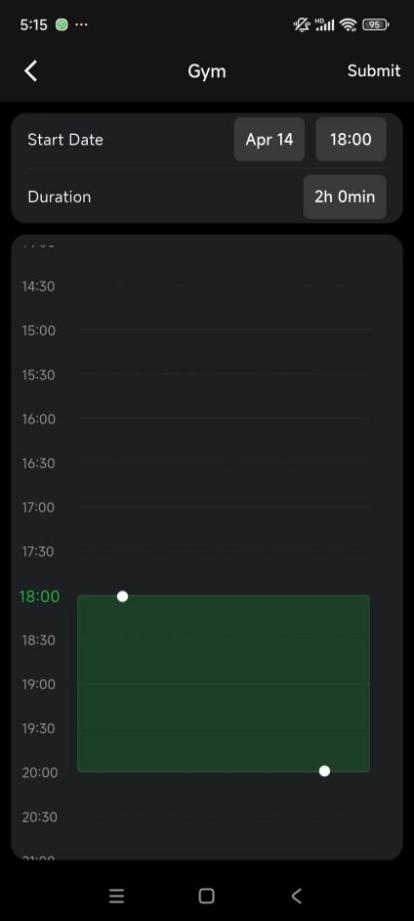
Tap Submit to send your request.
After your booking is approved:
You’ll receive a notification in the app.
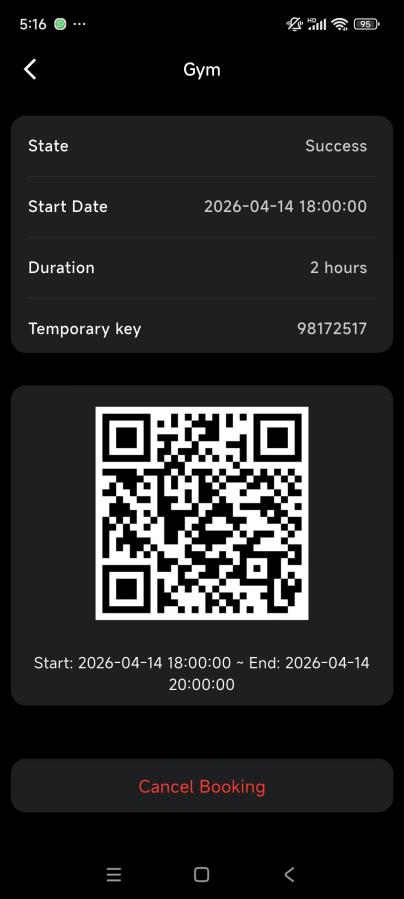
The booking status changes to Success.
Open your booking record to find a temporary access key or QR code for entry.
Maintenance Request
If something needs fixing in your home, you can easily request maintenance through the app.
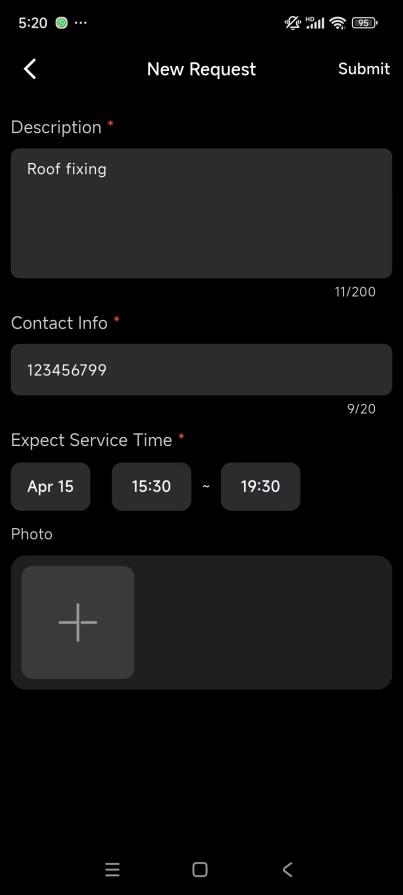
Go to Me > Property > Maintenance Request > +New Request.
Fill in the required details and tap Submit.
After submission:
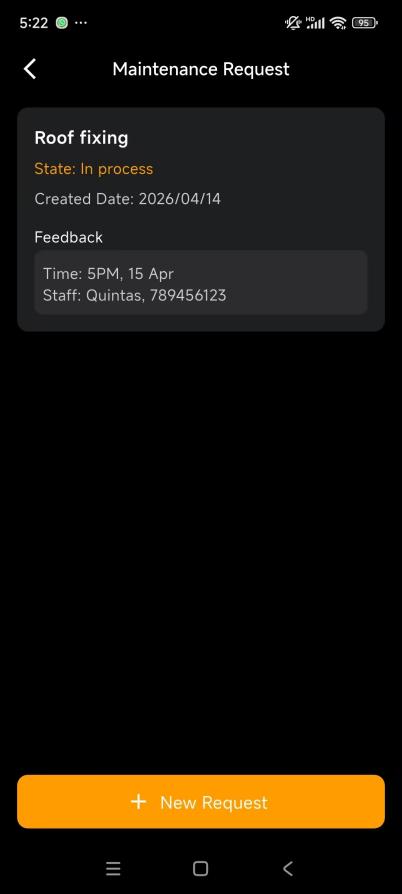
Your property manager reviews the request
You will be contacted for confirmation
Once assigned, worker details (name, contact, schedule) appear in the Feedback section.
Meter Readings
Report your utility usage (water, electricity, gas) to your property manager for billing.
Go to Me > Property > Meter Reading.
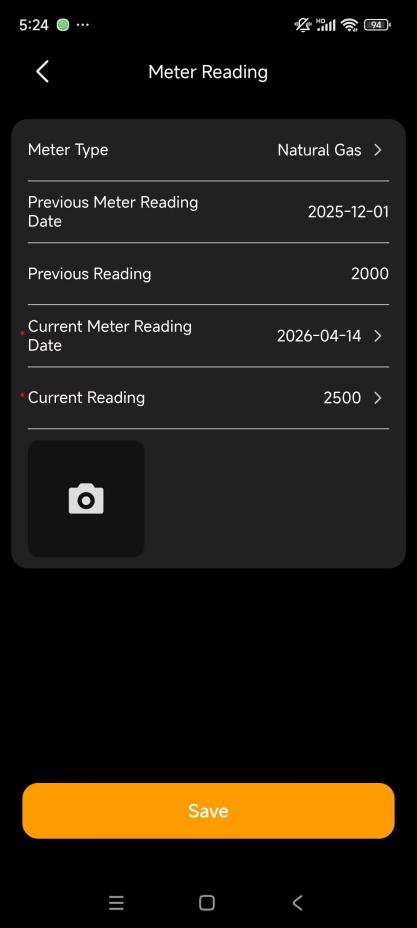
Tap Meter Reading to open details.
Select utility type and date, then enter the value.
Tap Save.
After submission:
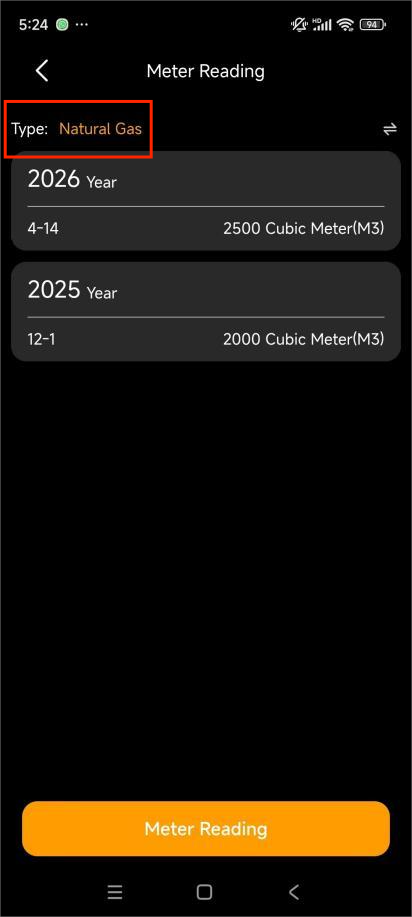
Submitted records appear on the Meter Reading page
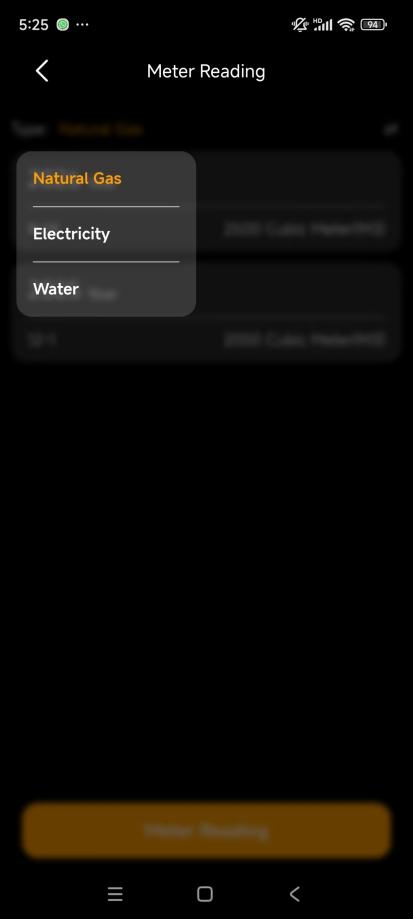
Tap the utility type at the top to filter history.
Community Engagement
Stay updated on announcements, events, and participate in community voting.
Go to Me > Property > More to view notices and votes.
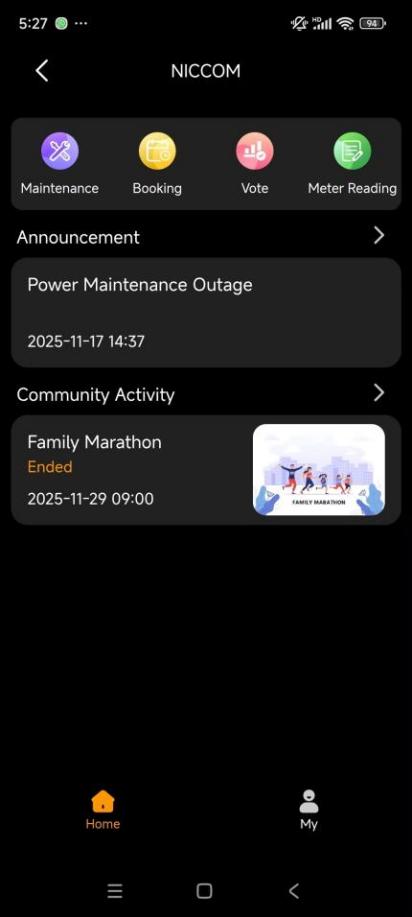
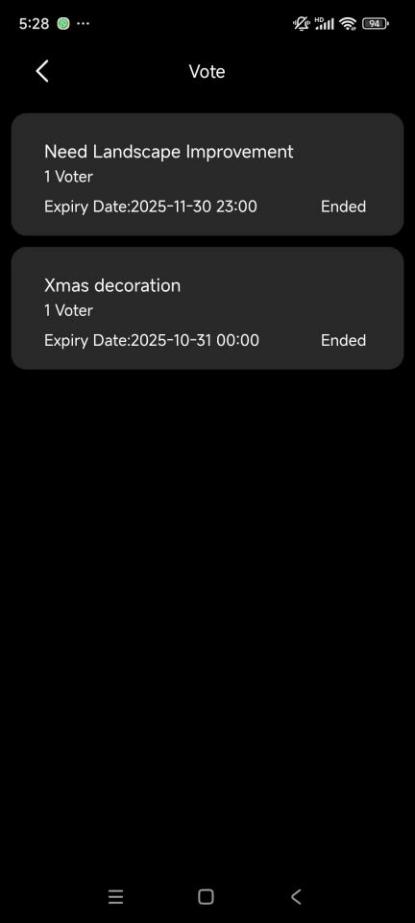
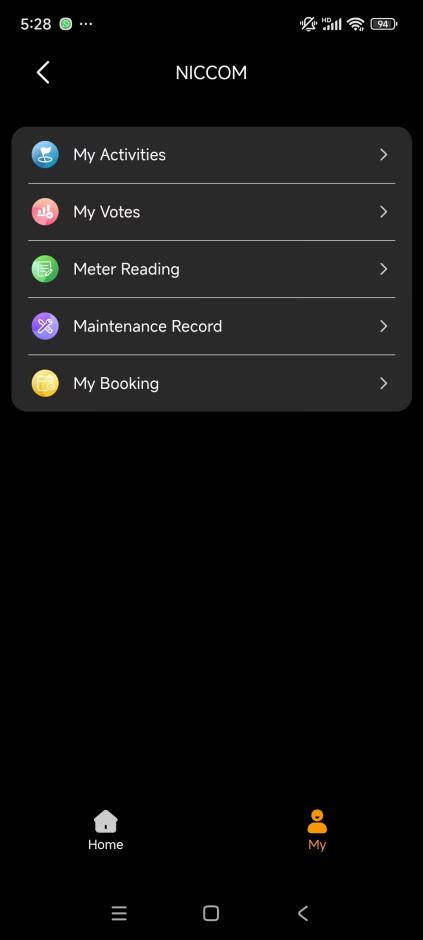
Go to Me > Property > My to view your participation records.
TIP:
You can also tap related notifications in the Notification Center to open details directly.