Change System Units
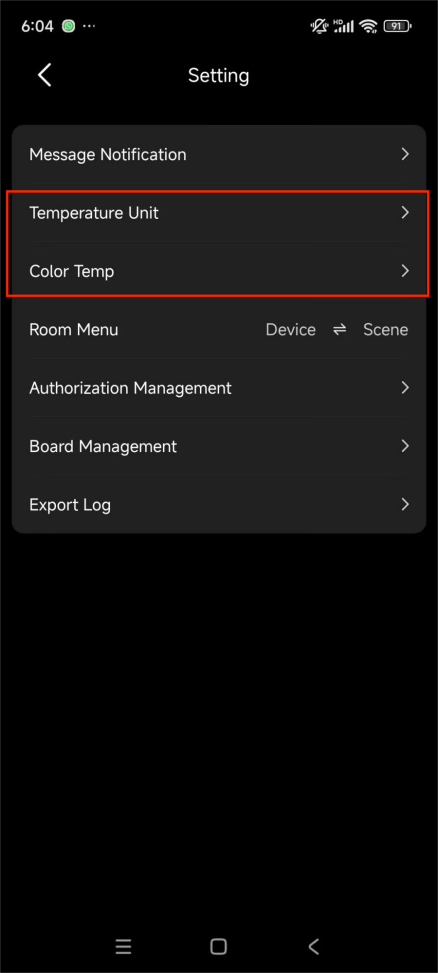
To adjust the system’s units, unit and color temperature units, go to Me > Setting, and select Temperature Unit or Color Temp based on your needs.
Screen Customization
Create a Board
Personalize your Home screen by creating custom boards that prioritize the devices and scenes you use most.
Go to Me > Setting > Board Management.
Tap + and name the board.
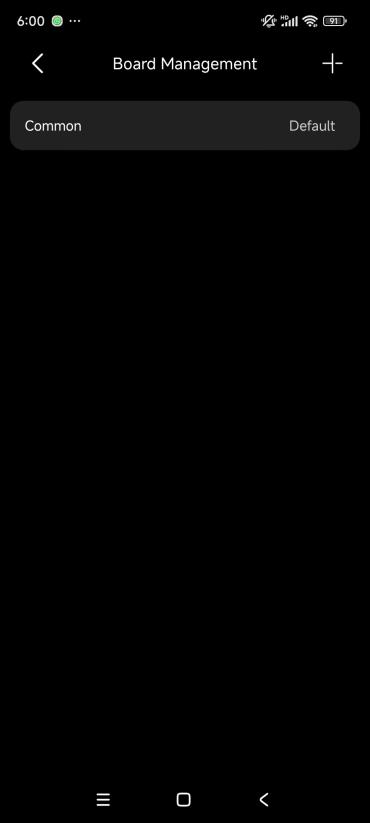
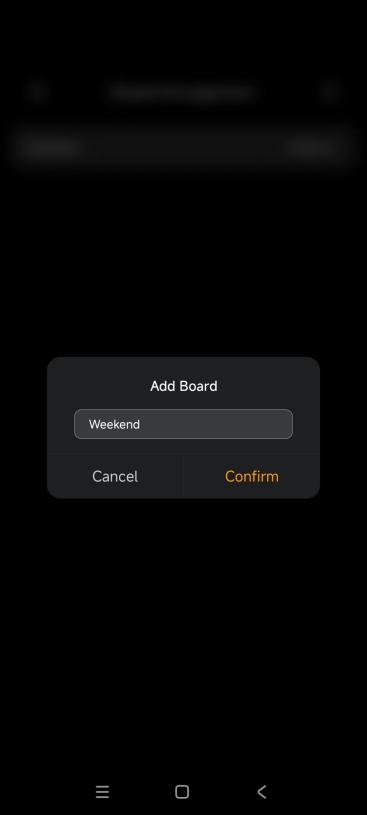
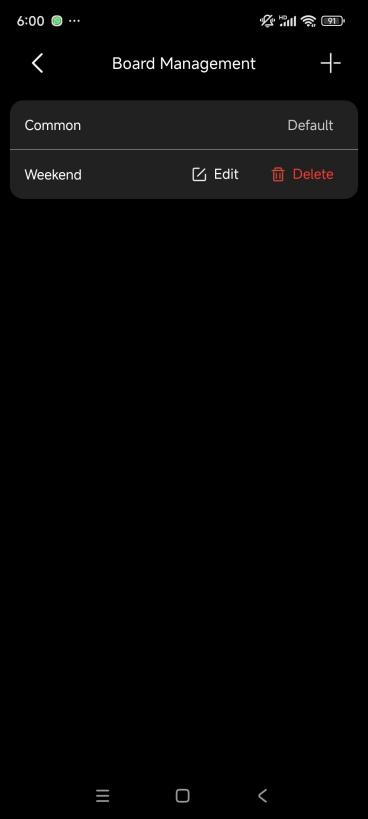
Add Items to a Board
You can add the following types of items: Scenes, Devices, Rooms, Categories, Contacts.
To add, do any of the following:
From Home Screen: Go to Home > [specific Board] > Click to Add.
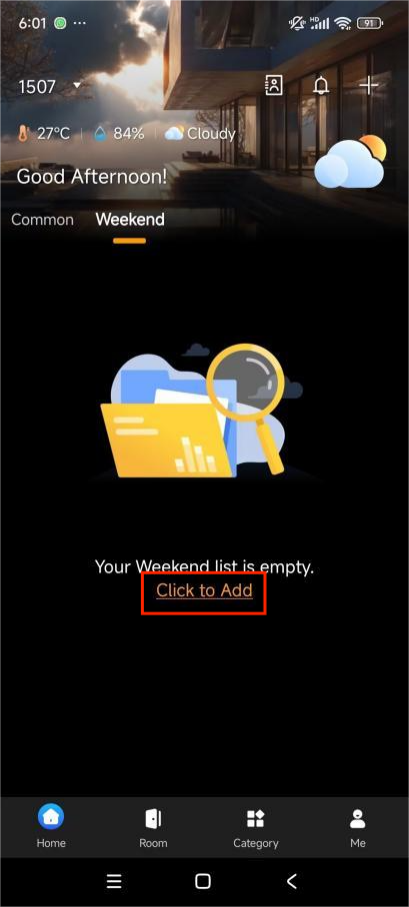
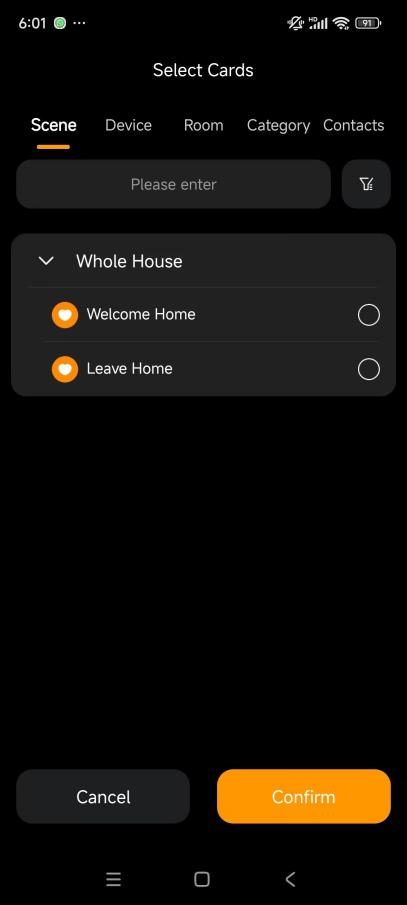
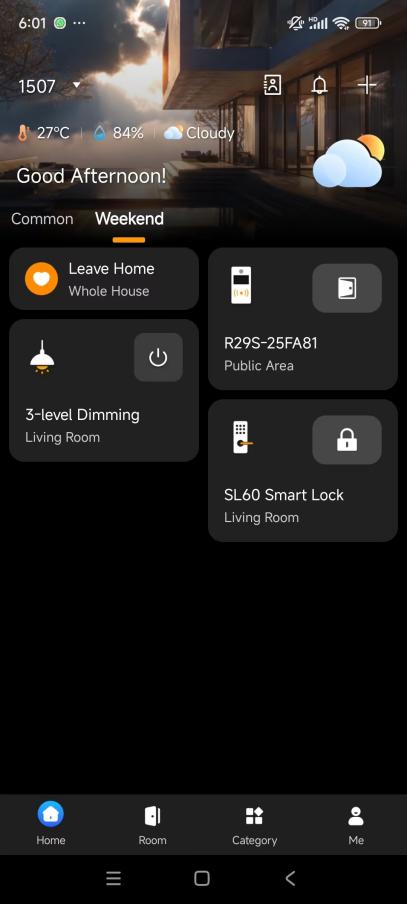
From the Room or Category: Long press a room or category card to Add an entire room or device category as a shortcut.
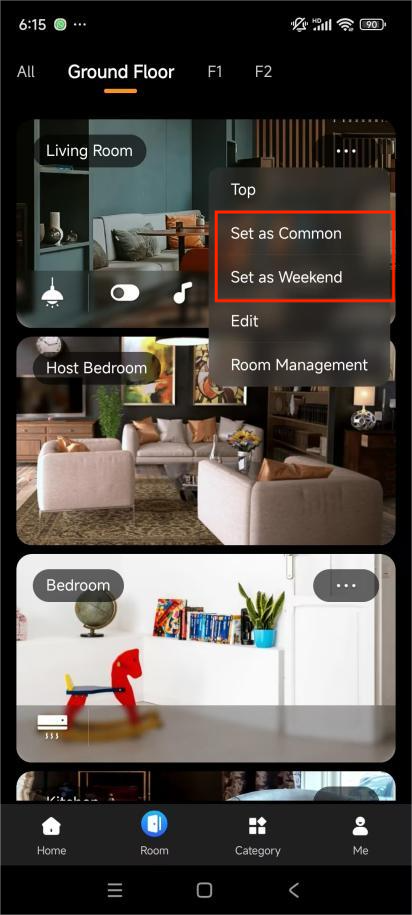
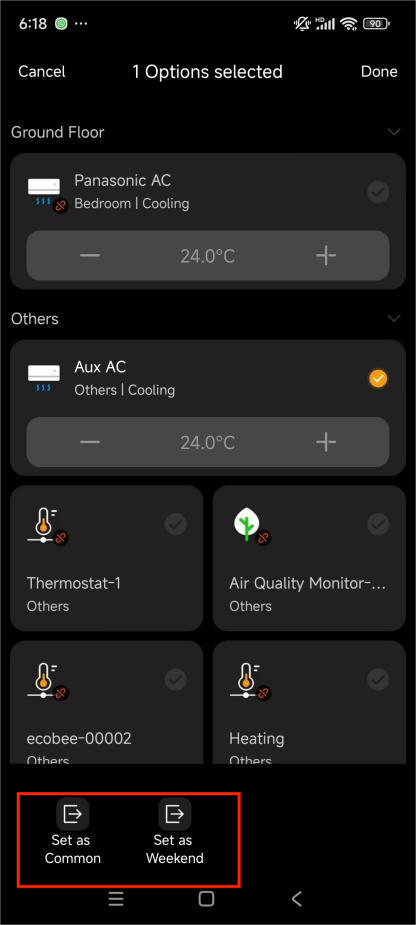
From Room/Category view: Long-press any card, select the desired items, choose a board, then tap Done.
From Contacts: Long-press a card to pin specific family contacts to a board.
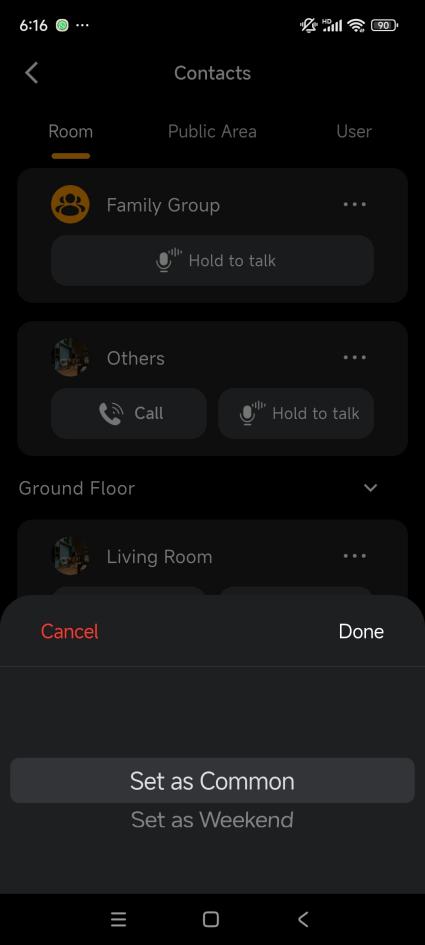
Edit Boards
Long press any card on the board to enter edit mode, then you can reorder cards and remove items.
Room Screen Management
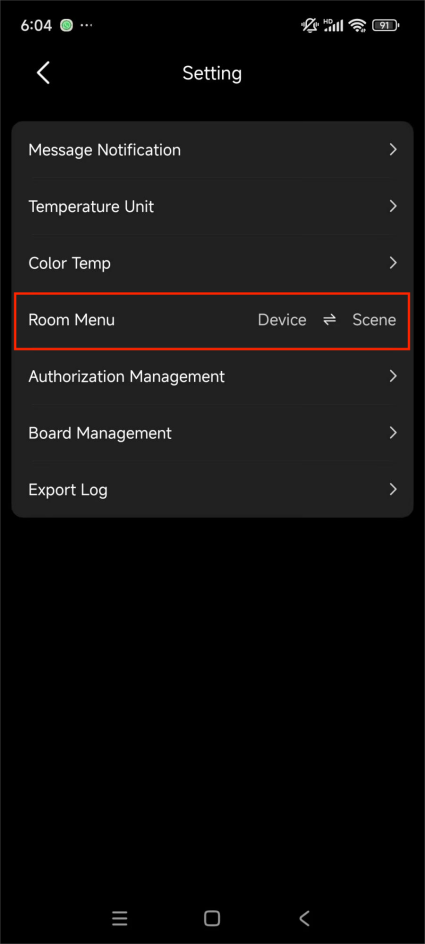
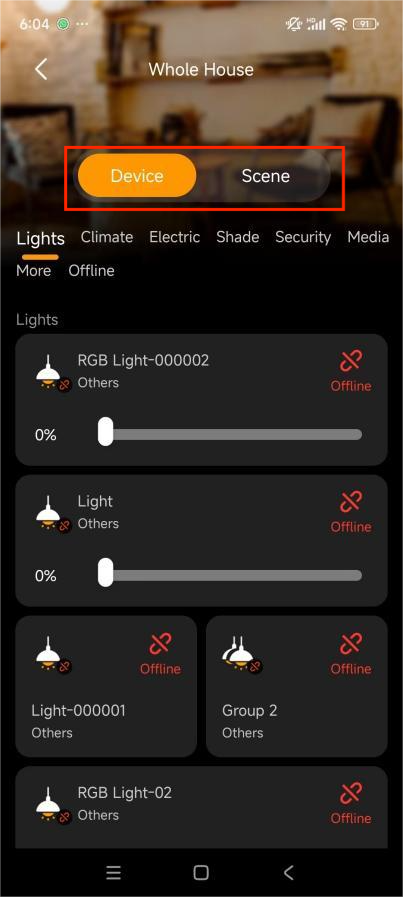
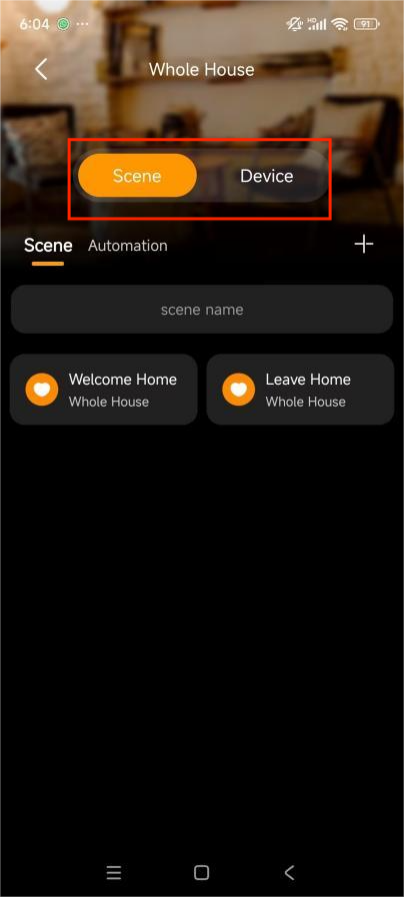
You can swap the order of the Device and Scene tabs in the specific Room view by going to Me > Setting > Room Menu.