Akuvox door phones provide multiple UI themes to support different deployment scenarios, such as villas, apartment buildings, or offices.
By selecting different themes, installers can customize how visitors interact with the door phone, including calling methods, authentication options, and access procedures.
This article introduces the available themes and their typical use cases, helping installers choose the most suitable interface for their projects.
Model | Supported Themes |
|---|---|
S539 | Villa, Building(The default), Office, Multi-factor Authentication, and Alphanumeric. |
S538 | Villa, Building(The default), Office, Multi-factor Authentication, and Alphanumeric. |
S535 | Villa, Building(The default), Speed Dial, and QR Code. |
S532 | Default(The default), Customized Text, Directory, and Gate Mode. |
X916 | Intercom(The default), VMS, and Directory. |
X915 | Villa, Building(The default), Office, and Alphanumeric. |
X912 | Default(Buttons)(The default), Directory, Speed Dial, Customized Text, and Gate Mode. |
R29 | Villa, Building(The default), Office, and Alphanumeric. |
E18 | Default(The default), QR Code, and Speed Dial. |
E16 | Default(The default), QR code, Speed Dial, and Custom UI. |
Configuration Path
You can select the theme from the device web interface.
Use the device IP to log in to its web interface. The default username and password are admin.
Go to the Theme interface. The configuration path varies by model.
Model | Path |
|---|---|
S539/S538/S535/S532/X915/X912/R29 | Setting > Key/Display > Theme |
X916 | Intercom > Key/Display > Theme |
E18/E16 | Device > LCD > Theme |
Select the preferred theme.

Villa
The Villa theme is designed for single-family houses or villas.
Visitors can directly call the resident by pressing a single call button or selecting the resident from the screen.
This mode is simple and suitable for locations where only one household is associated with the door phone.
Typical scenarios:
Private houses
Villas
Small residential units
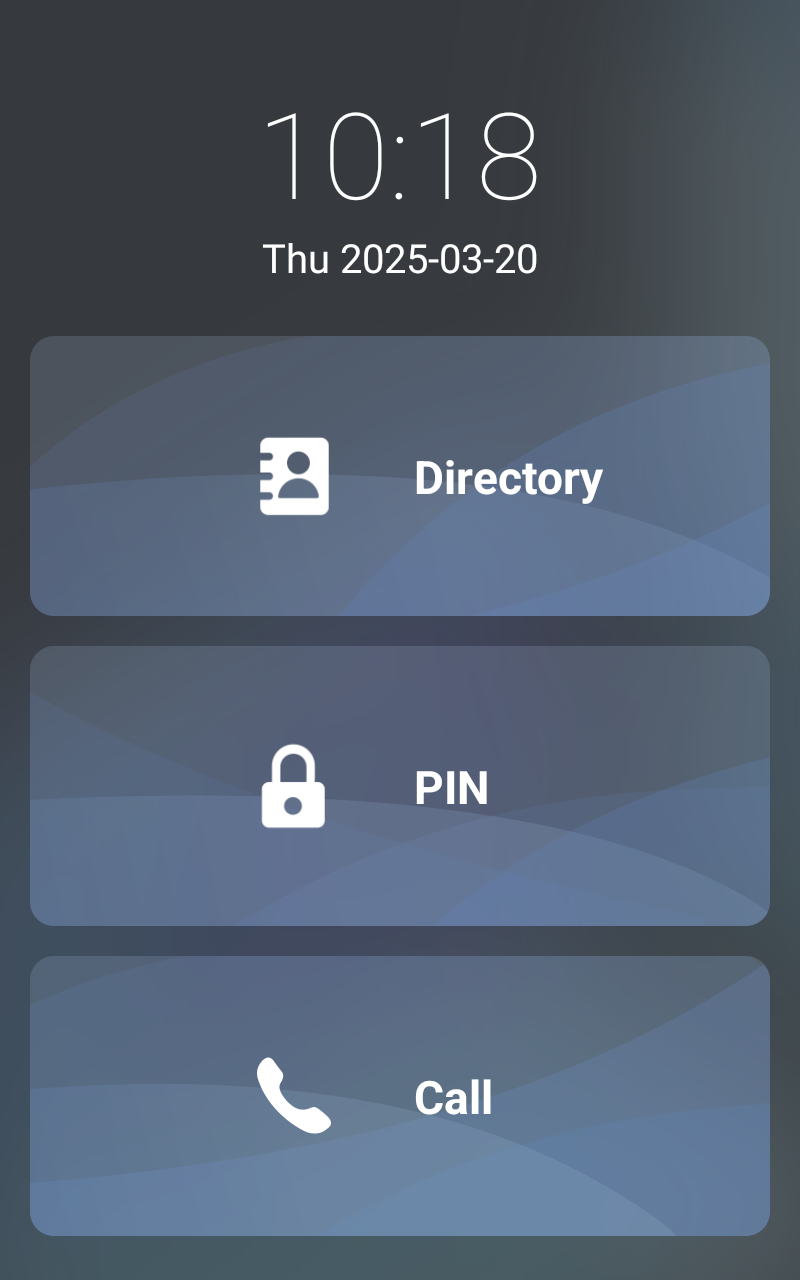
X915 Villa Theme
Building
The Building theme is designed for apartment buildings with multiple residents.
Visitors can enter a room number or select a resident to make a call.
This theme is suitable for multi-tenant residential buildings.
Typical scenarios:
Apartment buildings
Residential communities
Multi-tenant housing
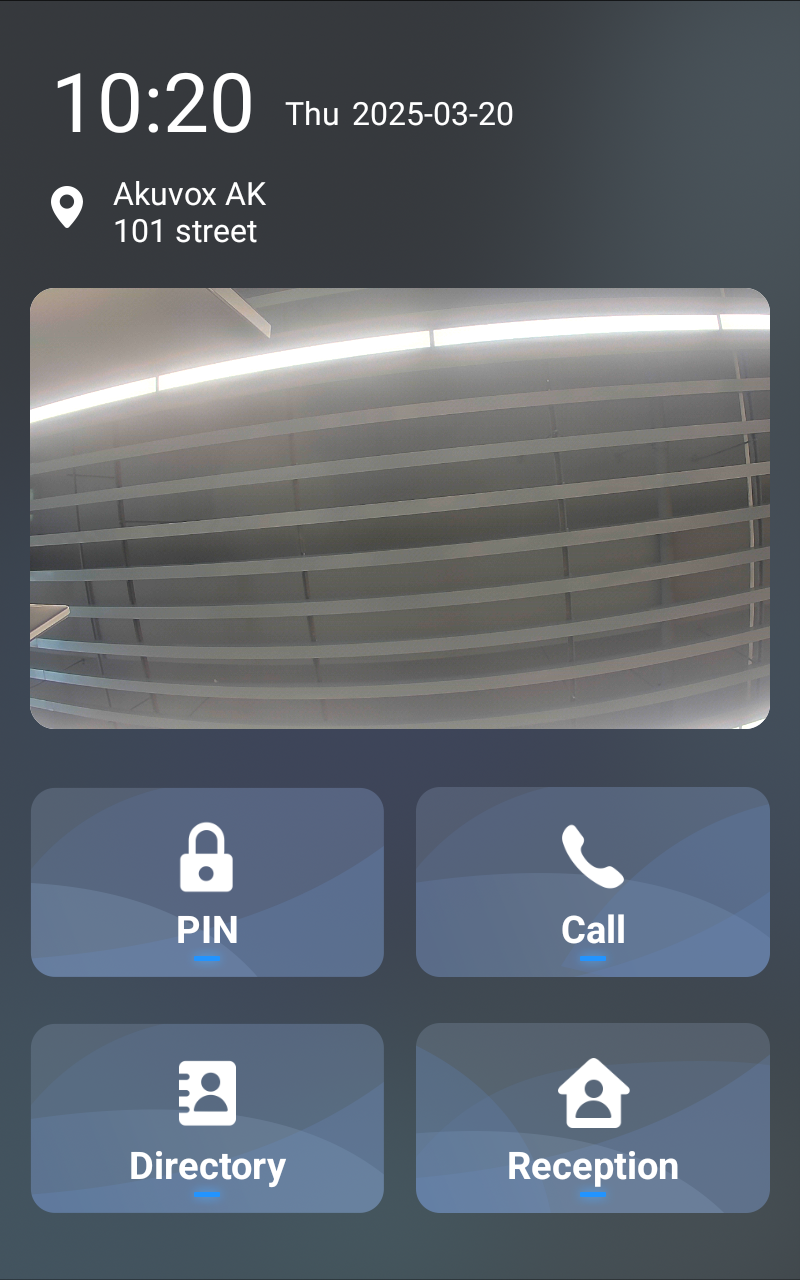
X915 Building Theme
Office
The Office theme is designed for office environments.
Visitors can search and call a company employee or department from a directory.
This improves visitor navigation in office buildings.
Typical scenarios:
Office buildings
Company reception entrances
Business parks
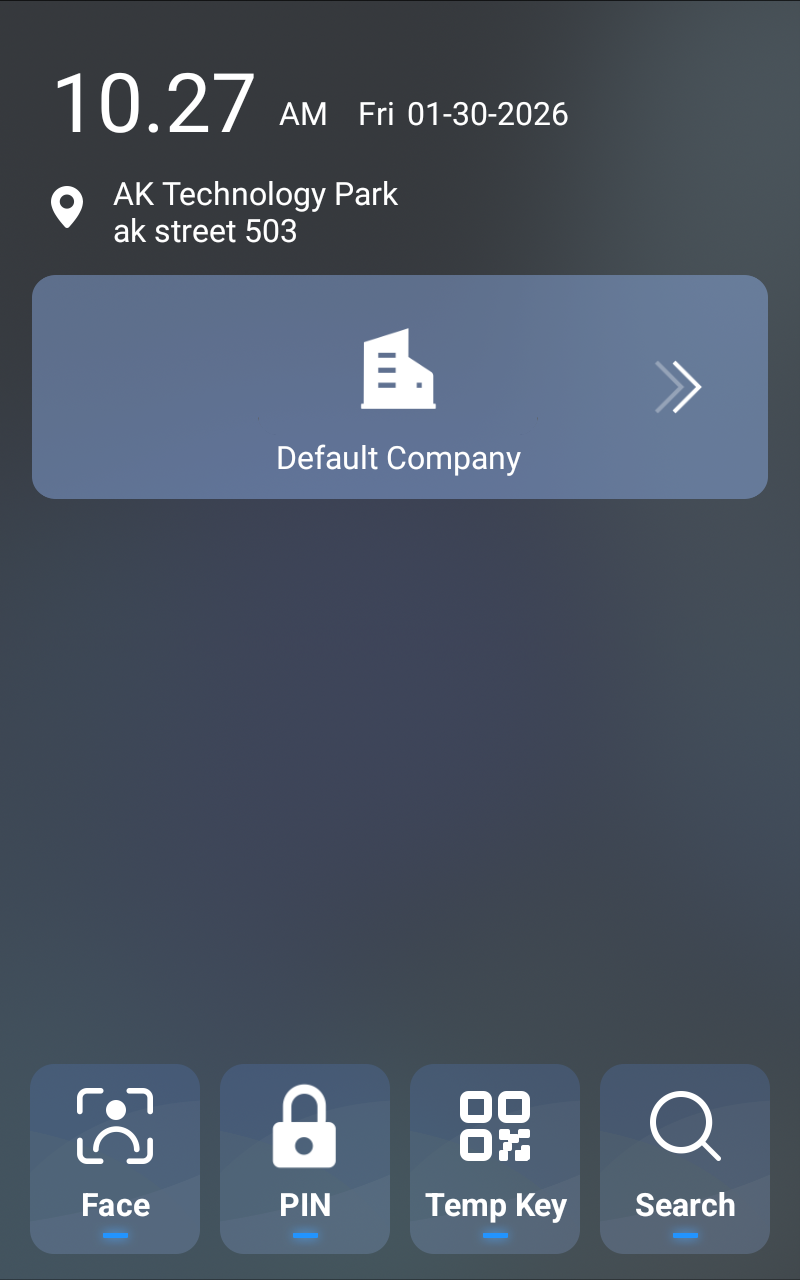
X915 Office Theme
Multi-factor Authentication
The Multi-factor Authentication theme requires users to pass multiple verification methods before access is granted.
This enhances security by combining two authentication methods, such as:
PIN code
RFID card
Face recognition
Typical scenarios:
High-security buildings
Restricted areas
Enterprise offices
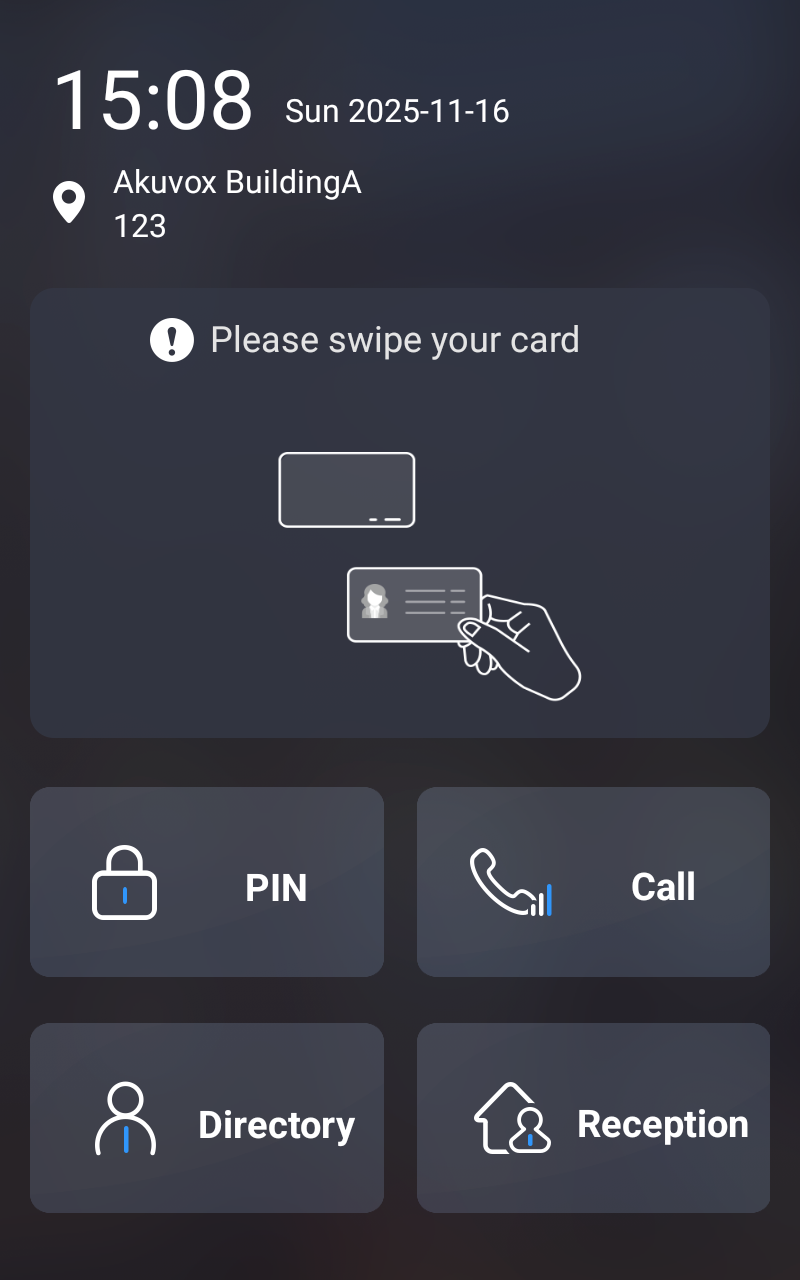
S539 Multi-factor Authentication Theme
Alphanumeric
The Alphanumeric theme allows users to enter letters and numbers on the keypad.
This is useful when access credentials contain both characters and numbers.
Typical scenarios:
Access using custom codes
Systems requiring alphanumeric input
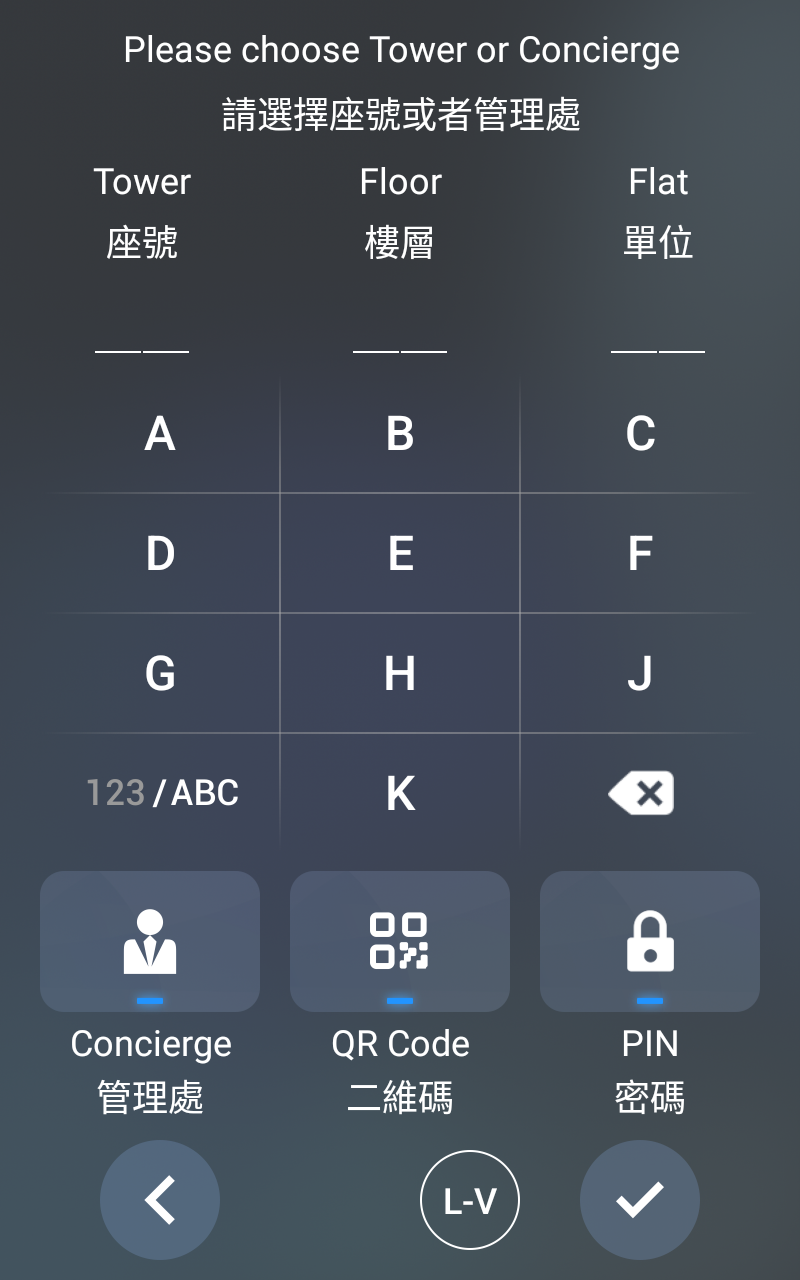
X915 Alphanumeric Theme
Speed Dial
The Speed Dial theme provides pre-configured call buttons for quick dialing.
Visitors can directly call specific residents, offices, or departments without entering numbers.
Typical scenarios:
Small offices
Clinics
Reception entrances
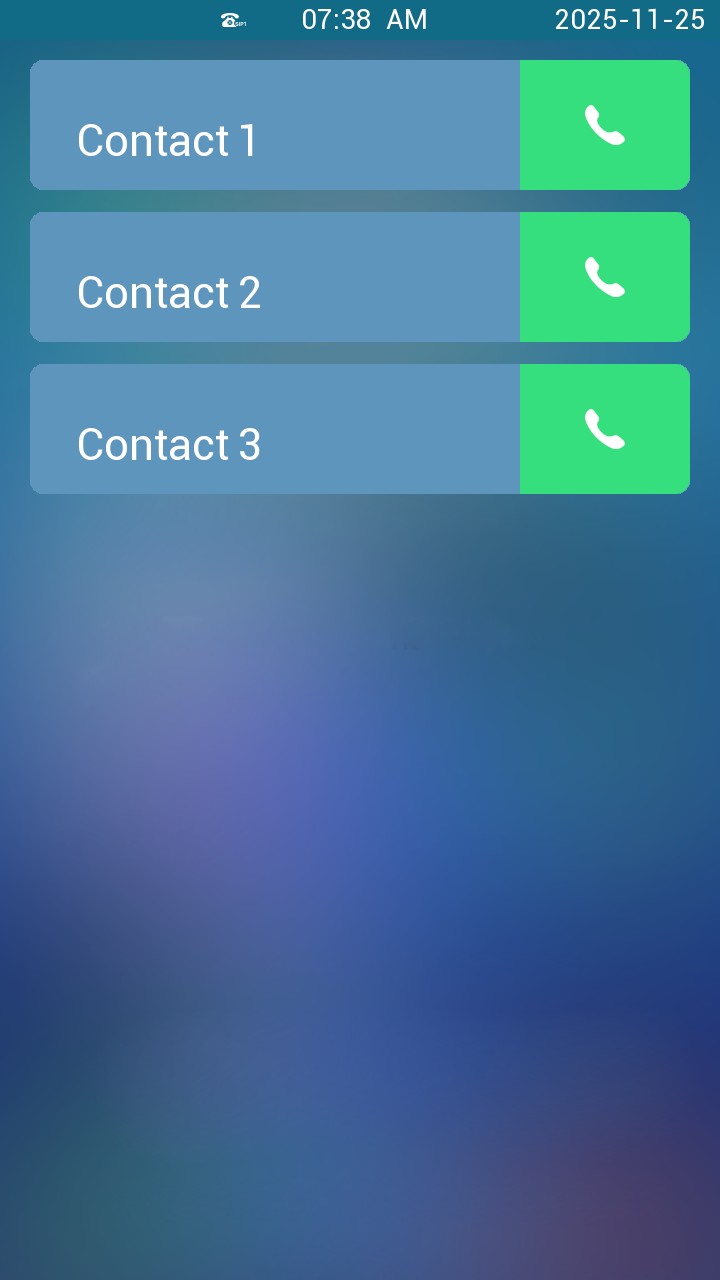
E16 Speed Dial Theme
QR Code
The QR Code theme allows visitors or residents to unlock the door by scanning a QR code.
Typical scenarios:
Temporary visitor access
Delivery access
Smart community access control
.png)
E16 QR Code Theme
Customized Text
The Customized Text theme allows installers to display custom text instructions on the door phone screen.
This can guide visitors with instructions such as calling methods or access procedures.
Typical scenarios:
Special access instructions
Customized project requirements
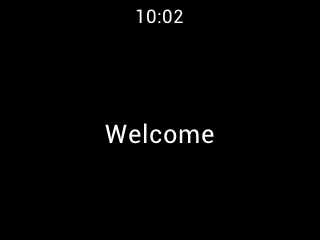
S532 Customized Text Theme
Directory
The Directory theme displays a list of residents, employees, or departments.
Visitors can browse or search the list and select the person they want to call.
Typical scenarios:
Large office buildings
Residential communities
Public buildings
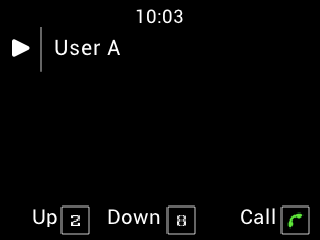
S532 Directory Theme
Gate Mode
The Gate Mode theme is designed for devices deployed at community entrances and works together with the SmartPlus Cloud service.
In this mode, the door phone must be added to the Public Area of a community project on the Cloud. The device will automatically display the buildings and apartments configured in the project.
Visitors must first select a building, and then choose the apartment or resident they want to call.
Typical scenarios:
Community main entrances
Large residential complexes
Gated communities with multiple buildings
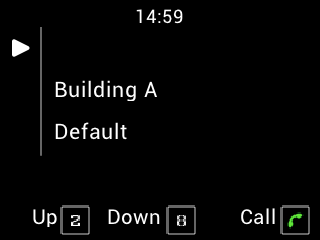
S532 Gate Mode
Intercom
The Intercom theme provides a basic intercom interface for calling indoor monitors or other devices.
Typical scenarios:
Apartment buildings
Residential communities
Multi-tenant housing
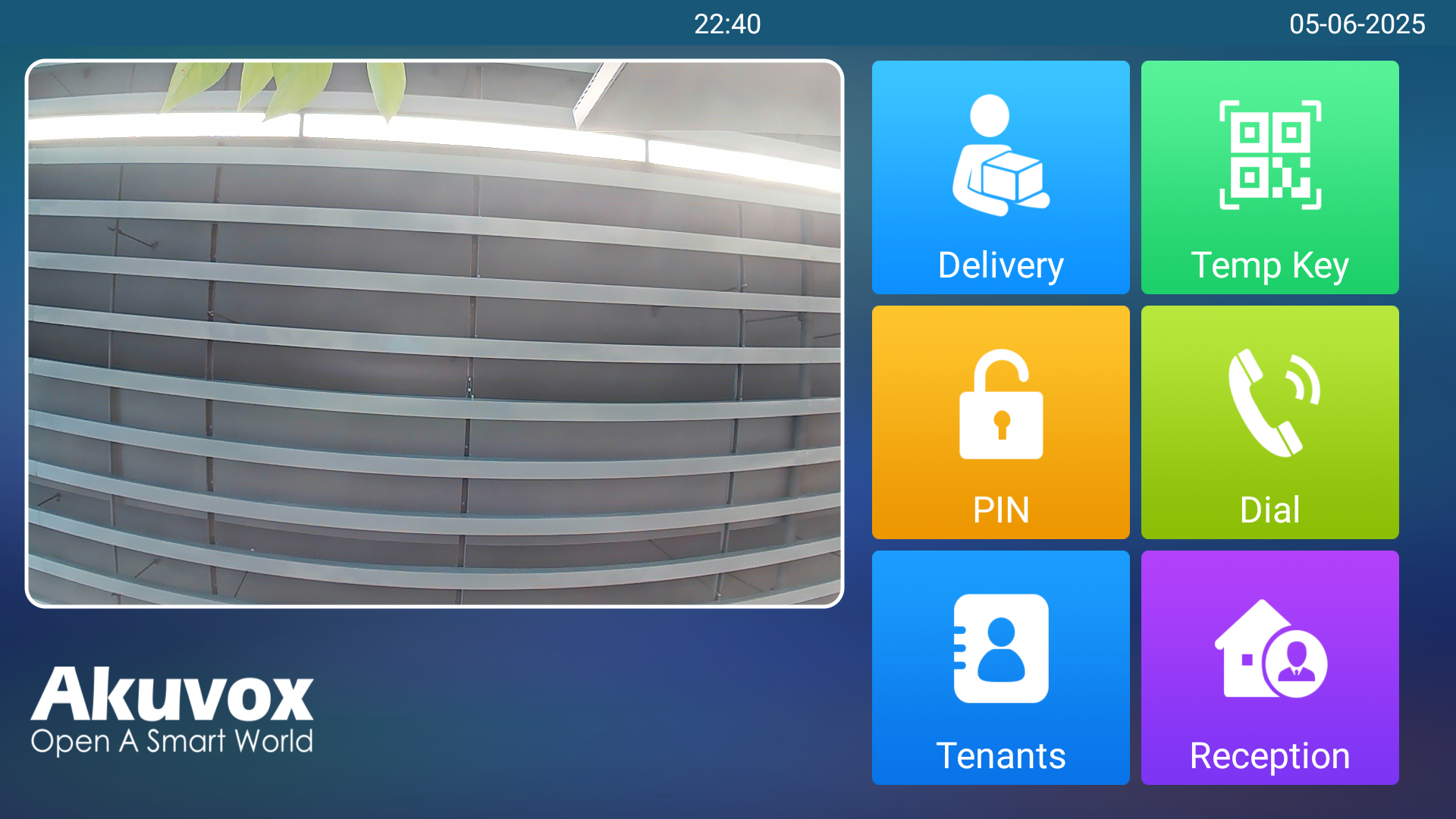
X916 Intercom Theme
VMS
The VMS (Visitor Management System) theme is designed for visitor access management scenarios.
This theme provides two options on the door phone screen:
I Have an Appointment
No Appointment
Visitors who select I Have an Appointment can proceed to the next step to call the host and request door access.
The No Appointment option is used for visitors without a scheduled appointment and requires integration with Akuvox SmartPlus Cloud.
Typical scenarios:
Office visitor management
Corporate buildings
Sites requiring appointment-based access control
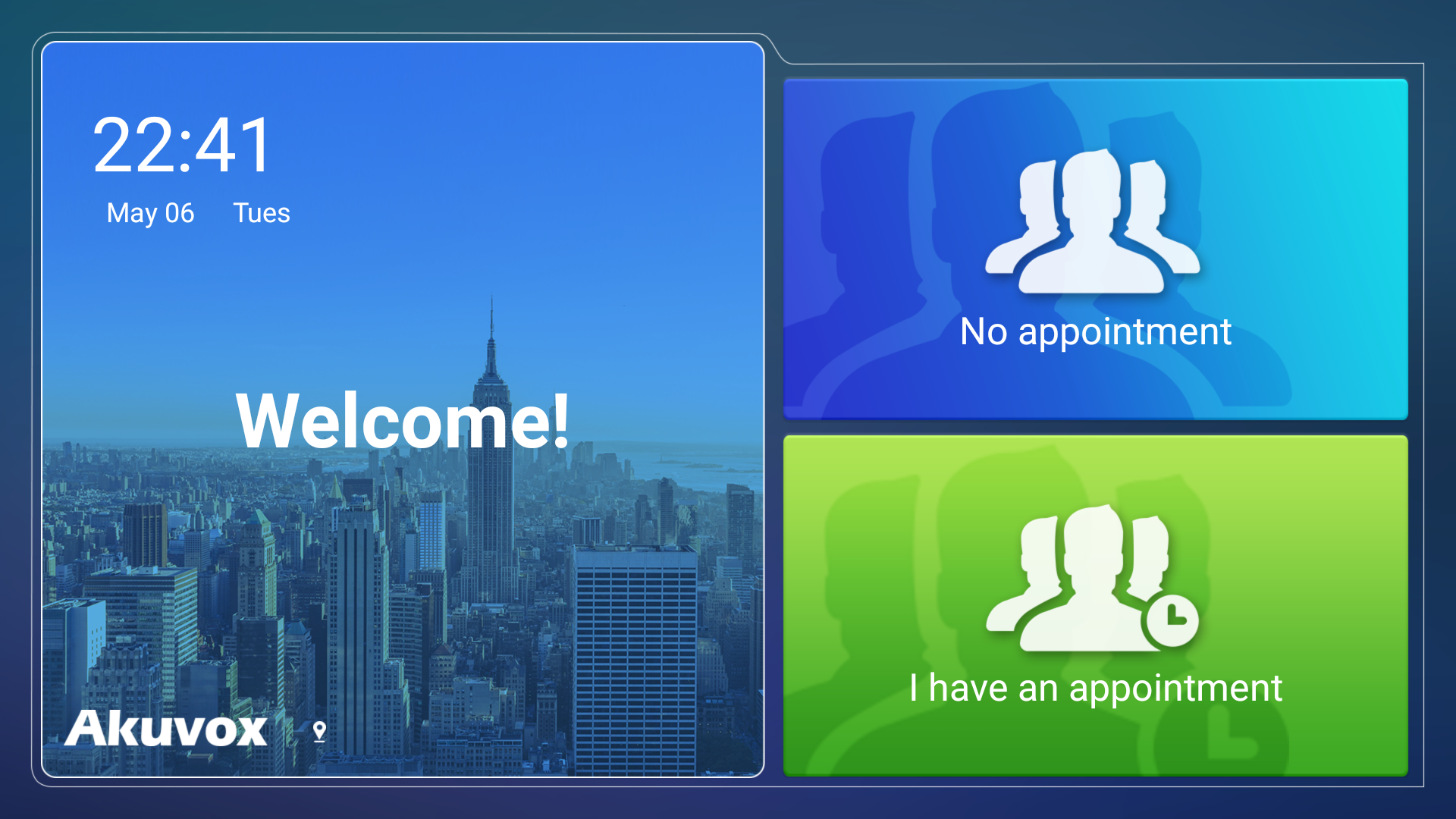
X916 VMS Theme
Default (For E16/E18)
The Default theme is the standard interface provided for E16 and E18 door phones.
It offers a balanced interface for common intercom and access control functions without specialized configuration.
Typical scenarios:
General installations
Standard residential or office deployments
.png)
E16 Default Theme