Lock & Unlock
External Unlocking
Facial recognition
PIN code
Card
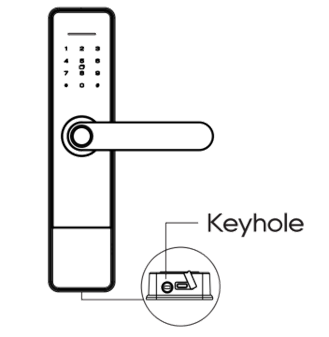
Mechanical key
Temporary password
Use the BelaHome app
Internal Unlocking
Use the door handle
External Locking
Automatically locks
Mechanical keys
Level the exterior handle upward to extend the security deadbolt
Internal Locking
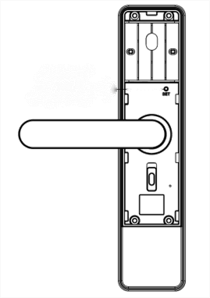
Push the electronic deadlock switch up on the back body to restrict access to the administrator only
Level the interior handle upward to extend the security deadbolt
Power Management
Battery Replacement
Replace the batteries promptly when you hear the voice prompt “Low battery, please replace”.
NOTE:
Low battery can cause the front panel to behave erratically(e.g., numbers jump randomly). Replace the battery immediately.

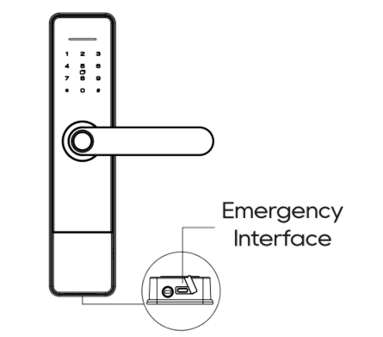
Emergency Power Supply
If the batteries are completely drained:
Pry up the rubber cover of the emergency interface under the front body.
Connect a power bank (5V/1A) using a USB-C cable.
Unlock the door using valid credentials.
NOTE:
Use external power only in emergencies. After unlocking, disconnect the power bank and replace the batteries promptly.
Use Mechanical Keys
If the lock cannot be unlocked due to battery drain or an electronic malfunction, insert and turn the mechanical key to unlock.
TIP:
Keep a spare key in a secure place outside your home.