SmartPlus Service needs to be renewed for end users upon the expiration of the service.
As distributors, you can renew the cloud service for users at the request of your installers when they do not have permission.
Log in to the SmartPlus Cloud platform with your account.
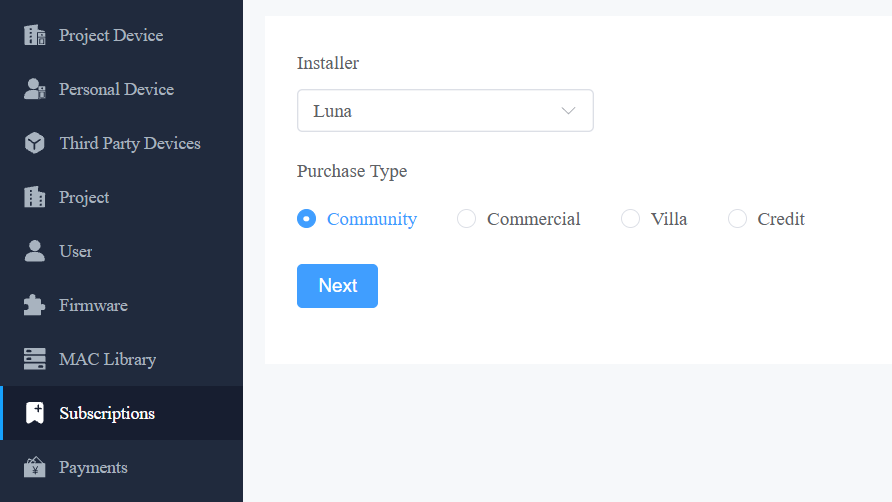
Click Subscriptions in the left column.
Select the desired installer and the project type. Use the Community type as an example.
Click Next.
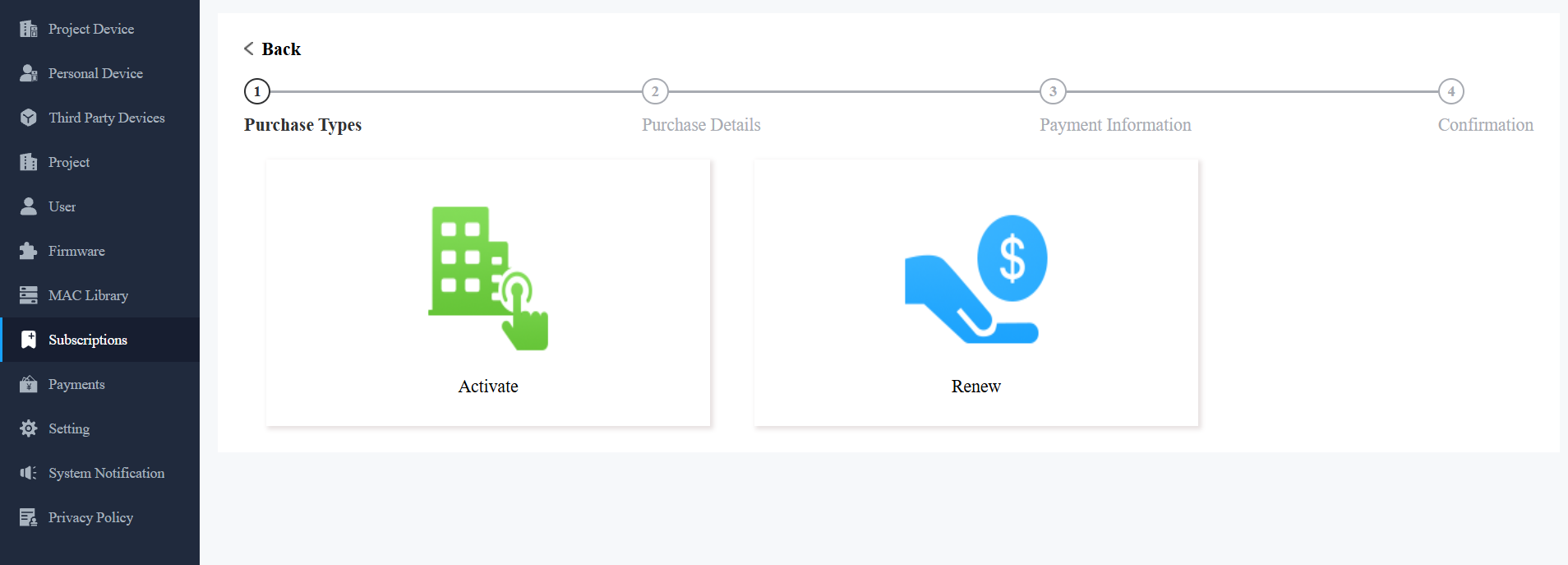
Click Renew.
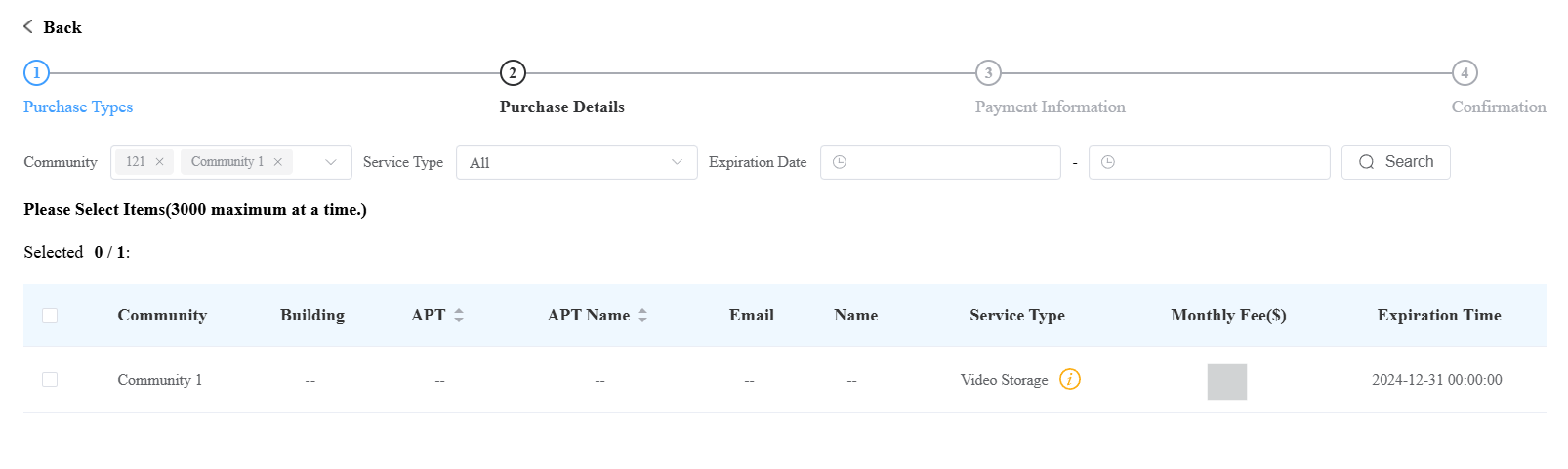
Select the target community and service type.
Check the target item(s).
Scroll down and select the renewal method: Automatic Renewal or Manual Renewal.
Note
Automatically Add New Accounts to this Auto Payment is available when Automatic Renewal is selected for a Community. Enable this option to automatically include newly created family master accounts from the selected community in the auto payment subscription.
A community can only be included in one auto payment subscription. If the community is already included in another auto payment subscription, the option cannot be selected.
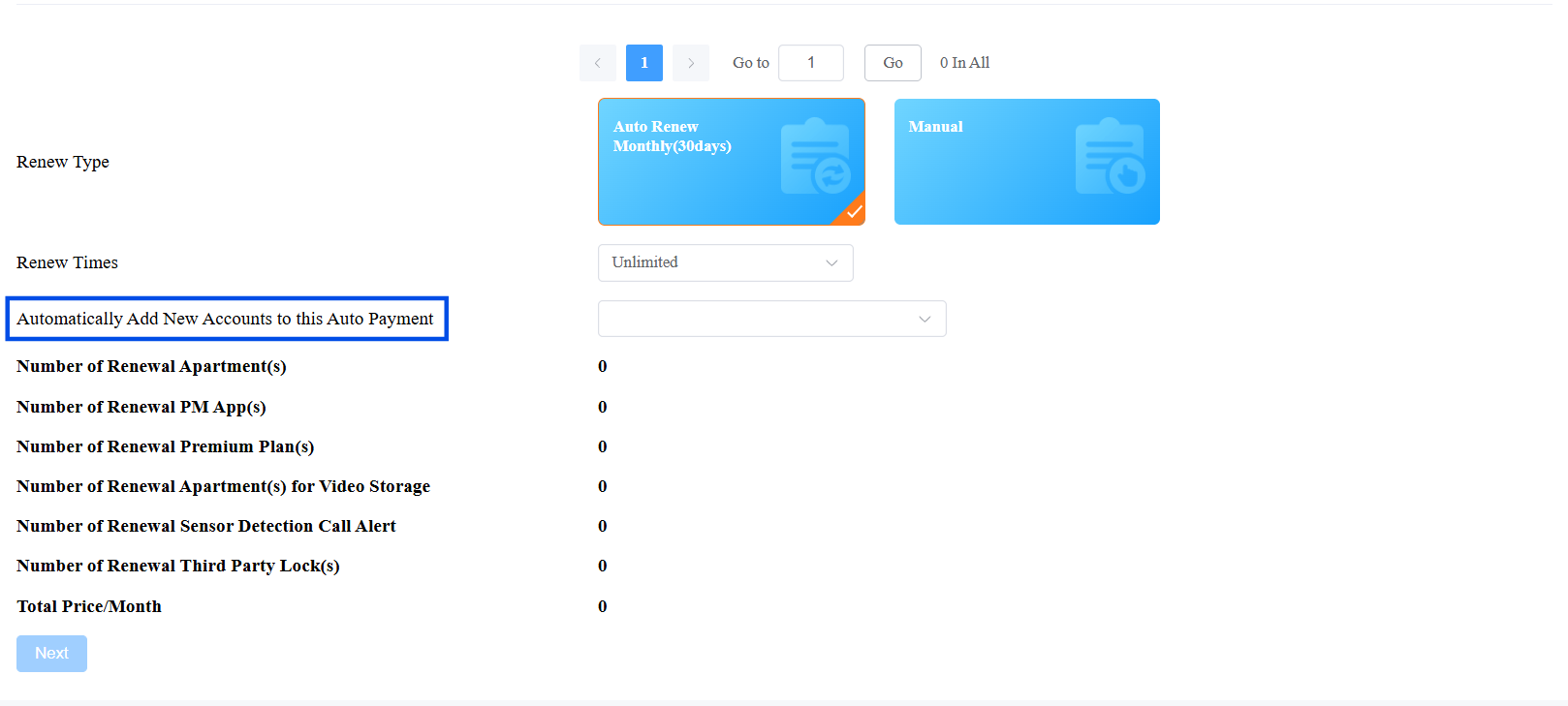
Choose the renewal date and click Next. If Auto Renew is selected, renewal occurs every 30 days and extends the account's upcoming expiration date by 30 days.
Complete the billing information by clicking
 .
.Check the Terms and Conditions before clicking Pay. Coupons are not supported for auto-renewal.
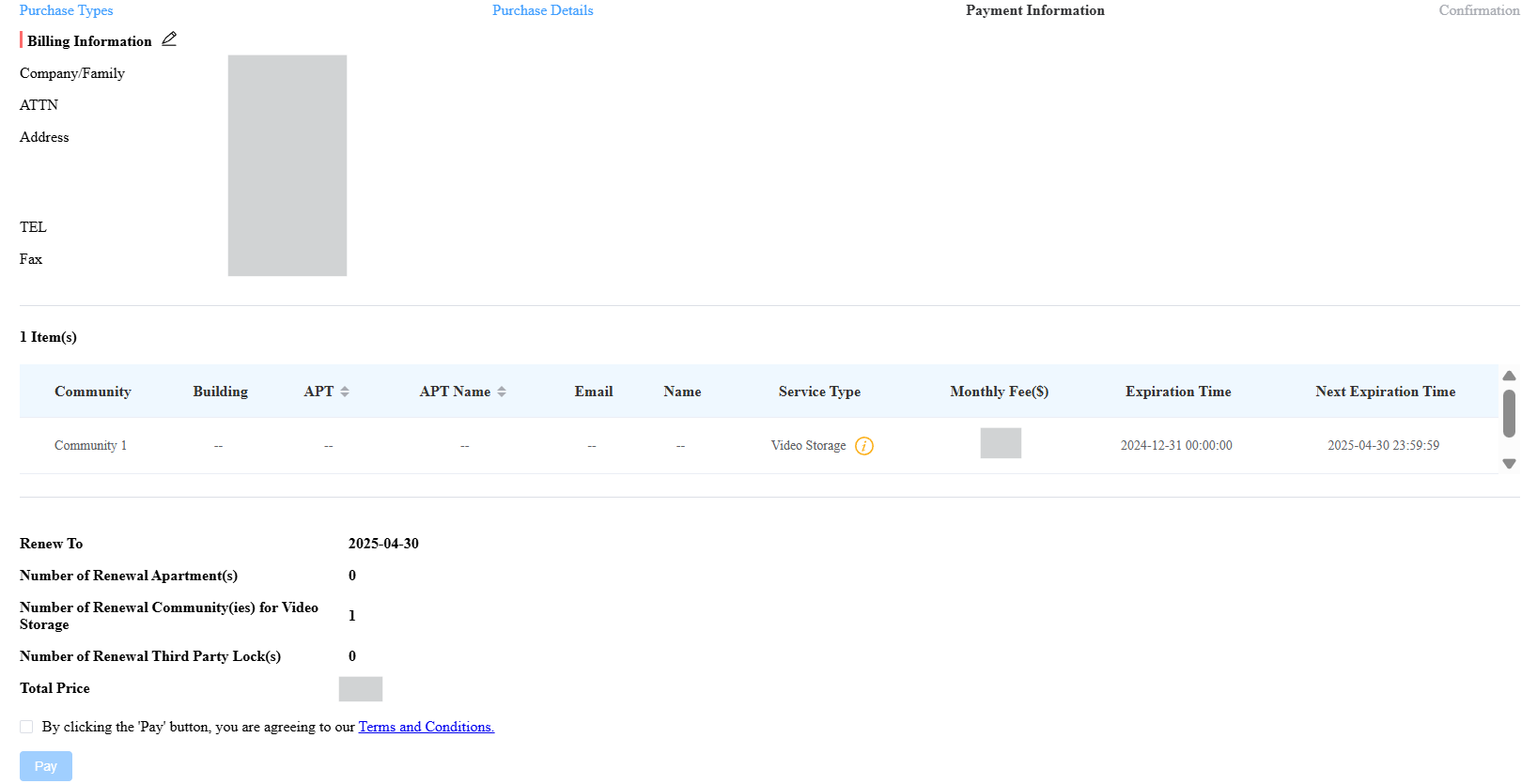
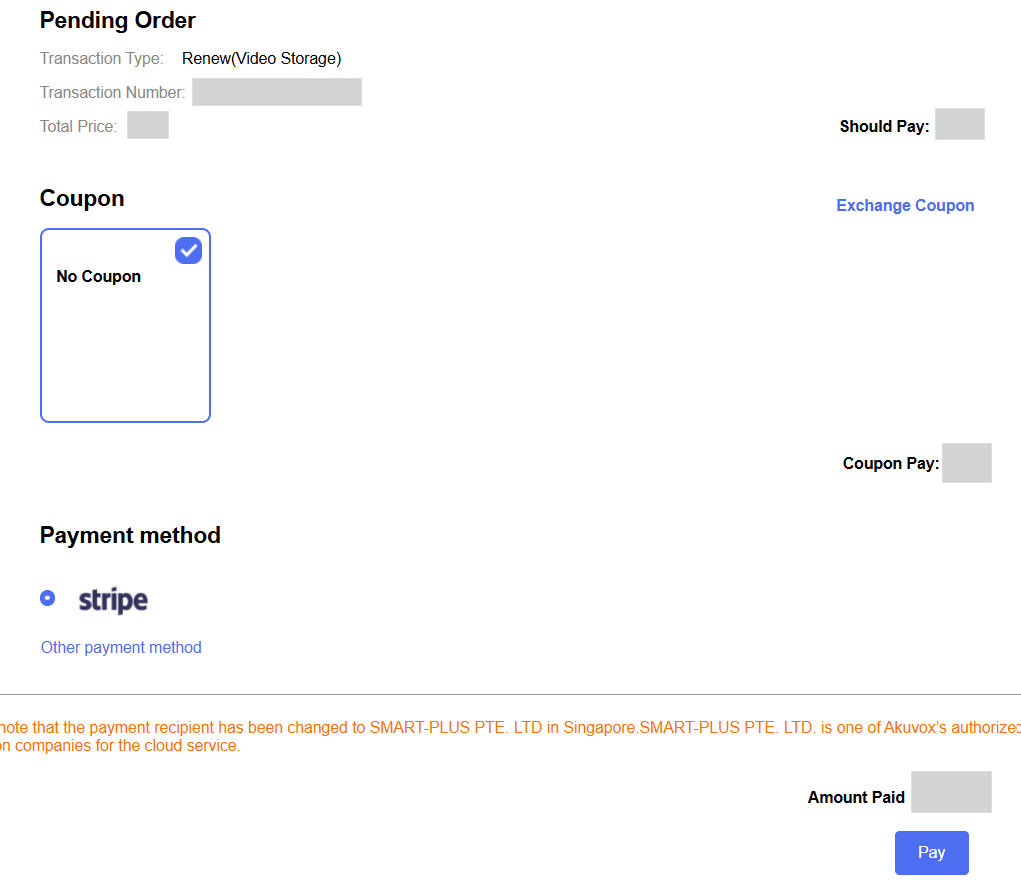
Choose the payment method and click Pay.