Manage Messages
You can check, create and clear messages as needed on the indoor monitor Messages screen. Click New to create a new text message and Delete icon to delete the existing messages.
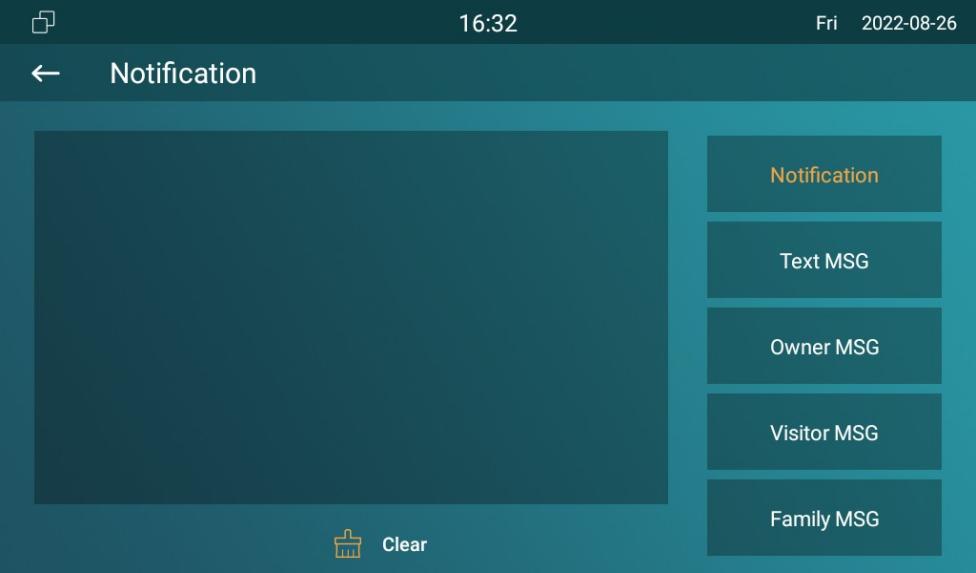
Parameter Set-up:
- New: press this icon to create a new message.
- Clear: press this icon to clear the messages that have been selected.