Call Logs
To check calls—including dial-out, received, and missed calls—within a specific period, you can view the call log on the device's web interface. If needed, you can also export the call log from the device.
Check call logs on the web Log > Call Log interface. The device can store 500 call logs.
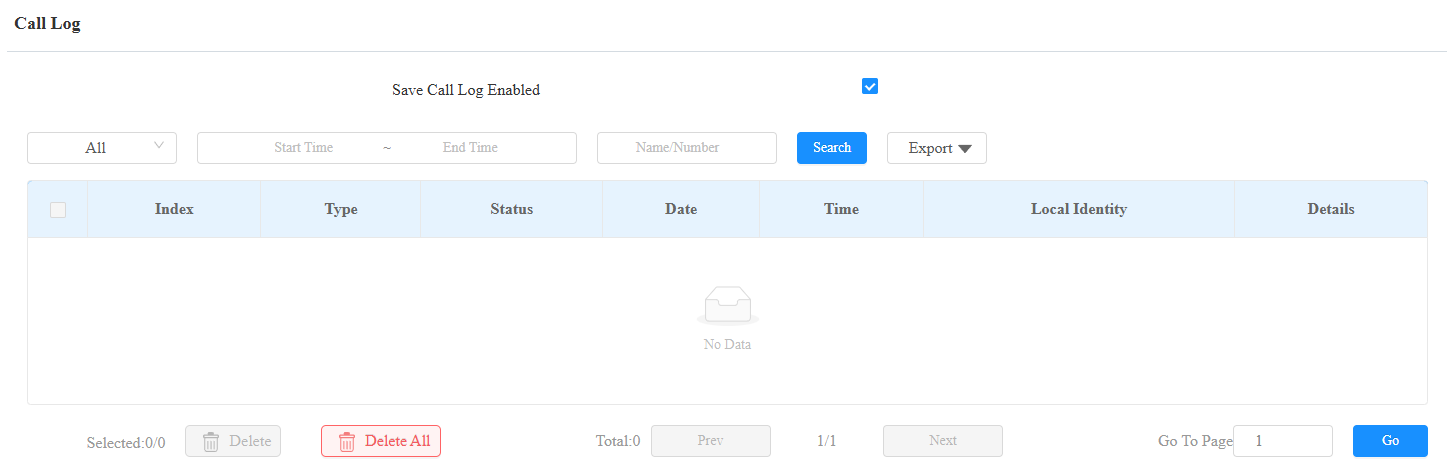
All: Four types of call history are available: All, Dialed, Received, and Missed.
Start Time-End Time: The specific time of the call logs you want to search, check, or export.
Name/Number: Search the call log by the name or by the SIP or IP number.
Export: Call logs can be exported in .csv format.
Door Logs
To search and review various types of door access history, simply check the door logs on the device's web interface.
Check door logs on the web Log > Access Log interface. The device can store 5,000 door logs.
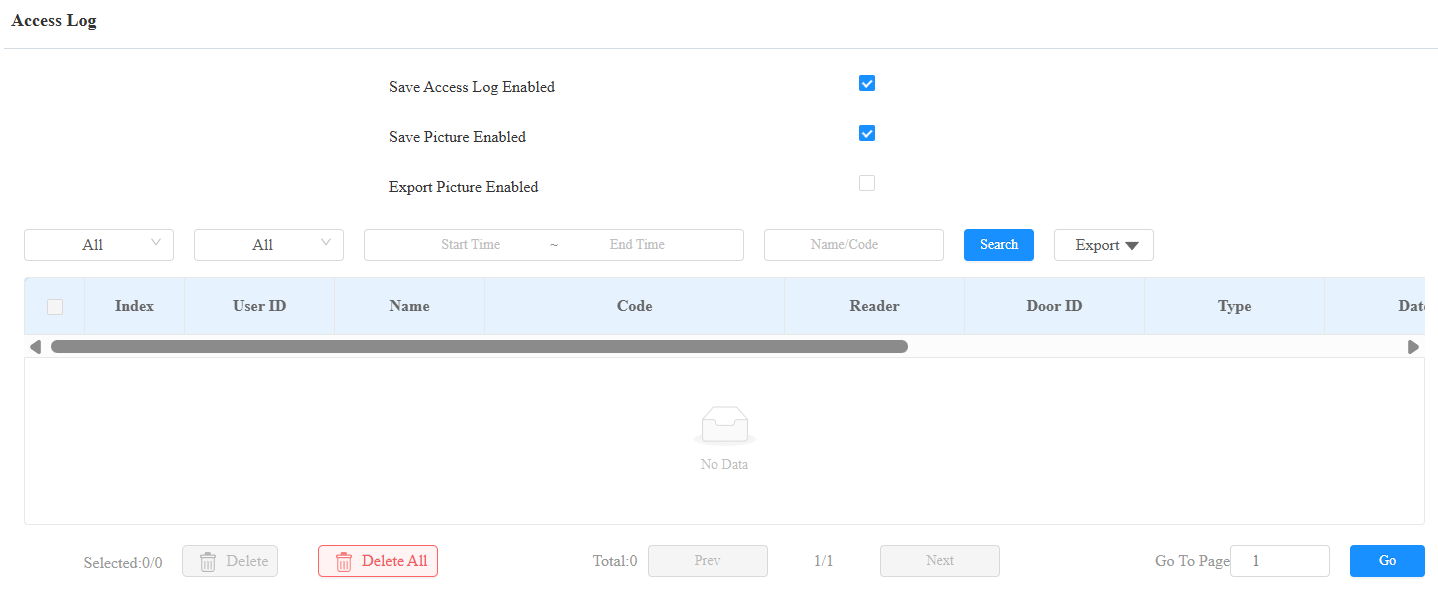
Export Picture Enabled: When enabled, you can export door logs with images.
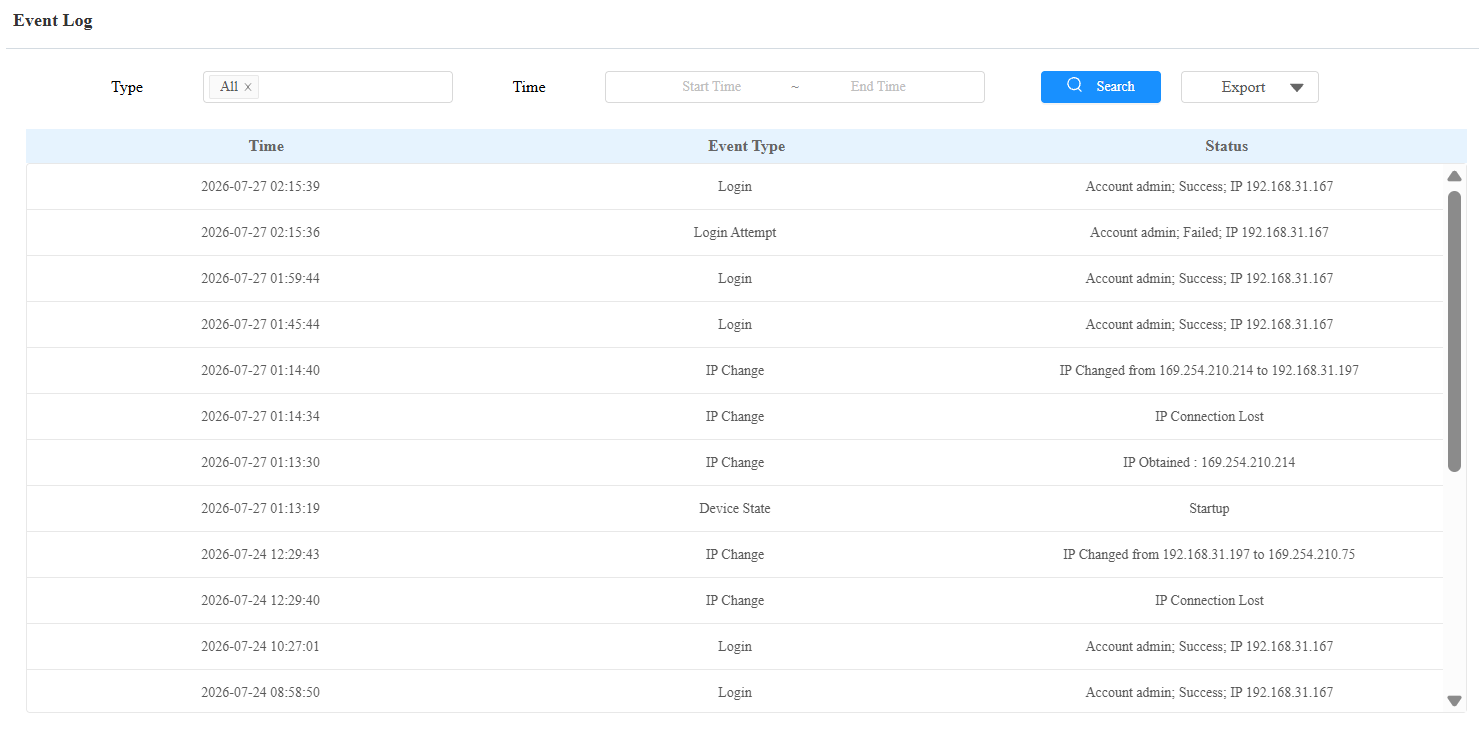
Event Logs
The event logs record the key events such as the status change of input, relay, tamper alarm, etc. This helps track the status and changes of the device.
You can check the event logs on the Log > Event Log interface. The device supports up to 100,000 logs, which can be exported in CSV format.