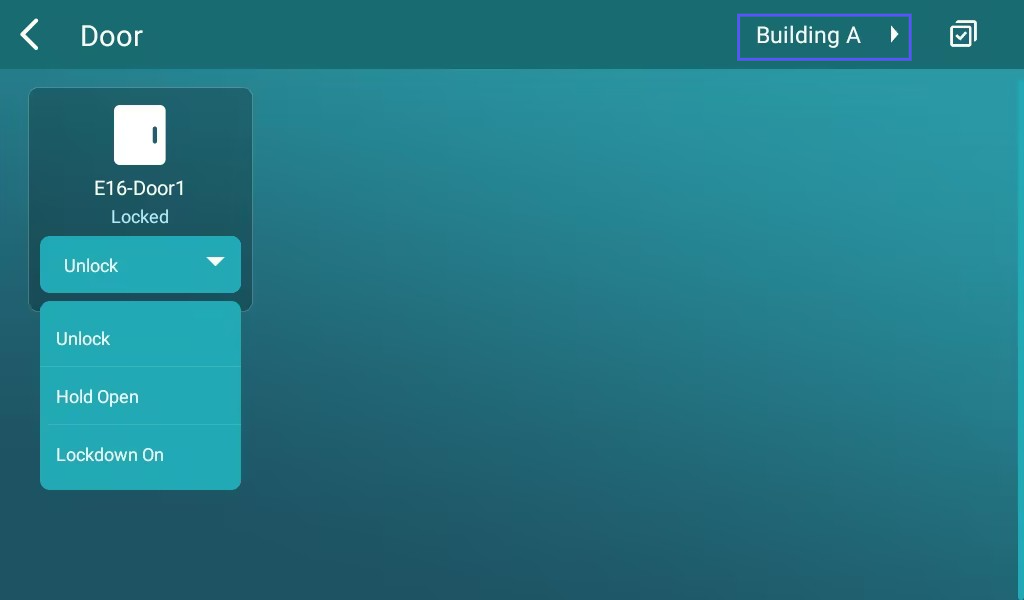
When the R49 guard phone is deployed on the Smart Access Cloud, it supports
displaying door status,
remotely controlling doors,
triggering multiple doors,
and switching between different locations.
This improves daily operation efficiency for reception or security staff.
Compatible model and version(or higher):
R49G: 49.30.10.84.
Display the Door Control Tab
Use the device IP to log in to its web interface. The initial username and password are admin.
Go to Phone > Preference.
Select the Door tab to display in the desired area.
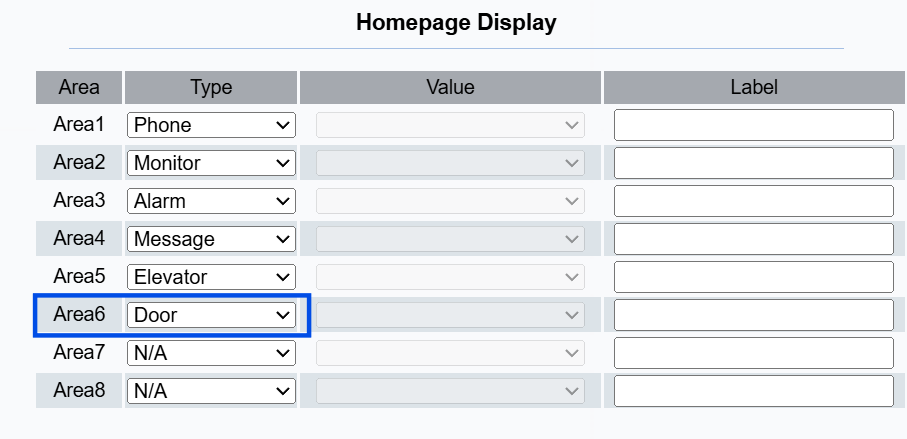
Submit the setting.
After configuration, the user can check the door status by tapping Door on the device’s home screen.
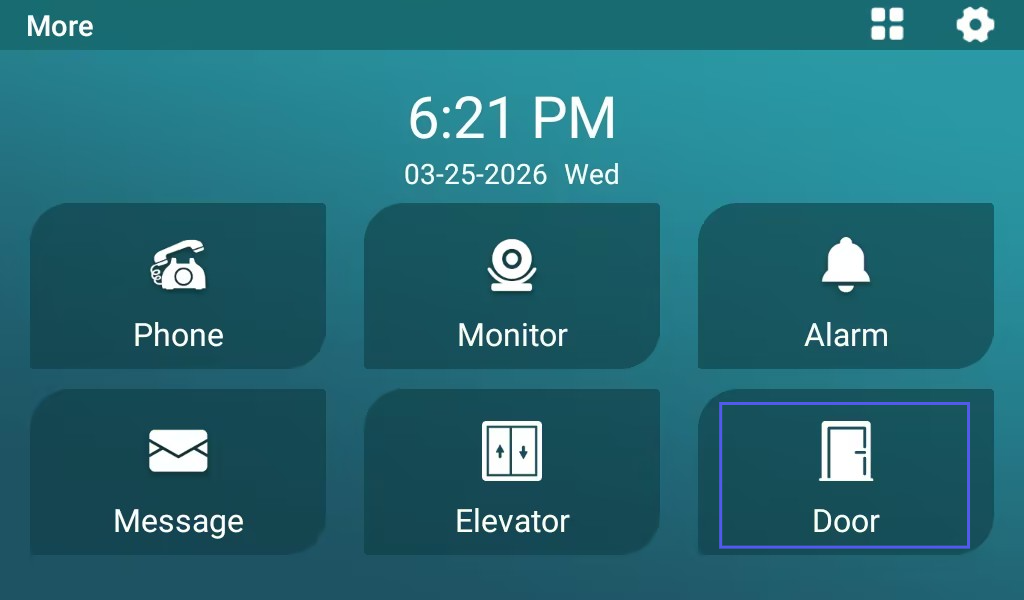
Then, select specific door(s) to open, close, or hold open. They can also switch locations by selecting the location name in the upper-right corner.