Users can use the iPhone’s built-in features to interact with the SmartPlus App and open doors.
Note
The iOS system version should be 18 or higher.
The SmartPlus App version should be 7.15.0002(Android)/7.15.3(iOS) or higher.
Open Doors by Controls
Watch the video or refer to the text instructions.
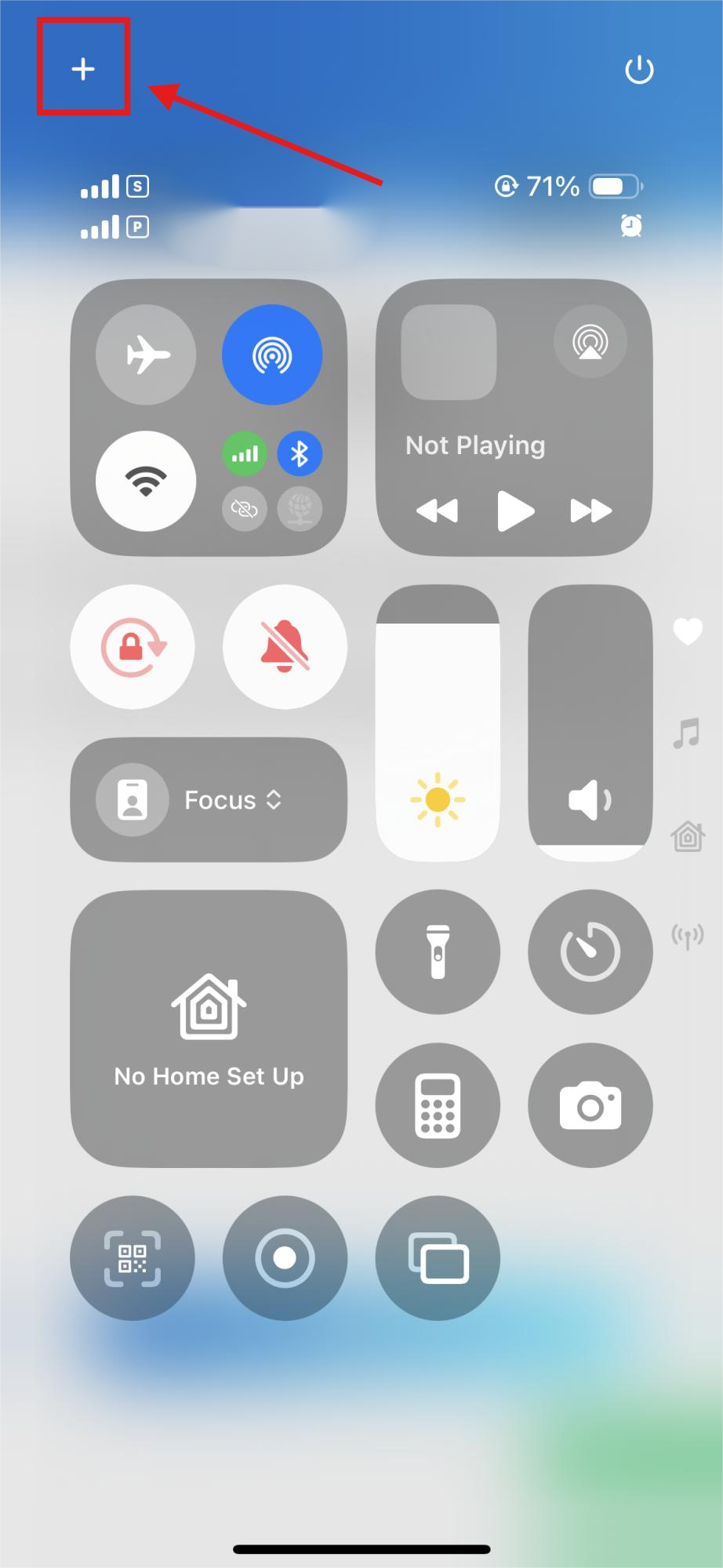
Open Control Center.
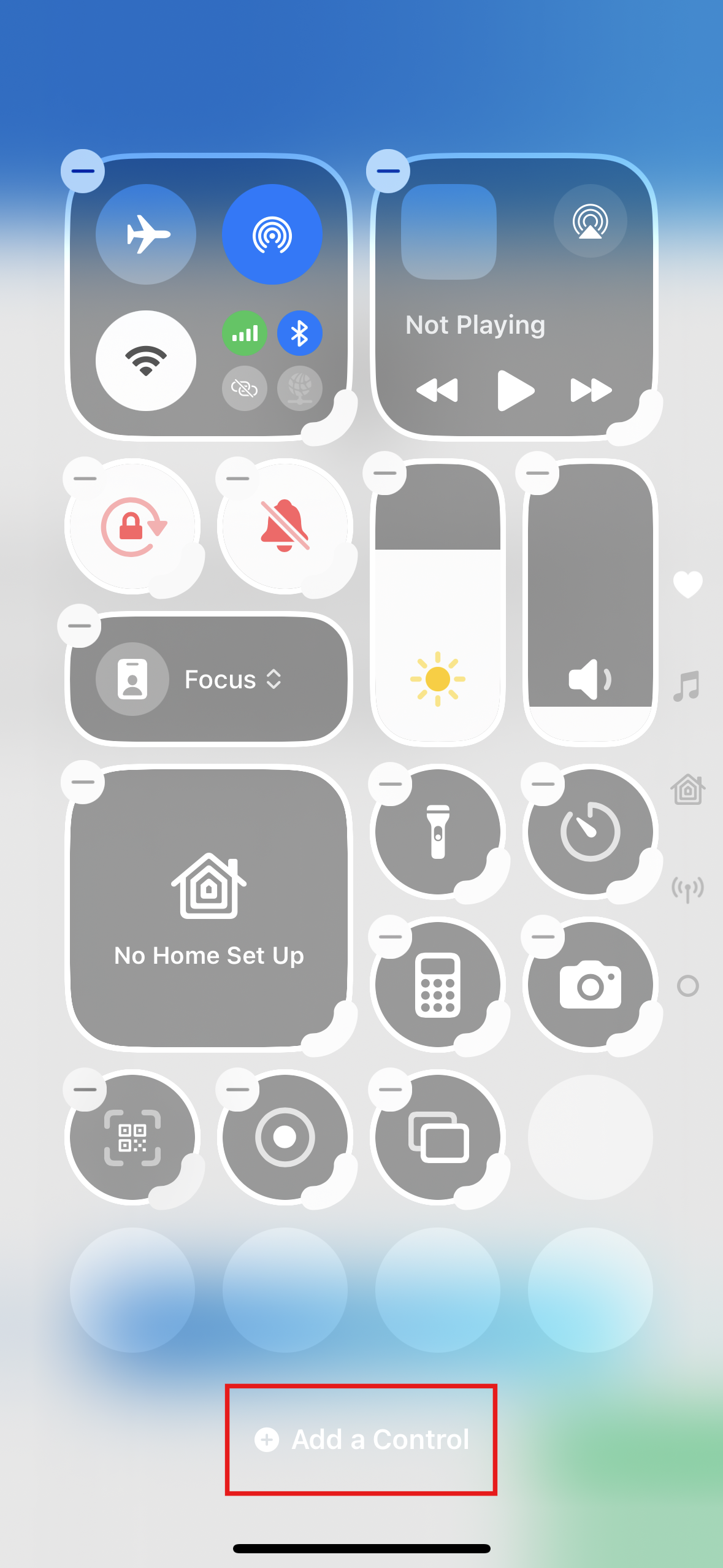
Tap the Add button at the top left of Control Center.
Tap Add a Control.
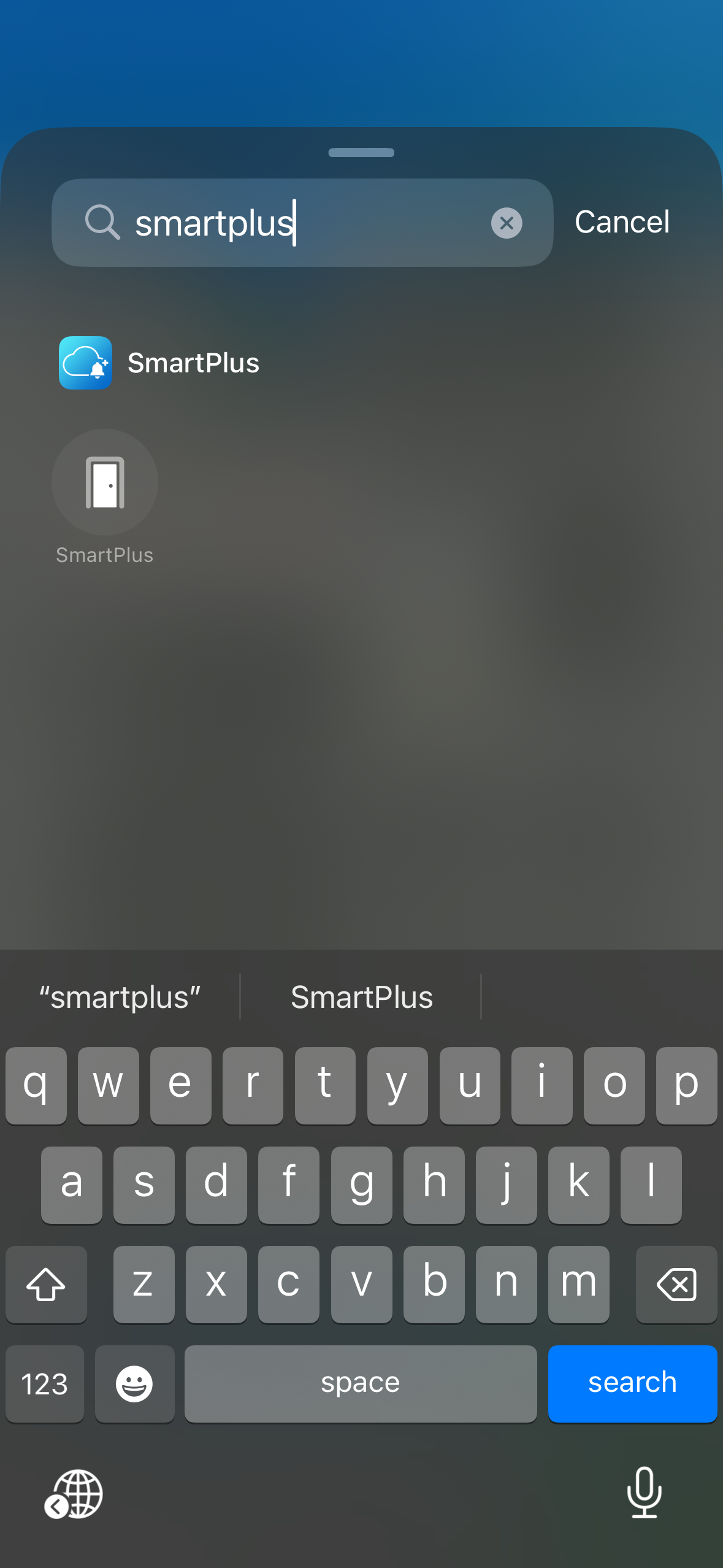
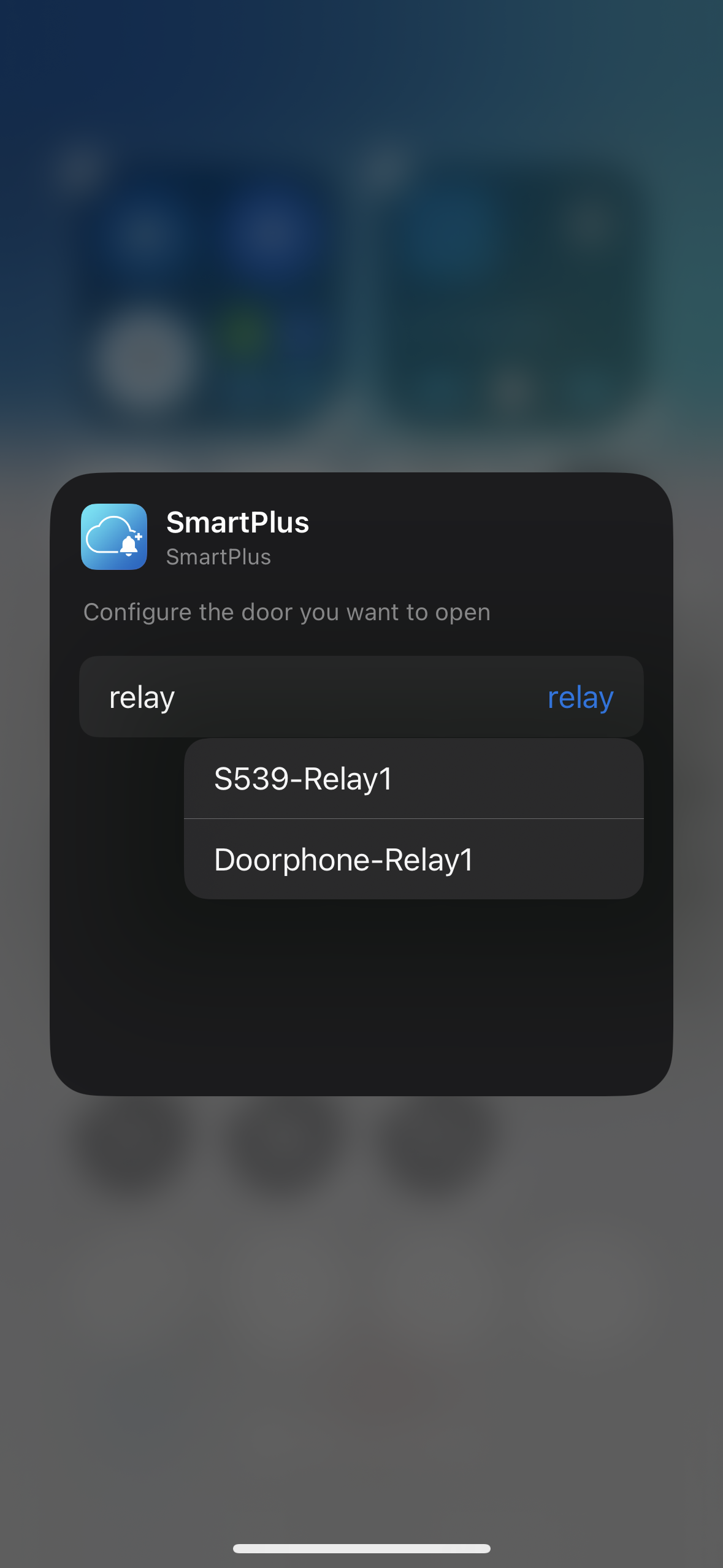
Search for SmartPlus and tap Relay to choose the door(s) to be opened. You can add multiple doors.
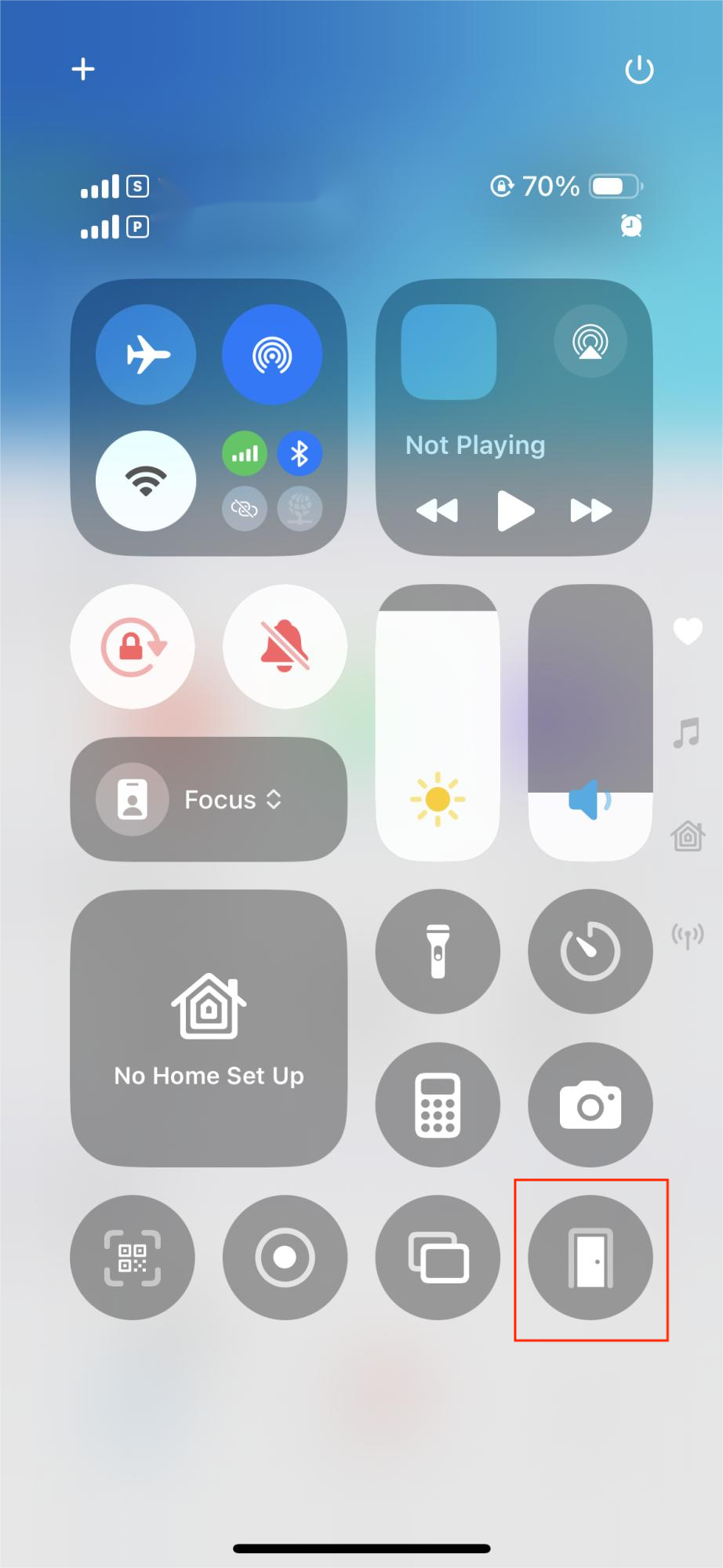
Tap the door icon to open the door in the Control Center.
Open Doors by Shortcuts
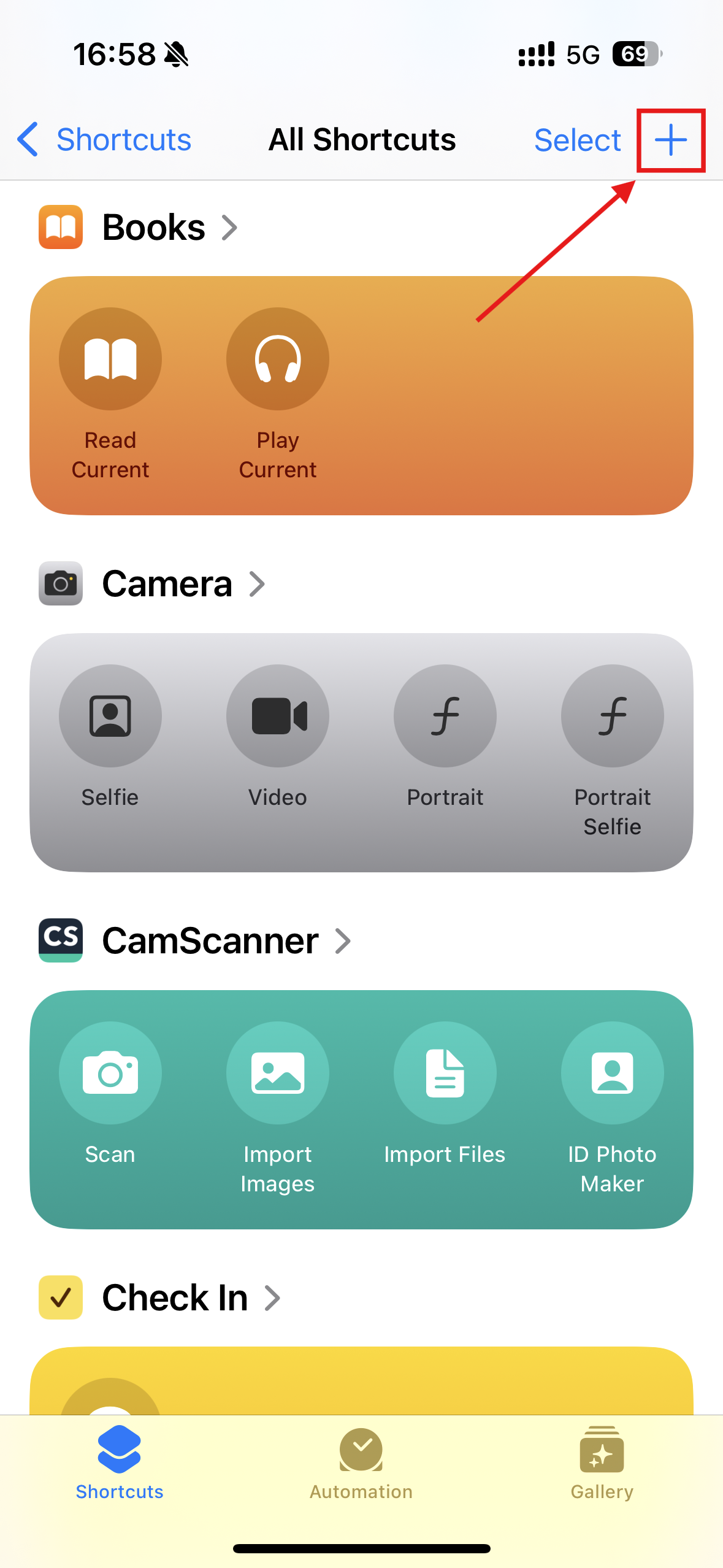
Open the Shortcut app.
Tap the Add button in the upper-right corner of the screen.
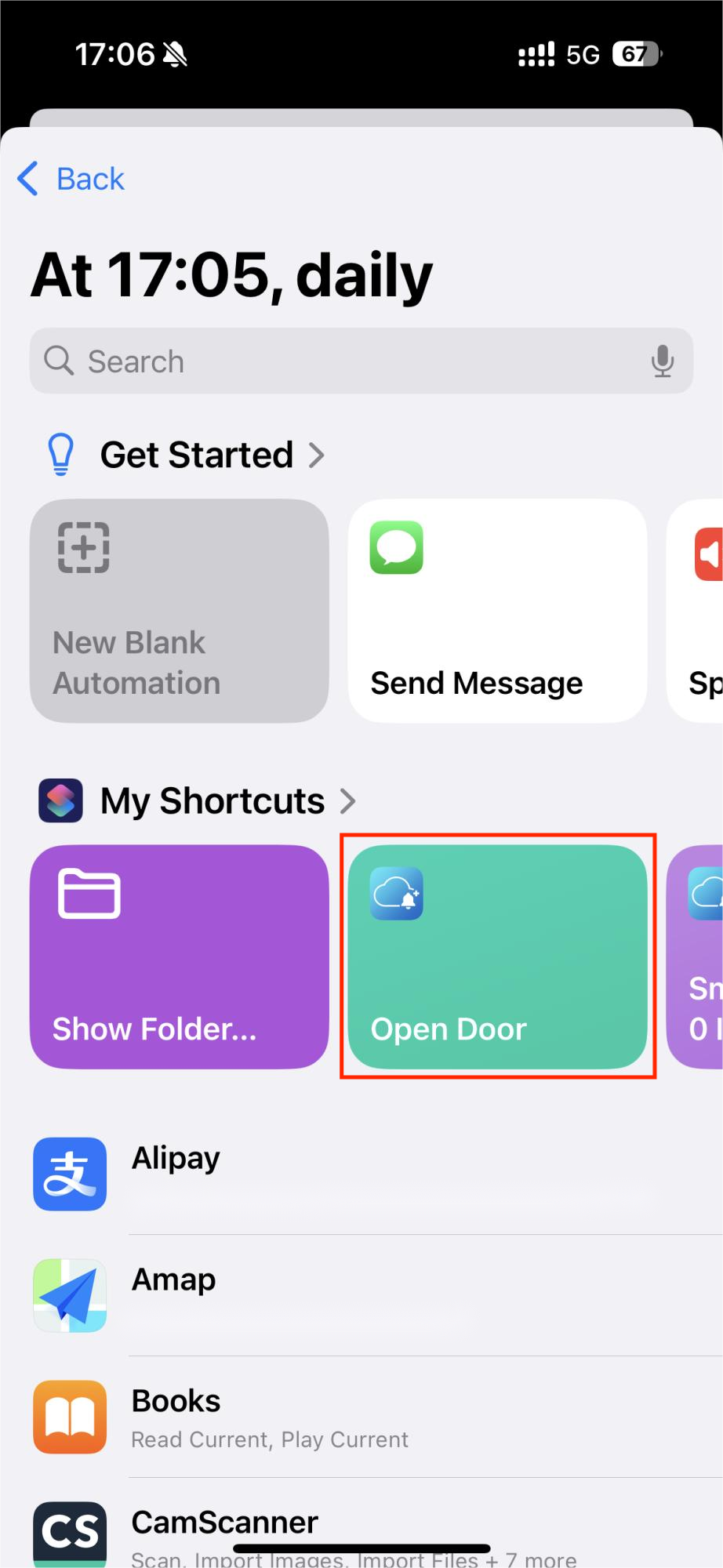
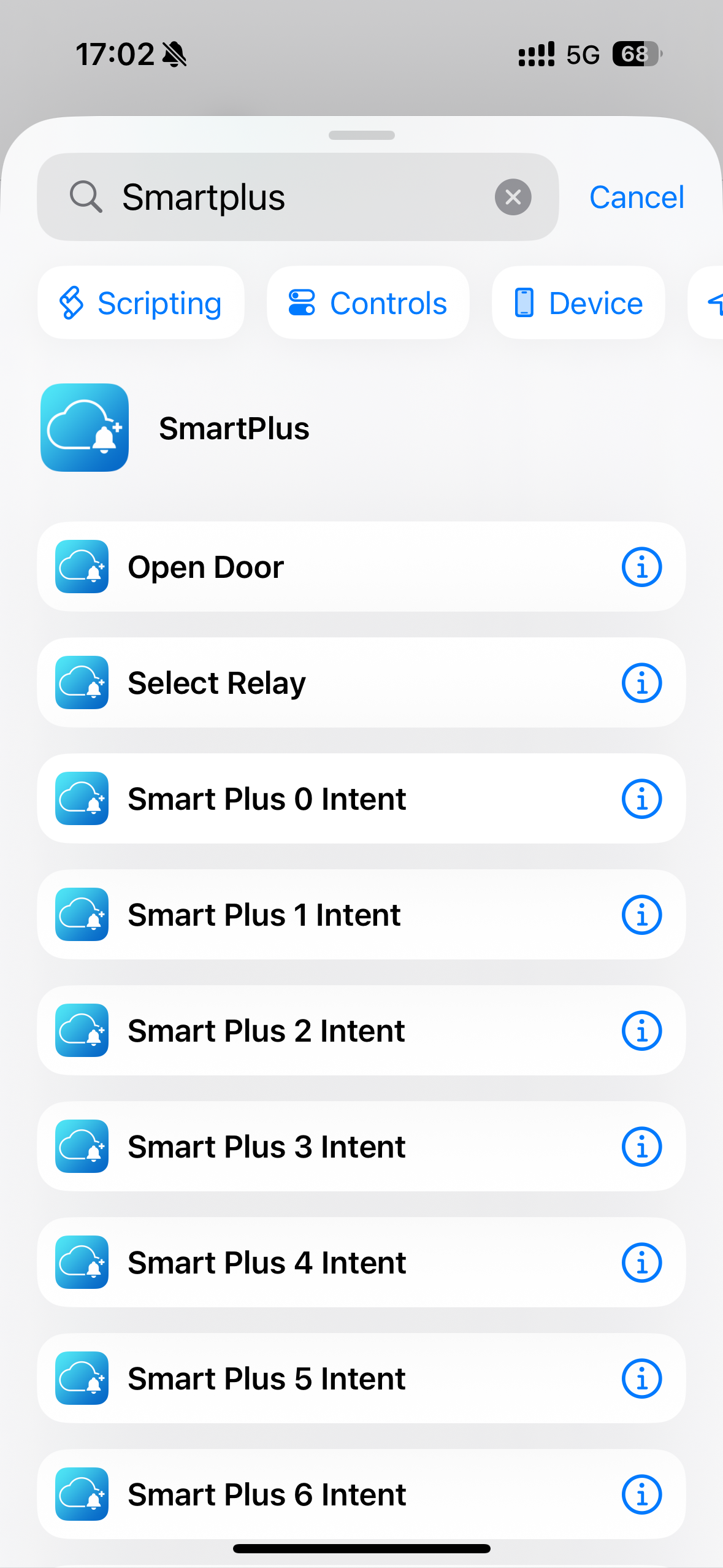
Search for SmartPlus and choose Open Door.
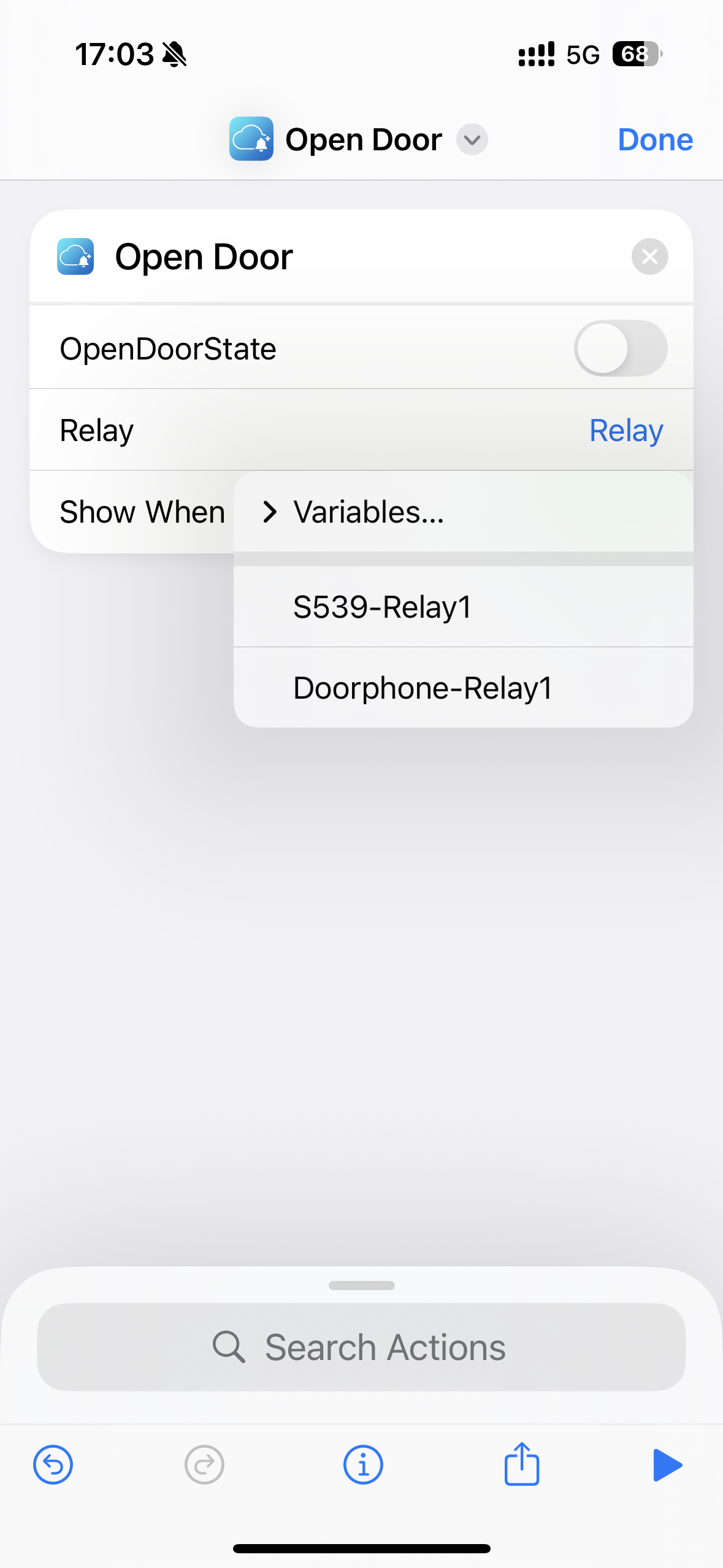
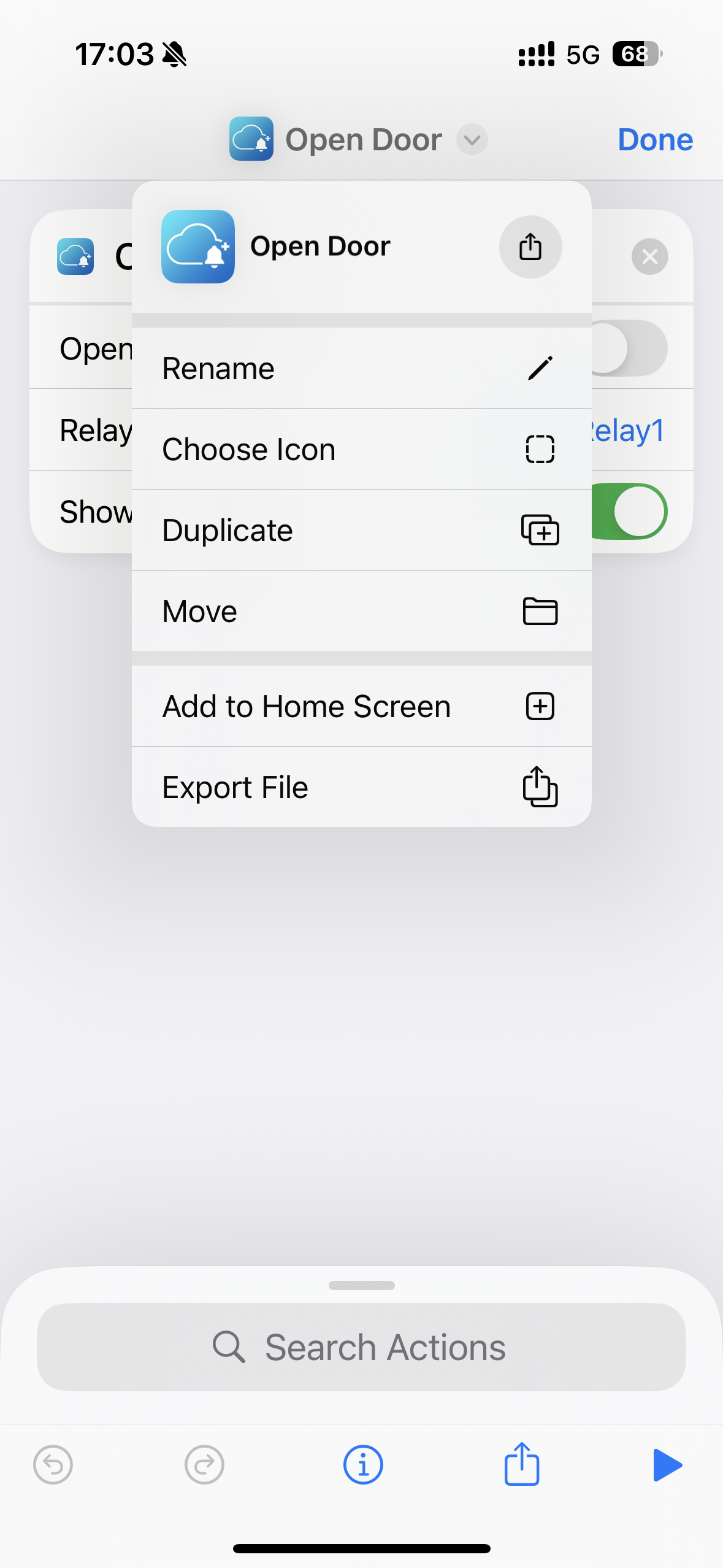
Tap Relay to choose the door to be opened. You can tap
 to rename the shortcut, choose an icon for it, add it to the home screen, etc.
Tap the shortcut to open the door.
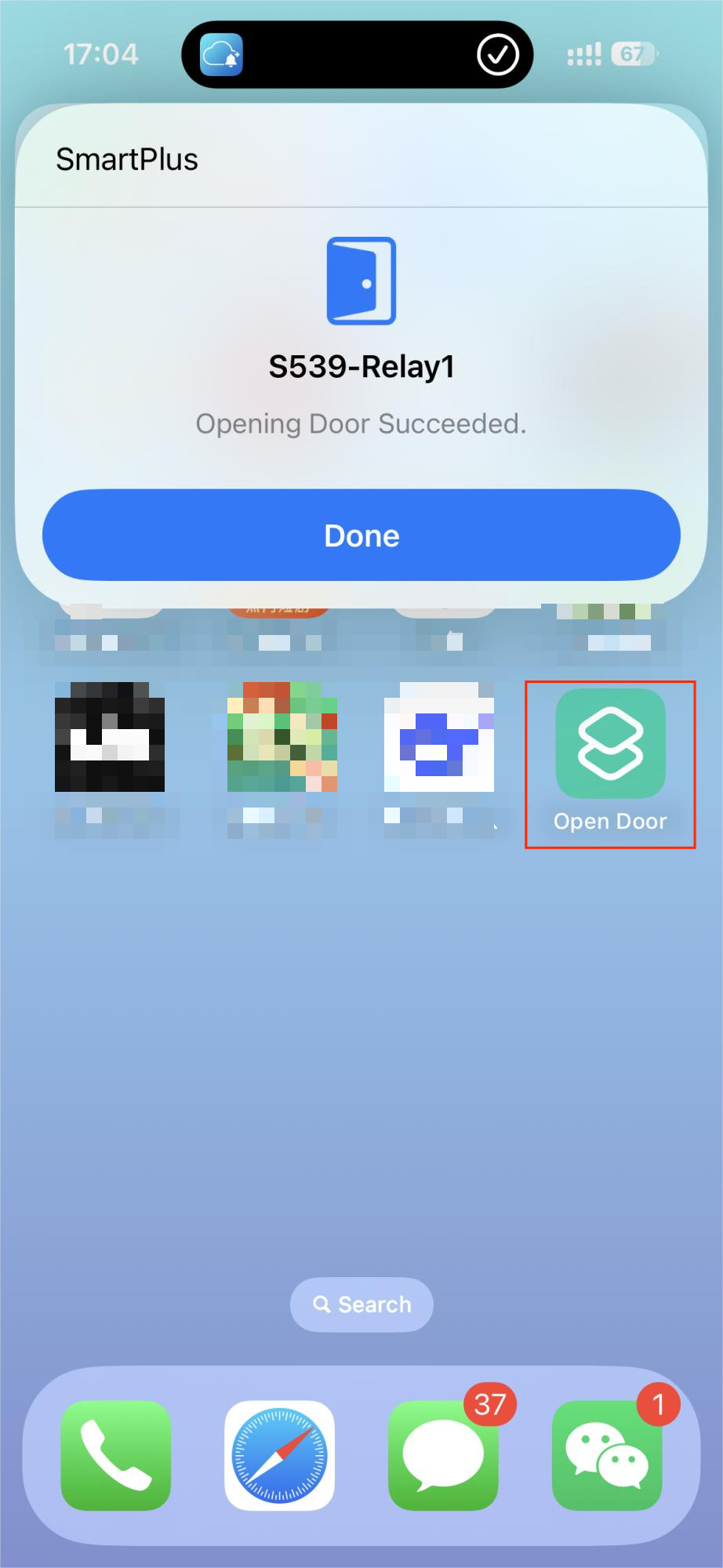
Automatic Door-Opening
Open the Shortcut app.
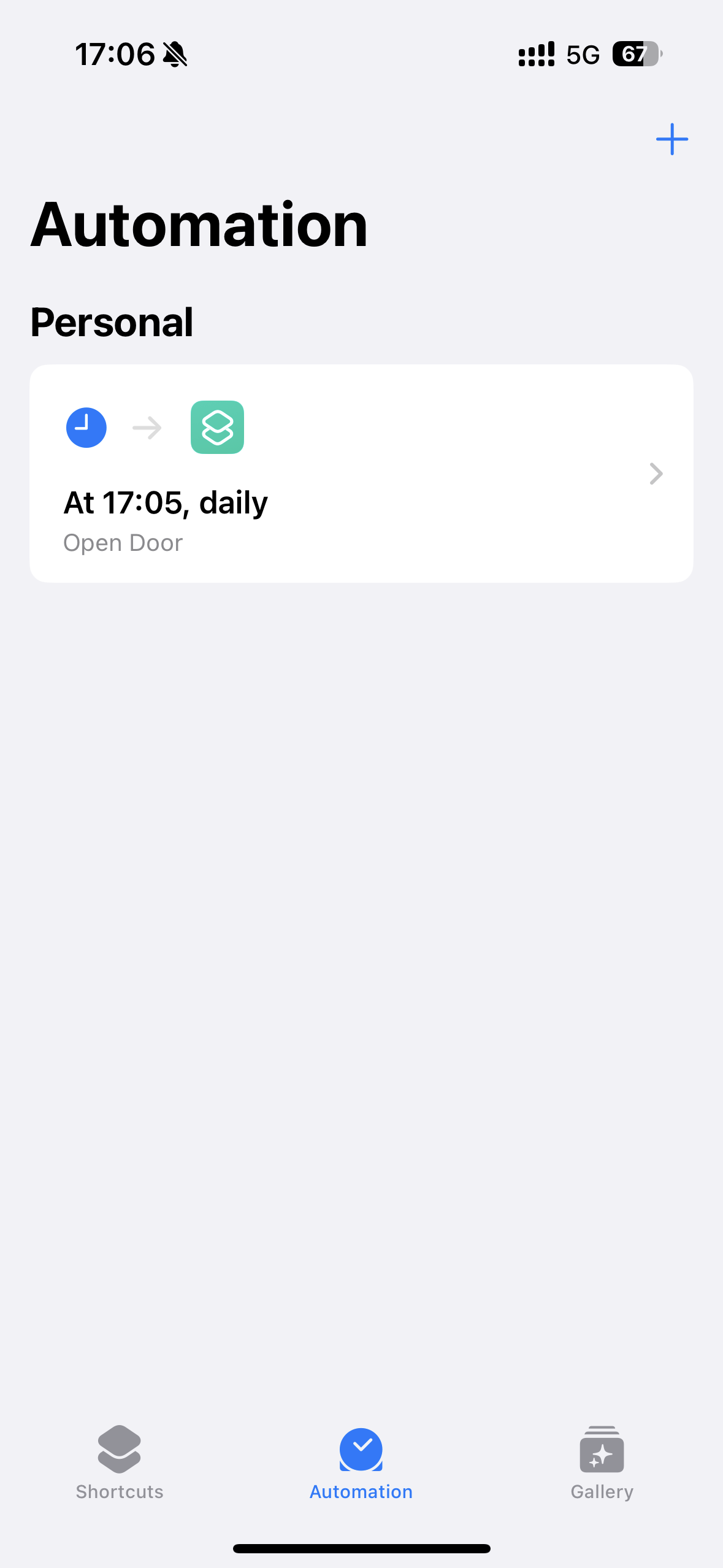
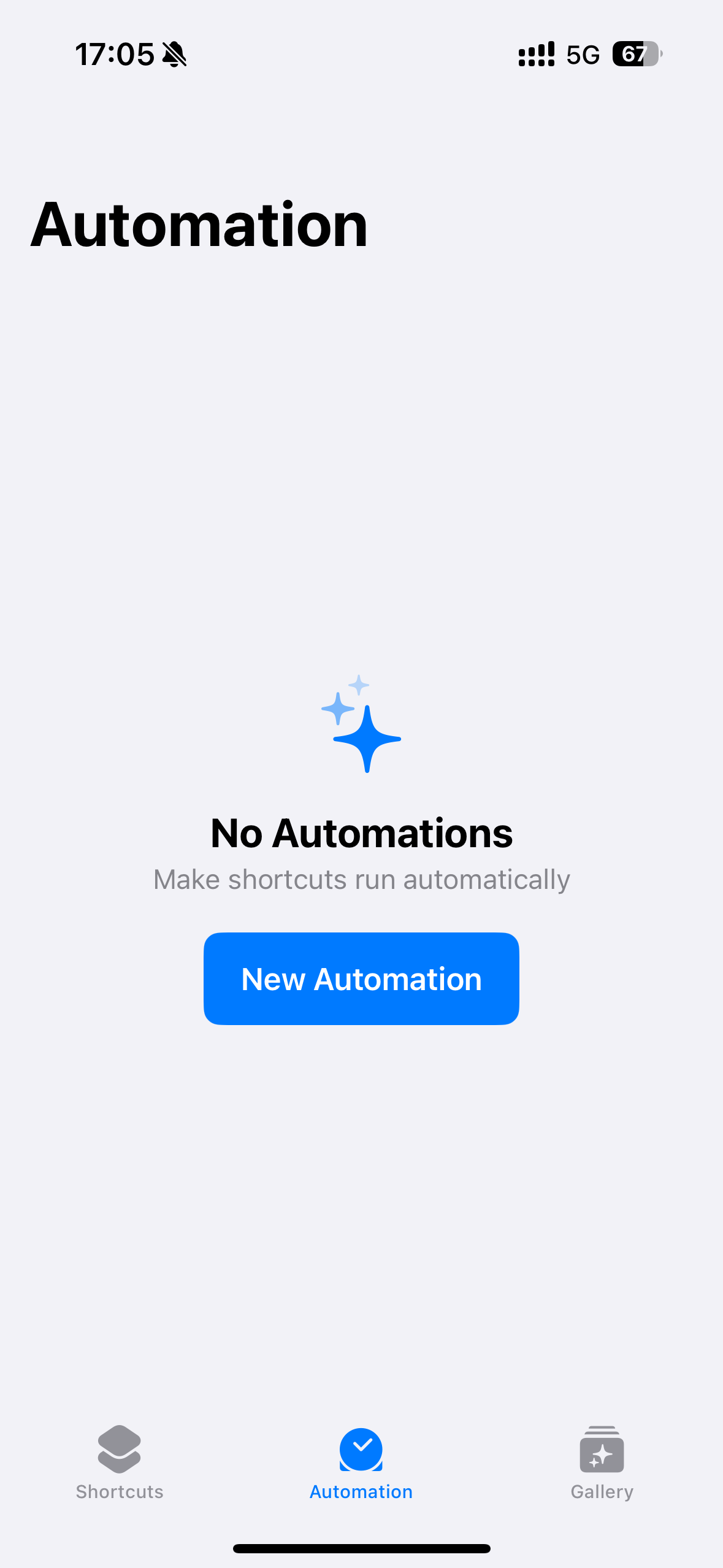
Tap Automation and tap New Automation. Or, tap the Add button in the upper-right corner of the screen if you have added automation before.
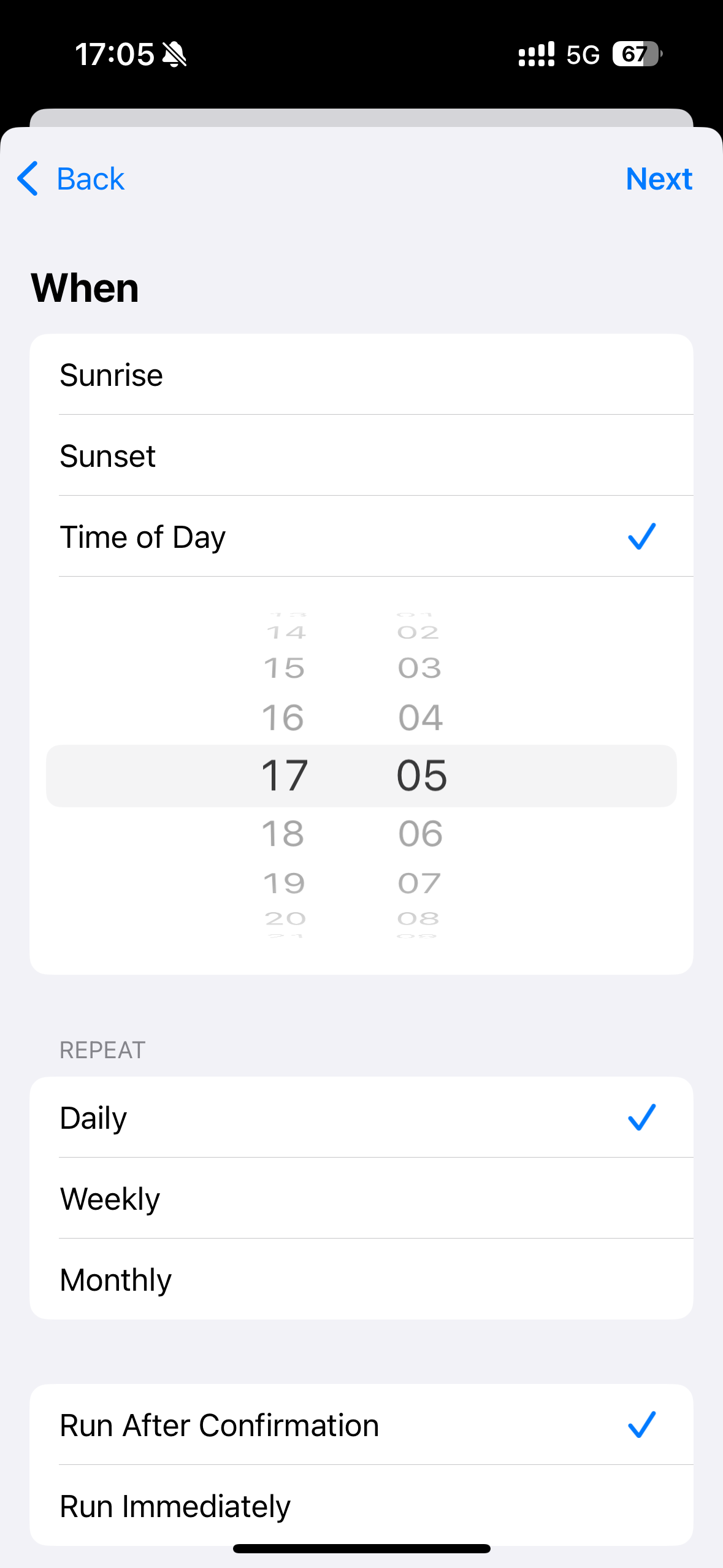
Choose a trigger such as Time of Day or Arrival.
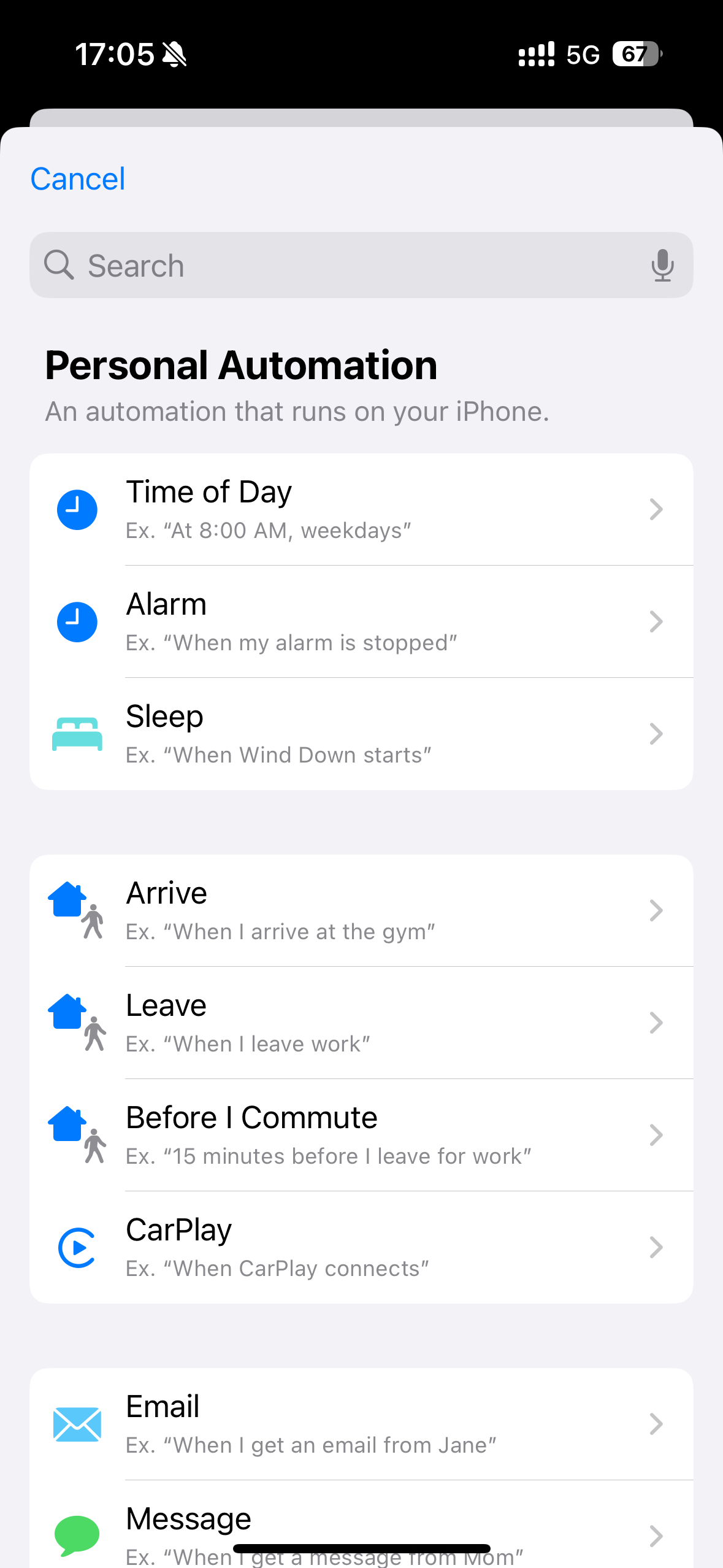
Set the trigger. For example, specify the time when Time of Day is selected.
Choose the open door shortcut.