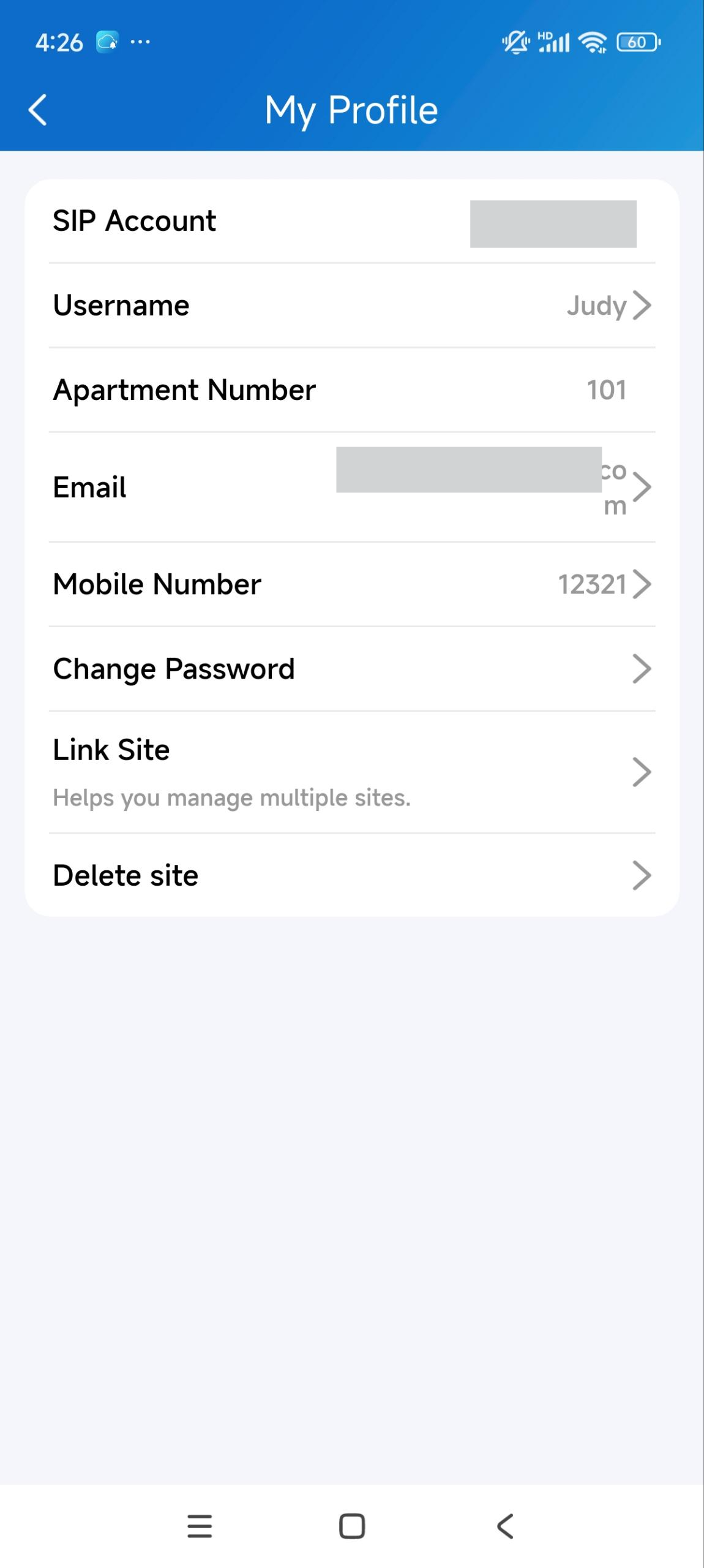
This manual contains key features of the SmartPlus App, guiding you to use the SmartPlus App based on version 7.20.0003(Android)/7.20.3(iOS).
Tip
Click here to view the complete and detailed SmartPlus App User Guide.
App Download
You can download the app on the Google Play Store or App Store.

Login
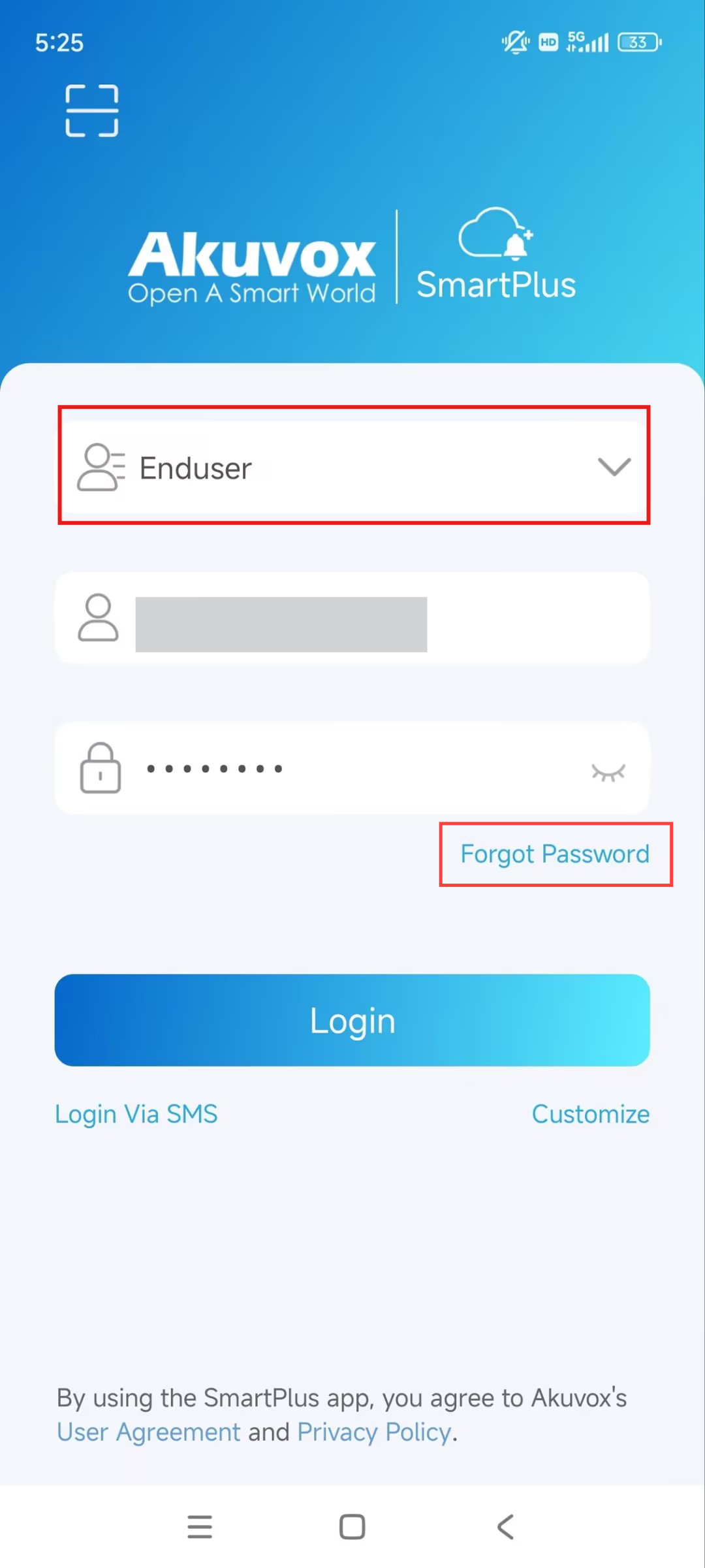
You will receive a Welcome email from Akuvox after your installer or property manager registers a SmartPlus Account for you.
Use the information in the email to log in to the app.
If you forget your password, tap Forgot Password to reset the password via your email or SMS. |
|
Tip
Click here to view other methods of logging in to the app.
Door Access
Unlock on Homepage
Note
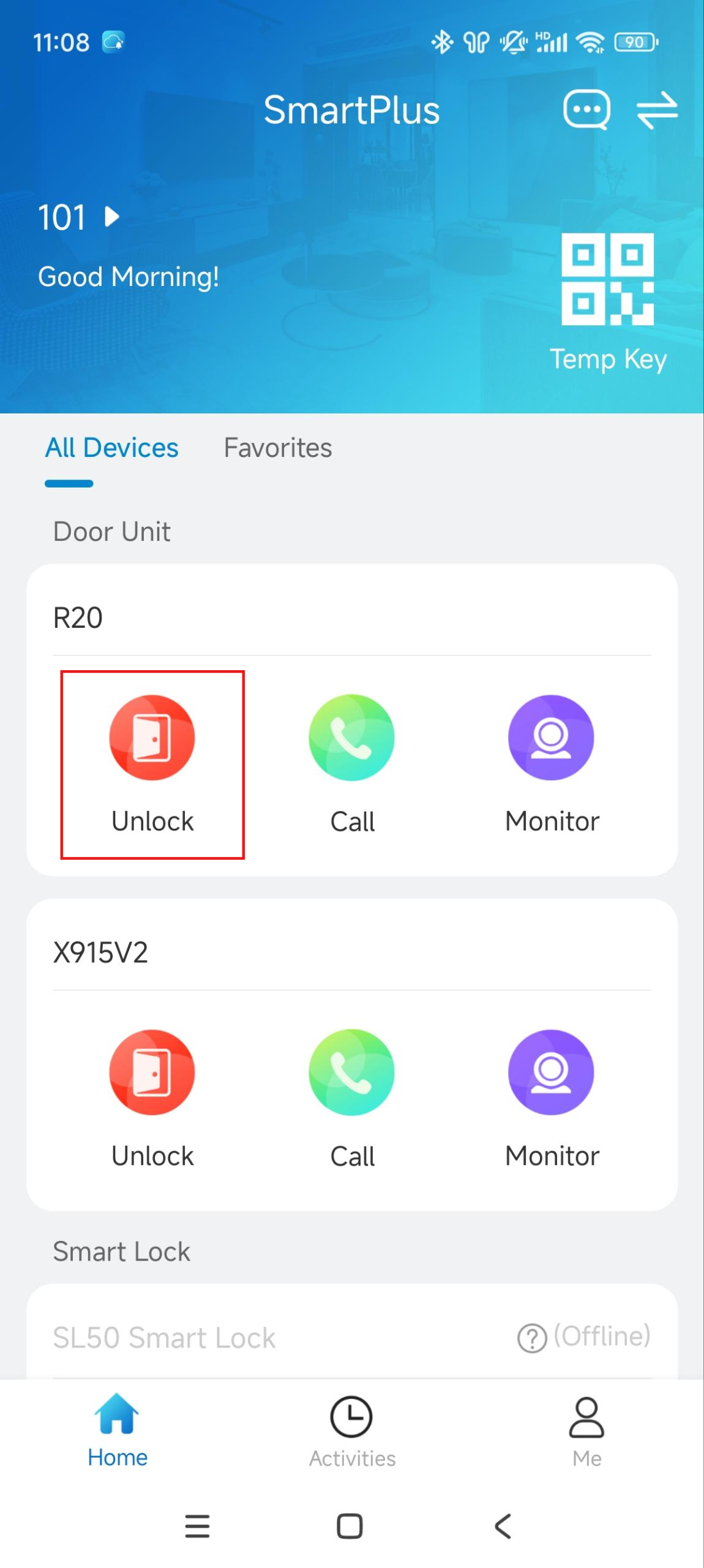
If your property manager does not enable the unlock feature for you, the Unlock button will be hidden.
Tap Unlock on the homepage. |
|
Create Temp Keys
You can create temporary keys for door opening.
|
|
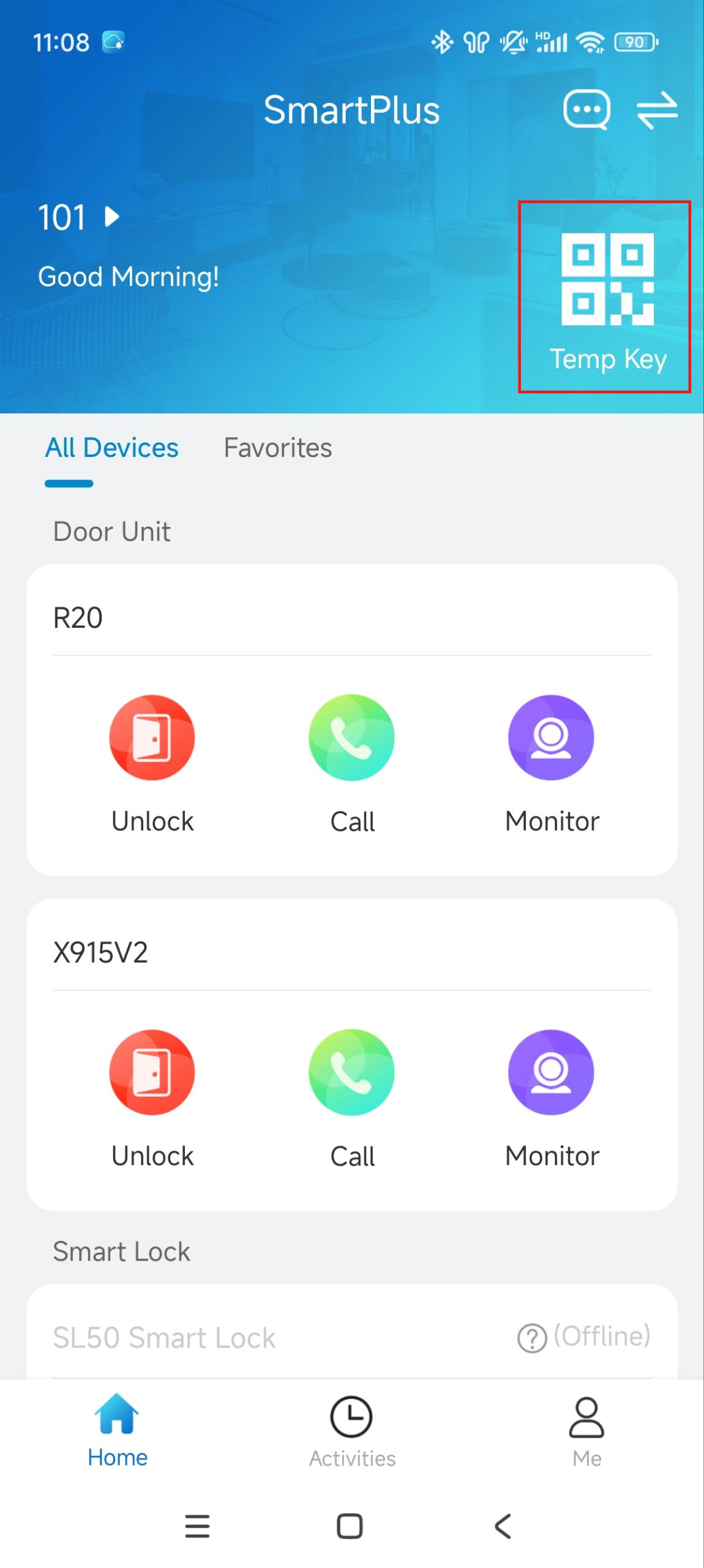
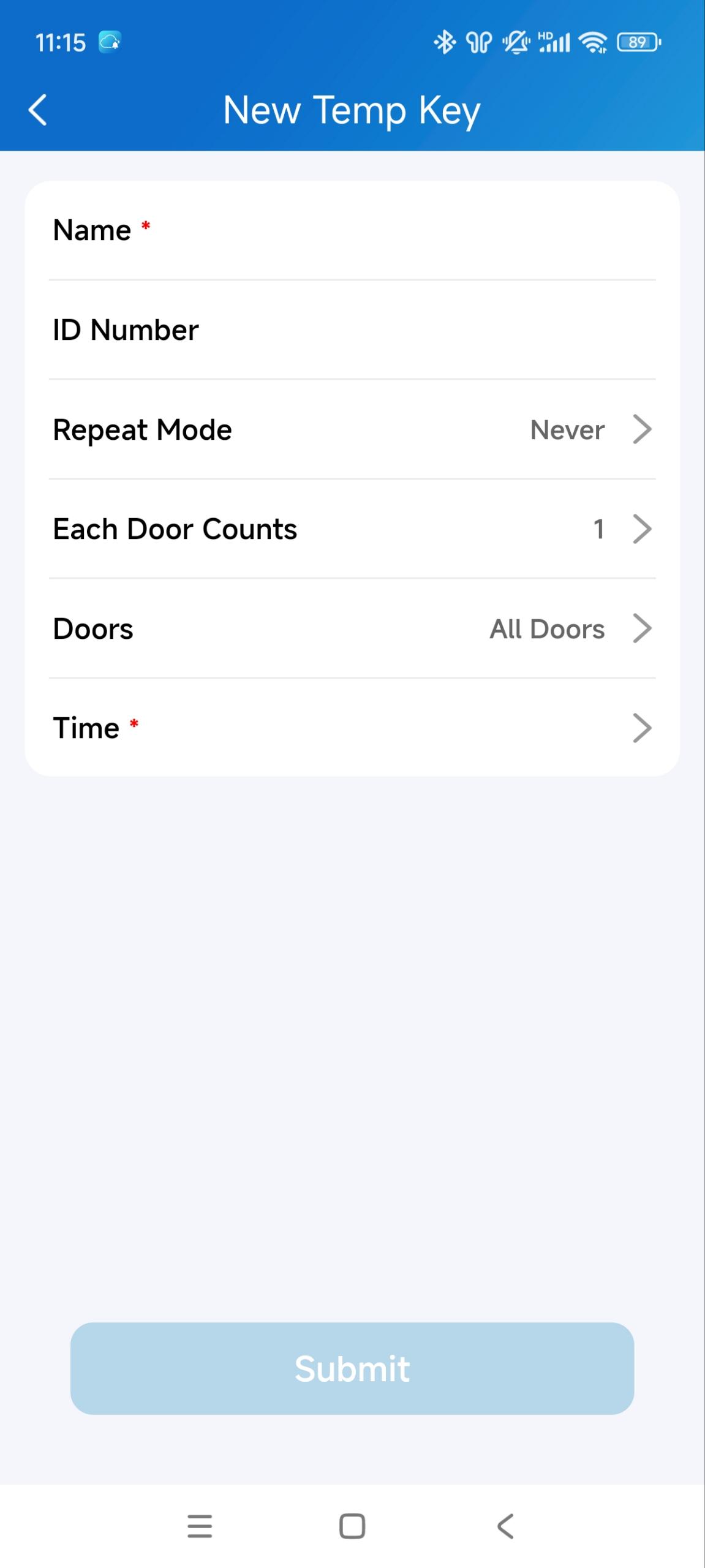
After creating the key, use the QR code or key code to open the door.
Demonstration Video
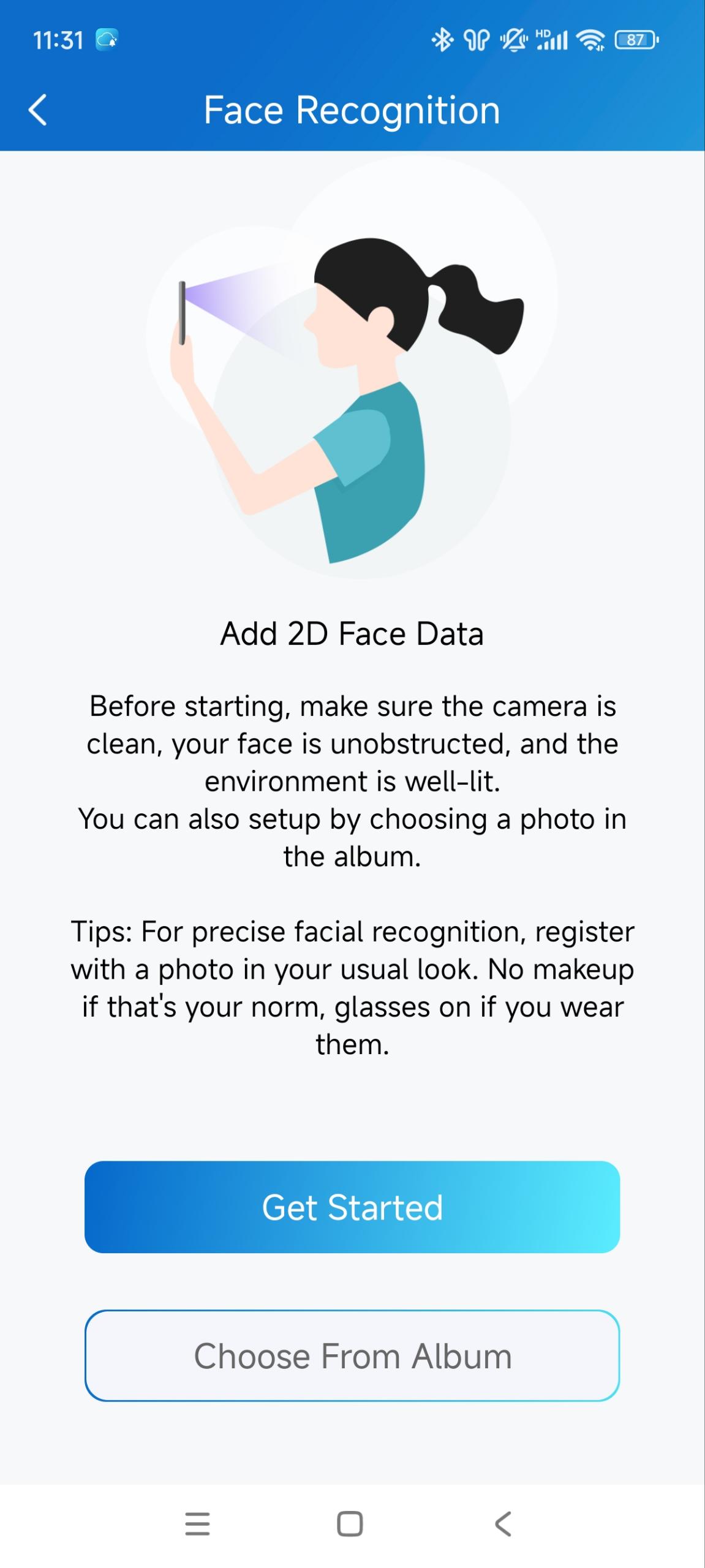
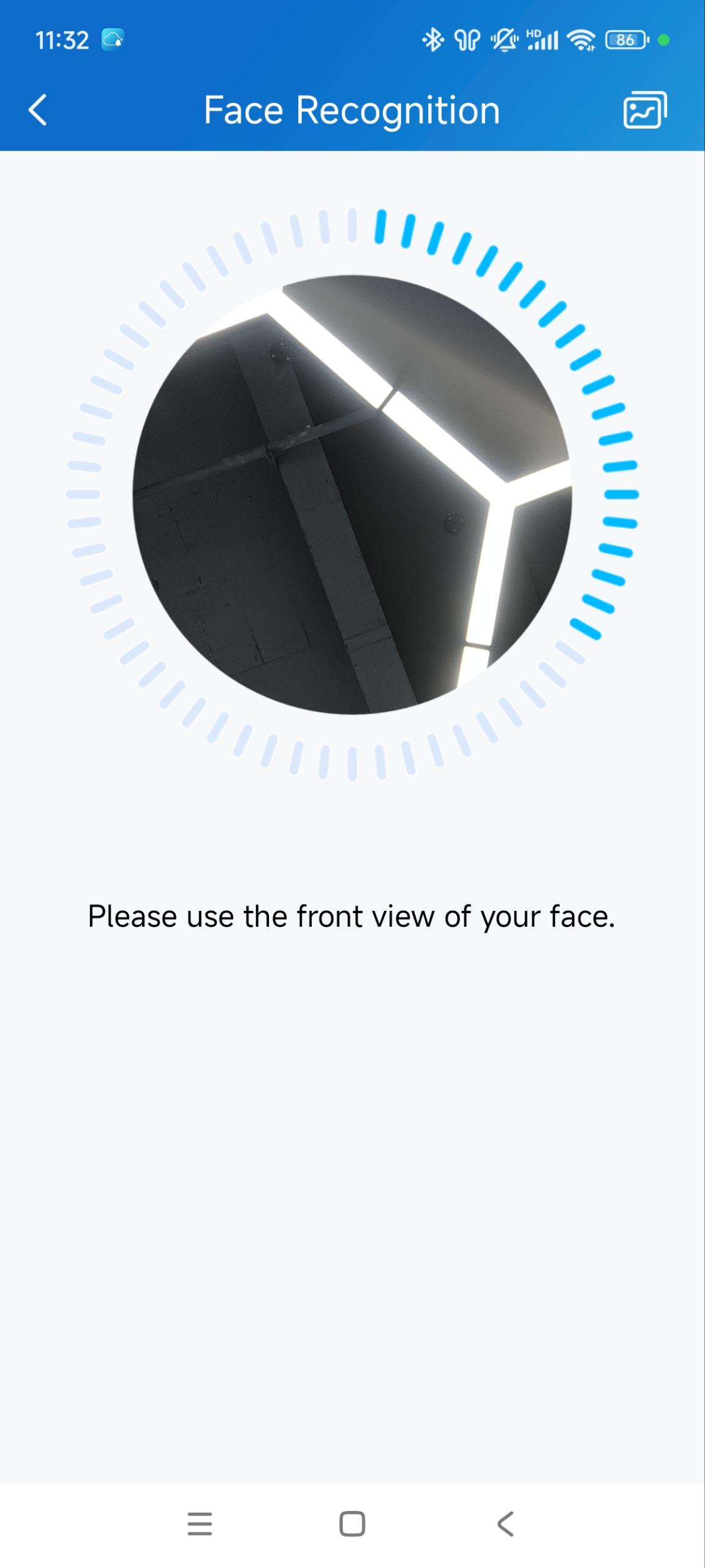
Register Face ID
You can enroll your face data for door opening.
|
|
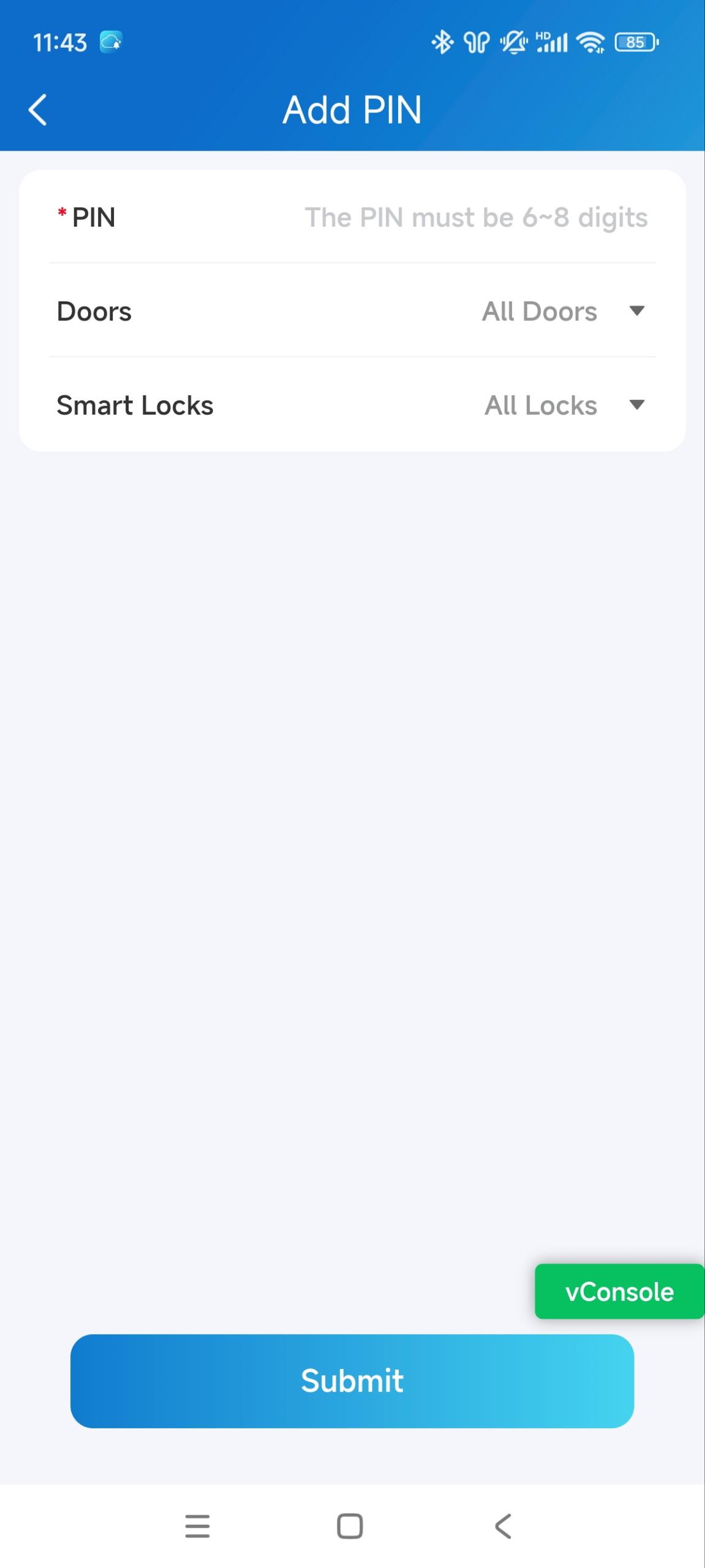
Create PIN Codes
You can set a private PIN code for door opening.
| |
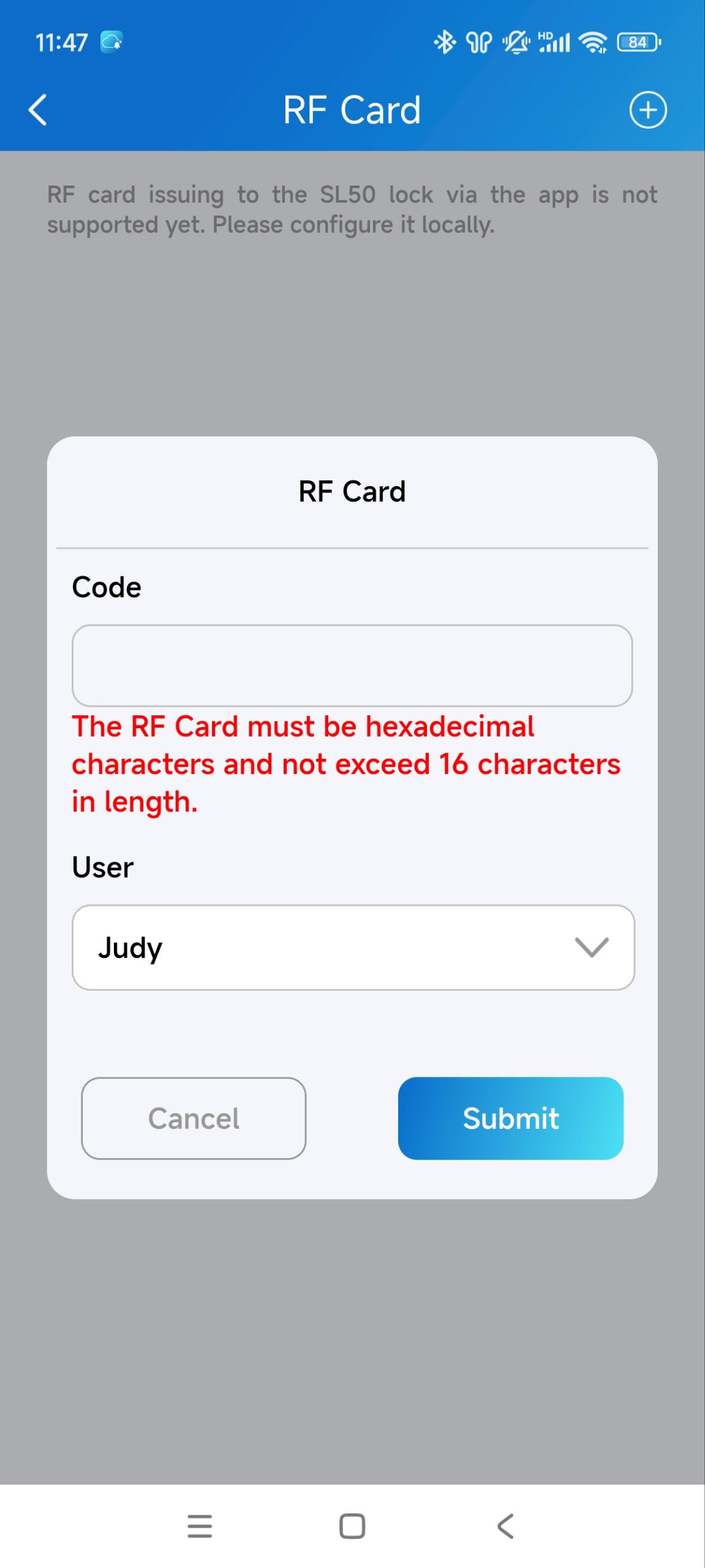
Add RF Cards
| |
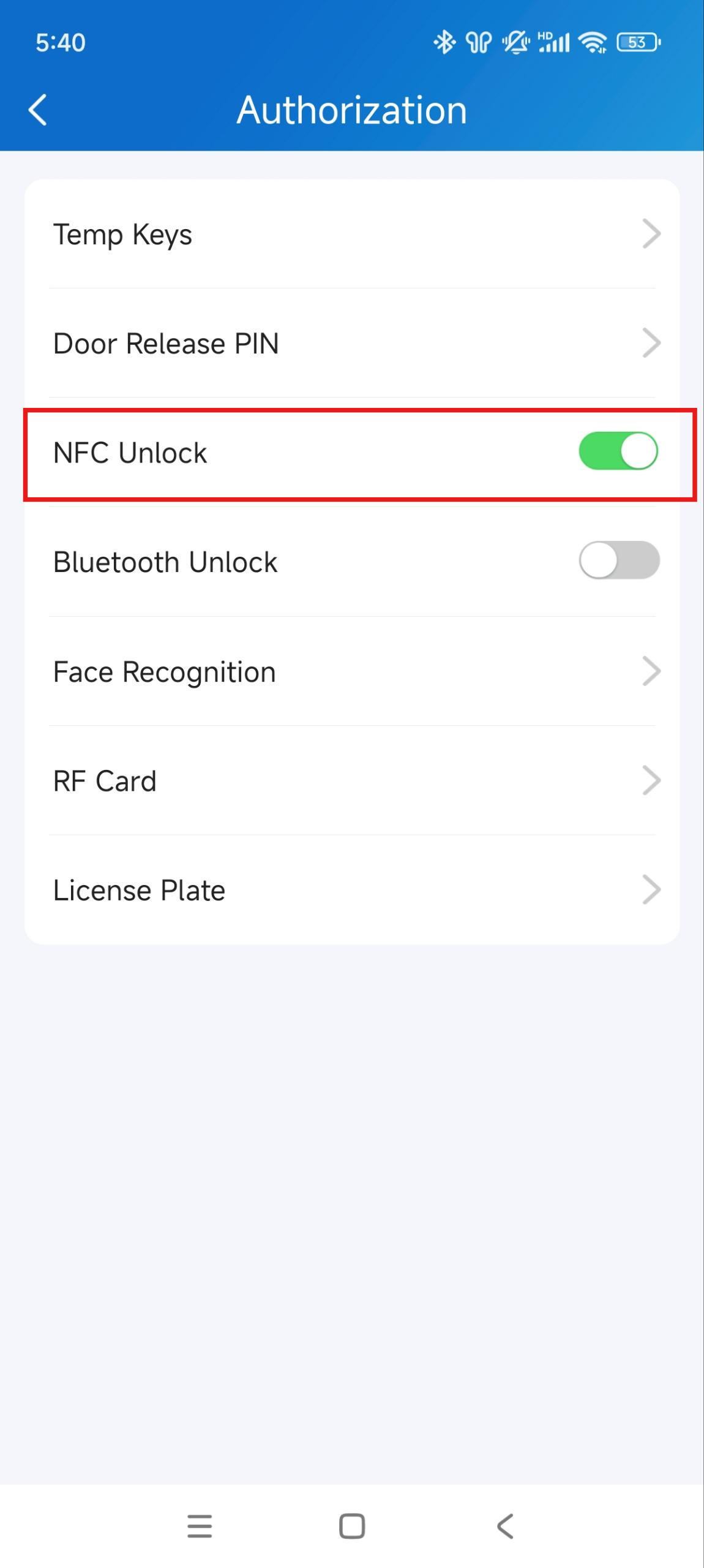
Unlock by NFC
With NFC-featured mobile phones, you can open doors by moving your phone close to the device’s card reader area.
Note
ONLY Android mobile phones support the NFC door-opening feature.
|
|
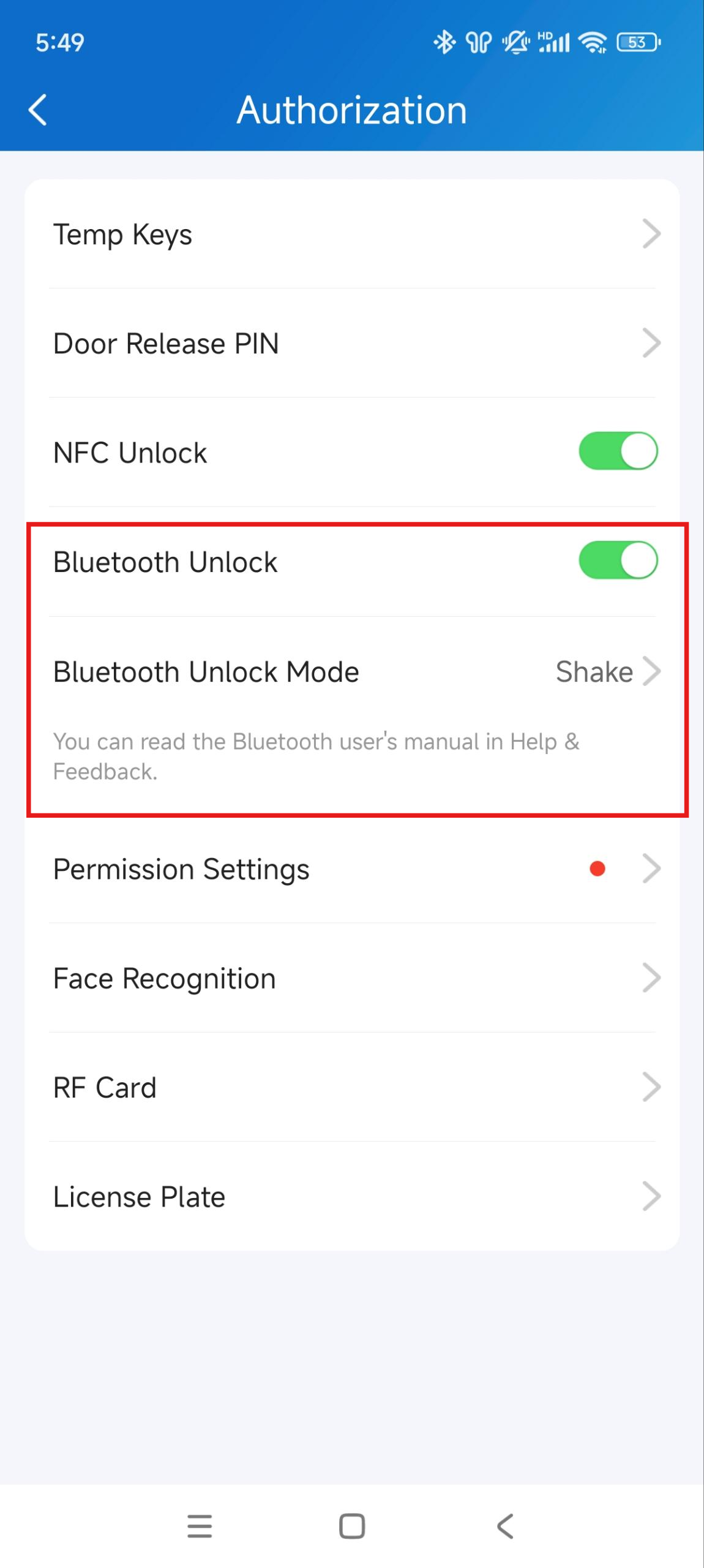
Unlock via Bluetooth
Note
The supported Bluetooth Unlock Mode varies by model. For example, E12 does not support hands-free mode.
Click here to view model compatibility.
|
|
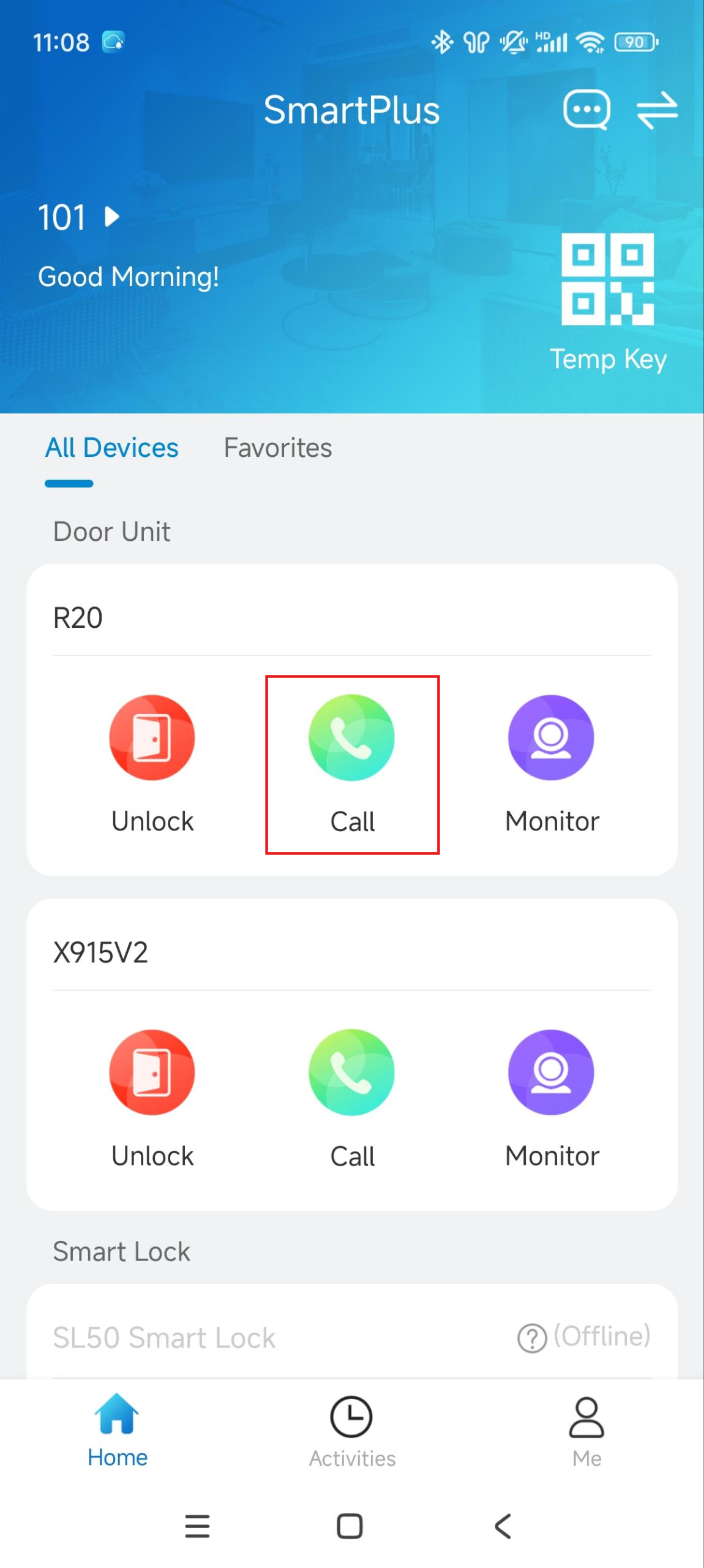
Calling
Note
If your property manager does not enable the intercom call feature for you, the Call button will be hidden.
Tap Call on the homepage. |
|
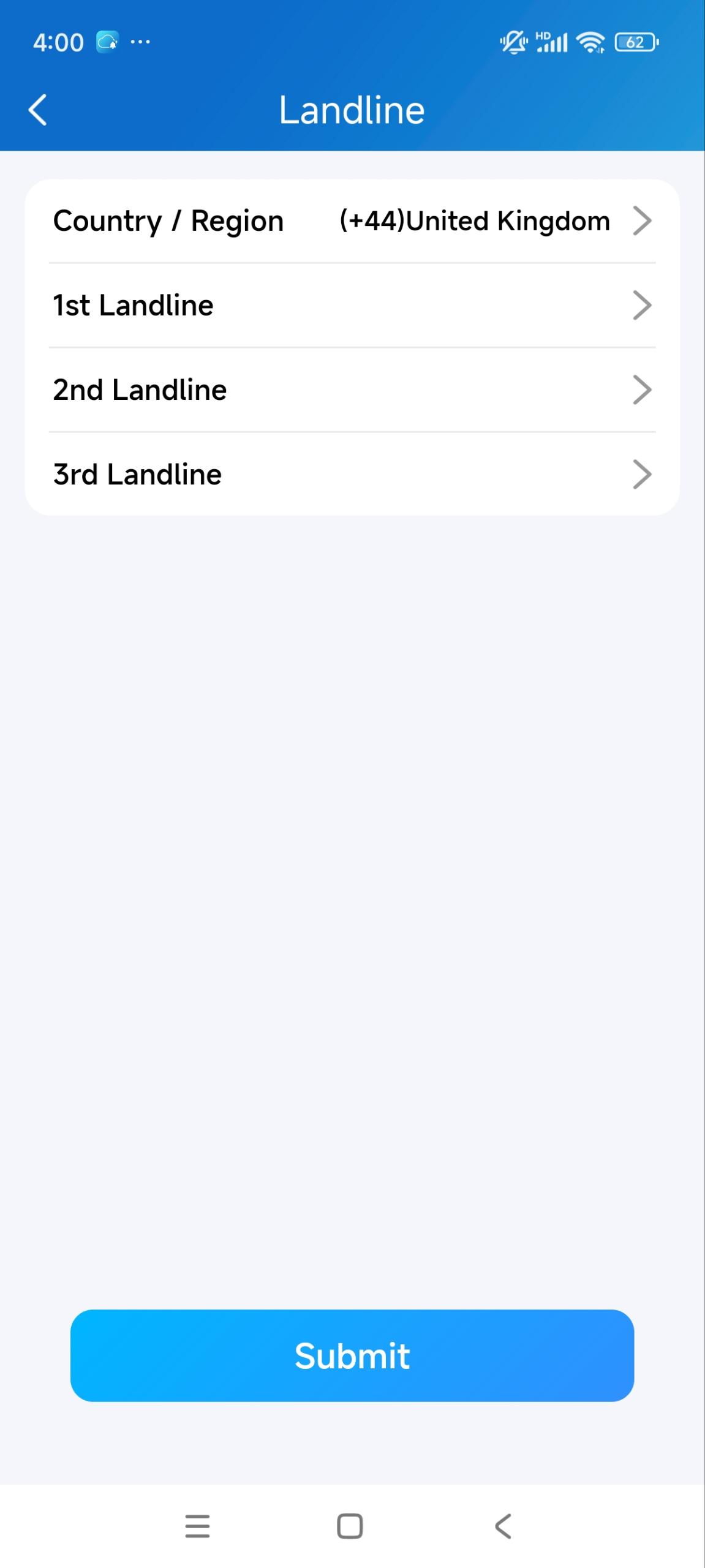
Set up Landline Numbers
Note
The landline service enables the communication between intercom devices and mobile phones/telephones.
If this service is disabled by your installer, this option is not available.
|
|
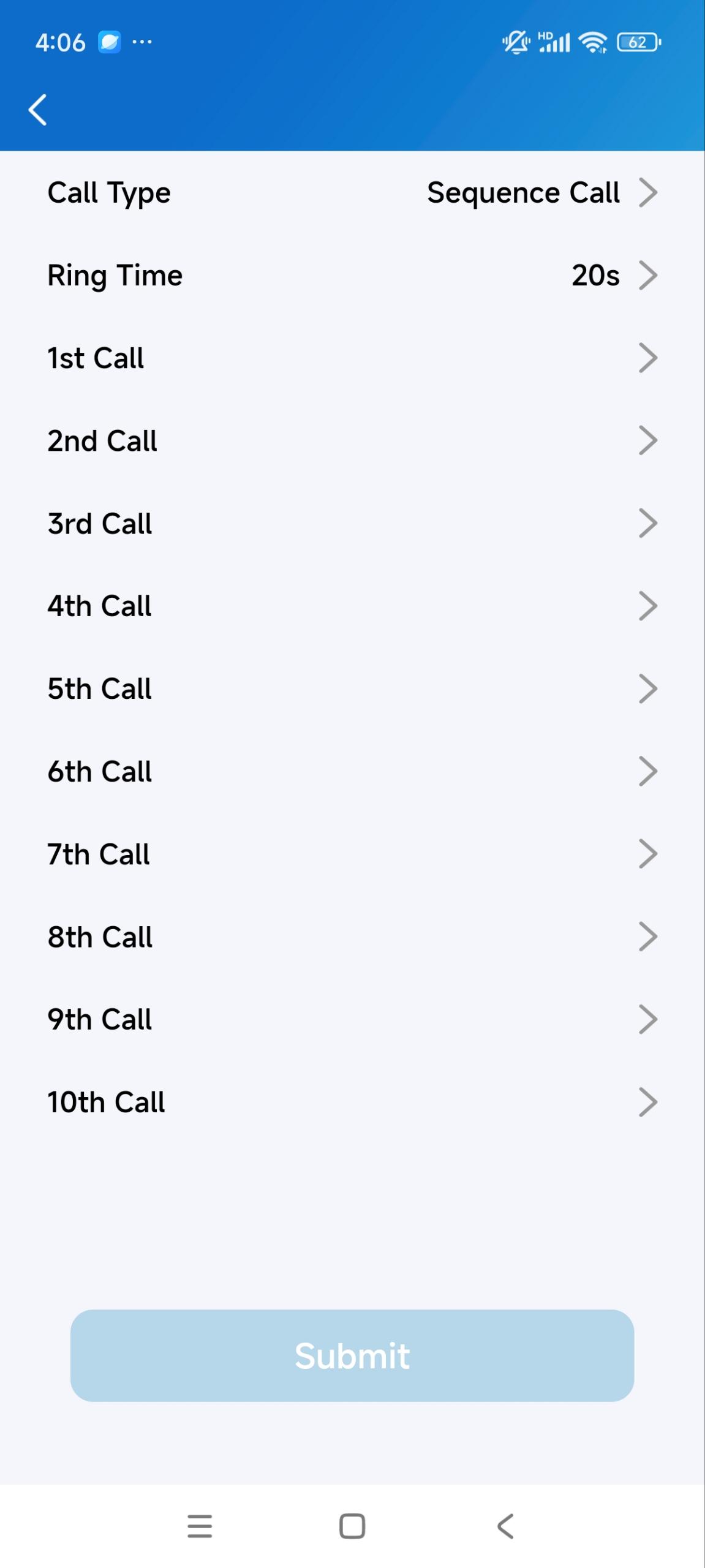
Set up Contact Preference
Only with the family master account can you set up this feature.
|
|
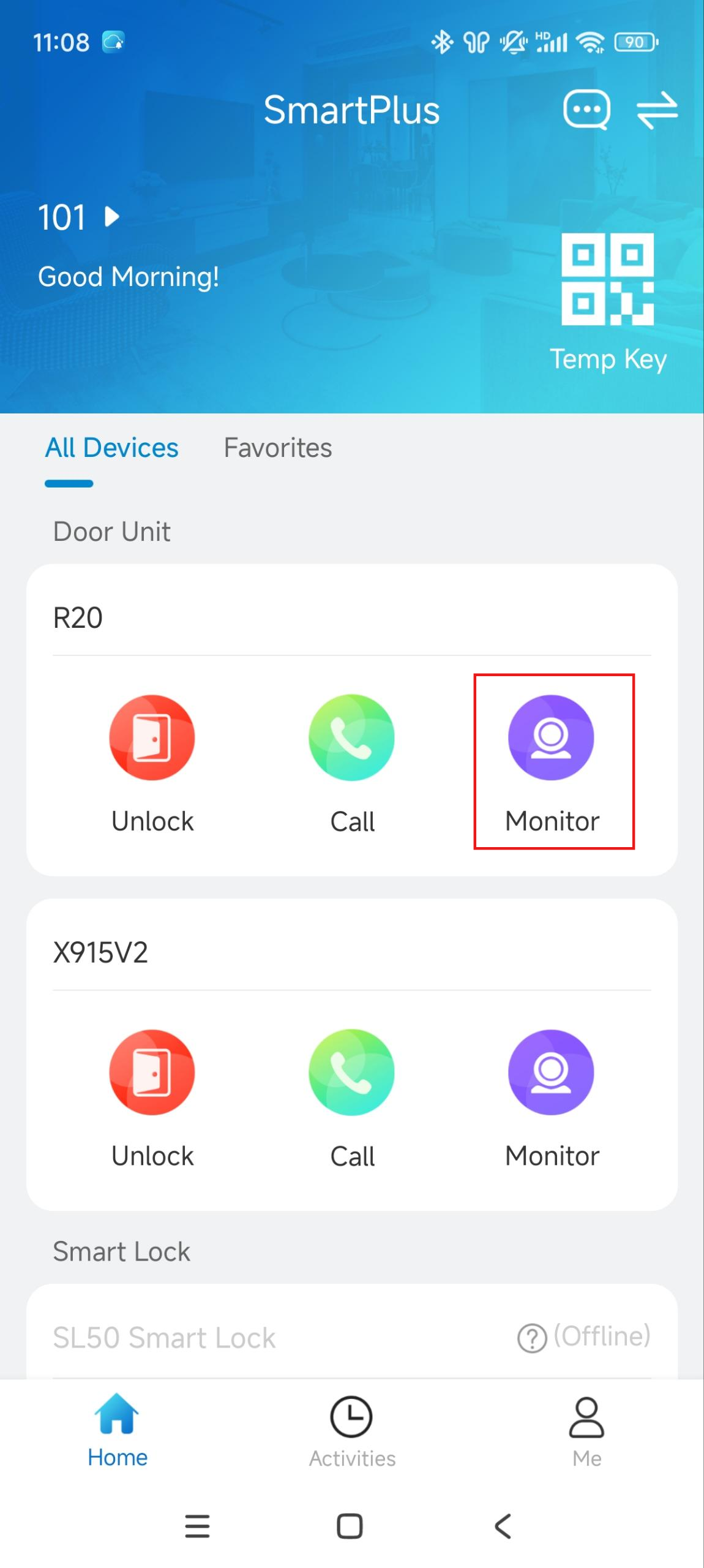
Monitor
You can view the live stream from the door phone to monitor situations around your door.
Tap Monitor on the homepage. |
|
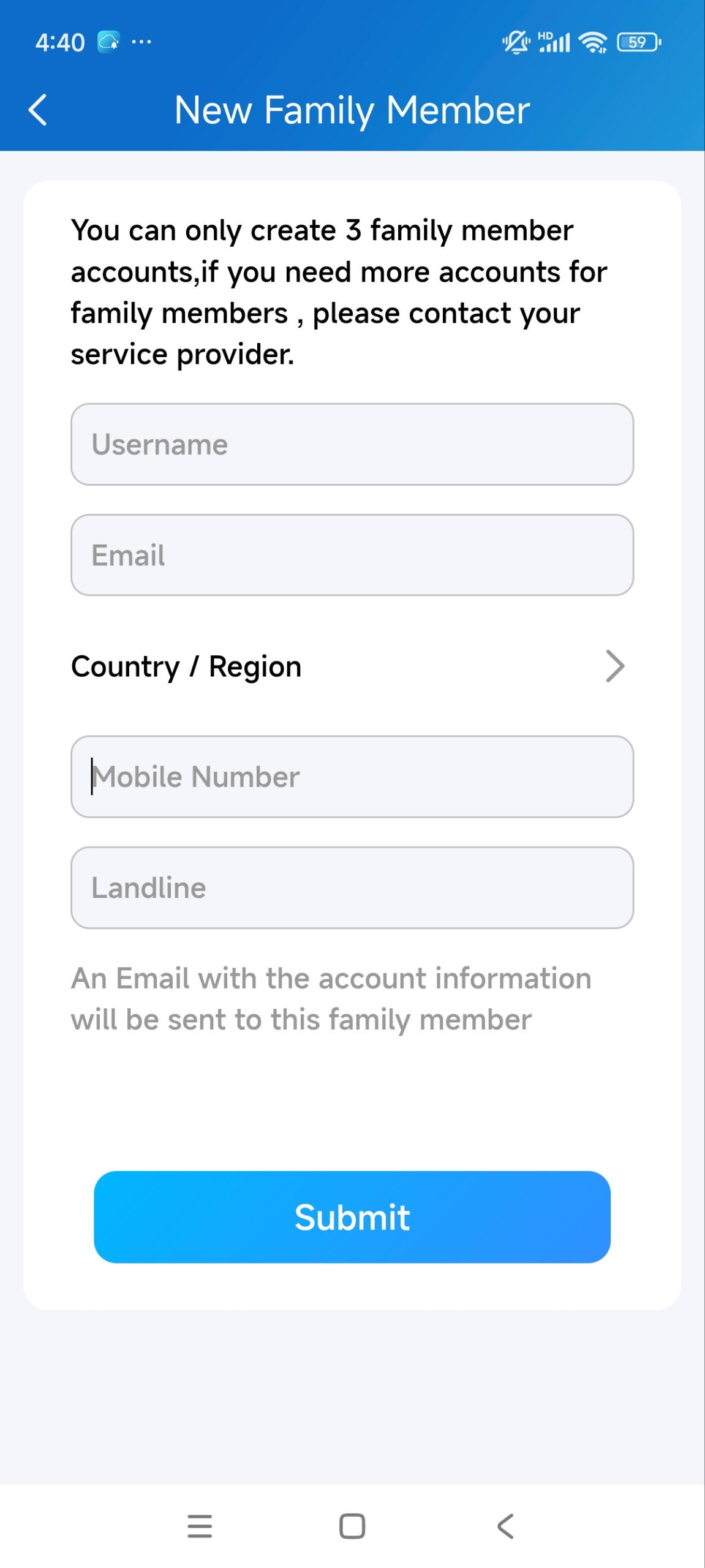
Create Family Member Accounts
With the family master account, you can create family member accounts.
|
|
You can also watch the instruction video.
Messages and Notifications
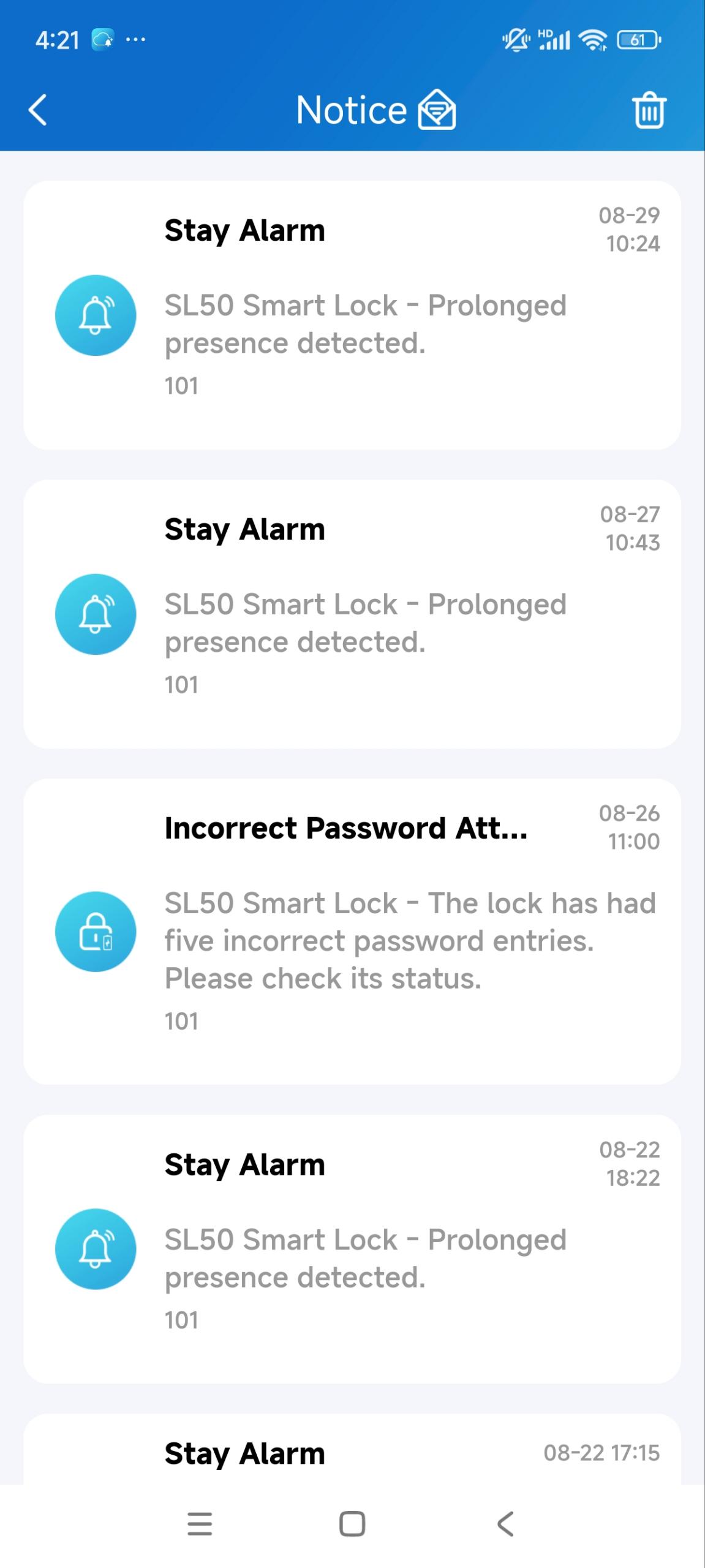
You can receive messages from your property manager and notifications from devices, such as when the temp key is used and a tamper alarm is triggered.
Tap |
|
 on the homepage. The number of unchecked messages will display next to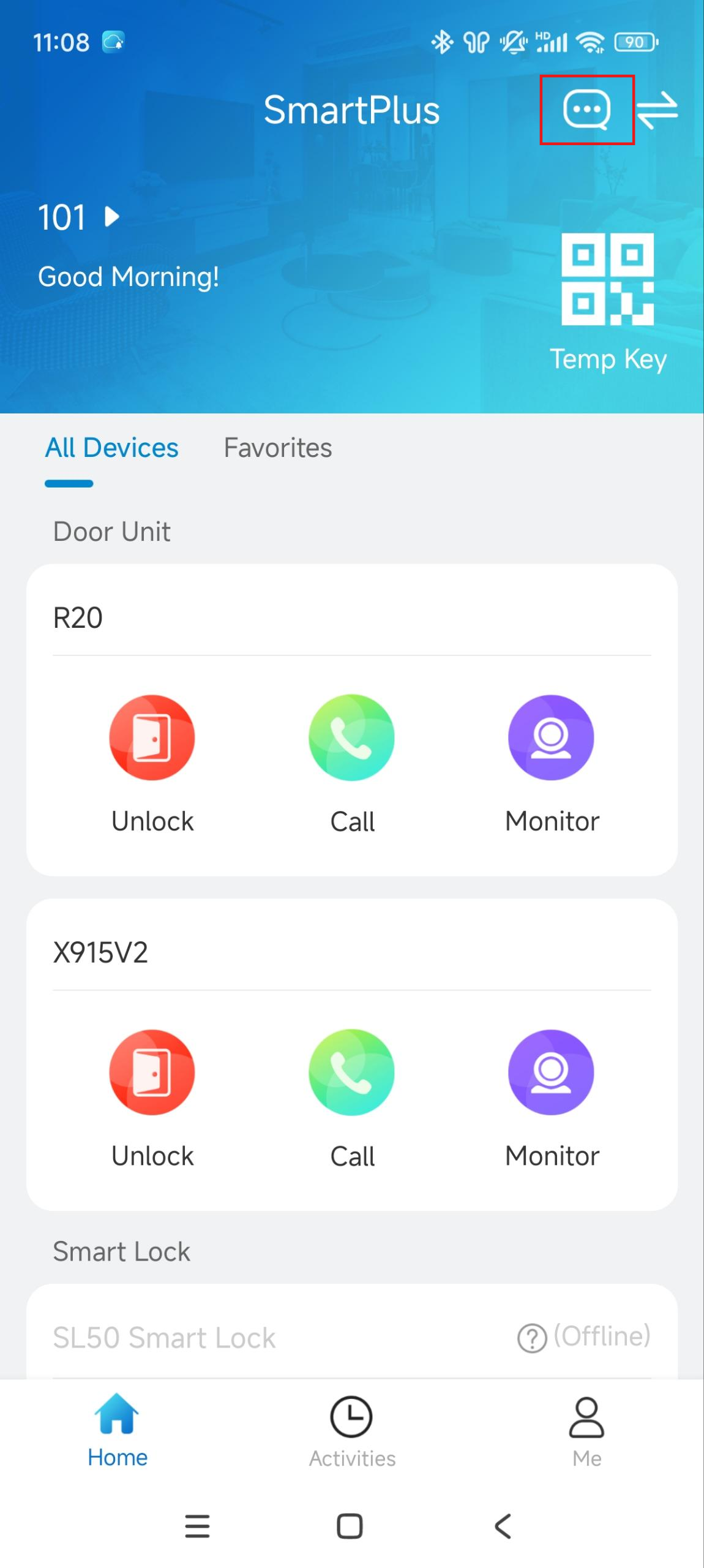
Change Account Information
|
|