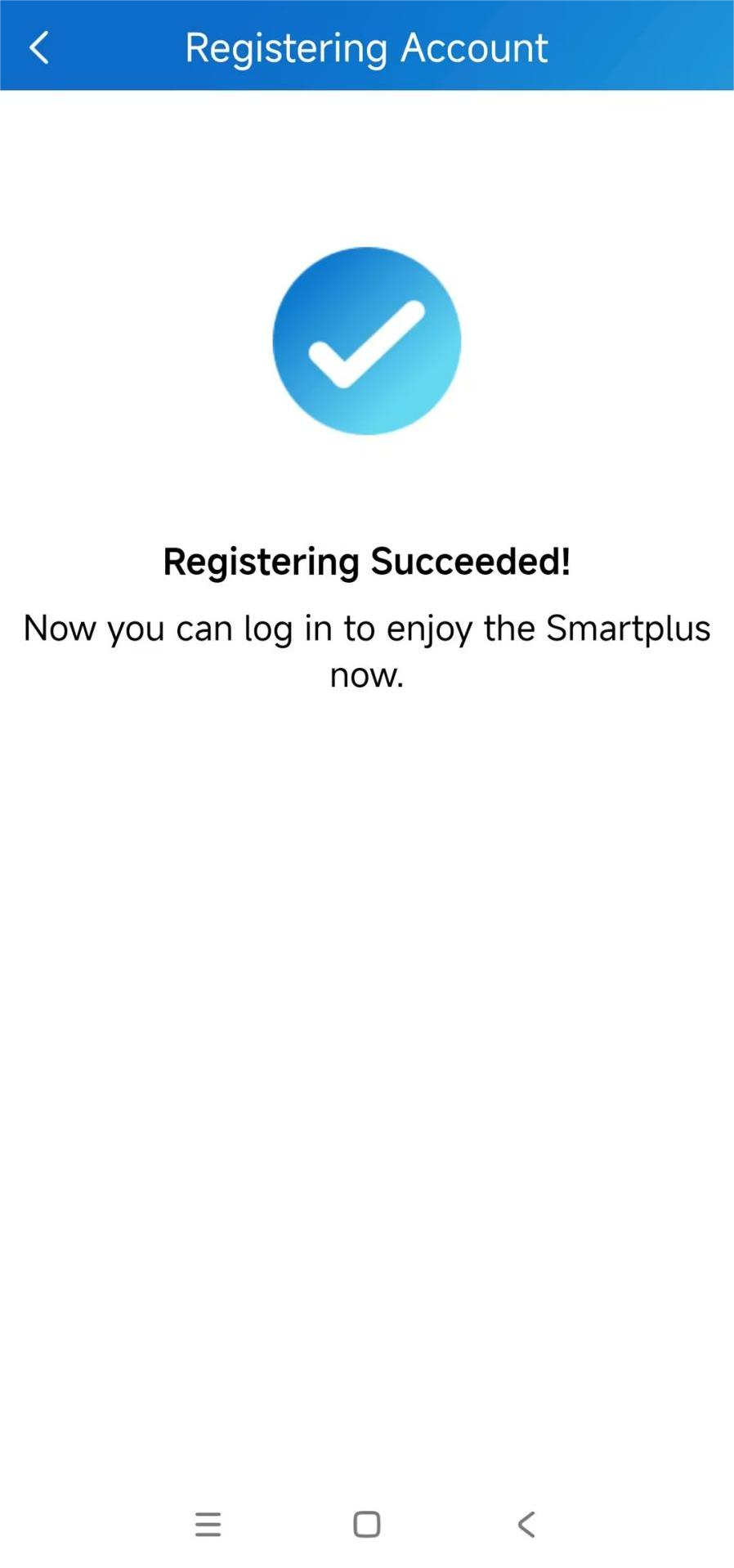
You can conveniently register SmartPlus accounts by scanning the QR code with your SmartPlus app on the indoor monitor of the 2-wire kit.
Find the QR Code
You can scan the QR code after you start up the indoor monitor for the first time.
(1).bmp "Kit1(1)(1).bmp")
If you skip registering accounts after booting the device, you can find the QR code on the More > Settings > SmartPlus Account > Get SmartPlus screen.
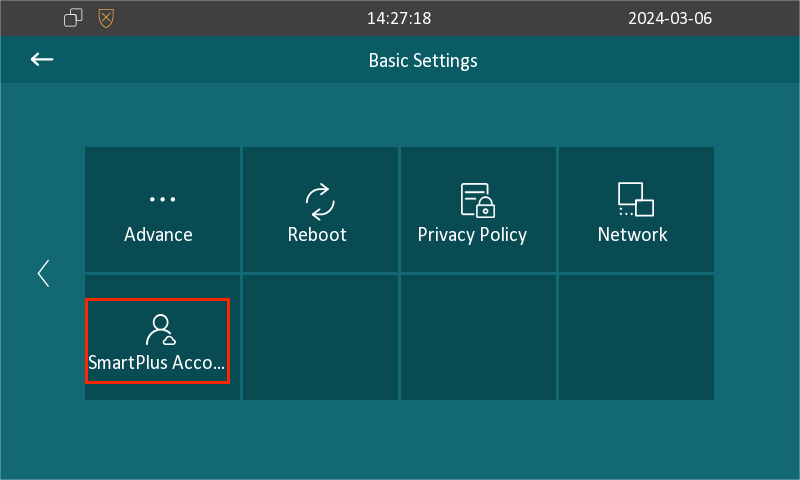
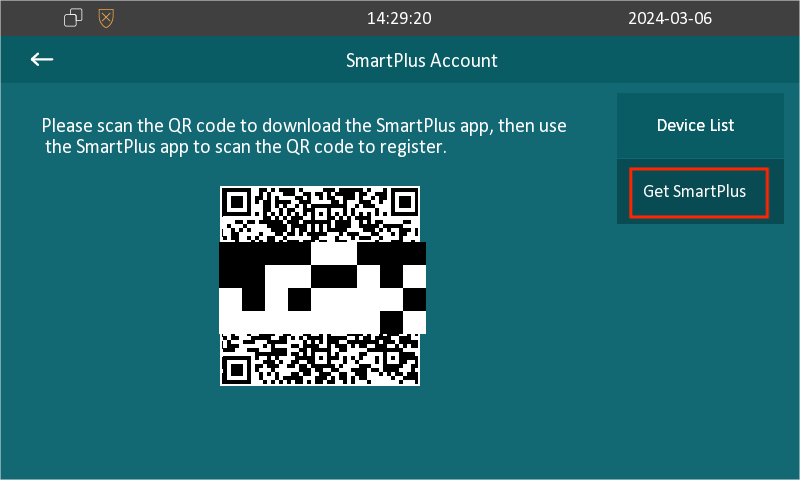
Scan the QR Code
Tap
 in the upper left corner and scan the QR code.
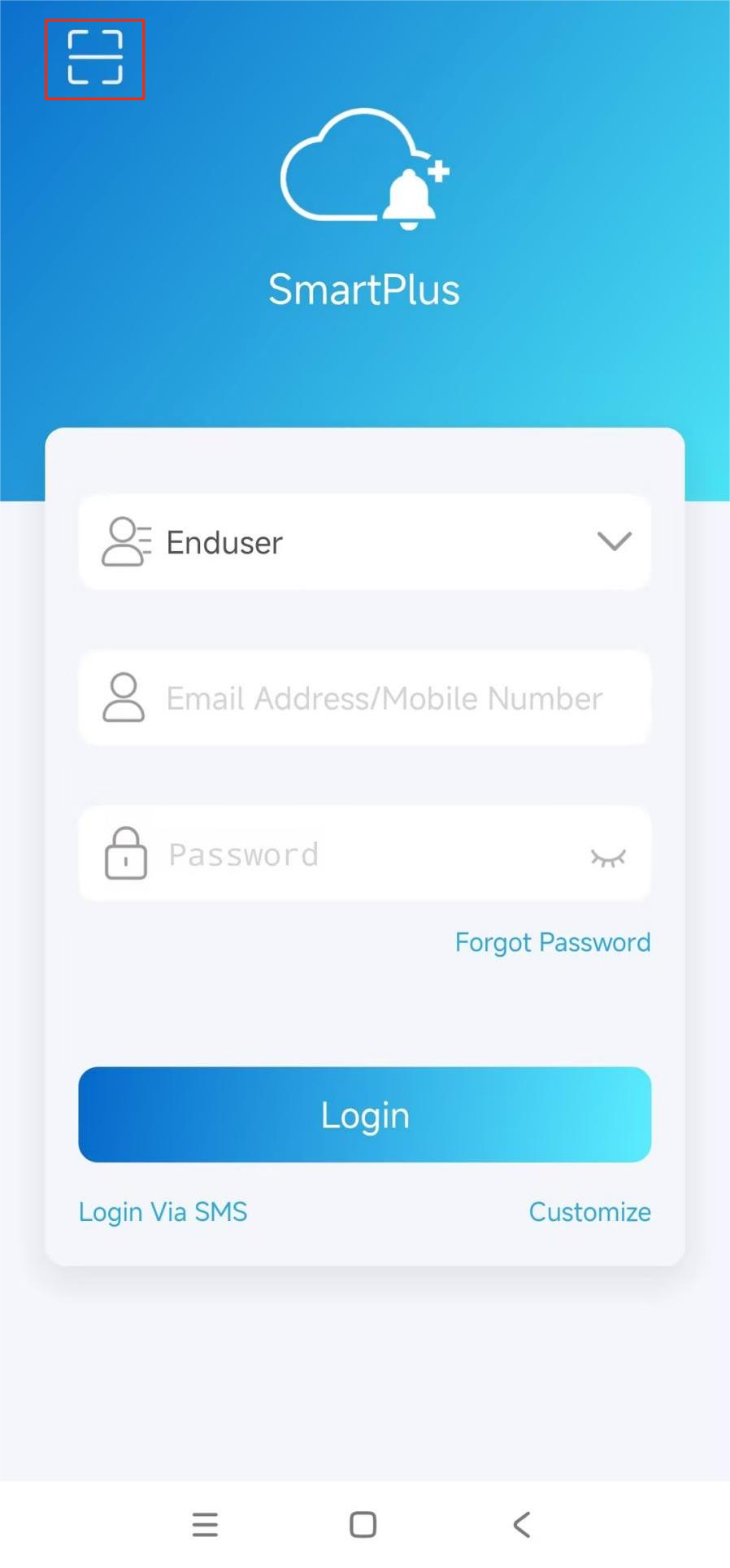
After scanning the QR code, enter the basic information and tap Submit. The Email address is used to receive the SmartPlus app login password.
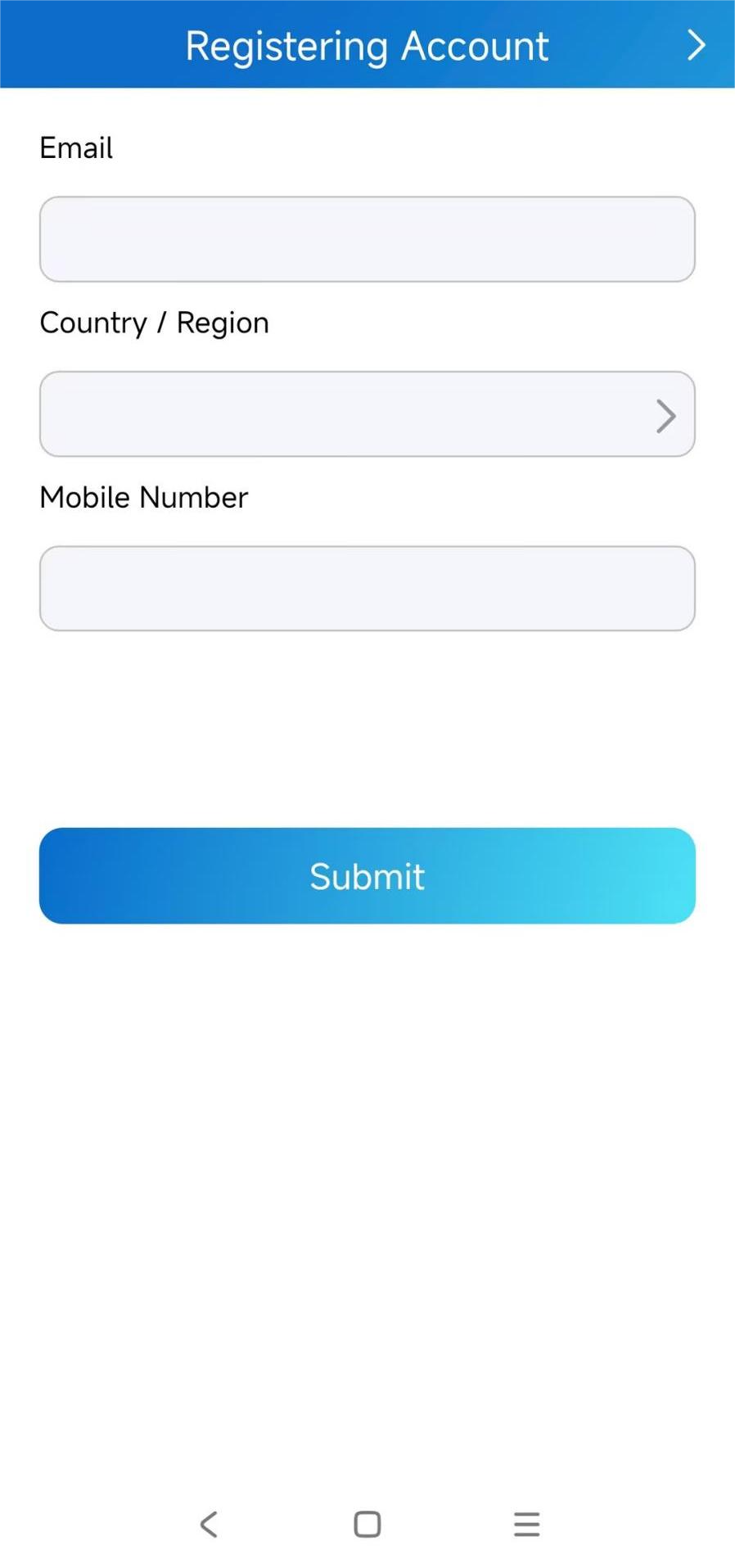
After Registering Succeeded, you can log into the app with your Email address and password.