Remote Relay
The remote relay refers to the relay of another intercom, such as a door phone. During calls, users can enter a DTMF code or press the Unlock tab to unlock the door lock connected to the door phone.
Set it up on the Phone > Relay interface.
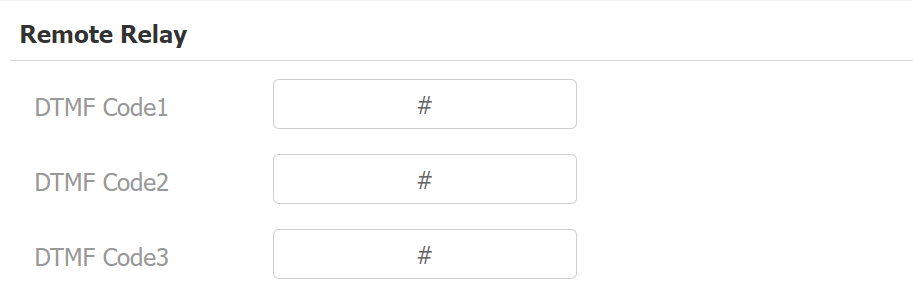
DTMF Code: Define the DTMF code within the range(0-9 and *,#) for the remote relay.
Web Relay
A web relay has a built-in web server and can be controlled via the Internet or a local network. The device can use a web relay to either control a local relay, or a remote relay somewhere else on the network.
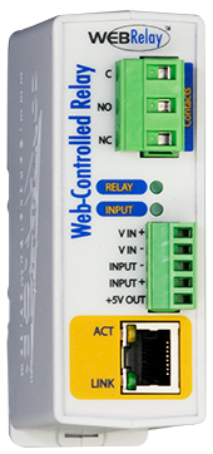
Click here to view how to set up web relay.
Set up web relay on the Phone > Relay interface.
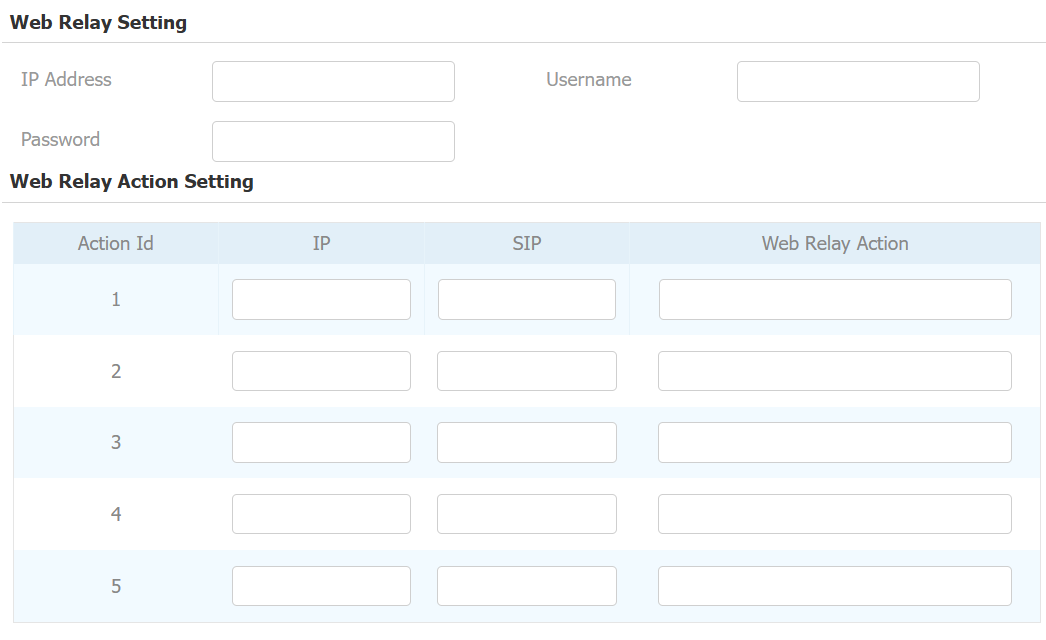
IP Address: The web relay IP address provided by the web relay manufacturer.
Username: The user name provided by the web relay manufacturer.
Password: The manufacturer-provided authentication key for the web relay. Authentication occurs via HTTP. Leaving the Password field blank indicates non-use of HTTP authentication. You can define the password using HTTP GET in the Web Relay Action field.
IP/SIP: The relay extension information, which can be an IP address or SIP account of an intercom device such as an indoor monitor, so that the specific action command will be sent when unlock is performed on the intercom device. This setting is optional.
Web Relay Action: Configure the actions to be performed by the web relay upon triggering. Enter the manufacturer-provided URLs for various actions.
Note
If the URL includes full HTTP content(e.g., http://admin:admin@192.168.1.2/state.xml?relayState=2), it doesn't rely on the IP address that you entered above. However, if the URL is simpler (e.g., "state.xml?relayState=2"), the relay uses the entered IP address.