Use security modes to easily control and protect your home.
NOTE:
When HyPanel Lite serves as a home center device, the Arming feature is not available.
When HyPanel Lite serves as a gateway device, the Arming feature is not displayed on the Functions screen by default. To access this feature, please go to the user web portal and enable it.
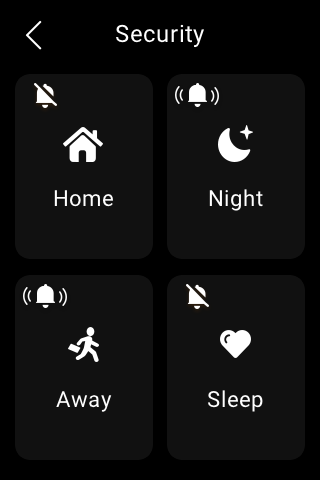
To arm your system, you have to firstly configure three default security modes, or create custom modes on either the user web portal or BelaHome app.
Arm your home
To arm your home, do as the following:
Select Arming
 .
.Tap the desired mode, and enter the arming code (by default is 000000).

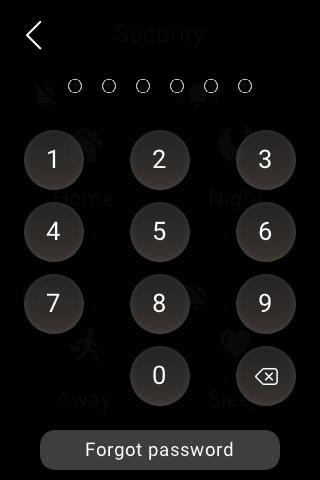
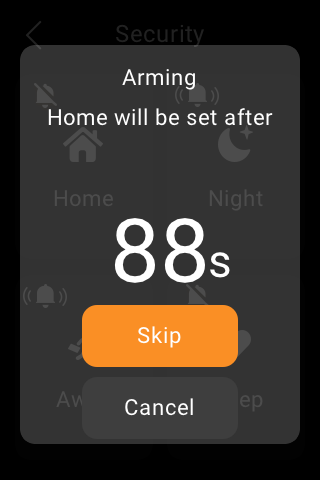
Wait for the arming count down to the end. Or tap Skip to arm your system right away.
NOTE:
The arming delay time can be modified on the user web portal or BelaHome app.
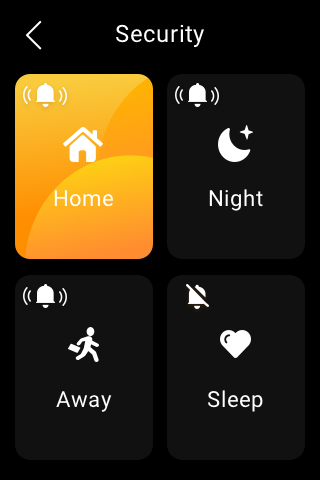
Once the system is armed, the selected security mode is highlighted.
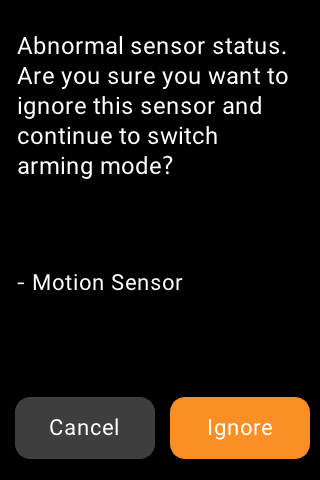
During the arming process, if any associated sensor is detected as abnormal, a prompt will appear.
To proceed with the arming process despite the issue, simply tap Ignore. In this case, even if the bypassed device detects an abnormality, it will not send any alarms.
Disarm your system
To disarm your system, tap the highlighted mode again, and enter the disarm code which is 000000 by default. You’ll know the system is disarmed when the mode background turns black.
Deal with an alert push
When your system is armed in a security mode and any included sensor triggered (except the bypassed ones), the system will sound an alarm and send a notification to the panel and BelaHome app.
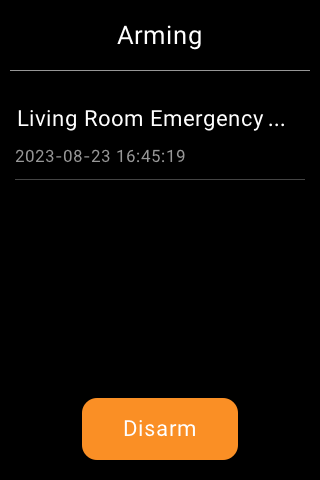
To stop the alarm once you make sure your home and family are safe, tap Disarm and then enter the preset code (By default is 000000). Your system is still armed in the security mode after the alarm is dealt with.
Disable siren and alerts
By default, your device emits a siren and sends a push notification when any sensor is triggered while in the armed mode. You can silence the siren and disable push alerts from the panel.
To silence the alarm, do as the following:
Find the desired security mode, and tap
 .
.
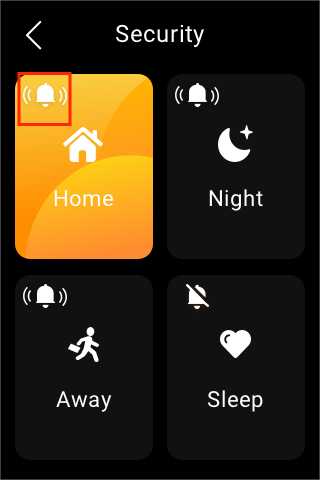
Enter the code which by default is 000000.
The siren feature is disabled when you see the icon turns to
 . Please note that in this case, all panels will not activate a siren and send push alarms.
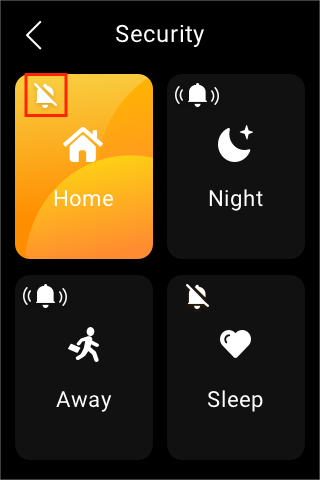
To enable the siren, tap  , and enter the preset code.The icon turns to be
  indicating that the siren function is on.
Forgot arming/disarming code
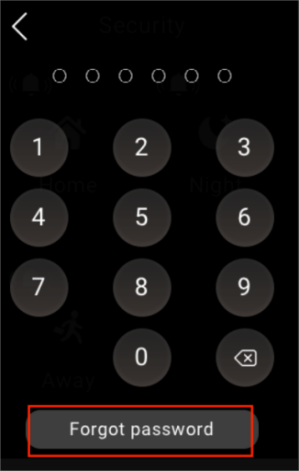
To restore the default password, 000000, tap Forgot Password on the password required screen and follow the onscreen instructions. Two resetting options are provided based on your cloud connection status.
Via reset email
If you’ve registered the administrator account and ensure that the devices are connected to the Internet, a code reset email will be sent to the family’s administrator email address once you tap Forgot Password. Follow the instructions included to restore the default password.
On the user web portal
Visit the user web portal, and click Settings > Change Security Code.