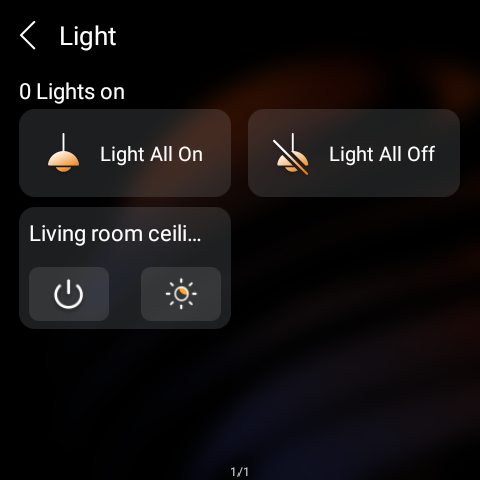
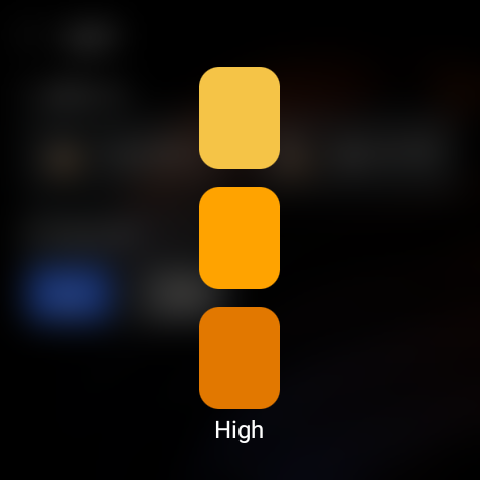
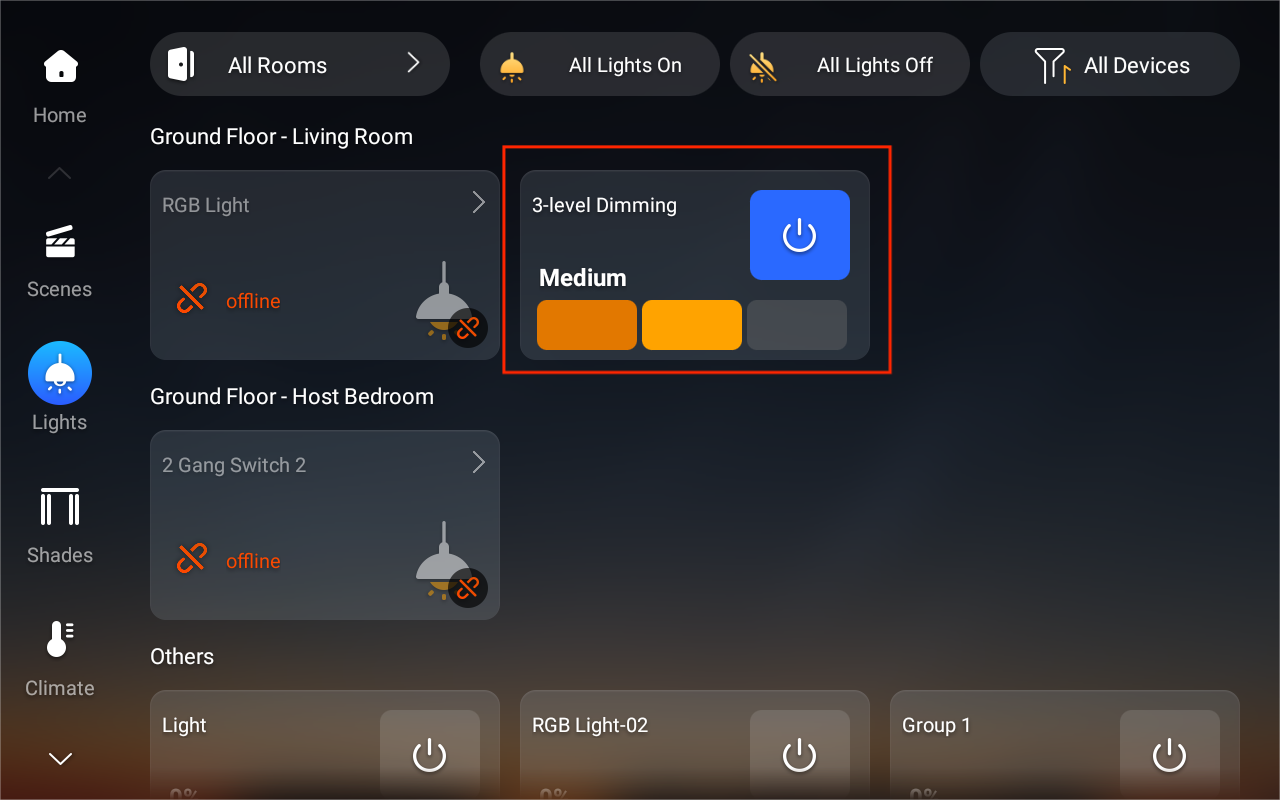
The virtual three-level dimming group lets users control non-dimmable (on/off) lights as if they were dimmable. Lights can be assigned to three levels—low, medium, and high—for unified control and staged brightness effects.
What You Should Know
Supported devices and firmware:
Supported Device | Required Firmware |
HyPanel Pro (PG71) | 71.1.39.44 and later |
HyPanel Ultra (PH81) | 281.1.39.29 and later |
HyPanel Supreme (PHX1) | 1001.1.39.27 and later |
HyPanel (PS51) | 51.1.39.23 and later |
HyPanel V2 (PS51(V2)) | 251.1.39.7 and later |
HyPanel Plus (PS52) | 52.1.39.11 and later |
HyPanel KeyPlus (KS53) | 53.1.39.10 and later |
Supported devices for grouping: Grouping is supported only for lights and relay switches (used to connect traditional lights).
Configuration
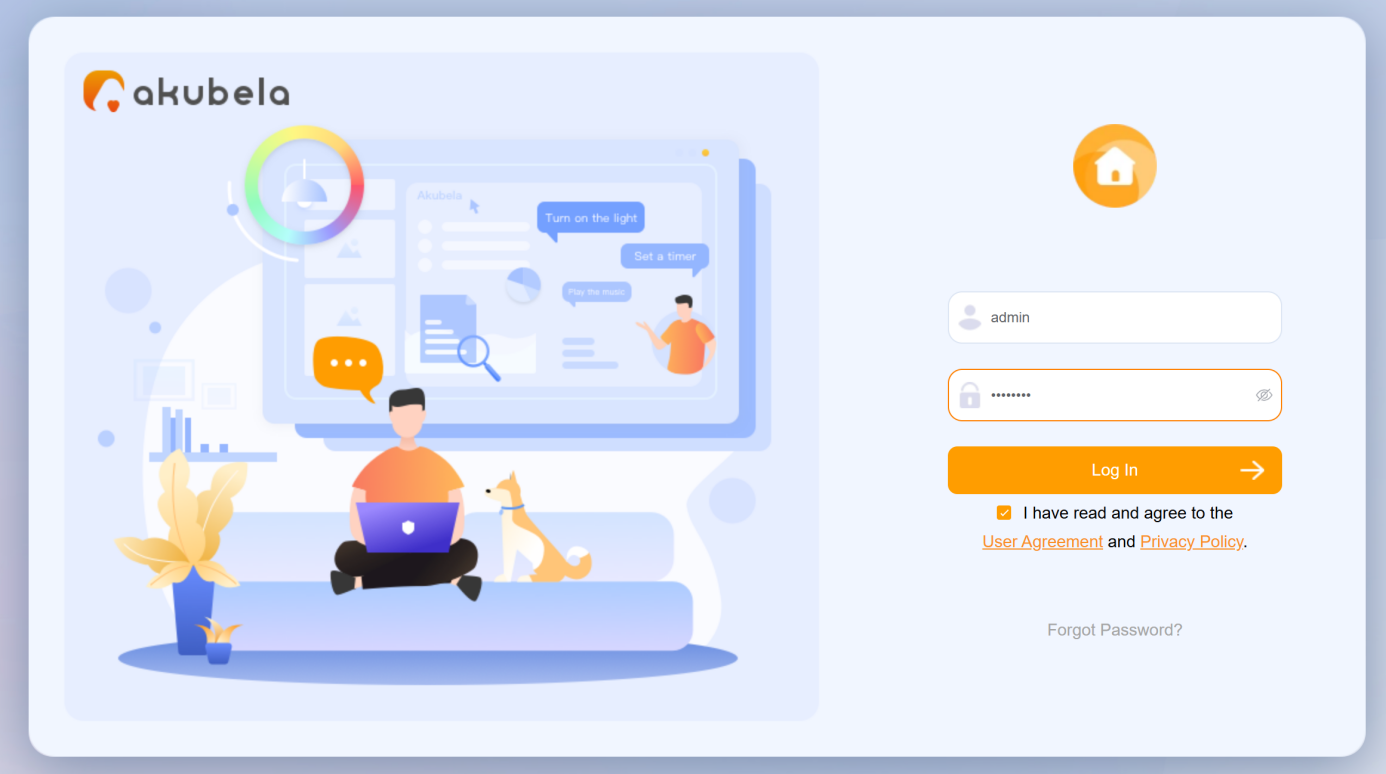
Open a browser, enter the Home Center device’s IP address, and log in using the default credentials (admin/admin).
TIP:
See Check IP Address of akubela Panels and Log into Device Web Portal for detailed instructions.
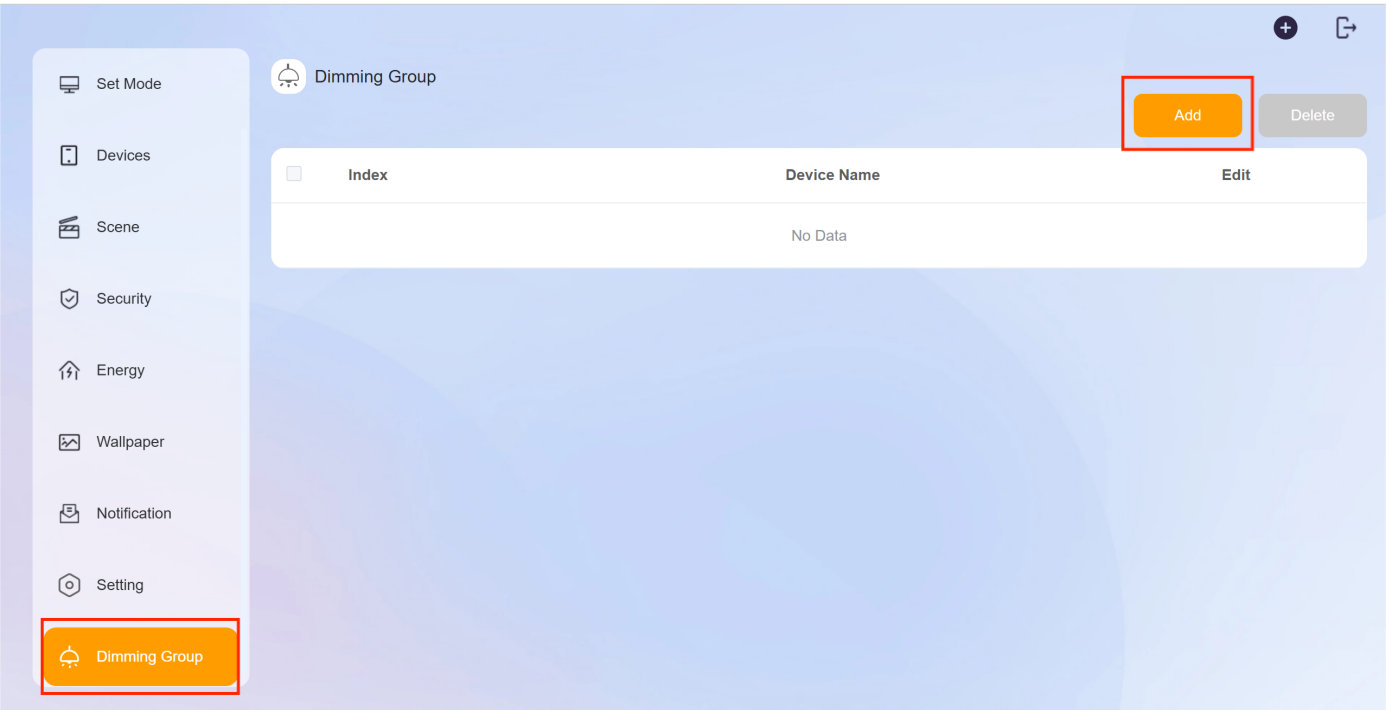
Click Dimming Group > Add.
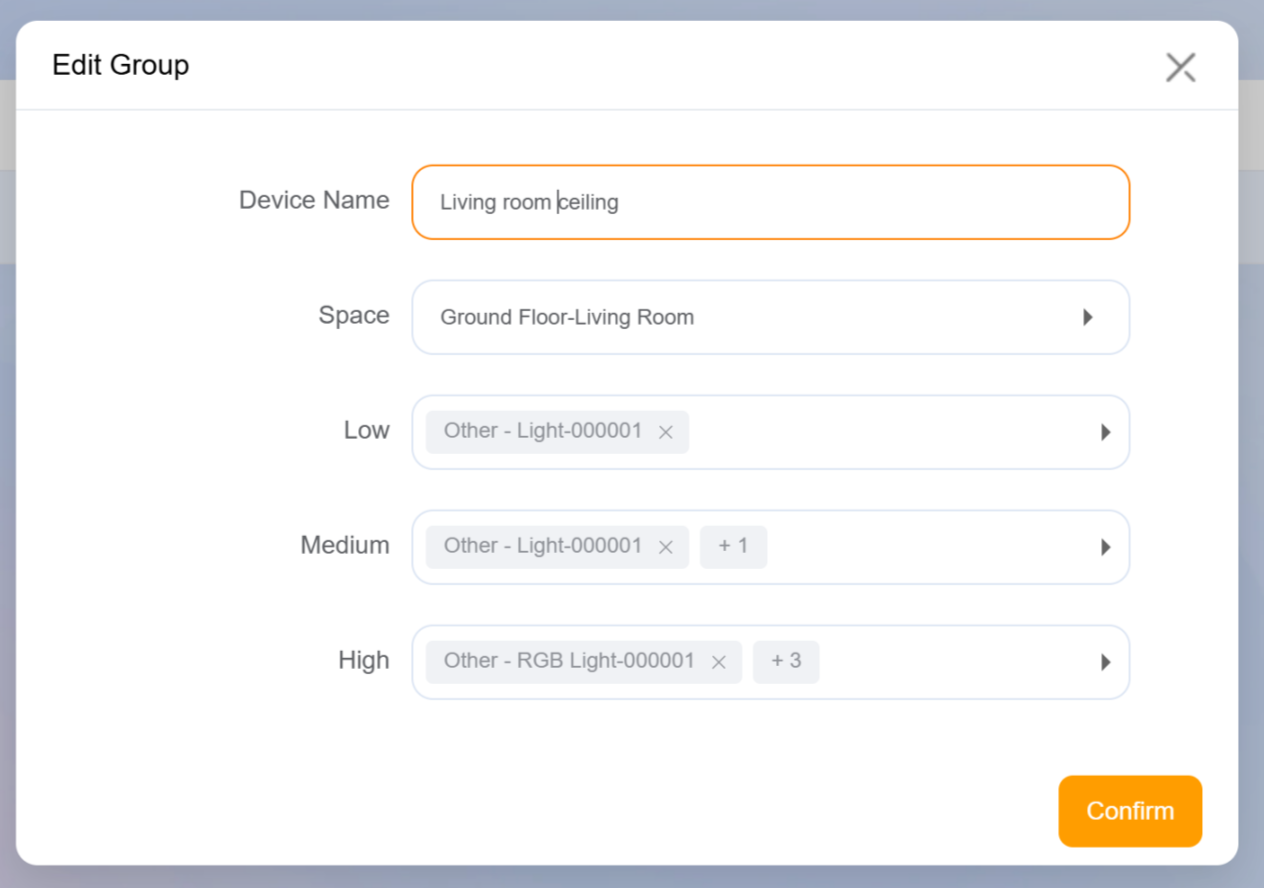
Configure the following settings, then click Confirm.
Name the group.
Select the space where the group will be used.
Assign lights or switches (physically connected to lights) to each level. The number of lights gradually increases from low to high.
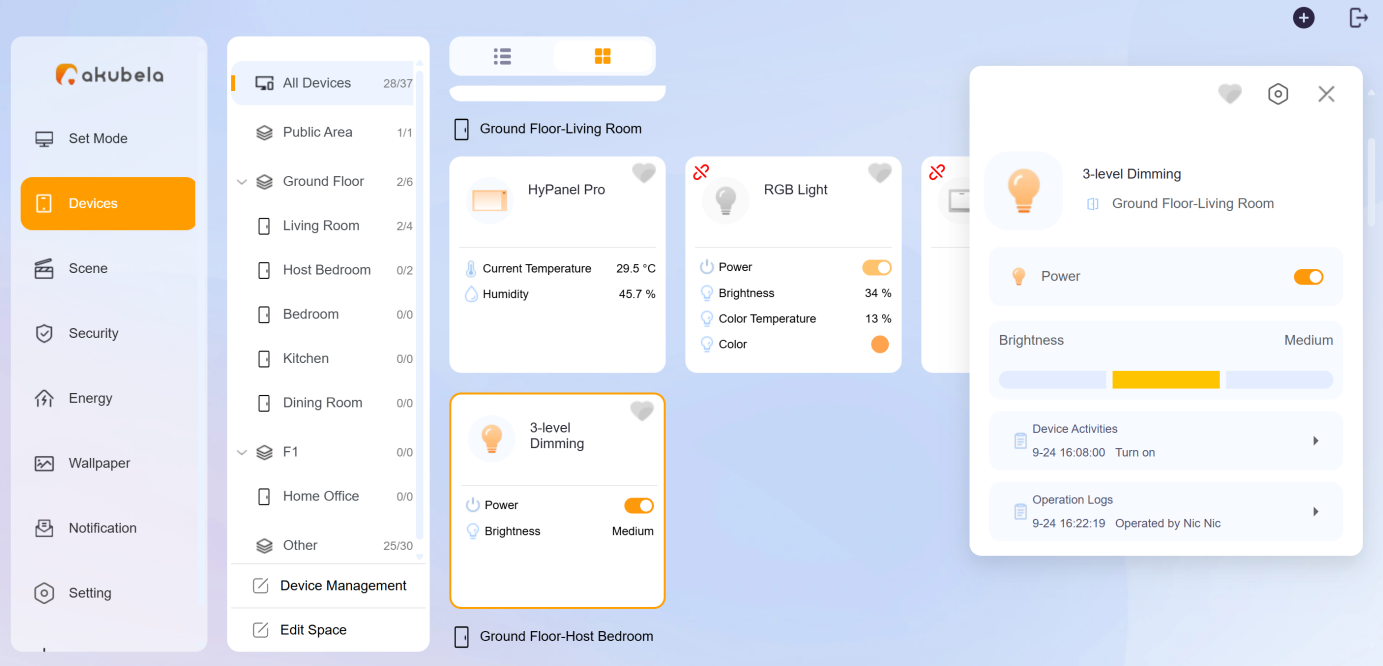
After setup, a virtual dimming device with three-level control is created. The group card will appear in both the device web portal (Devices screen) and the HyPanel devices.
Device web Portal
HyPanel Devices