The device provides various types of ringtones and volume configurations. You can configure them on the device directly or on the web interface.
Set it up on the web Phone > Preference interface.
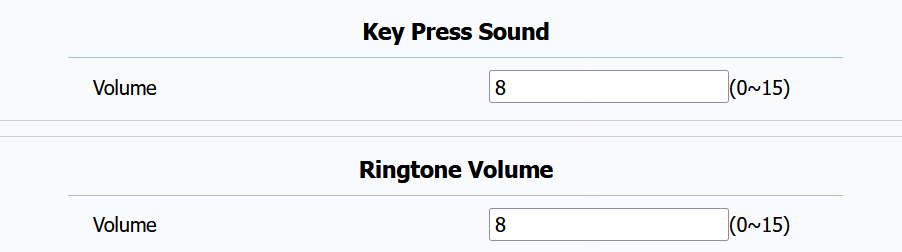
Keypad Press Sound: The volume of pressing keys. The default is 8.
Ringtone Volume: The ringtone for incoming calls. The default is 8.
Configure the tone and talk volumes on the  > Audio Settings screen.
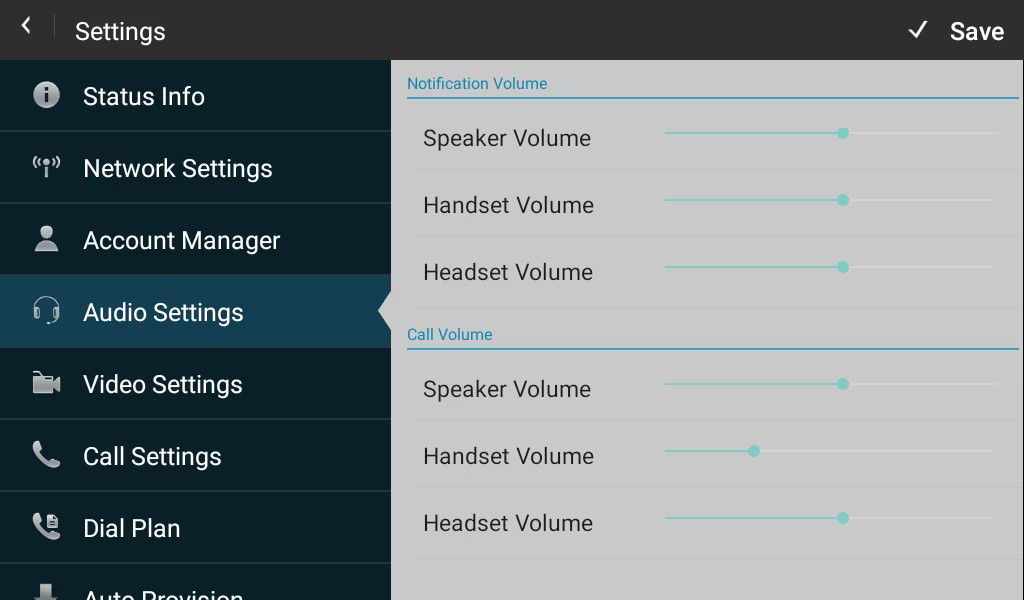
Notification Volume: The volume of the ringtone when there is an incoming call with the device in the speaker, handset, or headset mode.
Call Volume: The volume during talking with the device in the speaker, handset, or headset mode.
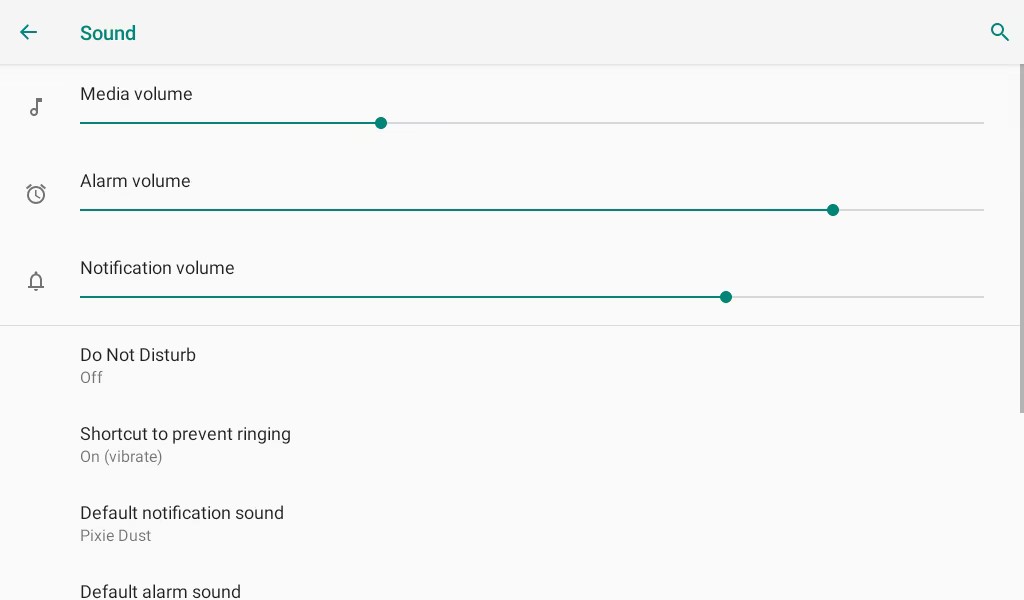
Sound and volume can also be configured on the  > Settings > Sound screen.
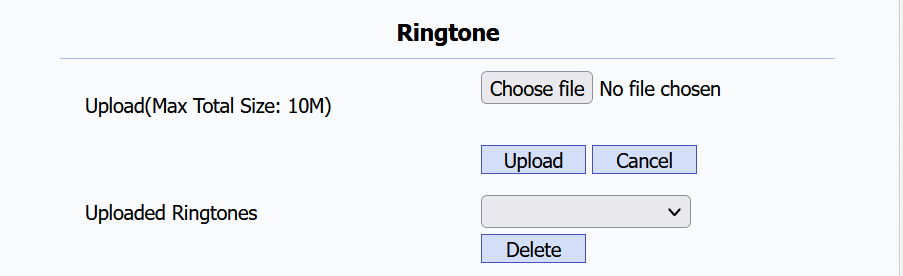
Upload Ringtones
You can upload ringtones on the web Phone > Preference > Ringtone interface.
Upload Emergency Alert Tones
The guard phone can sound an alarm by receiving a request via API from a third-party server.
The request URL format is http://{R49’s IP}/fcgi/do?action=EmergencyAudioVisualAlert&alarm_type={the alarm ID}&DeviceLocation={The device’s location}&LocationName={The location name}.
For example, http://192.168.31.123/fcgi/do?action=EmergencyAudioVisualAlert&alarm_type=1&DeviceLocation=1&LocationName=abc.
Fill in the R49’s IP address, the alarm ID, the device location, and the location name before sending the URL.
You can upload the alert tones on the Security > Basic interface.
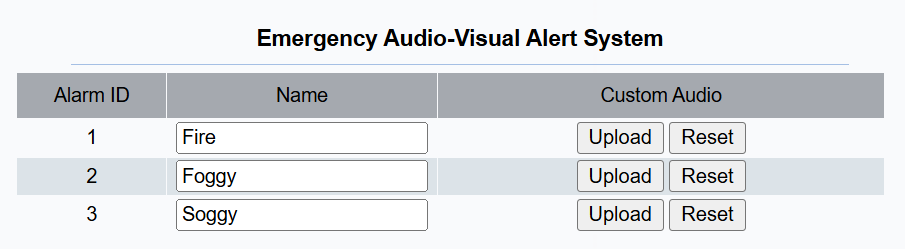
Alarm ID: Used in the HTTP URL, indicating the alarm type.
Name: The alarm name.
Upload: File format: WAV; Size: <200KB; Sample rate: 16000; Bit Depth: 16.