The integration of the TTLock smart lock with SmartPlus enhances home security and access control. You can securely unlock the lock remotely using the SmartPlus App and various access methods.
Note
The SmartPlus App version should be 7.10.0008(Android)/7.10.9(iOS) or higher.
Support all lock models.
Currently, SmartPlus Ucloud(American Cloud) does not support the integration.
Support for Lion Head Locks
Lion Head smart locks are supported through the existing TTLock integration. When adding or configuring a Lion Head lock, please select TTLock as the lock brand.
Add the Lock
Tap Me > Device Management > Third-party Devices.
Tap
 in the upper right corner.
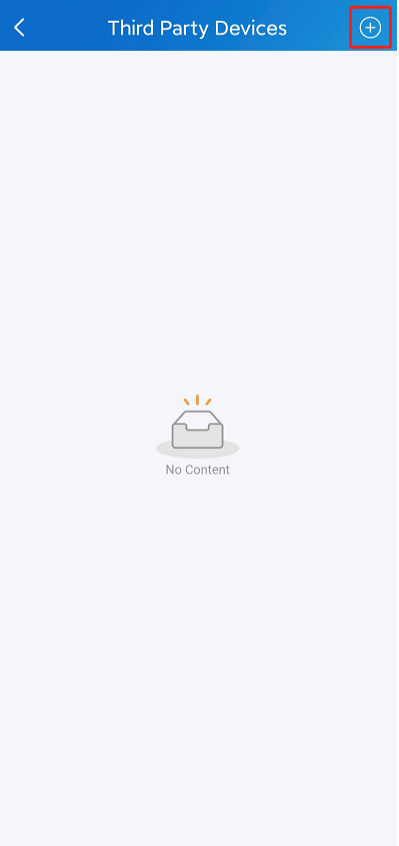
Scroll to the bottom and select TTLock.
Enter the username and password of your TTLock account. Please note that ONLY a family master account can bind the TTLock account.
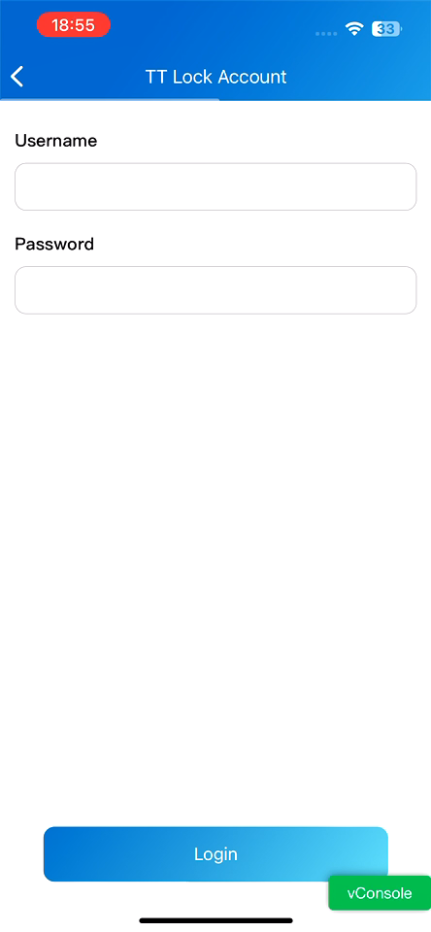
Tap Login, and the lock(s) under the account will display.
Set up the Lock
After adding the lock, it will be displayed on the homepage of the SmartPlus App and the Third Party Devices list.
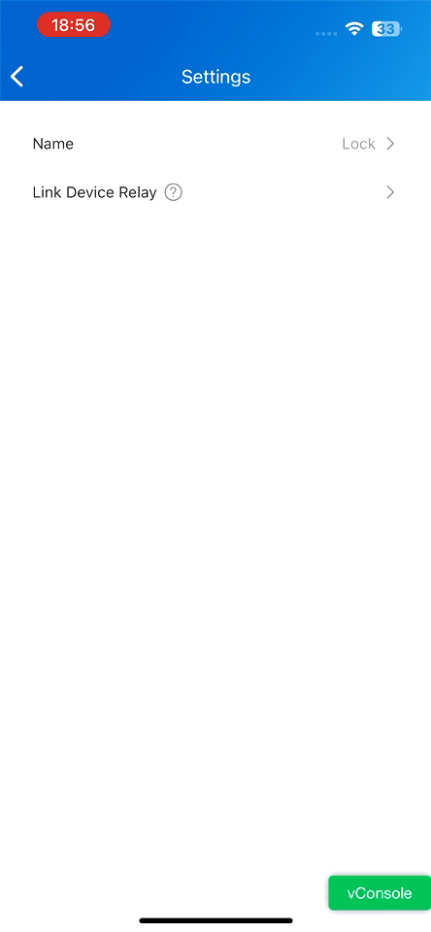
Tap Me > Device Management > Third Party Devices > TTLock > [The Lock Name].
You can:
change the lock name with 50 characters at a maximum;
link it to a relay of a door phone;
remove all locks by tapping Unbind TT Account.
Note
Whether the lock is linked to relays determines how the lock is unlocked.
See the Unlock the Lock section for details.
.png)
Unlock the Lock
The Lock Is not Linked
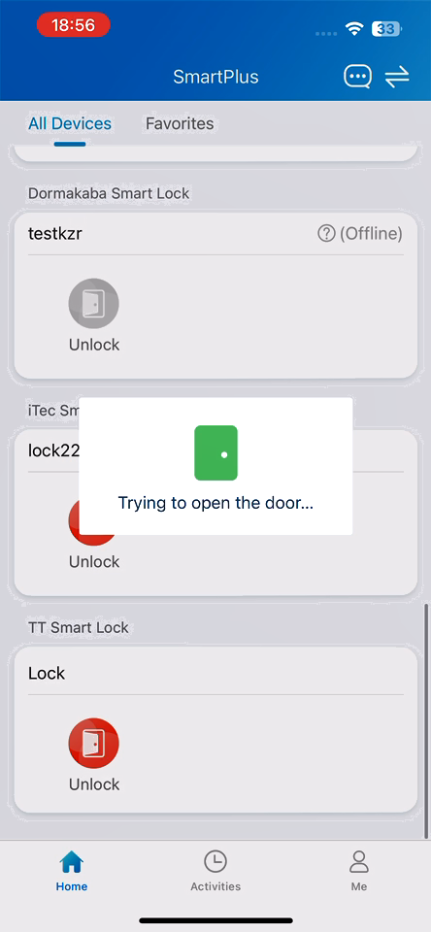
When the lock is not linked to a relay, it will display on the homepage.
You can directly tap Unlock to open it.
The Lock is Linked
After a TTLock smart lock is linked to a door phone relay, it is no longer operated independently within SmartPlus.
Instead, the door phone becomes the access control device. Any successful unlock action on the door phone triggers the configured relay, which simultaneously unlocks the linked TTLock smart lock.
Note
You can ONLY link the lock to the relays of the door phone that is installed at your apartment door if you are a community resident.
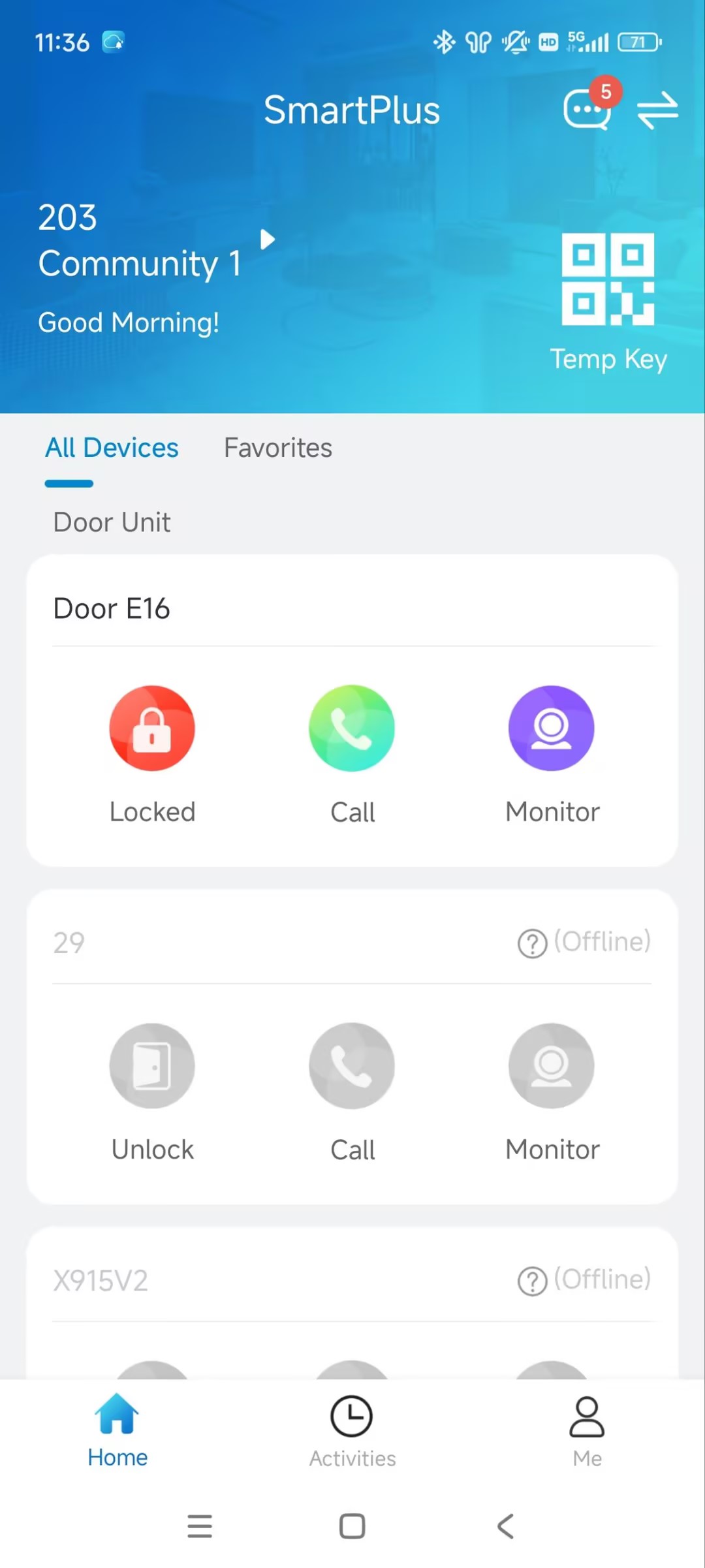
Unlock on the SmartPlus Homepage
You can tap  to open the door phone’s relay. At the same time, the lock is unlocked.
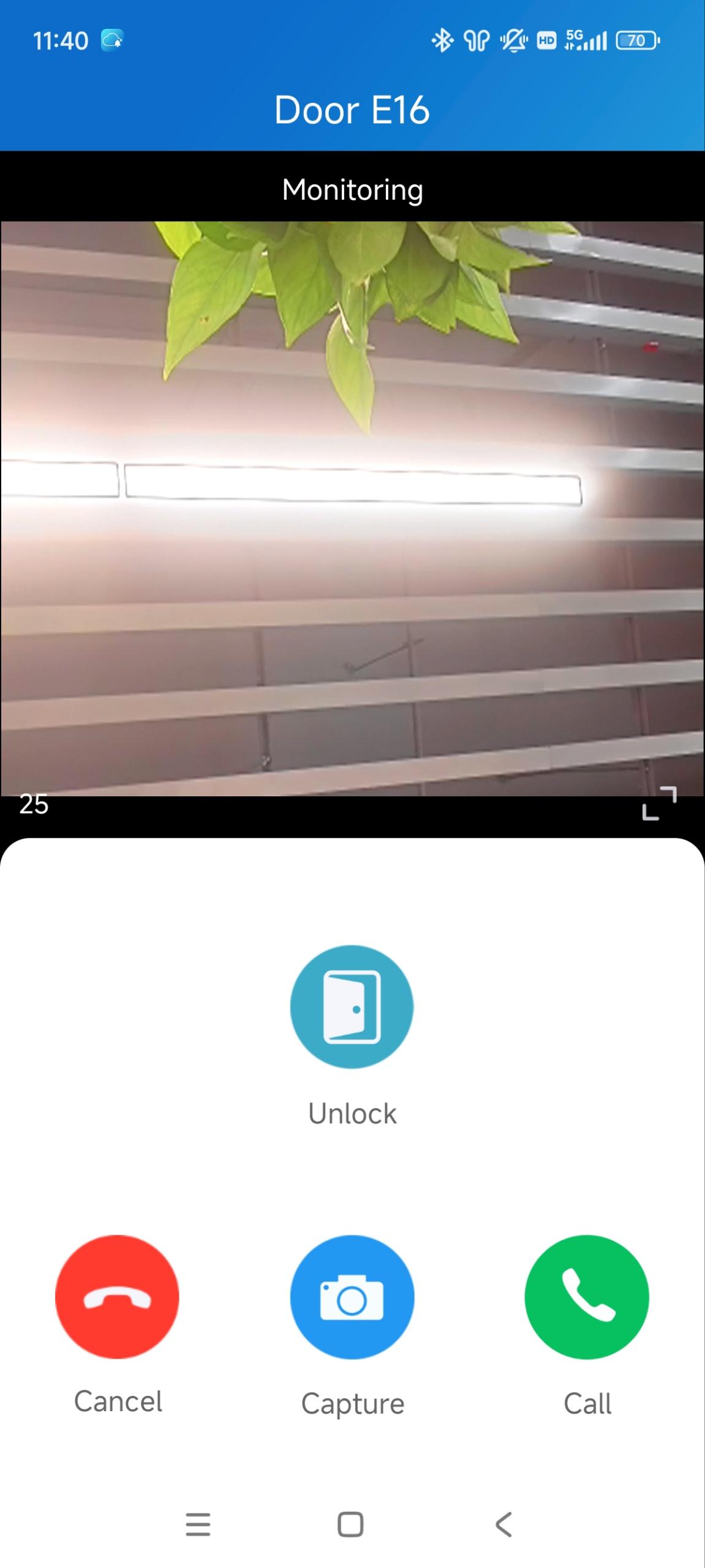
Unlock on the Calling and Monitoring Page
Tap Unlock on the Calling and Monitoring page to unlock the lock.
Unlock the Linked TTLock via the Door Phone
Once the lock is linked to a door phone relay, the lock can be unlocked through the door phone. The door phone authenticates the user using its supported access methods and then unlocks the linked TTLock smart lock.
Please click the following links to view how to set up specific access methods:
Note
Facial recognition, PIN, NFC, Bluetooth, or card authentication are performed by the door phone, not by the TTLock smart lock.
The access methods supported by the device vary by model. For example, some models do not support opening doors via Bluetooth.
If you want to learn what access methods are supported by your device, please contact your service provider.