If the BelaHome app encounters any issues, the service provider or technical support may request logs for further analysis.
Note
akubela devices must be connected to the cloud, and the app account cannot be a local temporary account.
Steps
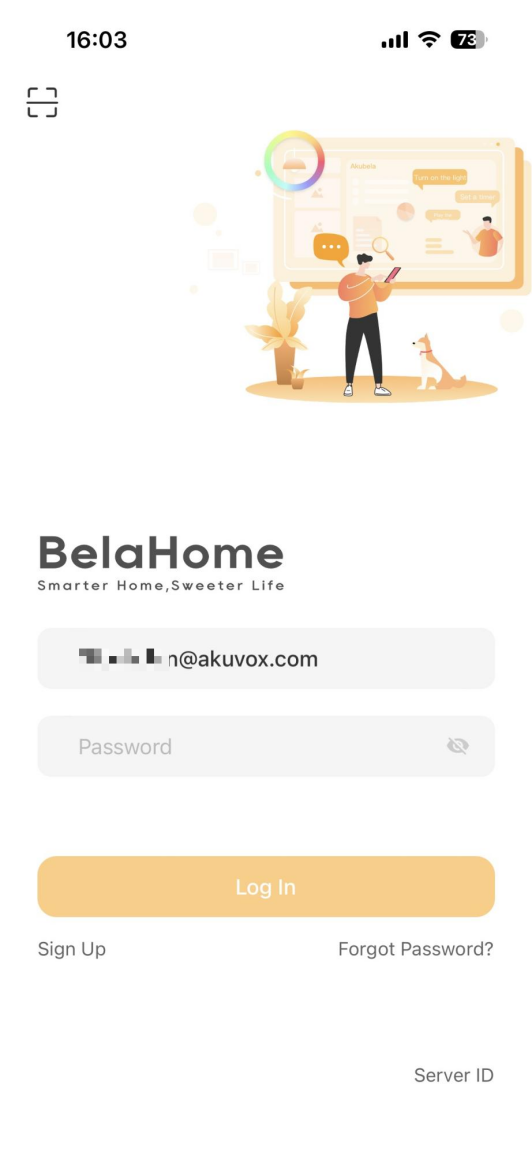
Log into the BelaHome app using one of the following methods:
Enter your username (email address) and password.
Scan the login QR code provided in the “Welcome to akubela” email.
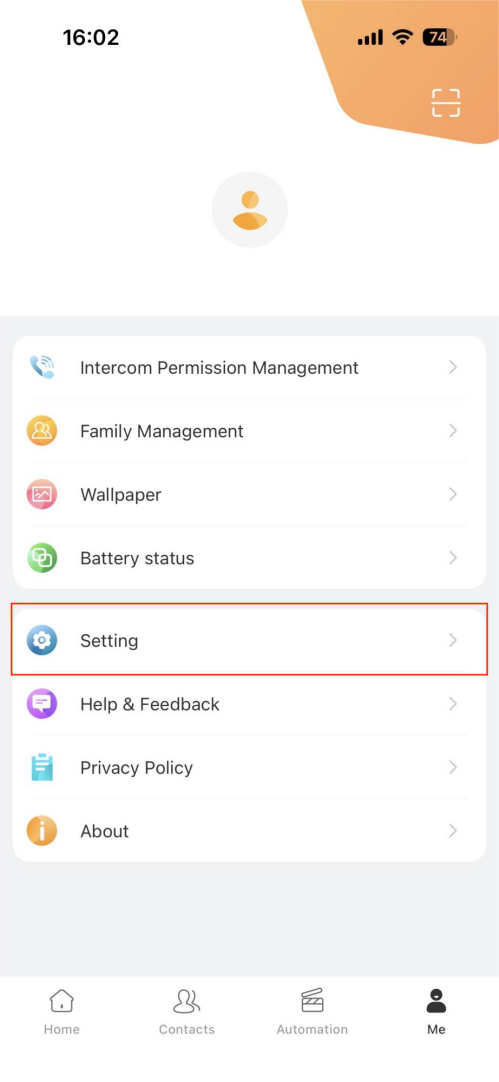
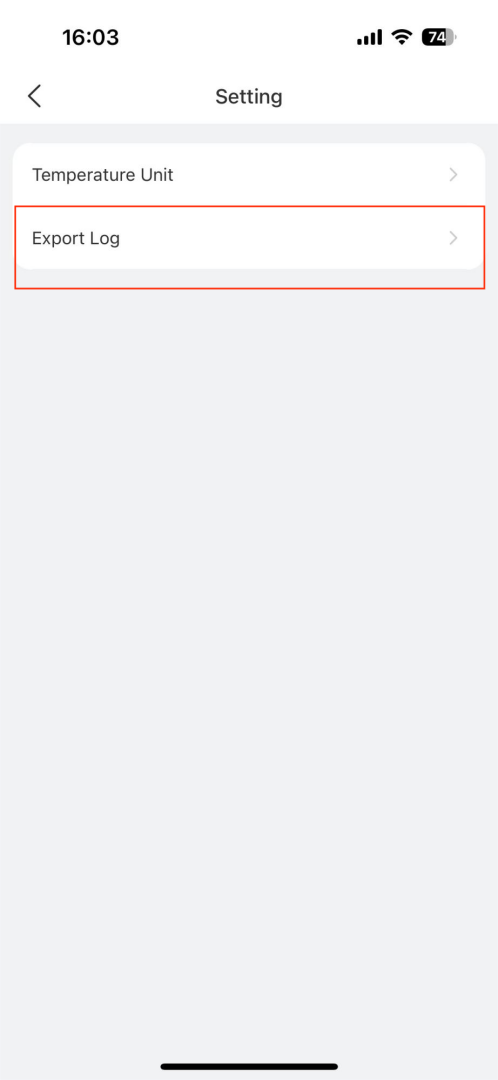
Go to Me > Settings > Export Log.
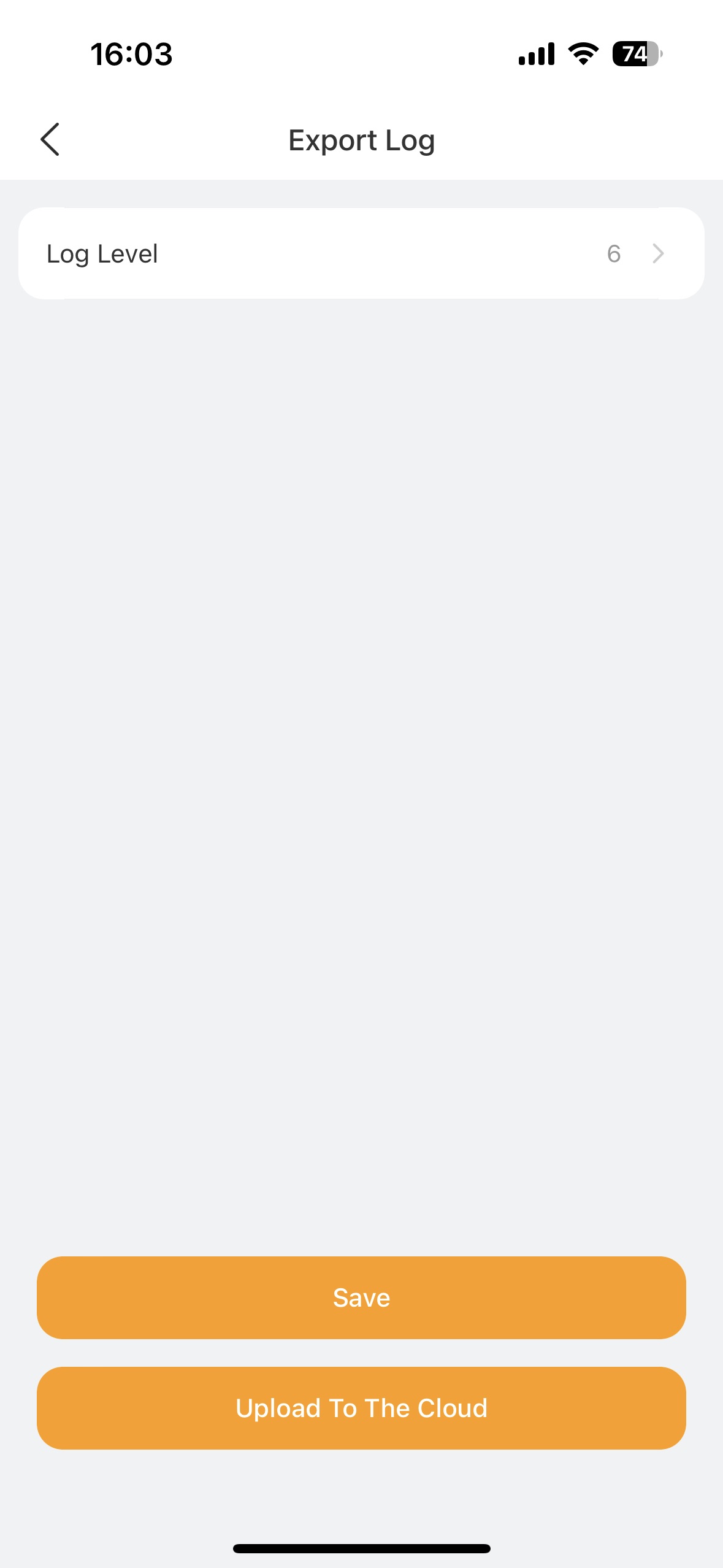
Modify the log level to the technical support or the service provider asks. The higher the level, the more detailed the logs.
Reproduce the issue. Perform the actions that lead to the issue or malfunction to ensure the logs capture relevant information.
Tap Upload to The Cloud.
The log will be uploaded to the akubela Cloud for further analysis.