Volume and tone configuration include keypad volume, prompt volume, tamper alarm volume, and open-door tone configuration.
To set it up, go to Device > Audio > Volume Control interface.
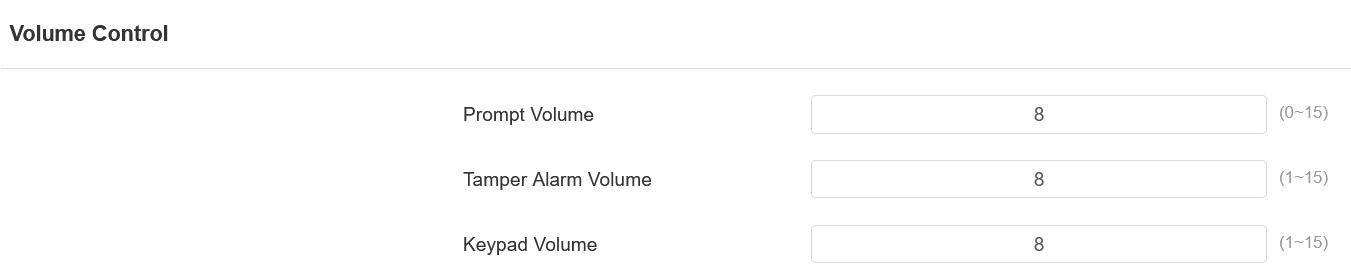
Prompt Volume: Set the voice prompt volume. The default volume is 8.
Tamper Alarm Volume: Set the volume when the tamper alarm is triggered. The default volume is 8.
Keypad Volume: Set the volume when pressing the keypad. The default volume is 8.
Voice Prompts Upload
You can customize and upload various voice prompts to the device.
To set it up, go to Device > Audio > Voice Prompt Setting interface.
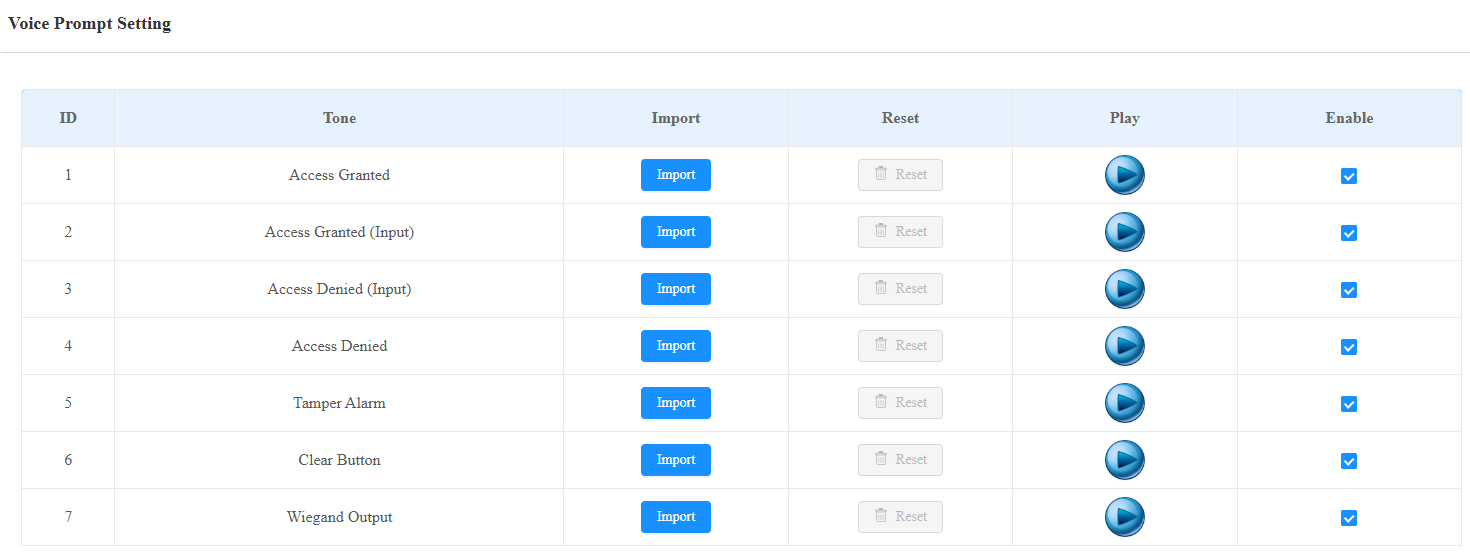
Clear Button: The prompt is played when users press
 button.
Wiegand Output: The prompt is played when the QR code scanned or PIN code entered is output via Wiegand.
Note
File Format: WAV; Size: < 200KB; Sample Rate: 16000; Bits: 16.