The icons shown in the status bar at the top left of the Akuvox device screen provide information about its status.
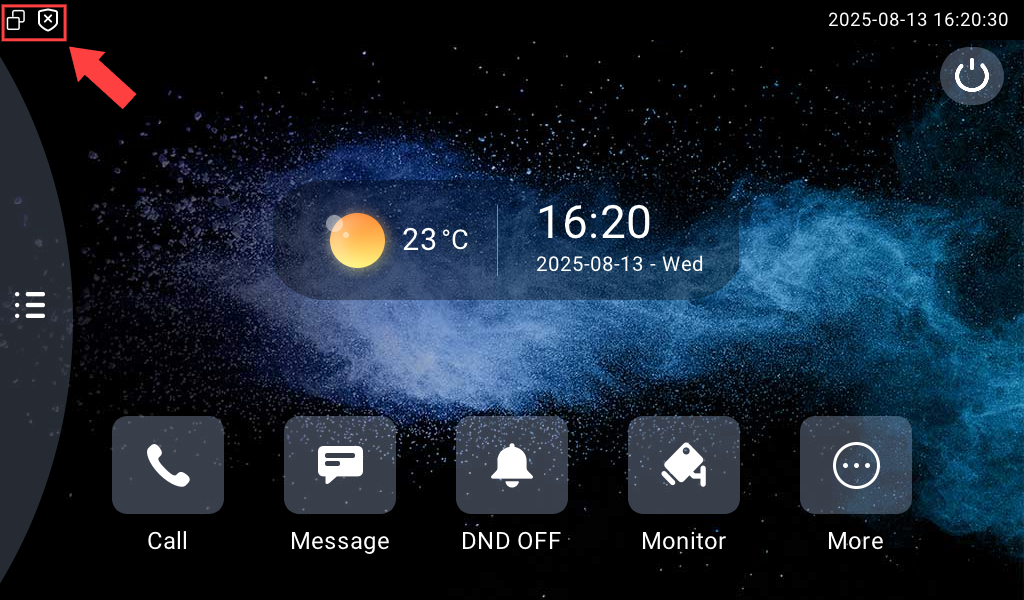
The icons displayed may vary by model. The following are some of the most common icons.
Indoor Monitors
Network Status
Ethernet connection |
No Ethernet connection |
Wi-Fi connection |
No Wi-Fi connection |
|




 Hotspot enabled
Arming Status
Disarmed |
Armed |


Other Icons
DND enabled |
Ringtone muted |
Missed call |



Door Phones
|
|
|
Failed SIP account registration |
 LTE connection
  Location