MR03 can pair with the Akuvox EP10 remote controller, working at 433MHz or 869MHz frequency bands for emergency calling.
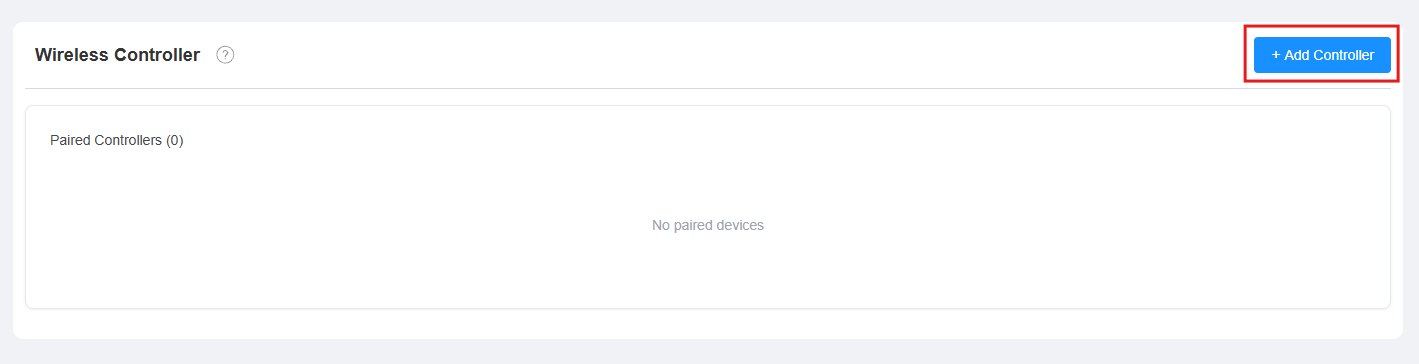
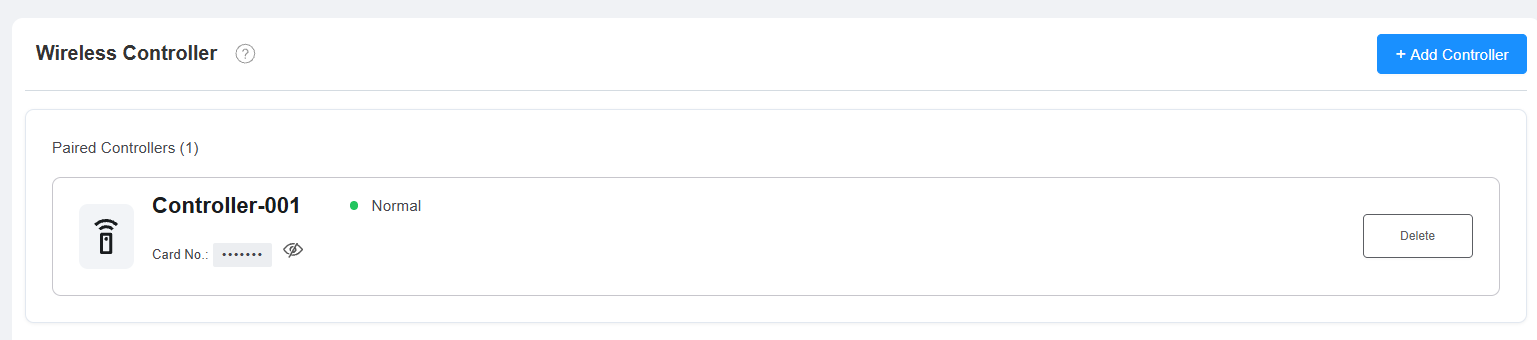
Set it up on the Device > Wireless Controller interface. Each paired controller is listed with its name, status, and card number.
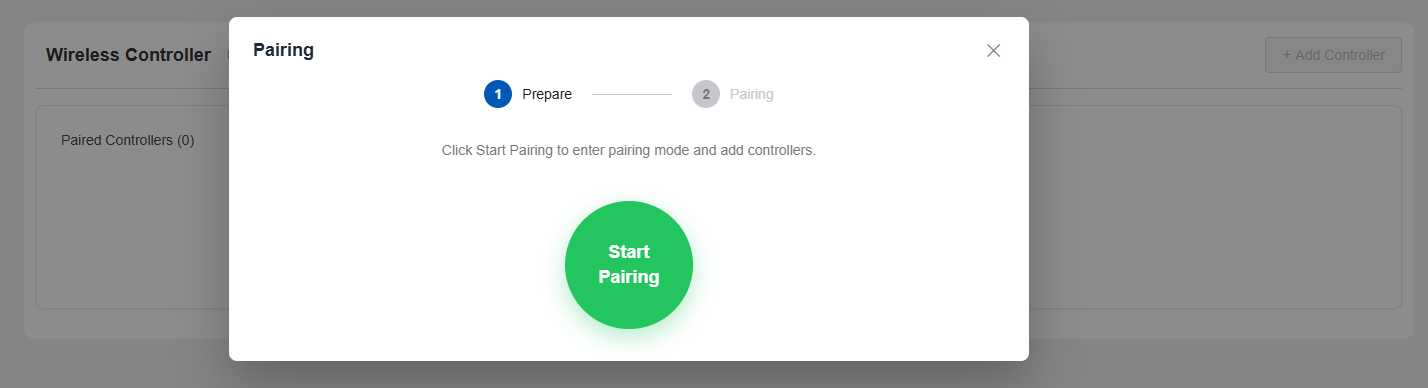
Click +Add Controller. Then click Start Pairing — the MR03 begins searching for controllers with a 30-second countdown.
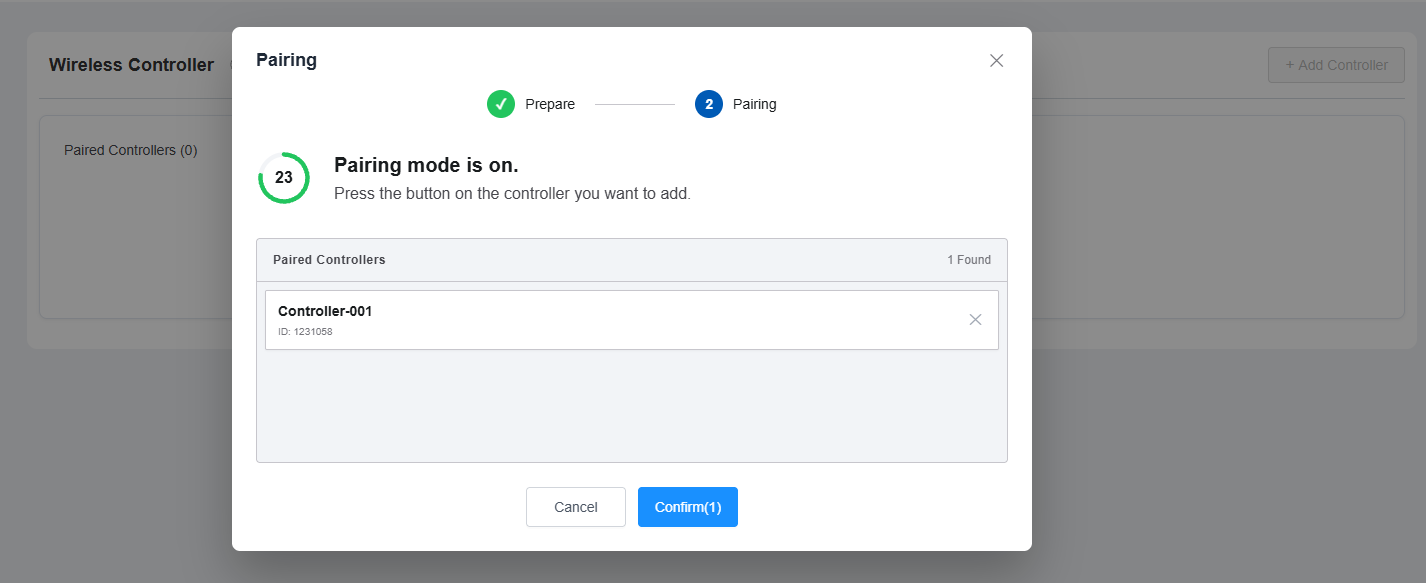
Press the button on each controller you want to add; detected controllers appear in the results list.
Click Confirm to add it.
Note
See the Configure MR03 to Make Emergency Calls with EP10 guide for details.
Emergency call alarms triggered by EP10 only play the alarm sound and do not control the LED light.