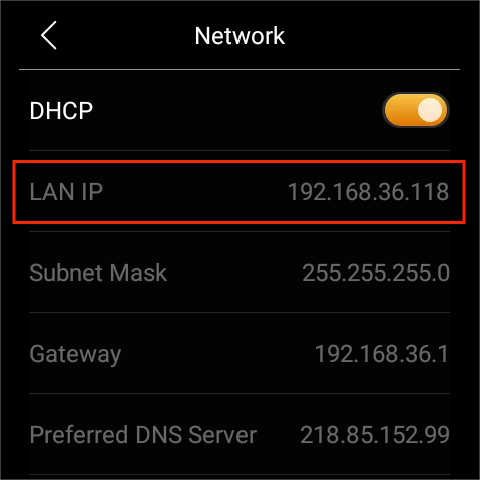
You can find the IP address of any akubela panel, regardless of its firmware version, by following the steps below.
View Both Wi-Fi and Wired Network IP Addresses
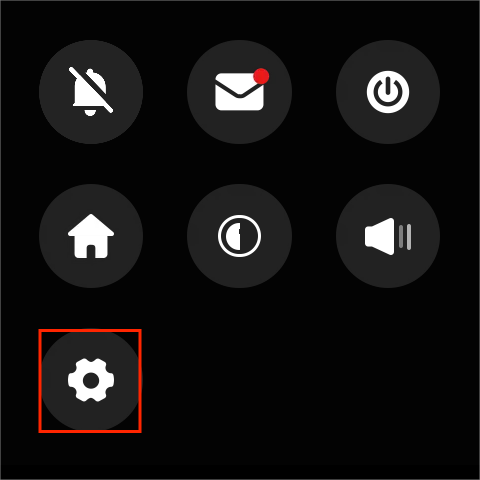
Swipe down from the top of any screen, and tap
 .
.
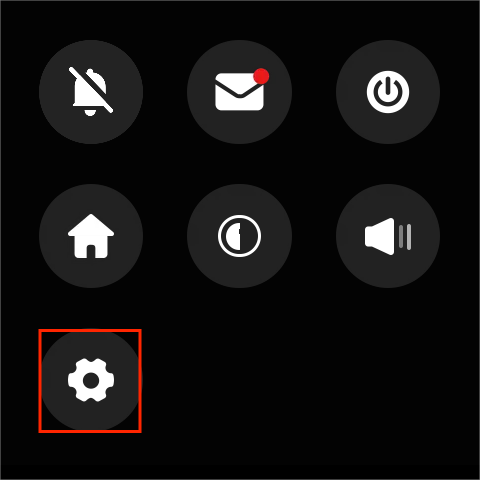
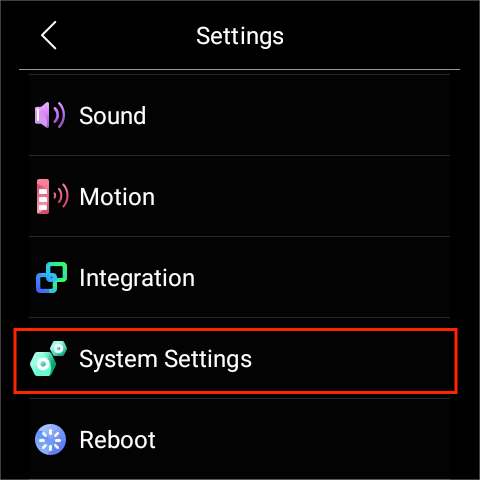
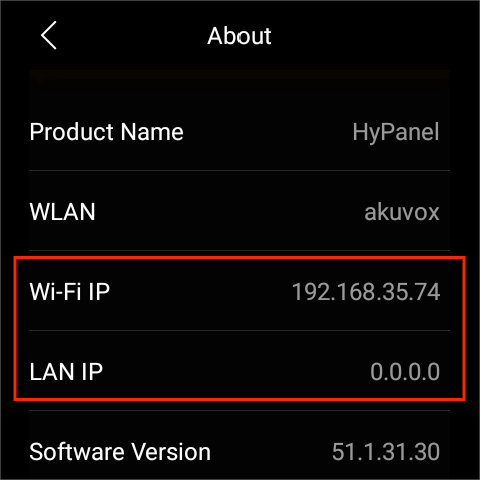
Go to System Settings > About.
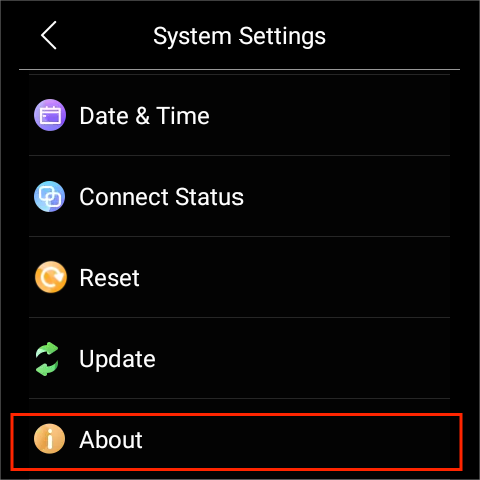
Scroll down to view the IP address.
/
View Wi-Fi Address
On small-screen panels
Swipe down from the top of any screen, and tap
 .
.
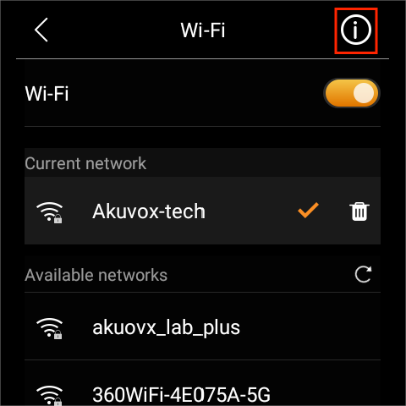
Select Wi-Fi.
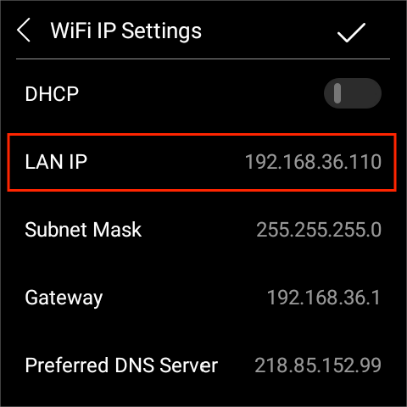
Tap
 at the upper right corner.
On large-screen panels
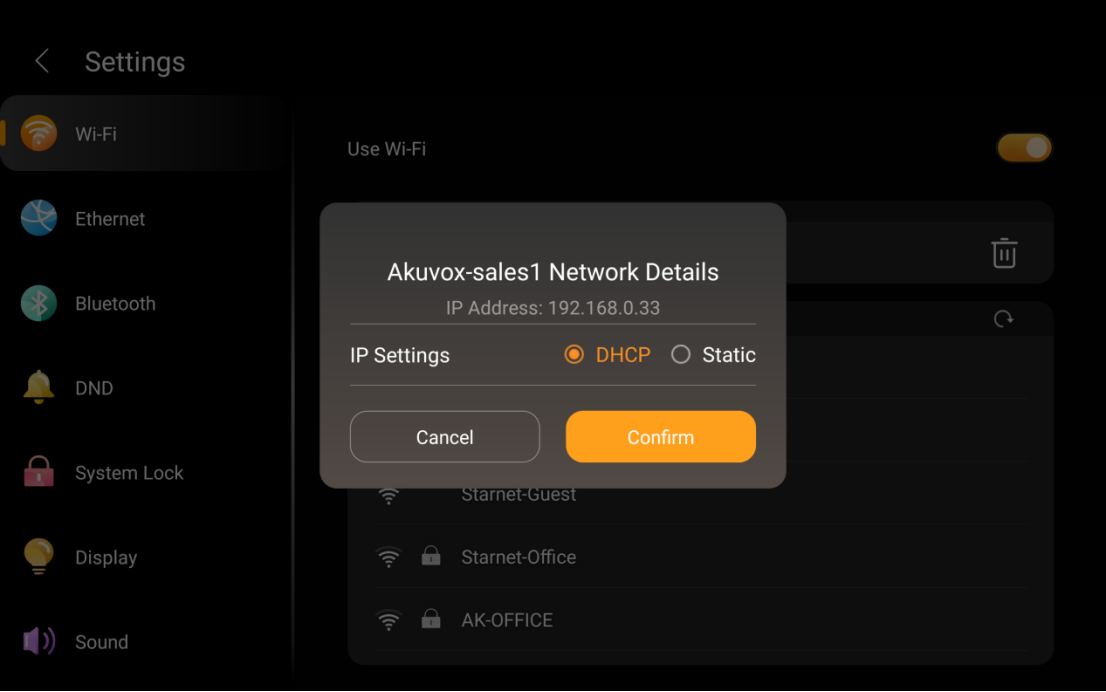
1. Swipe down from the top of any screen, and tap  > Wi-Fi.
2. Tap the connected Wi-Fi network name to view its IP address.
View Wired Network Address
If the device is connected to a wired network, you can view its IP address directly on the Ethernet screen.
Swipe down from the top of any screen, and tap
 .
.
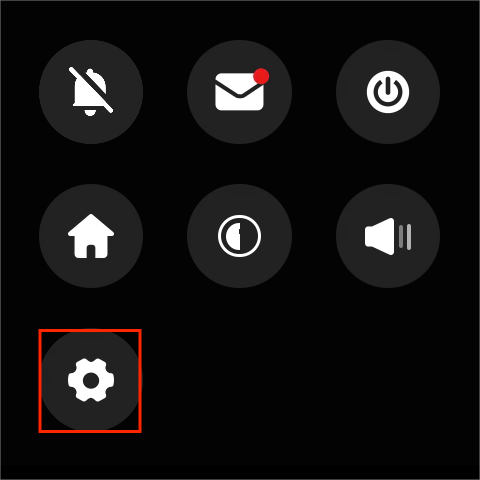
Select Ethernet. The IP address displays.