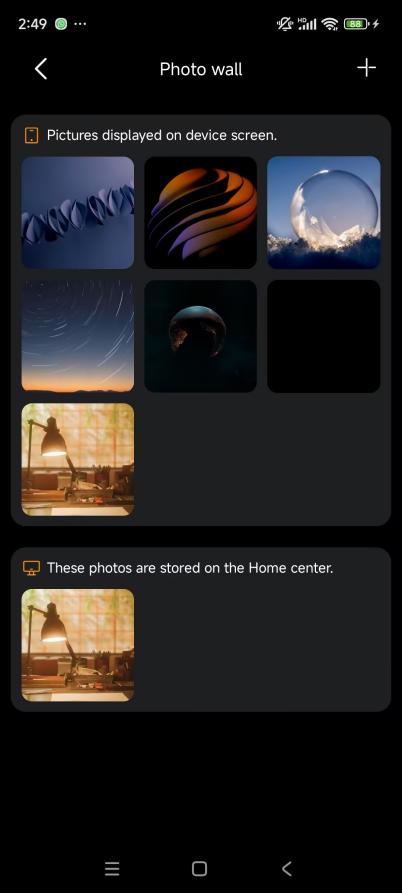
BelaHome helps you stay connected with your family through calls, messaging, and shared visual experiences like the photo wall.
Make Calls
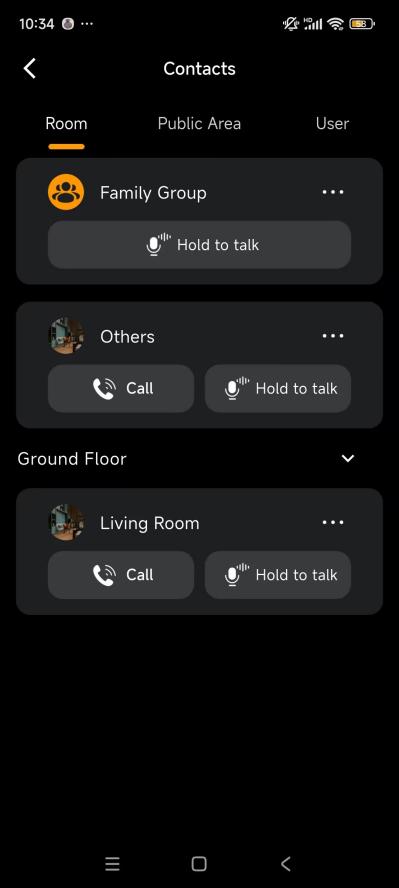
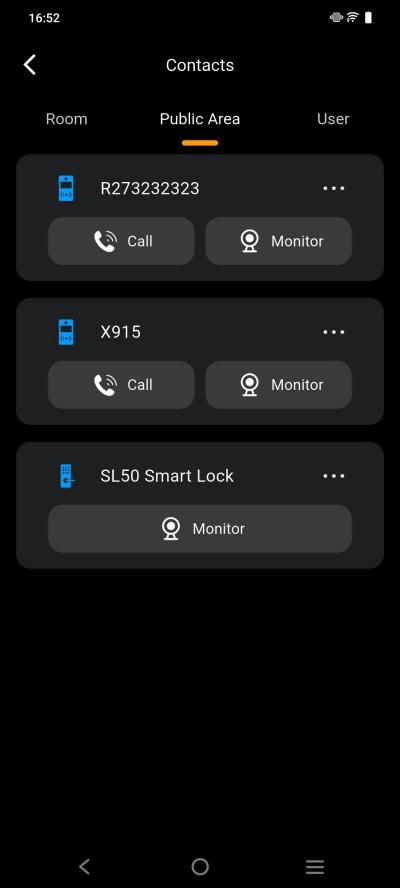
You can quickly call family members, devices, or specific rooms.
On the Home screen, tap
 in the upper right corner.
Do any of the following:
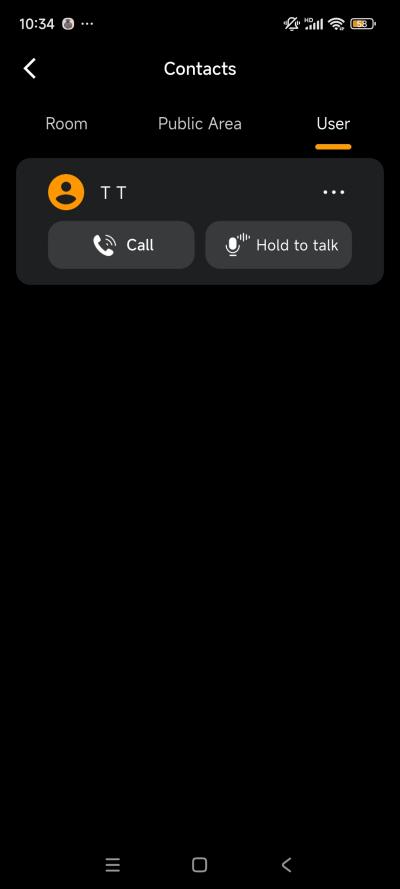
Room: Call all members and panels in the home or a specific room.
Public Area: Call a public intercom device or smart lock.
User: Call an individual member.
Send Voice Messages
You can send voice messages to online devices and family members.
On the Home screen, tap
 in the upper right corner..
Select a contact, and tap and hold
 button to start recording.
TIP:
Each voice message must be within 30 seconds.
To cancel, slide your finger away before releasing.
Release your finger to send the message.
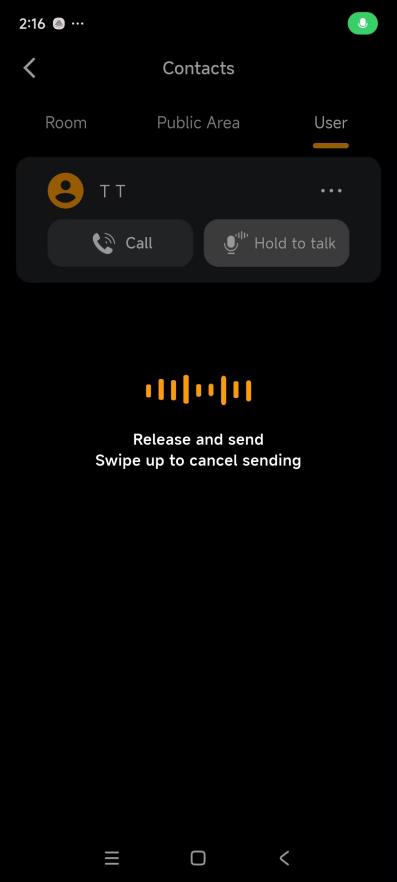
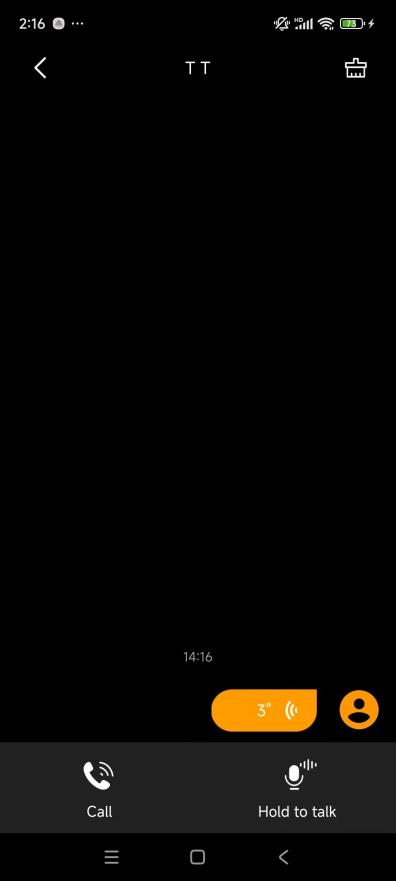
Photo Wall
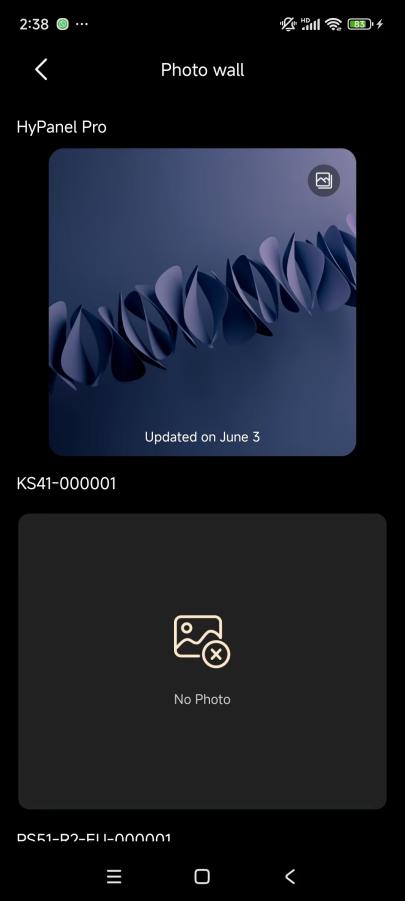
Transform your HyPanel into a dynamic digital frame to share your favorite moments.
NOTE:
This feature is not available if your home only uses HyPanel Lite devices.
Add Photos
Tap Me > Wallpaper.
Select the target panel.
Tap
 at the upper right.
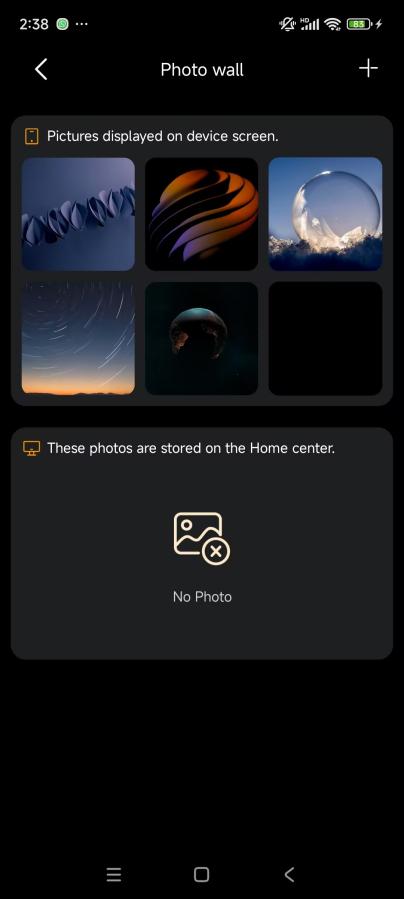
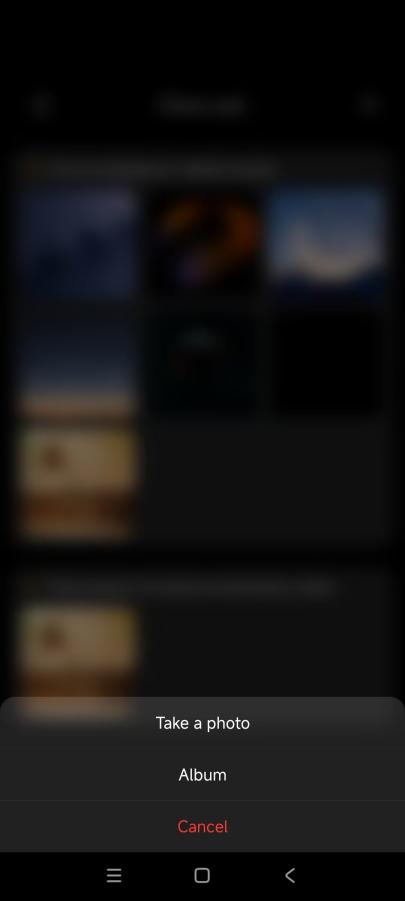
Take a photo or select one from your album.
TIP:
Enable the screen saver on the panel and set it to Photo Wall style to display images.
Share Photos Across Panels
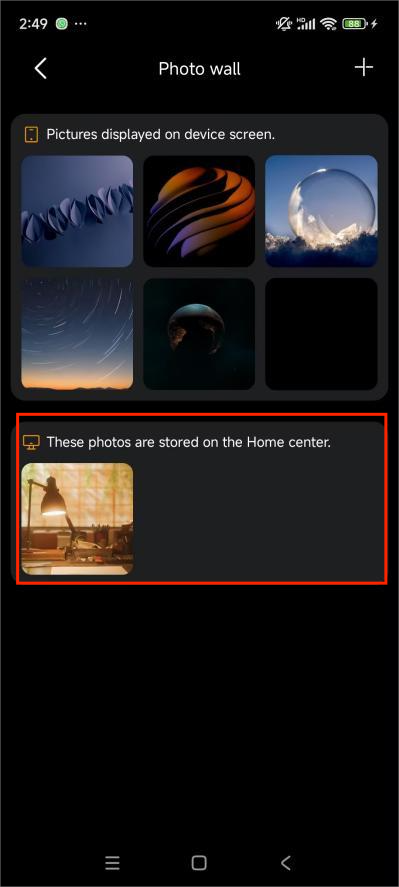
Photos uploaded to the Home Center can be shared with other panels.
NOTE:
Available only when the system is connected to the cloud.
Tap Me > Wallpaper.
Select the target panel.
Choose photos stored on the Home Center.
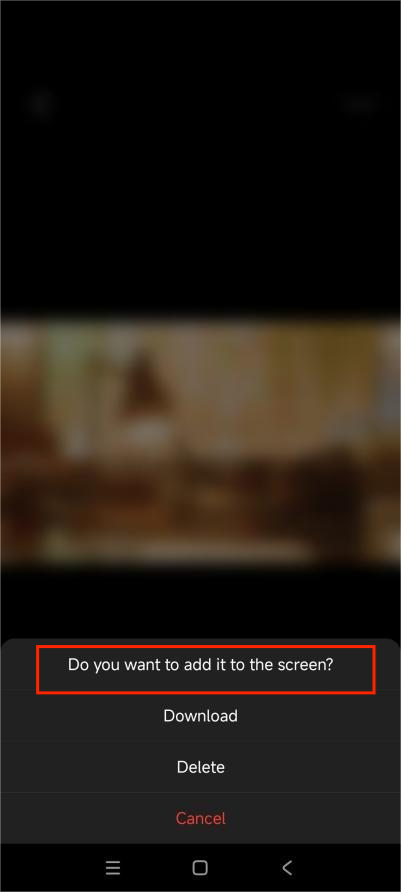
On the followed screen, tap
 > Do you want to add it to the screen.
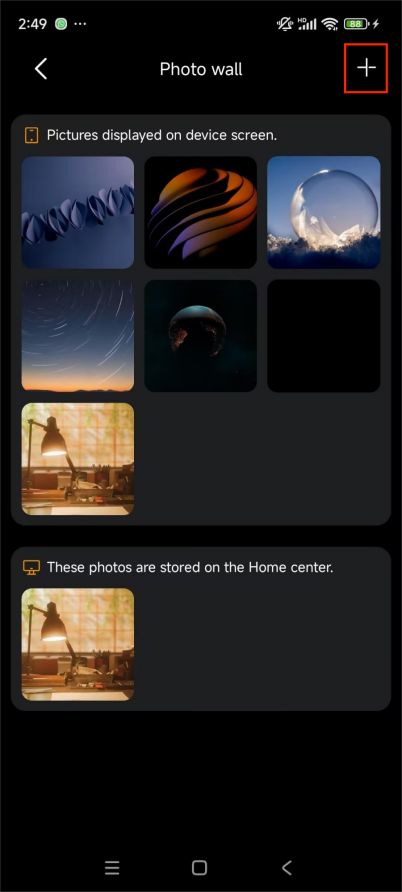
NOTE:
Only compatible image sizes will be displayed on the “These photos are stored on the Home Center” field.
Ensure the screen saver is enabled and set to Photo Wall.
Vertical panels automatically adjust cropping.
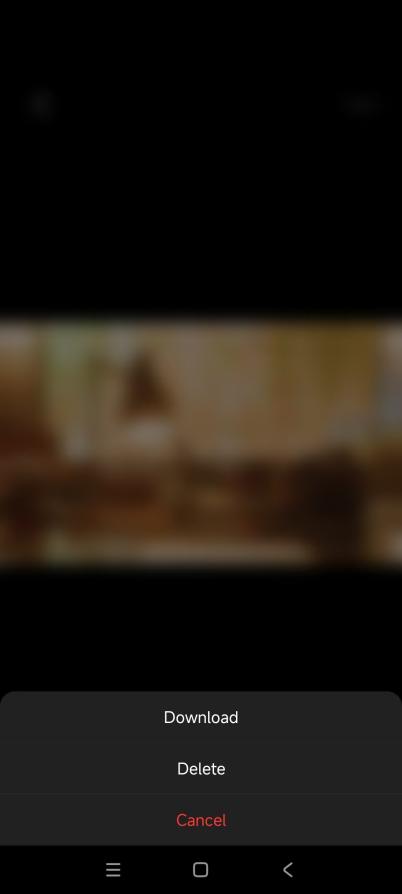
Delete Photos
You can remove photos from a panel or the Home Center. Deleting a photo from one panel does not remove it from other panels or the Home Center.
Tap Me > Wallpaper.
Select the target panel.
Choose the photo.
On the followed screen, tap
 > Delete.