Installation codes allow for direct connections between devices and the akubela Cloud. To obtain these codes, you must first create a project on the Cloud.
TIP:
Obtain Installation Codes
For a single-tenant project, go to Project > Single-tenant > Detail > Install.
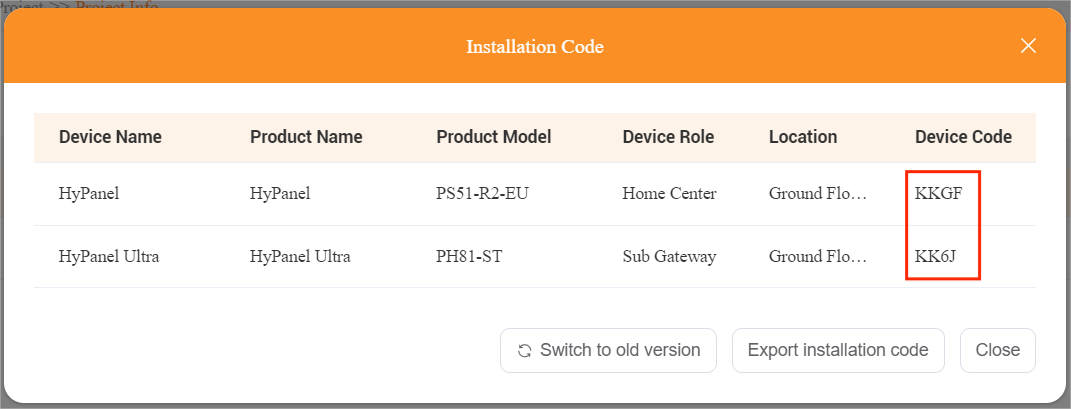
For a compound project, go to Project > Community > Detail > Install. The needed codes are marked in the picture below.
Additionally, you can do any of the following to suit your needs:
Click
 to revert to the previous codes that match earlier device firmware versions.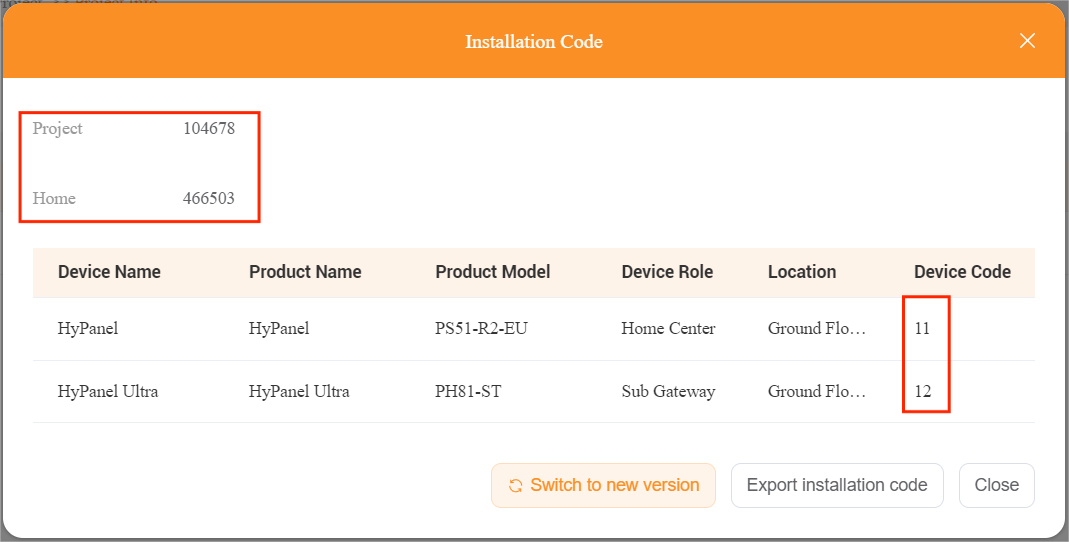
Click
 to download an EXCEL file containing all installation codes of the project.

Connect Home to the Cloud
We’ll be using HyPanel with firmware version 51.1.31.30 as the reference. The UIs and steps may vary depending on the devices and their versions.
Power on the panel.
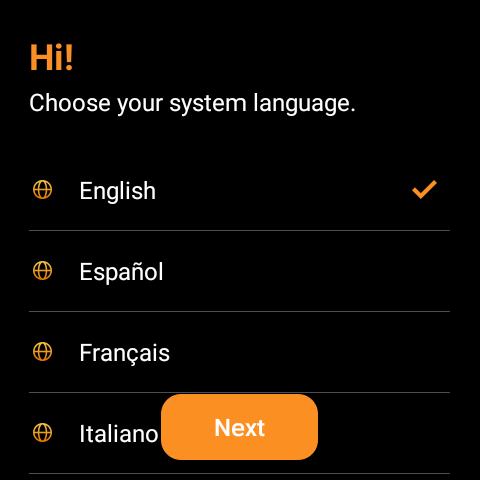
Select the system language.
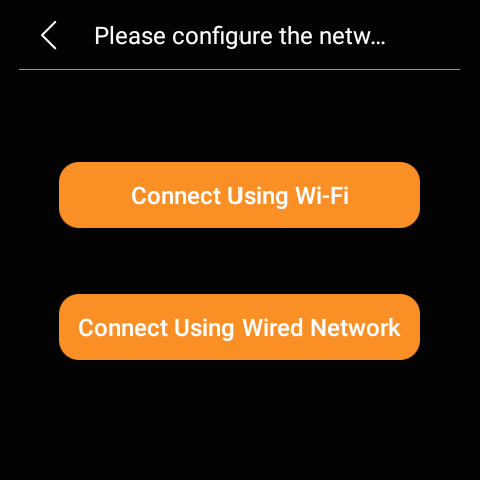
Connect the panel to either a wireless or wired network, ensuring the network cable is securely plugged in if choosing the wired option.
Note
The network the panel connects to must have Internet access.
For certain device versions, like the FANCOIL version, wired network connections are not supported. They will proceed directly to the Wi-Fi setup screen.
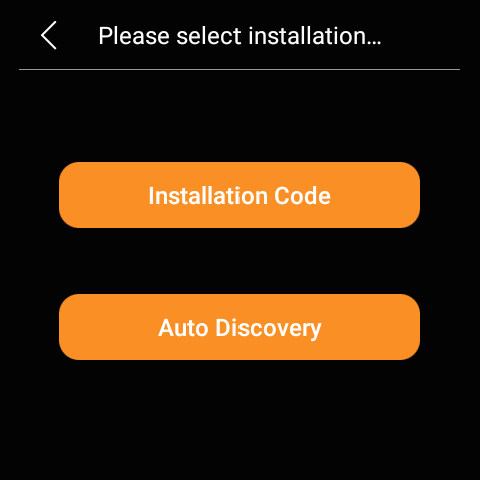
Select Installation Code when prompted to select an installation mode.
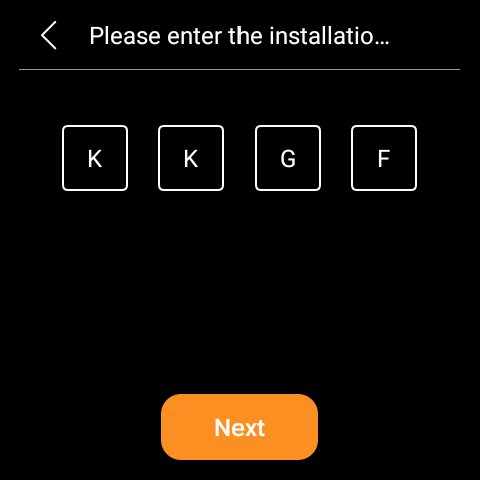
Enter the installation code that matches the device model and its designated role.
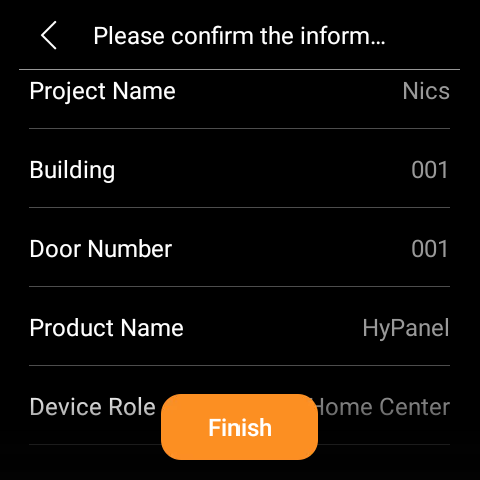
Check the project’s details and then click Finish.
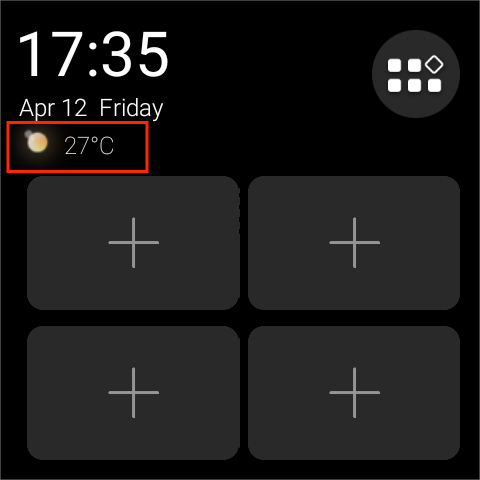
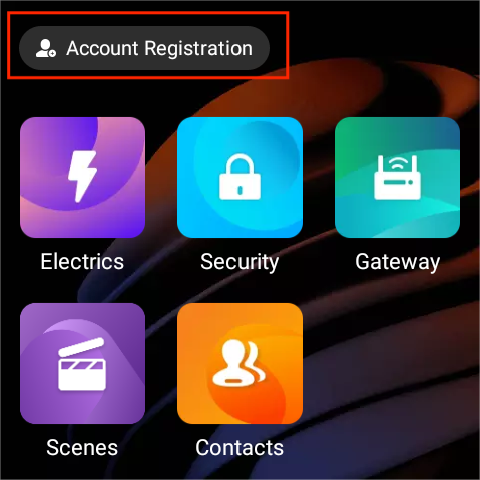
Once the cloud connection is completed, the weather forecast along with an Account Registration button will appear on the screens of all panels, indicating that the panels are connected to the Cloud successfully.