akubela panels with an Android system allow for the installation of third-party apps via their device web portals, enabling users to use these apps directly on panels.
The panel models and their firmware versions that support third-party app installation are listed below.
Product Model | Required Firmware Version |
HyPanel | 51.1.23.45 and later |
HyPanel Plus | 52.1.23.42 and later |
HyPanel KeyPlus | 53.1.34.14 and later |
HyPanel Pro | 71.1.30.63 and later |
HyPanel Ultra | 281.1.31.18 and later |
HyPanel Supreme | 1001.1.31.37 and later |
SmartPanel | 933.1.31.9 and later |
SmartPanel Elite 10 | 119.1.31.4 and later |
Steps
In this guide, we take the HyPanel with 51.1.39.321 version as an example.
Log into the device’s own device web portal.
Tip
For detailed instructions on accessing the device web portal, please refer to Log into Device Web Portal.
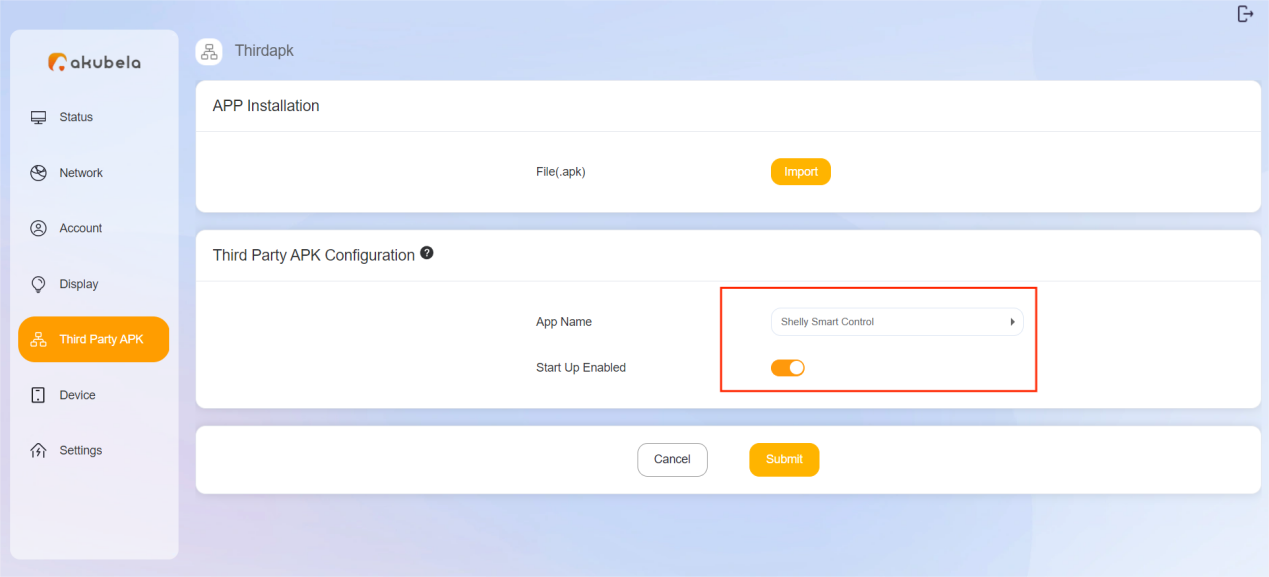
Click on Third Party APK in the left-side menu.
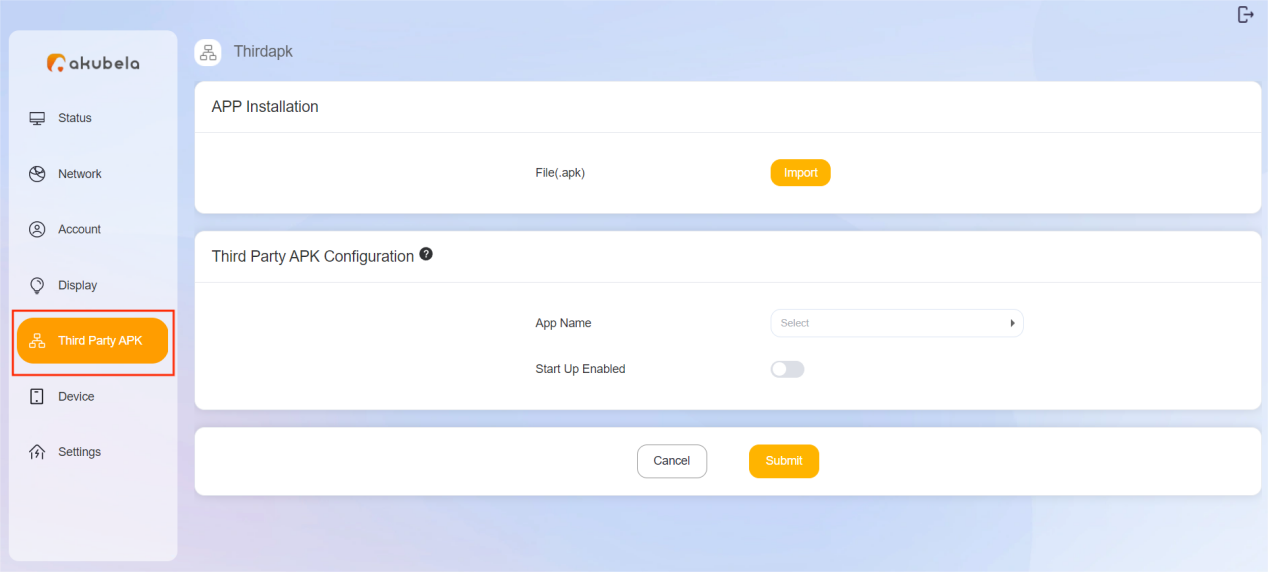
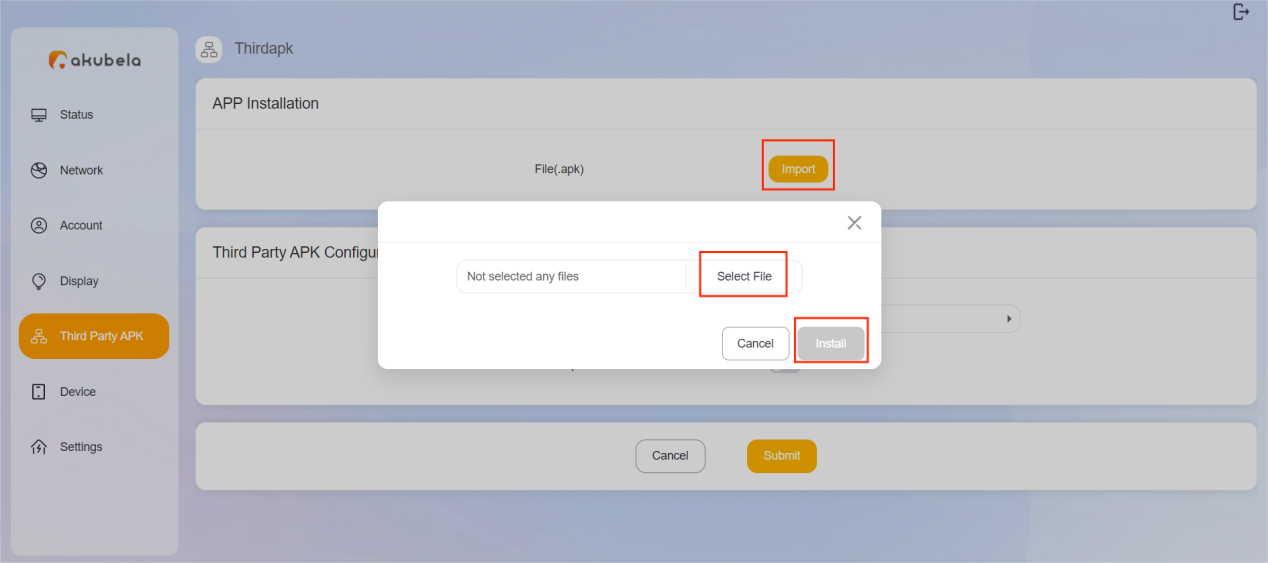
Click on Import in the APP Installation field, select the APK you want to install, and click on Install.
Wait for the app to be installed successfully.
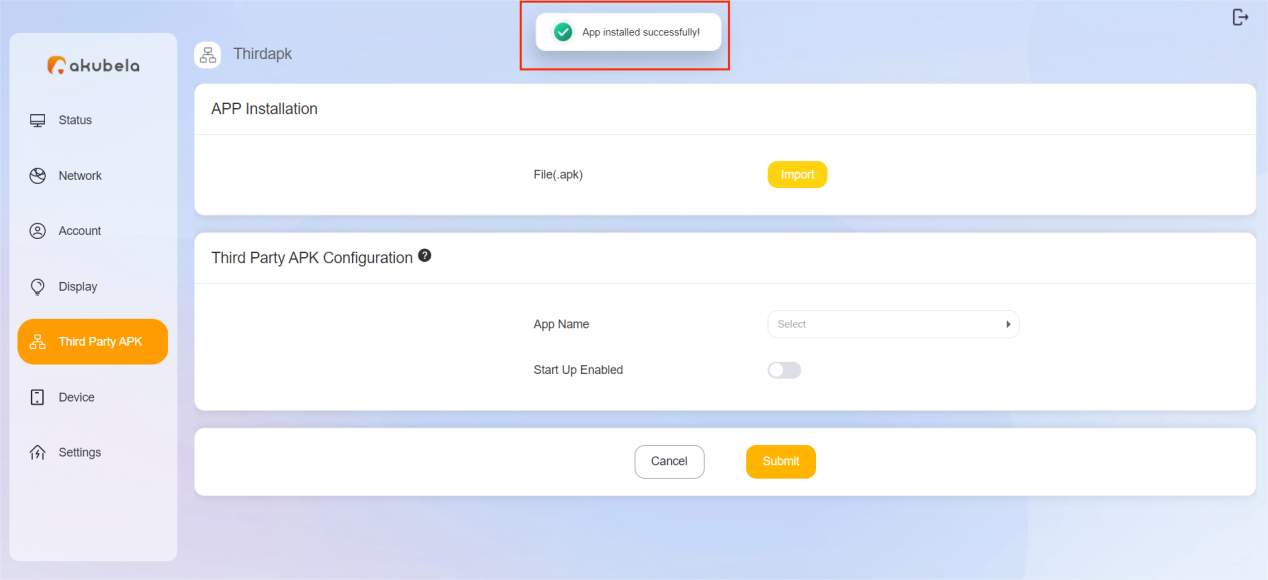
(Optional) Choose and enable the app to auto-run when the device boots up, then click Submit to validate the settings.
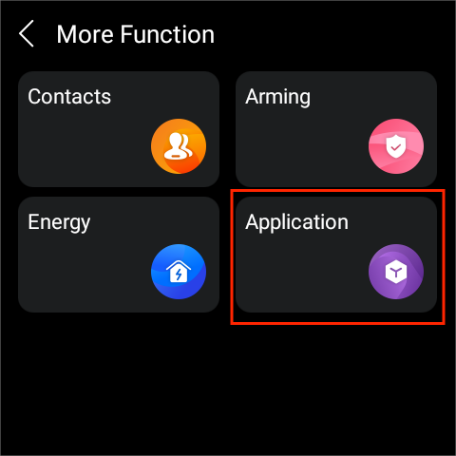
Upon successful installation, you can find the app by swiping down from the top edge of any screen and tapping  > Application.
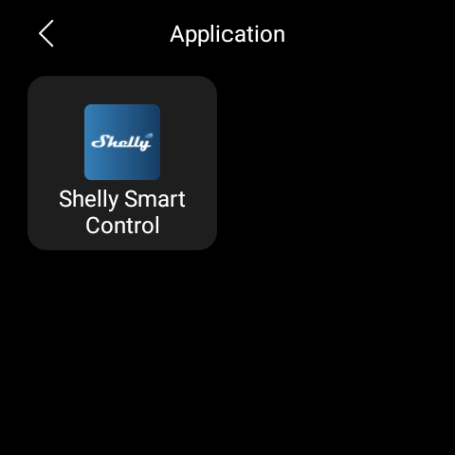
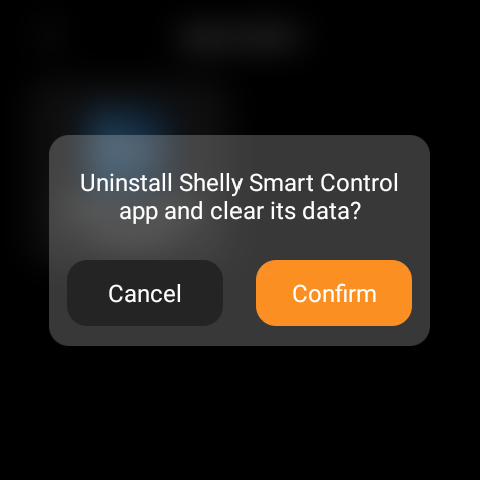
To uninstall a third-party app, simply tap and hold its icon, and tap Confirm when a confirmation box pops up.