You can control your akubela smart home system using Amazon Alexa through voice commands or the Alexa app.
Before Getting Started
The following panels with specific firmware versions support Alexa Skills integration.
NOTE:
Some panels do not display an Alexa integration option on the panel itself, but they can still be synced and controlled through the Alexa app.
Device | Required Version | Remark |
HyPanel | 51.1.36.437 and later | |
HyPanel Lite | 41.1.36.64 and later | Supports integration only when used as a gateway |
HyPanel Plus | 52.1.36.413 and later | |
HyPanel KeyPlus | 53.1.36.415 and later | |
HyPanel Lux Piano(RT61) | 61.1.30.27 and later | |
HyPanel Lux Ring(CT61) | 161.1.30.76 and later | Supports syncing to Alexa when used as a gateway |
HyPanel Pro | 71.1.38.440 and later | |
HyPanel Ultra | 281.1.38.436 and later | |
HyPanel Supreme | 1001.1.38.424 and later | |
HyPanel Elite 10 | 159.1.39.137 and later | |
SmartPanel | 933.1.38.417 and later | |
SmartPanel Elite 10 | 119.1.38.421 and later |
Ensure proper network and cloud connection:
Both your smartphone and HyPanel devices must be connected to the Internet.
Devices must be cloud-connected (not in Local Mode).
TIP:
If your panel shows weather information, it’s connected to the cloud. You can also verify this by going to
> System Settings > Connect Status > Smart Home Cloud.
Use a valid akubela administrator account.
To register an account after the cloud connection:
On HyPanel: Tap Account Registration on the home screen.
Or ask your service provider to create an account for you.
Manager accounts can only be created by the administrator.
Integrate akubela with Alexa
After integration, changes in akubela (e.g. renaming or adding devices/scenes) will automatically sync to Alexa . However, changes in Alexa do not sync back to akubela.
NOTE:
IR-based TVs, doorbells, and access controls can not be synced with Alexa.
Scenes must be created in the BelaHome app or the user web portal before they can be synced with Alexa. For detailed steps, refer to this guide.
Method 1: From Device Settings
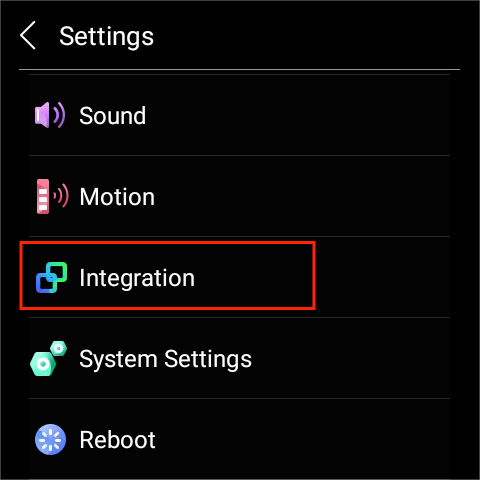
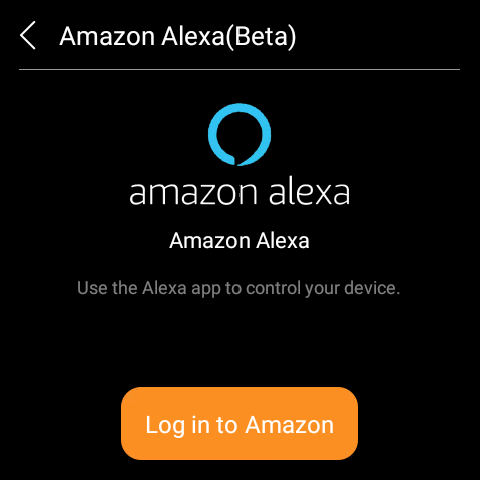
On HyPanel device, go to Settings > Integration > Amazon Alexa(Beta).
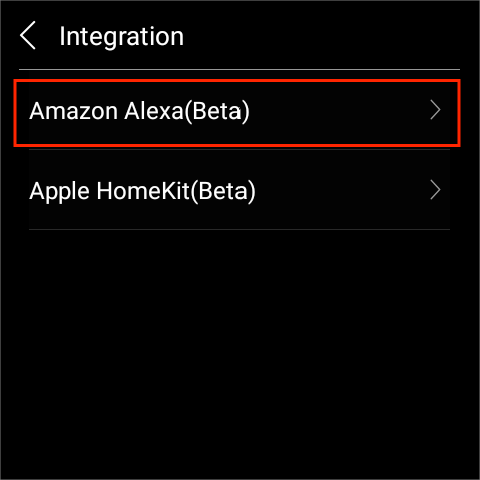
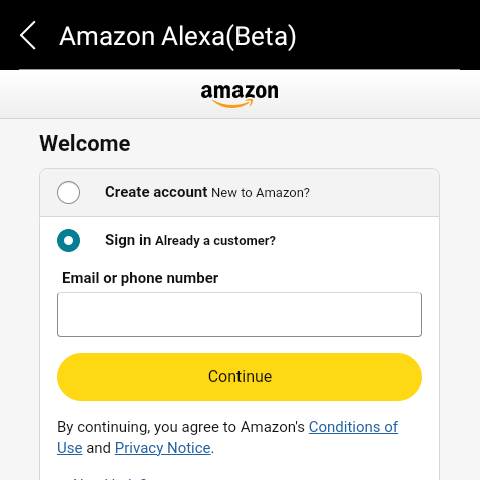
Tap Log in to Amazon and enter your Amazon account.
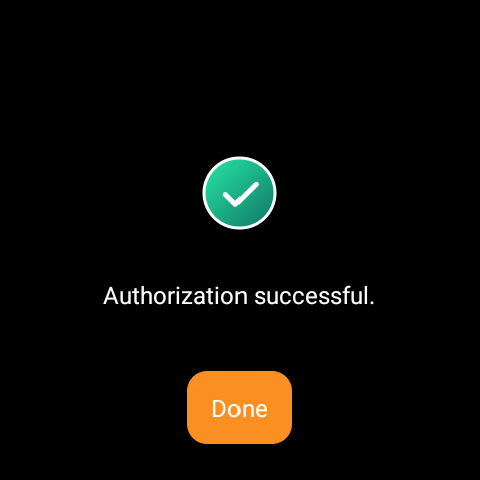
When you see Authorization Successful, integration is complete.
Method 2: From the Alexa App
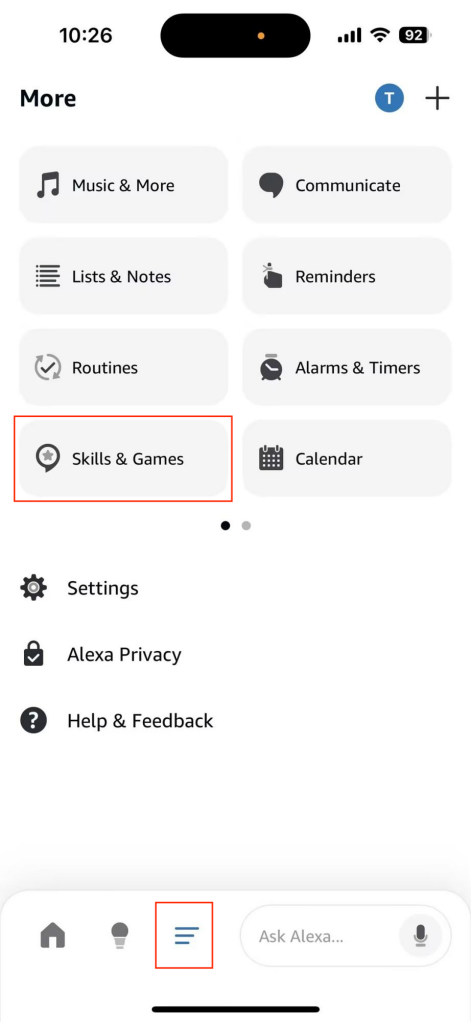
Open the Amazon Alexa app.
Go to
 > Skills & Games.
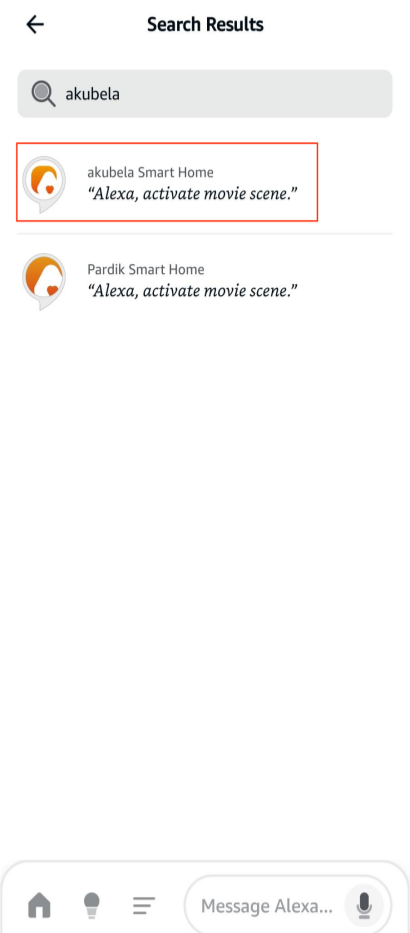
Search for “akubela” and select it.
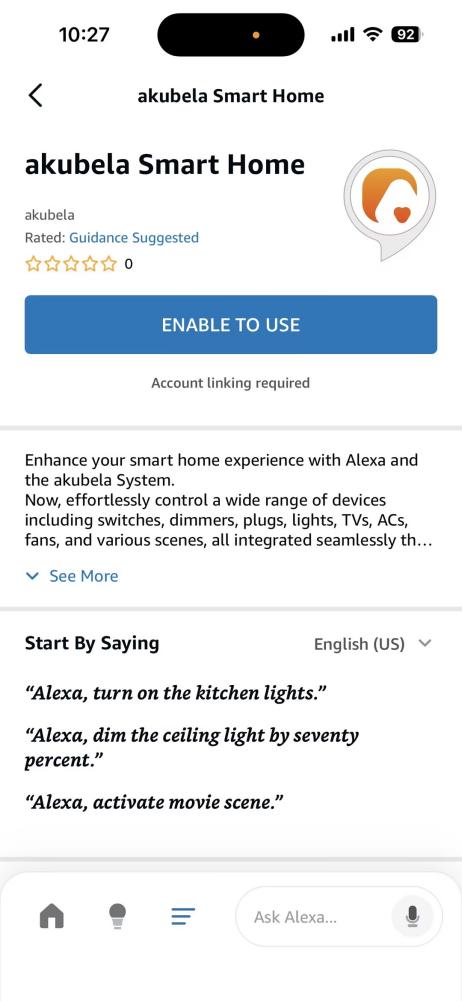
Tap ENABLE TO USE.
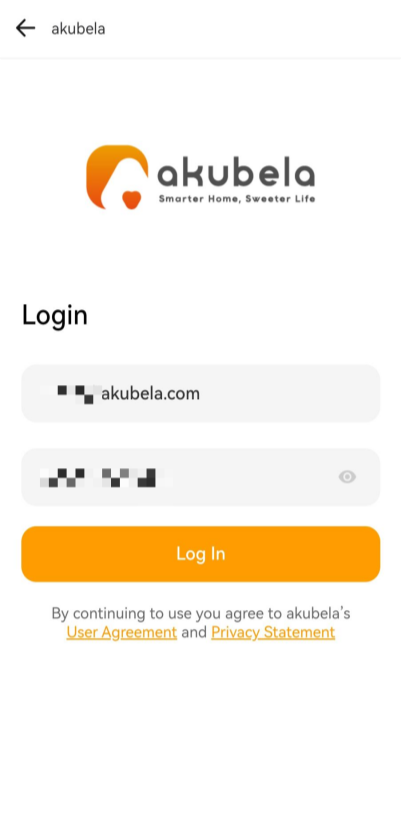
Sign in with the akubela administrator account, and follow the onscreen instructions to complete the setup.
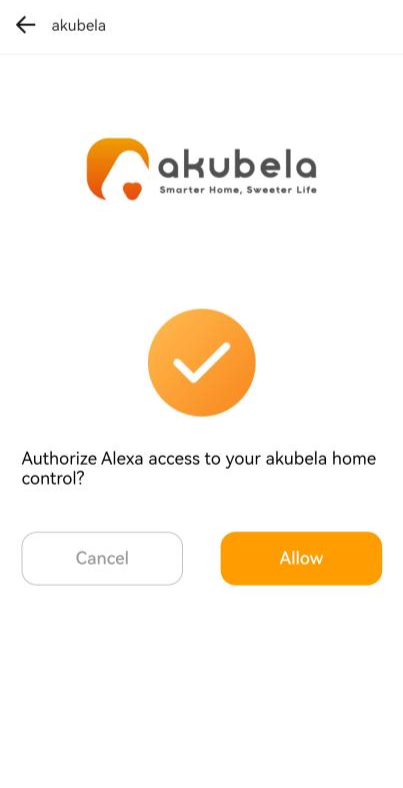
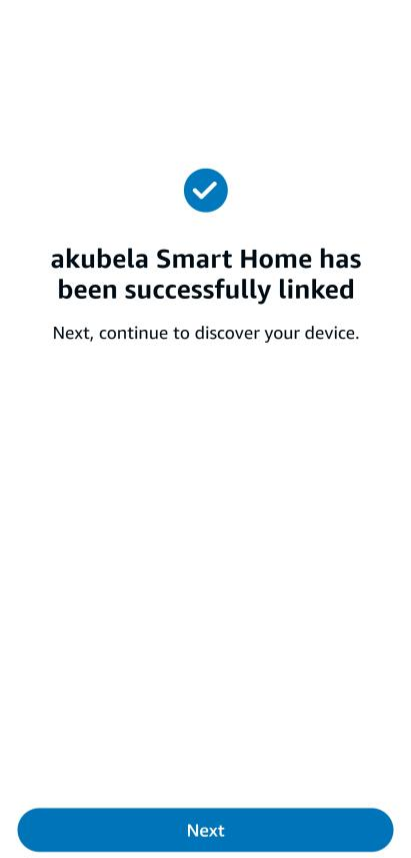
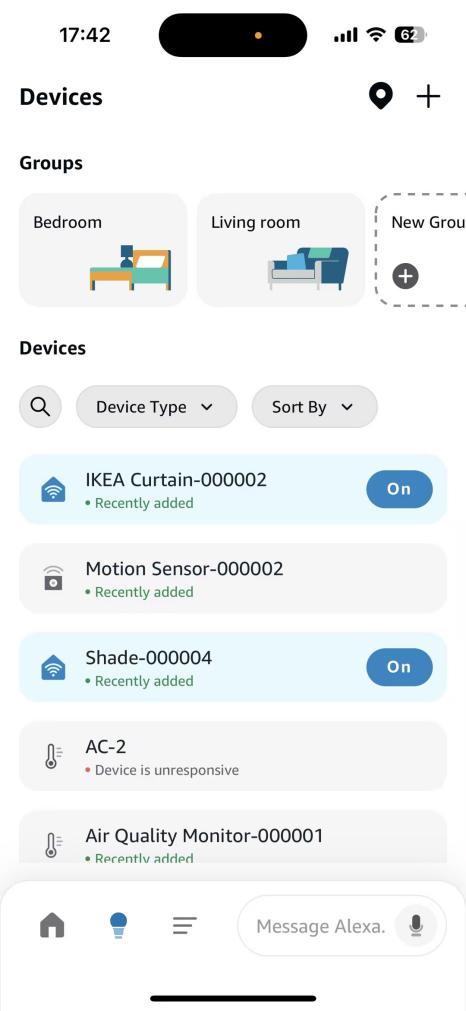
Once synced, your akubela devices and scenes will appear in the Alexa app and can be controlled directly.
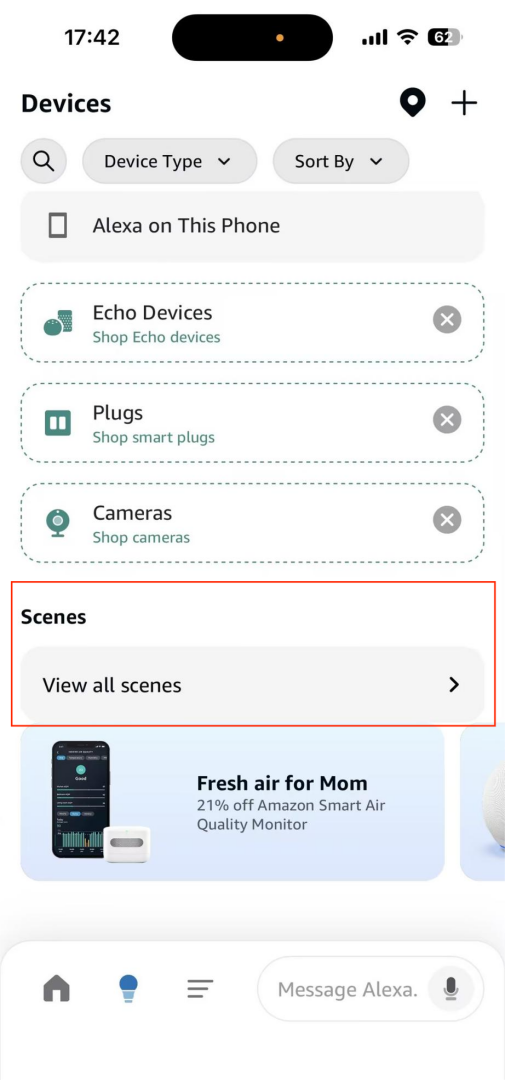
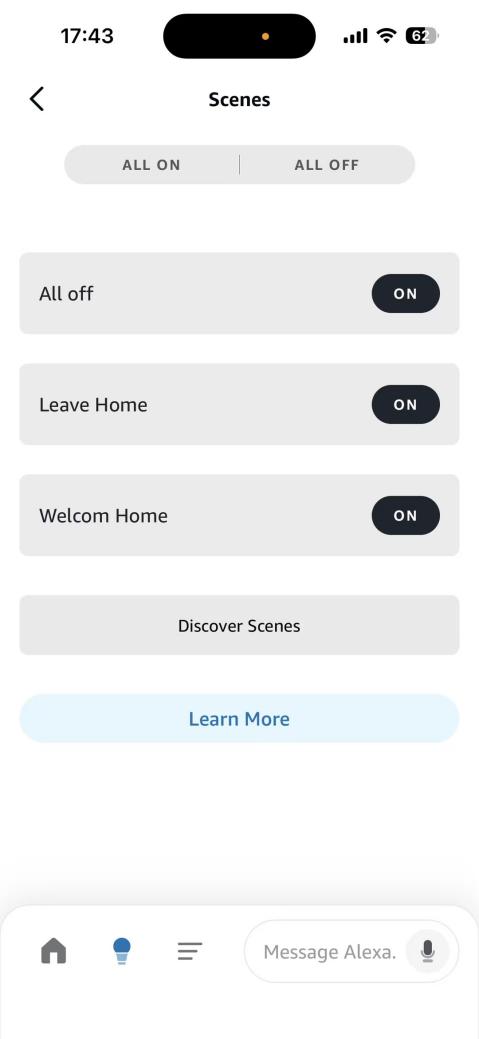
Control Devices and Scenes
Using Voice Commands
Open Alexa app.
Tap
 at the bottom right.
Trigger it with voice commands.
Example : “Alexa, turn on [Scene/Decive name]” .
Using Manual Operations
Launch Alexa app.
Go to
 screen.
Tap a device to open its control screen and adjust settings.
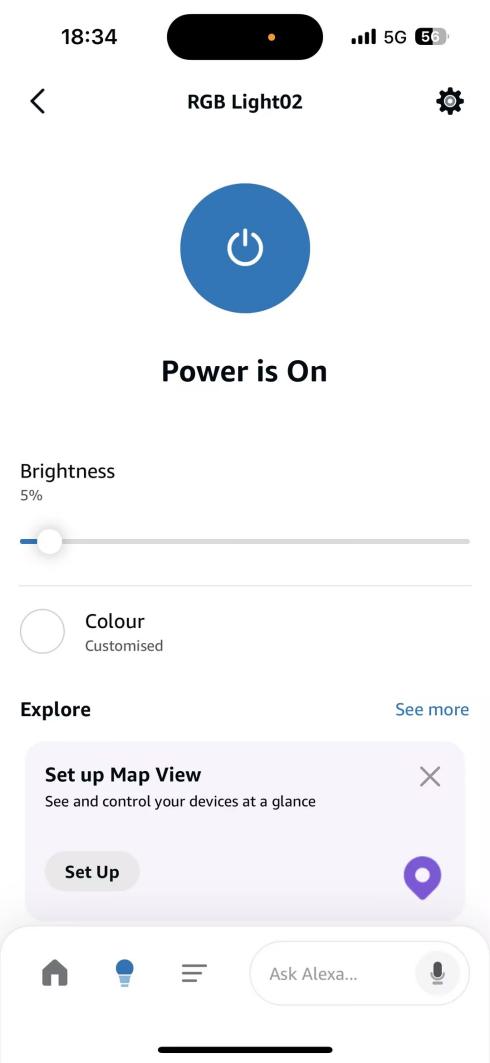
With Alexa Routines
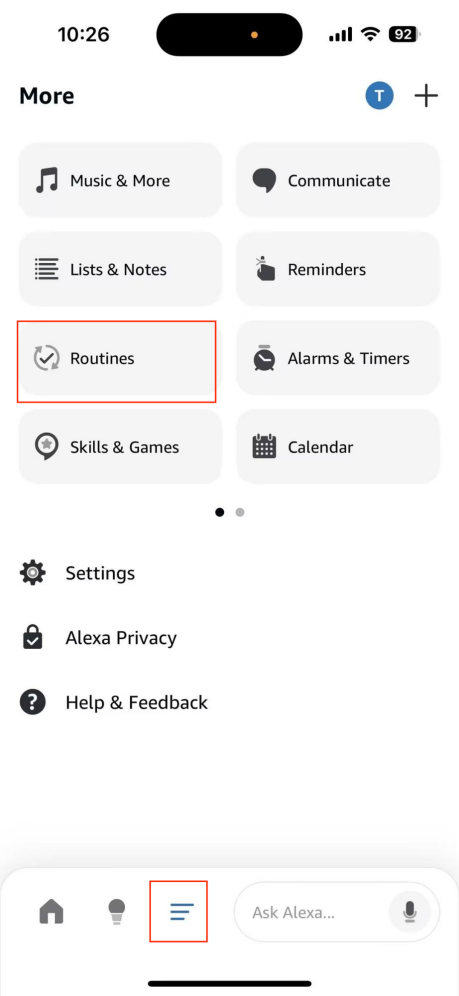
In the Alexa app, go to
 > Routines.
Tap
 in the upper right corner.
Set:
Name
Event (e.g. time, voice command, device event)
Action (e.g. turn on scene, adjust light)
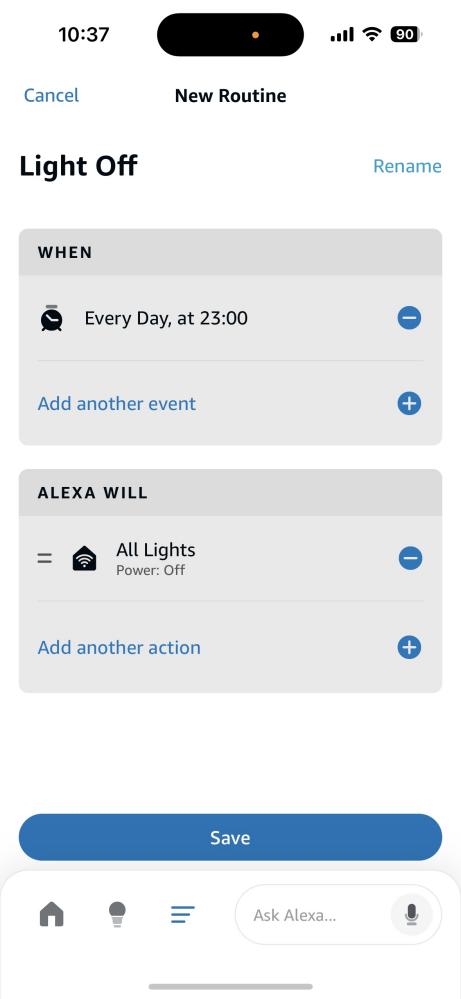
Save and activate the routine by going to
 > Routines > Your Routines >
  .
.
Disable Alexa Integration
You can remove akubela integration in two ways.
Option 1: From the Alexa App
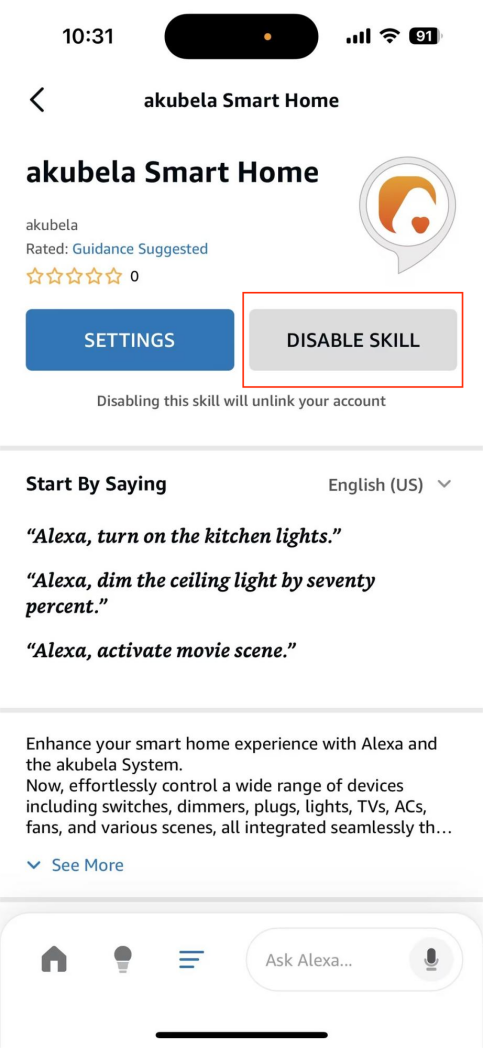
In the Alexa app, go to More > Skills & Games.
Search “akubela”, select it, and tap DISABLE SKILL.
Option 2: From the HyPanel Device
Go to Settings > Integration > Amazon Alexa (Beta).
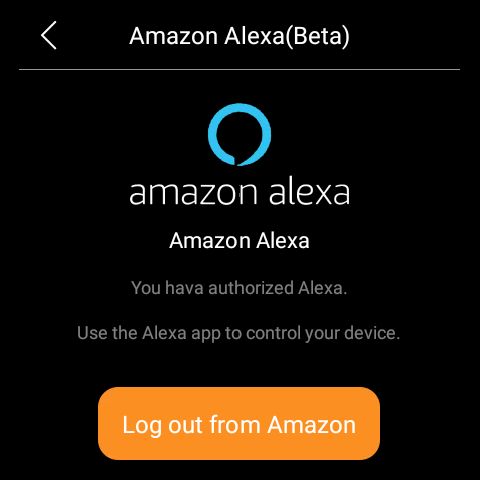
Tap Log out from Amazon.