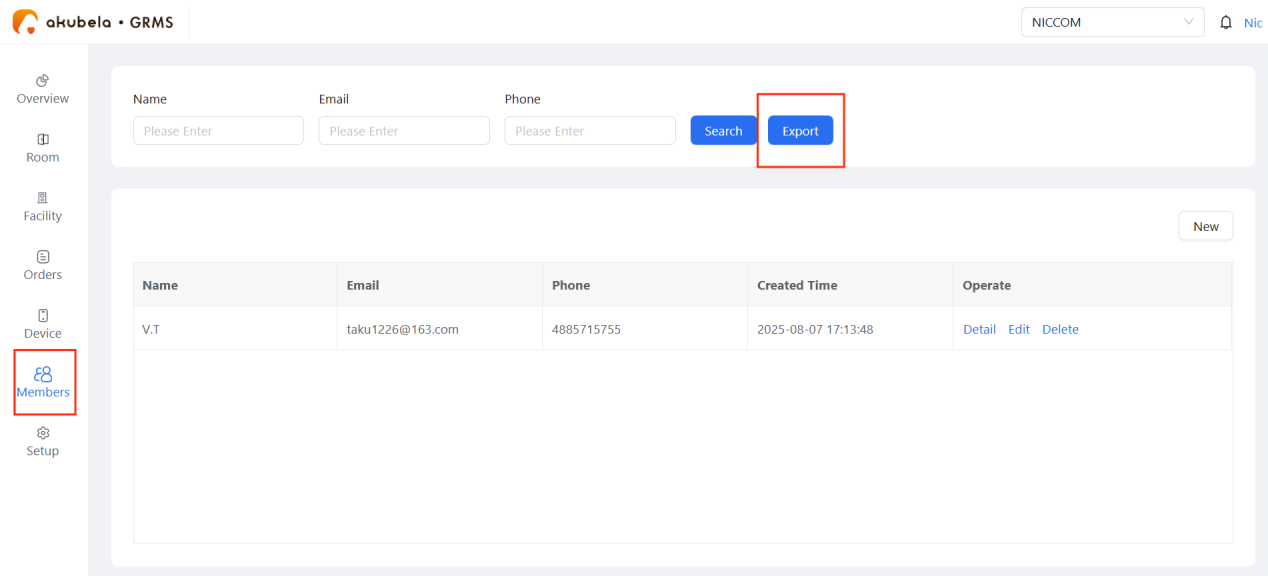
Manage memberships on GRMS to grant members exclusive facility booking access.
Add New Member
Click Member > New.
Enter the member’s information.
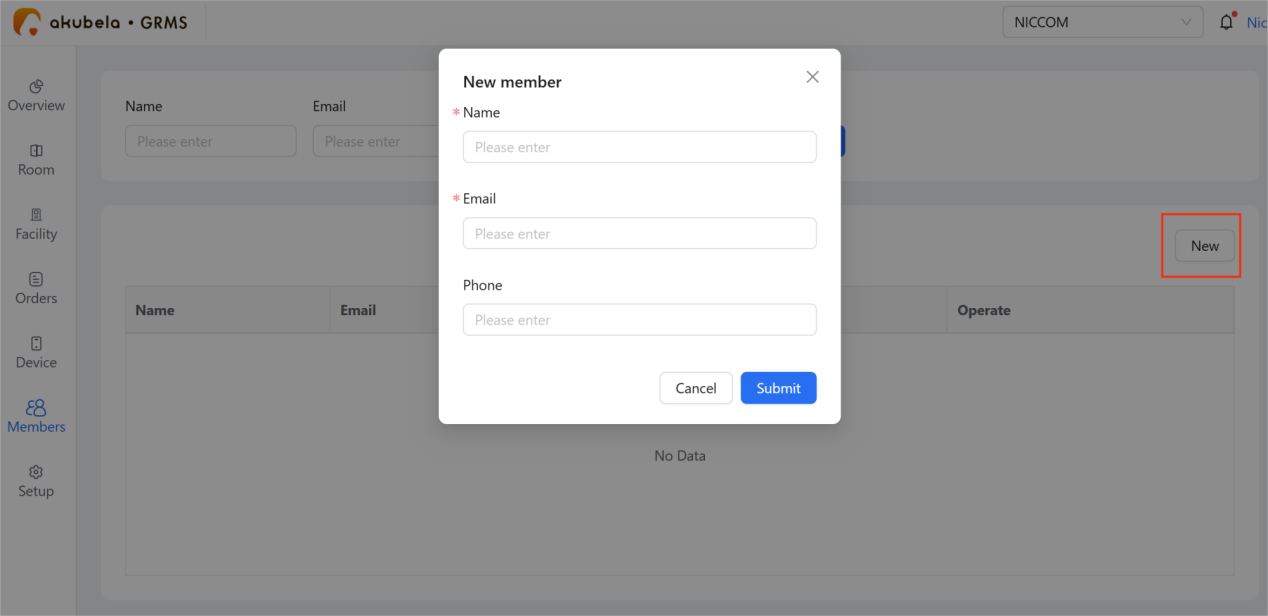
Click Submit.
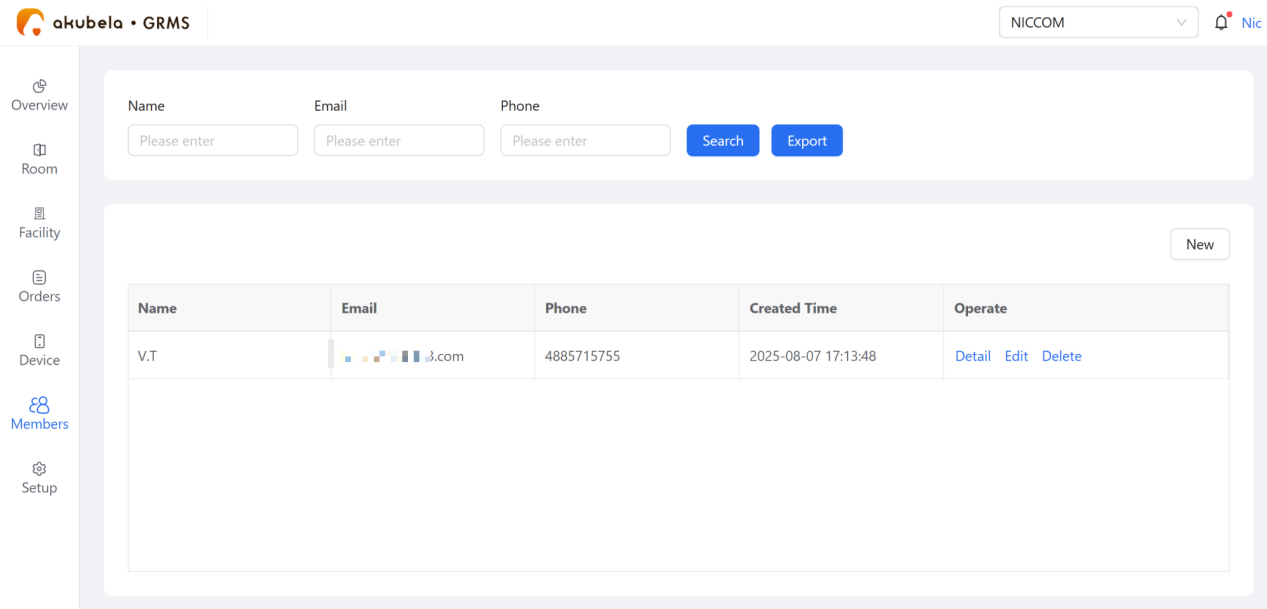
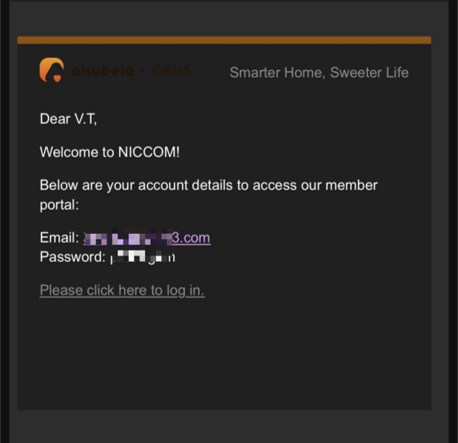
The new member will appear on the Members page and receive an email with login credentials for the member portal to book facilities.
TIP:
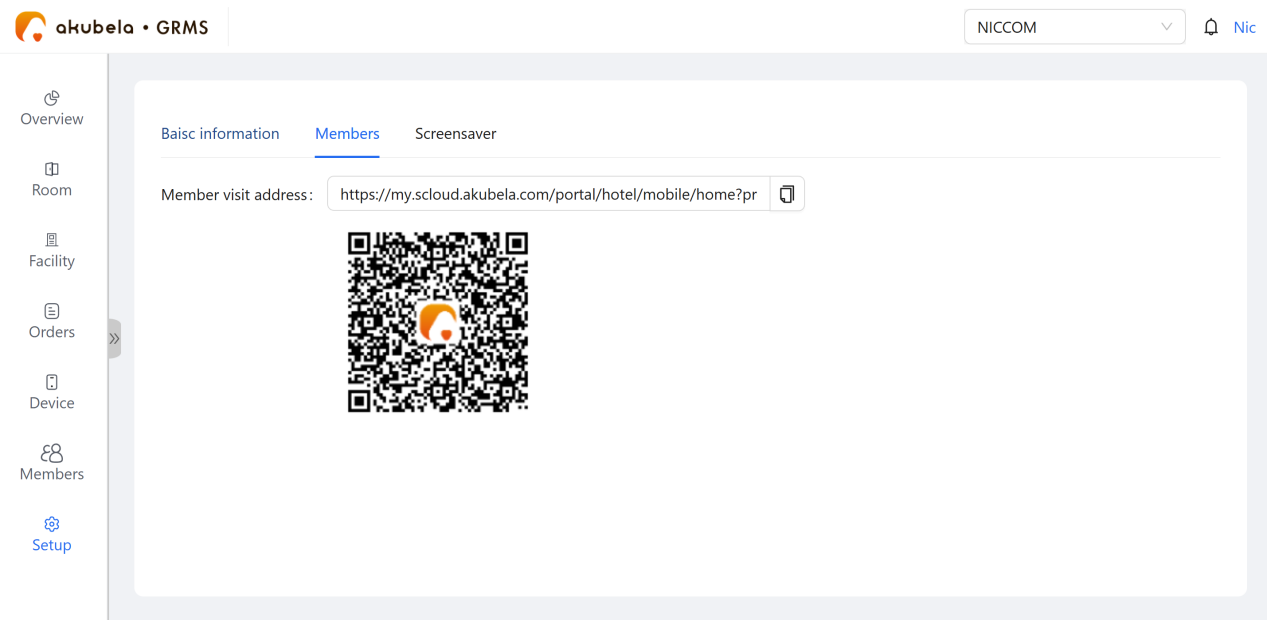
The member portal URL and QR code are available under Setup > Hotel Information > Members.
Manage Member Booking Records
To view a member’s complete booking history, go to Members > Detail.
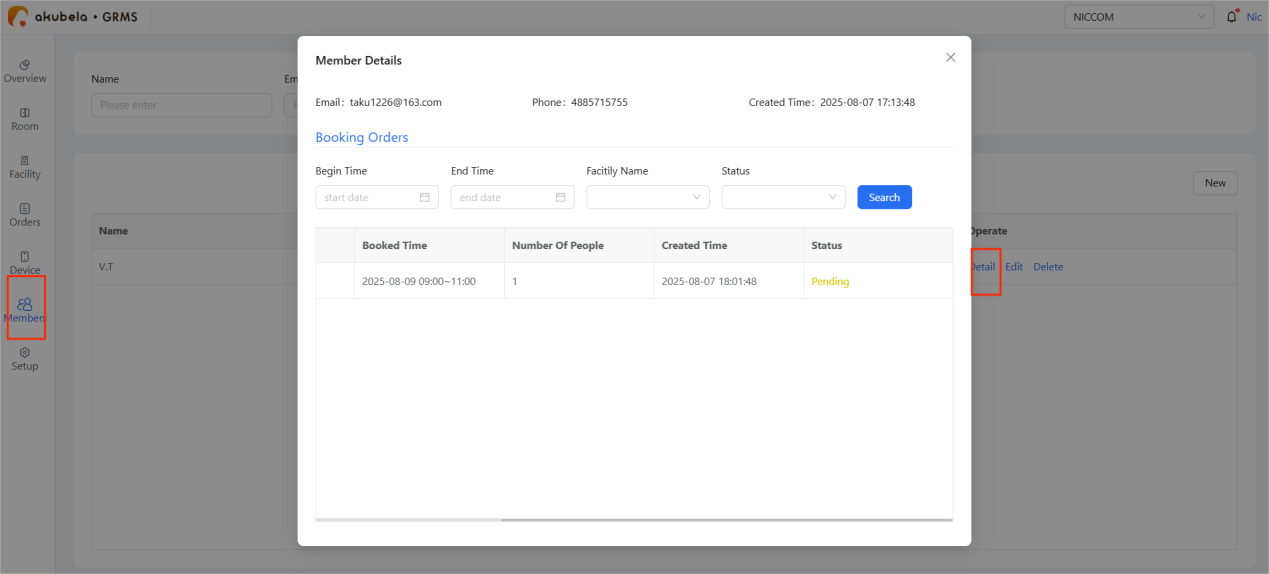
To process their bookings, still go to Facility > Booking Orders. See detailed instructions here.
Edit and Remove Members
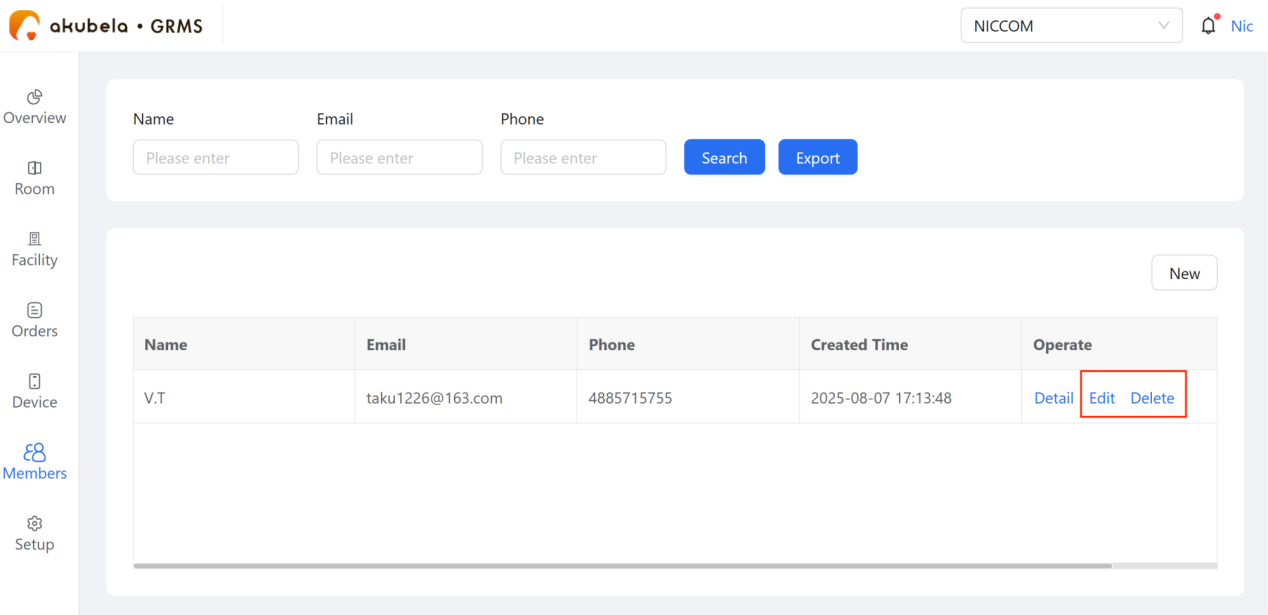
To update member information or delete a membership, go to the Members page and click Edit or Delete accordingly.
Export Member List
To download the member list as an Excel file, go to Members > Export.