The Bela Assistant of Akuvox is a smart voice assistant responsive to voice commands. Users can ask Bela to make calls, answer calls, open doors, etc.
Note
The following devices with specific firmwares or higher support this feature:
S567: 567.30.13.404
S567(Android 14): 567.30.114.203
X937: 937.30.13.122
This feature requires the device’s connection to the SmartPlus Cloud.
In one family, voice commands are limited to 300 per month. For indoor monitors in public areas, each device also has a limit of 300 commands per month.
The command count resets on the 1st of each month at midnight (Beijing time).
Enable the Bela Assistant
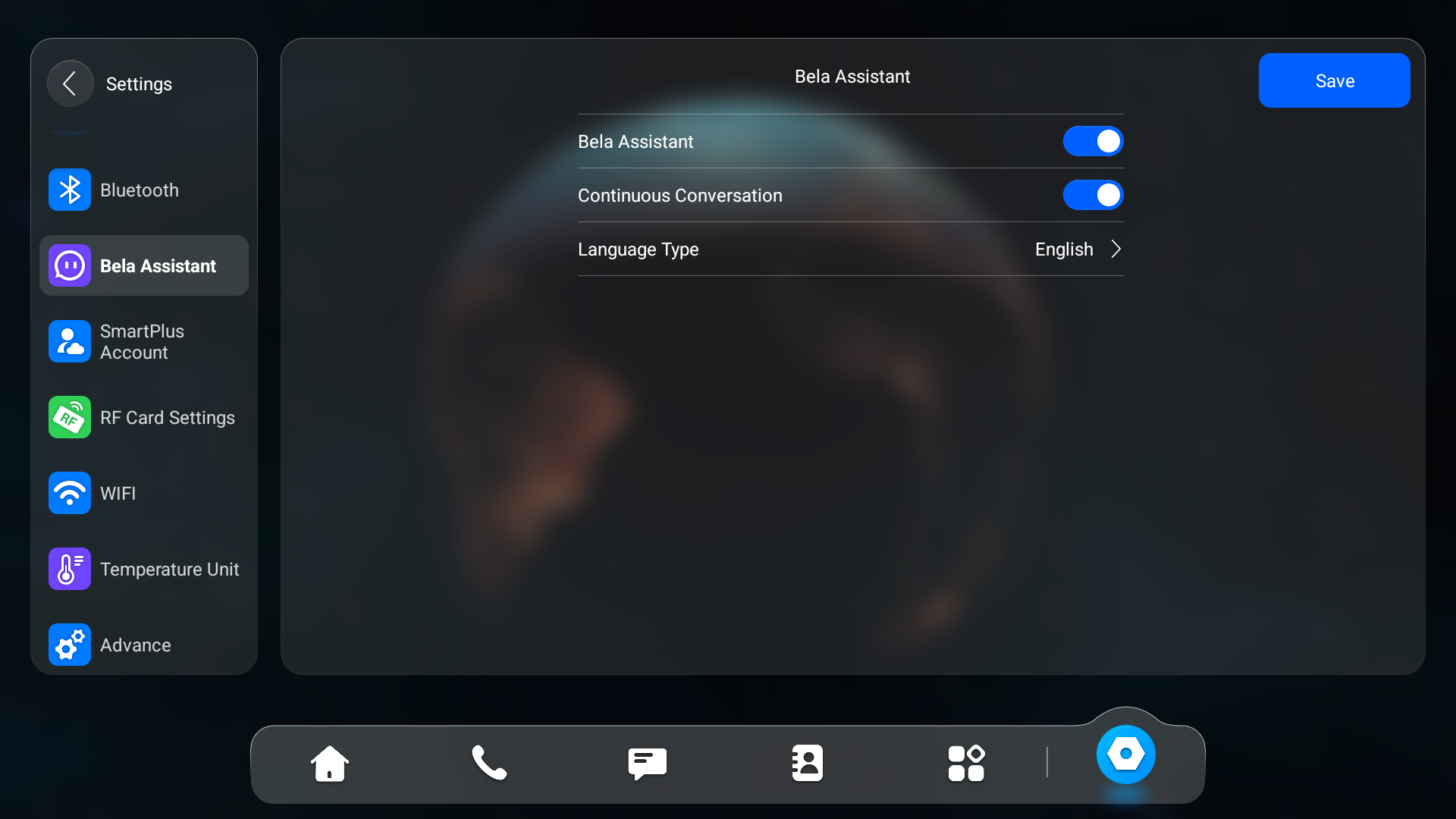
You can enable/disable the Bela Assistant on the device screen or its web interface. The function is enabled by default.
Use the device IP to log in to its web interface. The initial username and password are both admin.
Click Settings > Bela Assistant. Currently, the device only supports English.

Turn on/off the feature on the Settings > Bela Assistant screen.
Wake up the Bela Assistant
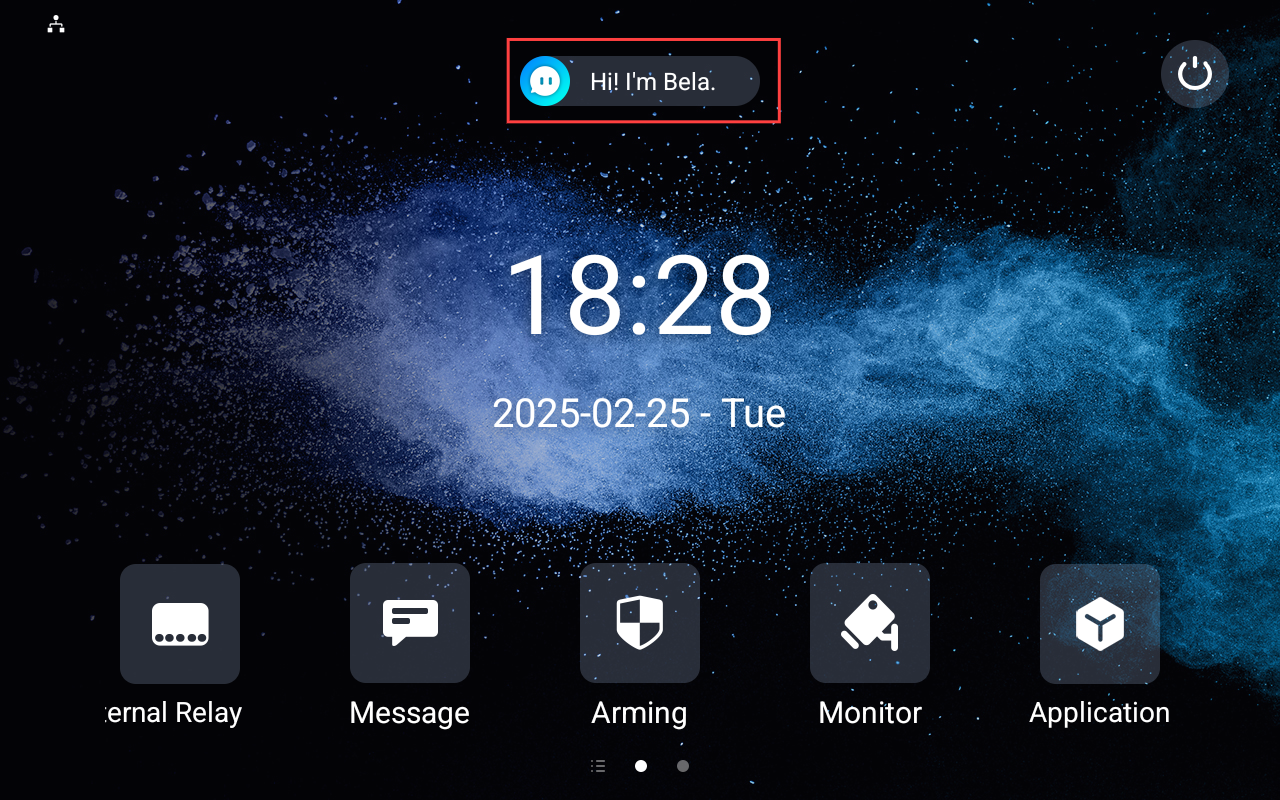
When the Bela Assistant is enabled, its icon will display on the device's home screen.
Users can say “Hi Bela” or tap the icon on the screen to wake it up.
Tip
When the feature is about to expire in 15, 10, 5 days, and 1 day, a prompt informing the available days will display after waking up Bela.
Features
Bela can recognize keywords and perform commands. Therefore, users do not have to say commands in fixed command formats.
Users can ask the Bela Assistant to control the following features:
Features | Example Commands | Note |
|---|---|---|
Call a specific contact. | Call [the contact name]. | |
Make an emergency call/call the SOS numbers. | Call SOS. | |
Answer incoming calls. | Answer the call. | |
Trigger the indoor monitor’s local relay. | Open local relay. | |
Trigger a specific external relay of MK485 connected to the indoor monitor. | Turn on the light. | |
View the monitoring stream. | Open the first monitoring channel. | |
Arm and disarm the indoor monitor. | I am going out, start arming. | |
Turn on and off the Do Not Disturb(DND) mode. | Turn on DND. | |
Adjust screen brightness. | Turn up the brightness. | |
Adjust device volume. | The volume is too loud. Lower the volume. | |
Switch wallpaper | Select a relatively light wallpaper from the local wallpaper library and replace it. | |
Tell the current time. | What time is it now? | Time inquiry is available for S567 with the firmware version 567.30.13.604 or higher. |
Tell the current date. | What is the date now? | |
Open local or third-party applications. | Open [the application name]. | These inquiries are available for X937 with the firmware version 937.30.13.903 or higher. |
Control Sonos: Play/stop/switch songs; adjust music volume. | Stop playing the Sonos music. | |
Open and switch to HDMI. | Open HDMI. | |
View the NVR monitoring screen. | Open the NVR monitoring screen. | These inquiries are available for X937 with the firmware version 937.30.14.209 or higher and S567 with version 567.30.114.303 or higher. |
View a specific video stream. | Open channel [number], e.g., channel 1. Open the [camera name]. | |
View playback. | Open the playback. | |
View the alarm information. |
| |
View the recorded content of an alarm. | Play the alarm recording. |
Note
The arming mode switch requires entering the password after saying the command.
Currently, Bela cannot control relays of akubela relay controller connected to the indoor monitor.
Users can ask questions about the device information, including:
the device’s local IP address;
the device’s MAC;
the city’s current weather conditions.
Users can also communicate with Bela on some simple and casual topics.