1. Overview
Project Scope
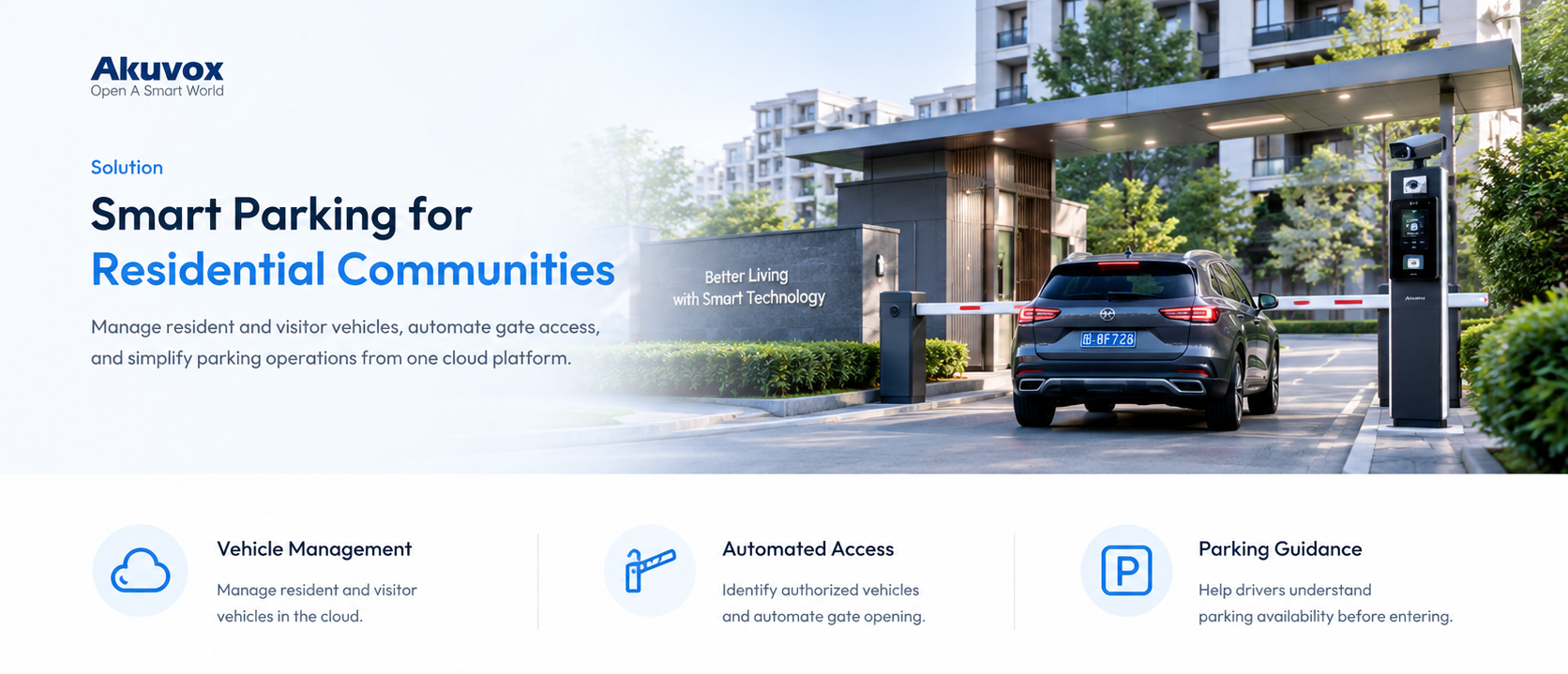
This solution applies to community projects in SmartPlus Cloud (residential communities, apartment buildings, mixed-unit residential properties).
For commercial projects, refer to Smart Parking in Commercial Projects.
2. What Problems Does It Solve?
2.1 Simplify Daily Access for Residents
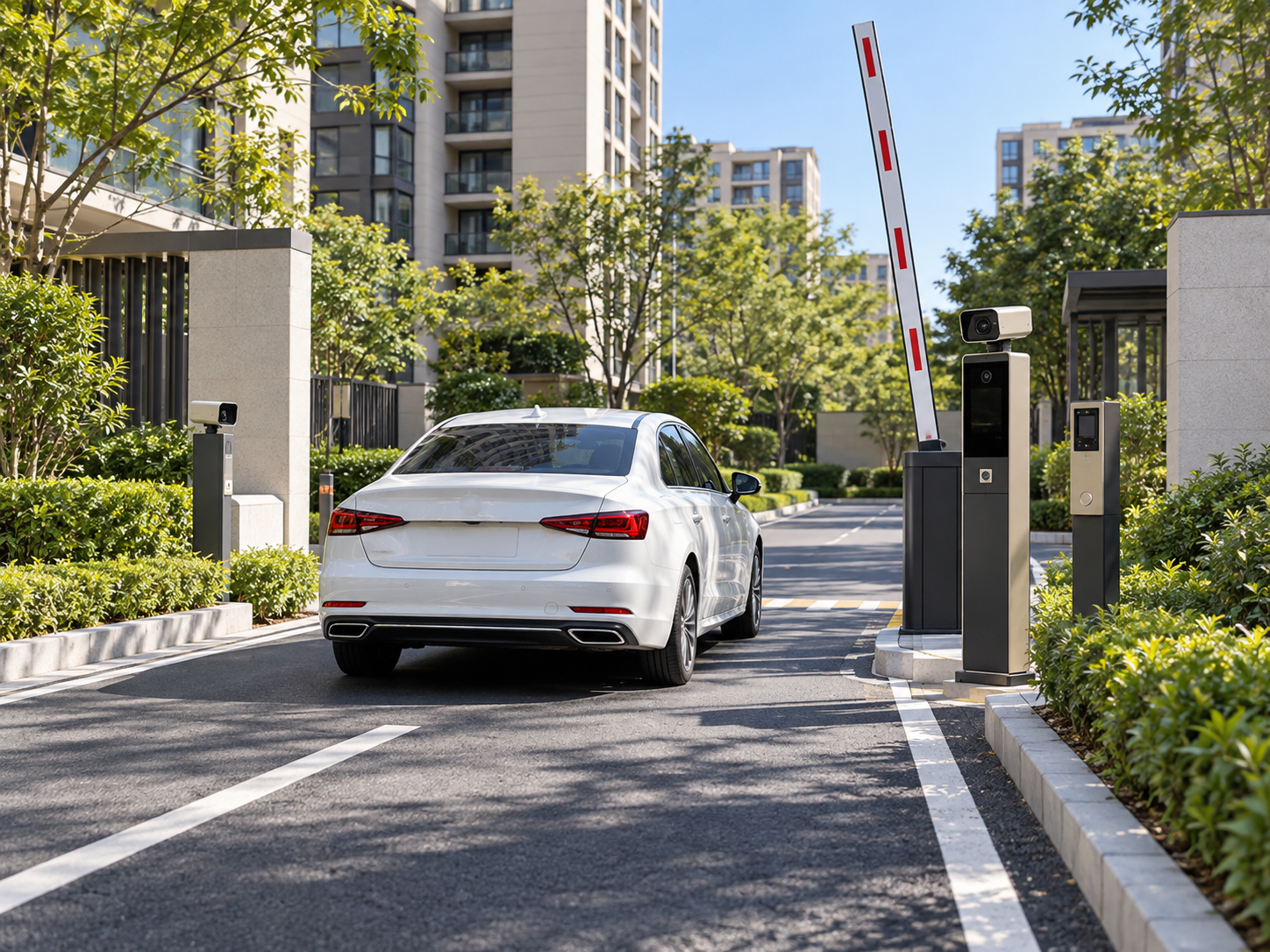
| Residents enter and exit without contacting property management. Managers register plates or UHF tags once in SmartPlus Cloud; the gate opens automatically for authorized vehicles. |
2.2 Manage Visitor Vehicle Access and Parking Resources
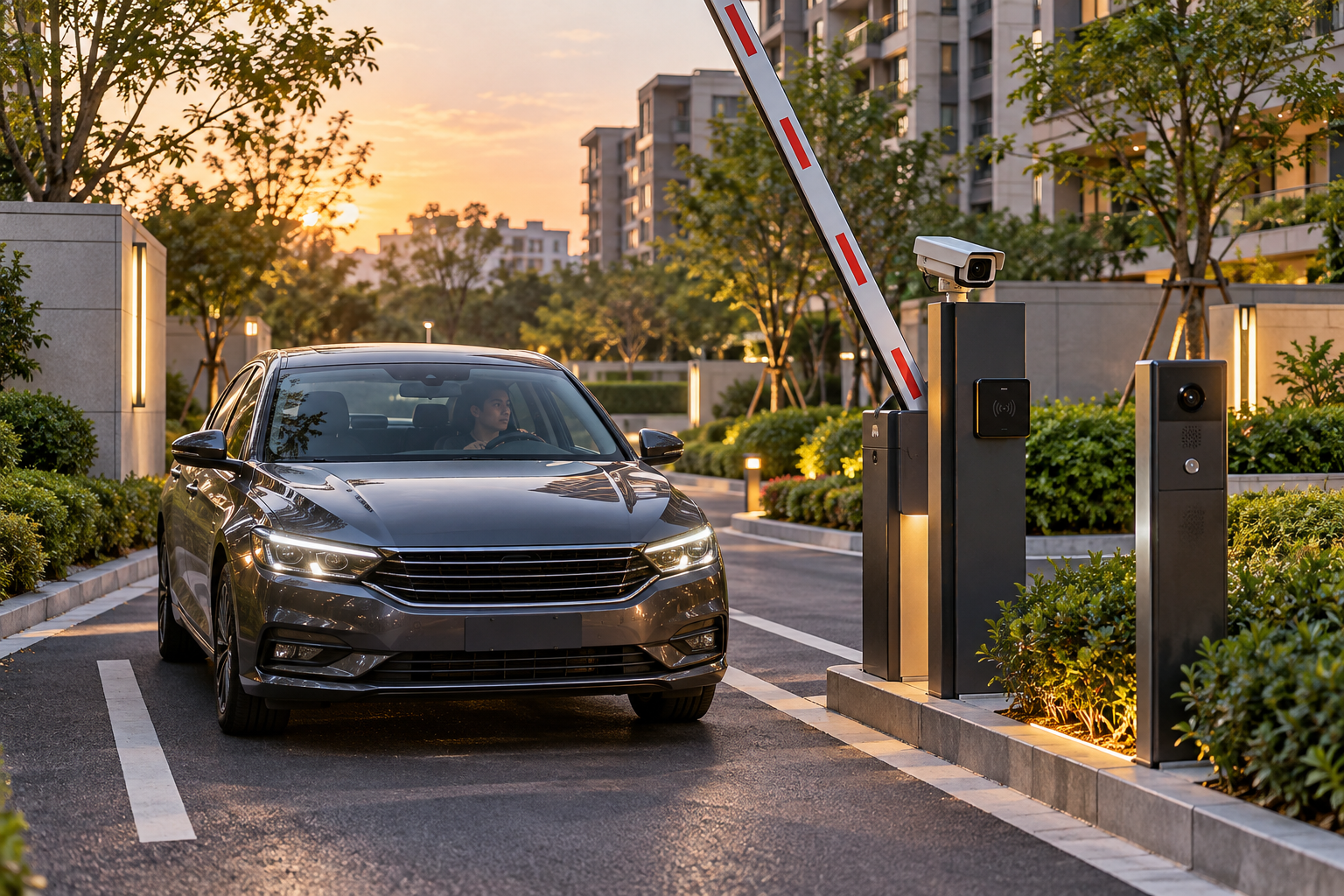
| Visitor vehicles get temporary, rule-based access without being registered as resident vehicles. Visitor permissions are managed in the cloud and can be tied to a household and its parking entitlement. |
2.3 Give Drivers Clearer Parking Guidance
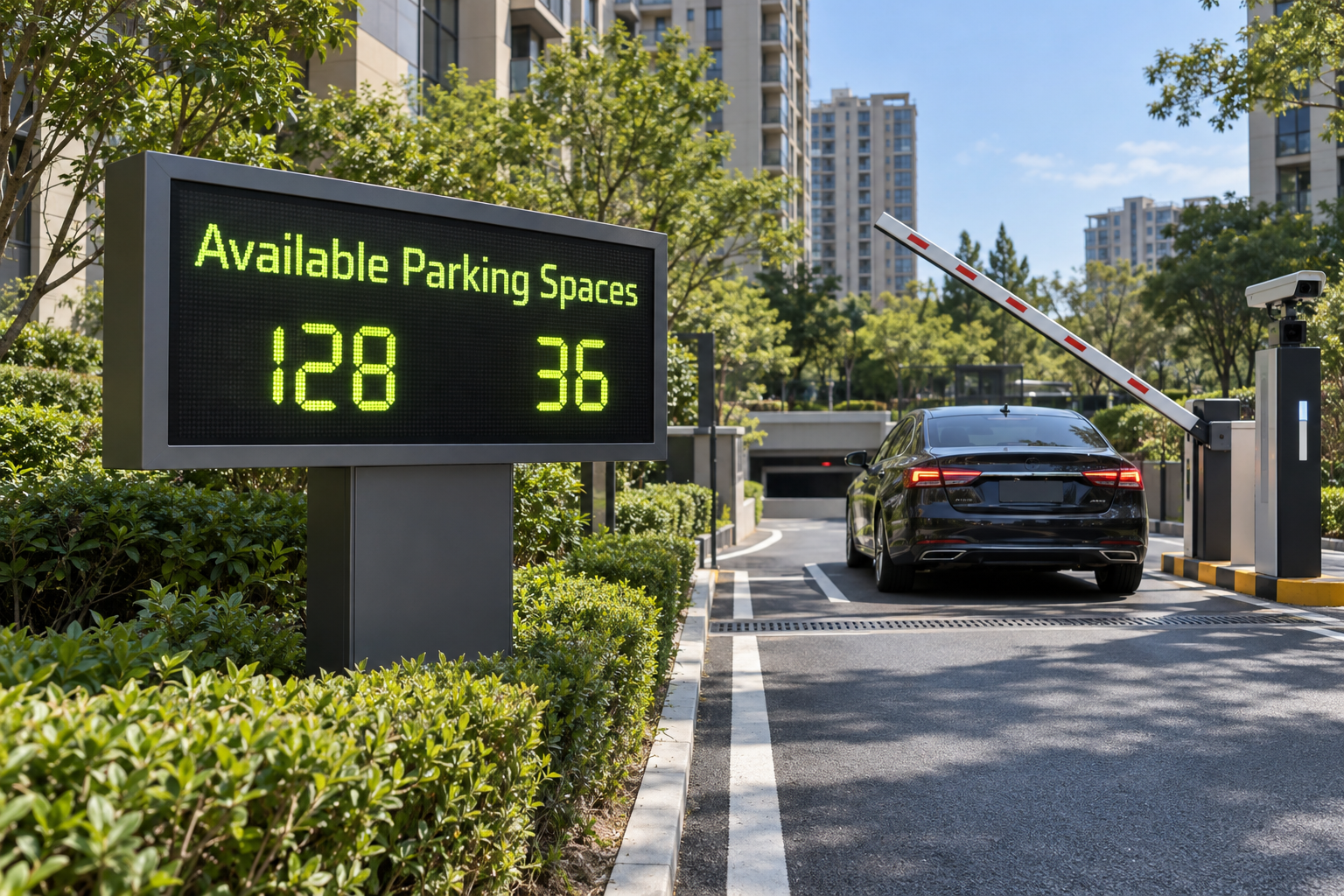
| When using license plate recognition (LPR), an LED display can show recognized vehicle information or parking-space information at the entrance, helping drivers understand the parking situation before proceeding. |
3. How the Solution Works
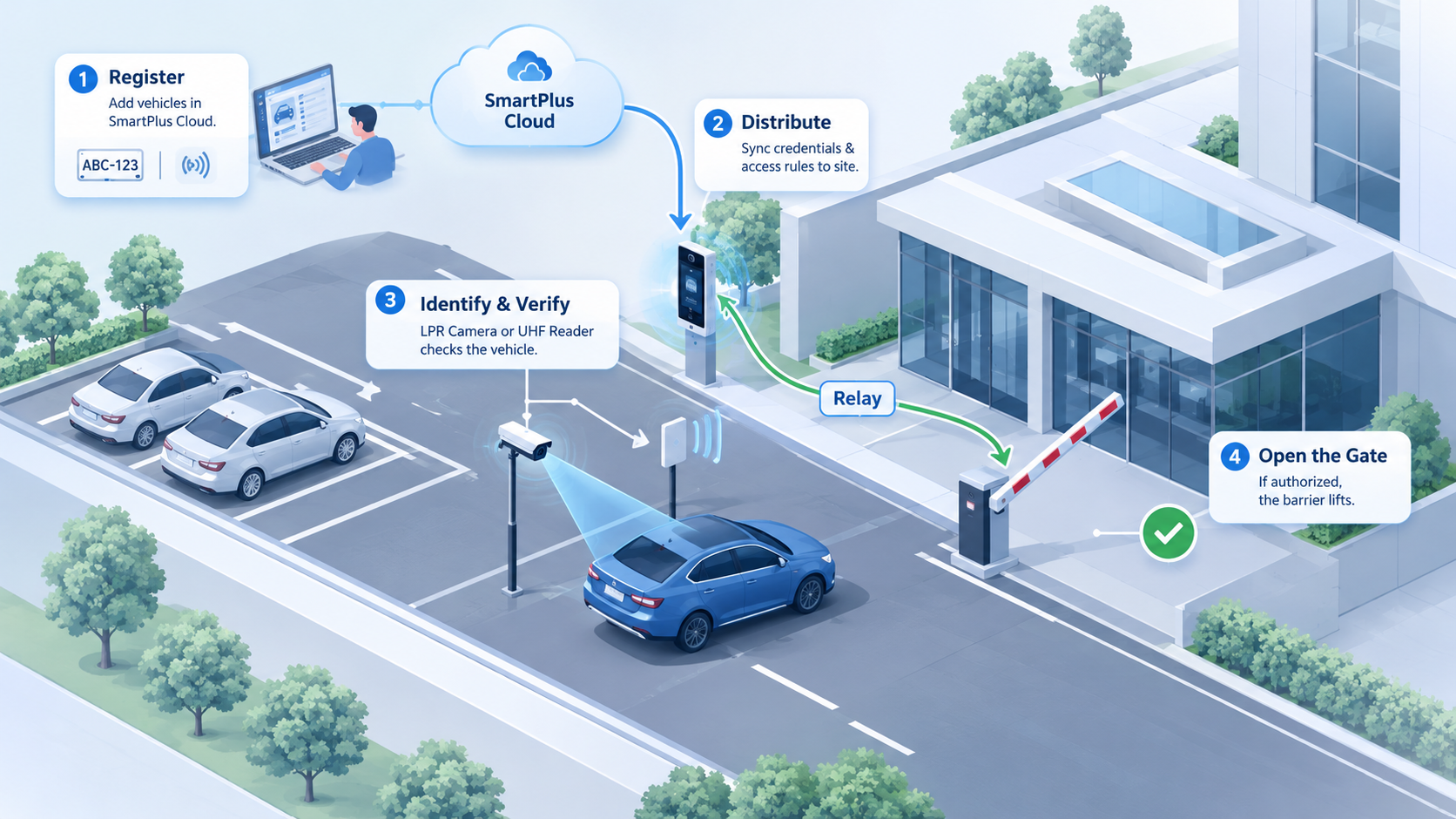
Note: Device illustrations are for reference only. Actual device appearance may vary by model.
Smart Parking combines cloud-based vehicle management, vehicle identification, access verification, and gate control.
Register — Property manager adds the vehicle (plate, UHF tag, or both) in SmartPlus Cloud.
Distribute — Cloud pushes credentials and access rules to the on-site terminal.
Identify & verify — An LPR camera or UHF reader identifies the vehicle; the terminal checks it against cloud-distributed records and rules.
Open the gate — If authorized, the terminal triggers the relay; otherwise, access is denied.
4. Vehicle Identification Options
Choose based on site conditions and how you want drivers to be identified:
License Plate Recognition(4.2) | UHF Tag Recognition(4.3) | |
|---|---|---|
Credential | Vehicle plate | Windshield tag (UHF-TAG11) issued per vehicle |
Read range/behavior | Camera-dependent; requires line of sight and lighting | Up to 15 m with ACR-CRP12 (environment-dependent) |
Best for | Communities that prefer vehicle identification without issuing physical tags | Fast, hands-free passage; tags also usable for other access points |
4.1 What You Can and Cannot Do with Each Method
Capability | Method 1(LPR) | Method 2(UHF) |
|---|---|---|
Resident vehicle access | ✔ | ✔ |
Temporary vehicle access | ✔ | ✔ |
Visitor parking time & free quota | ✔ | X |
Overtime charging | ✔ | X |
U-turn restriction & violation counting | ✔ | X |
Blocklist enforcement | ✔ | X |
Emergency vehicle rules | ✔ | X |
Auto access rules | ✔ | X |
Parking logs | ✔ | X |
Parking-space statistics | ✔ | X |
Offline recognition | ✔ | X |
LED display integration | ✔ | X |
Feature Dependency
Method 1 (LPR) unlocks the full Smart Parking rule set. Method 2 (UHF / ACR-CRP12) provides vehicle identification and access only — it does NOT support visitor parking time, overtime charging, U-turn restrictions, LED display integration, etc., listed above.
4.2 License Plate Recognition
An LPR camera reads a vehicle's license plate and sends the identification information to the Akuvox access system. The system checks the plate against the vehicle information distributed from SmartPlus Cloud and applies the relevant access permissions.
This method is suitable for communities that want to identify vehicles by their license plates without requiring drivers to present a separate tag.
→ Setup Guide: Integration with LPR Cameras for Door Opening
4.3 UHF Tag Recognition
The Akuvox ACR-CRP12 UHF reader identifies a vehicle by reading its associated UHF tag. The tag information must be registered in SmartPlus Cloud and distributed to the supported device for access verification.
→ Setup Guide: Integrate Akuvox Devices with the ACR-CRP12 UHF Reader
Important — UHF takes priority over plates
If one vehicle has both a plate and a UHF tag registered, SmartPlus Cloud sends only the UHF tag code to the access device. The device uses UHF recognition and ignores the plate. To use plate recognition for that vehicle, remove its UHF tag registration.
Cloud Parking Management
After the on-site vehicle recognition setup, Property Managers can manage resident and visitor vehicle access through SmartPlus Cloud.
→ Setup Guide: Smart Parking in Community Projects for PMs
5. Optional Parking Management Features
The following features address additional management needs. Availability depends on the supported device, firmware, and project configuration.
5.1 Visitor Vehicle Management
Grant visitors temporary, rule-based vehicle access without registering them as residents. Includes workflows for manager-issued and resident-initiated visits.
→ Setup Guide: Configure Visitor Vehicle Access to the Parking Lot.
5.2 Parking Restrictions
Use Parking Restrictions to control how many parking spaces a resident or apartment can occupy at the same time, based on their parking entitlement. Residents can register multiple vehicles, but the number of vehicles allowed to occupy parking spaces at the same time is restricted by the configured limit.
→ Setup Guide: Configure Parking Restrictions for Community Projects.
Limitations — confirm before enabling
The parking limit applies to the entire project, not to each parking lot separately.
Visitor vehicles associated with an apartment, including vehicles using temporary keys, are also counted toward the limit.
The limit may not be enforced while the device is offline.
Remote unlocking via the SmartPlus App or an indoor monitor during a call does not enforce the limit.
5.3 Parking Guidance with LED Displays(LPR Only)
LED display integration is available only when the parking system uses license plate recognition (LPR). It is not supported with UHF tag recognition.
When integrated with a supported LPR camera, the LED display can show recognized license plate information or parking-space information, depending on the configuration. This helps drivers identify their vehicles and understand parking availability at the entrance.
→ Setup Guide: Configure Parking Lot LED Screen Display.
6. Supported Devices and Compatibility
Compatibility is feature-specific: a device that supports resident vehicle recognition does not necessarily support full parking management, visitor workflows, or LED integration. Use the matrix below for model selection.
Required capability | Capability summary | Reference |
|---|---|---|
Recognize license plate | Available on the models and firmware listed in the reference guide. | |
Recognize UHF tags | Available on the models and firmware listed in the reference guide. | |
Full Smart Parking management (includes resident vehicle access, visitor vehicle access, parking restrictions, various parking rules, and offline operation) | R29: 29.30.10.740 or later. S538: 538.30.10.722 or later. S539: 539.30.10.711 or later. Other listed models provide resident license plate and UHF recognition only. | |
Visitor vehicle access | R29: 29.30.10.734 or later. S538: 538.30.10.722 or later. S539: 539.30.10.711 or later. R49 guard phone: 49.30.10.78 or later. | |
Parking Restrictions | Available on the models and firmware listed in the reference guide. | |
LED display integration(LPR only) | R29: 29.30.10.740 or later. S538: 538.30.10.722 or later. S539: 539.30.10.711 or later. |
7. Deployment and Verification
After selecting compatible devices and configuring the required cloud features, test the end-to-end vehicle access process.
Confirm every item below before handover. Test with the actual device models, firmware, and network conditions of the project.
A. Recognition layer (verify first — everything else depends on it)
A1. Firmware check — all devices meet the Section 6 minimums.
A2. Register a resident vehicle (plate or UHF tag) in SmartPlus Cloud; confirm it syncs to the on-site device.
A3. Authorized access — registered vehicle is identified, access granted, gate opens.
A4. Unauthorized access — unregistered vehicle is denied per configured rules.
A5. UHF test (if UHF is used) — registered tag read correctly; correct permissions applied.
B. Business rules
B1. Visitor workflow (if enabled) — each visitor scenario works end to end (see Section 5.1 guide).
B2. Parking Restrictions (if enabled) — limit applied as expected, with the Section 5.2 limitations acknowledged by the property manager.
C. Peripherals
C1. LED display (if installed with LPR) — verify that the display shows the expected recognized license plate or parking-space information. LED display integration is not available with UHF tag recognition.
D. Edge cases
D1. Offline behavior (if offline operation is required) — supported scenarios verified; records sync after connectivity is restored.
8. Related Resources
If you need to… | Refer to |
|---|---|
Understand the overall Smart Parking feature set for property managers, supported recognition methods, and full-management device compatibility | |
Integrate an LPR camera with an Akuvox access device for vehicle access | |
Integrate the Akuvox ACR-CRP12 UHF reader with an Akuvox access device for vehicle access | |
Configure visitor vehicle access workflows | |
Configure vehicle limits for residents or apartments | |
Configure parking lot LED displays and display recognized vehicle information | |
Check ACR-CRP12 UHF reader information | |
Configure Smart Parking in a commercial project |