When issues arise with akubela devices or the app, technical support might need certain information from you to identify the root cause and find a solution. In some cases, they may also set up a remote session to help resolve the problem.
Please provide the following information to your technical support for troubleshooting.
Device log.
Please refer to Export akubela Device Logs for detailed instructions.
App log. Required only if the issue involves the BelaHome app.
Please refer to Upload BelaHom App Logs for detailed information.
Data packets.
Please refer to Capture Packets on akubela Panels for Troubleshooting for detailed instructions.
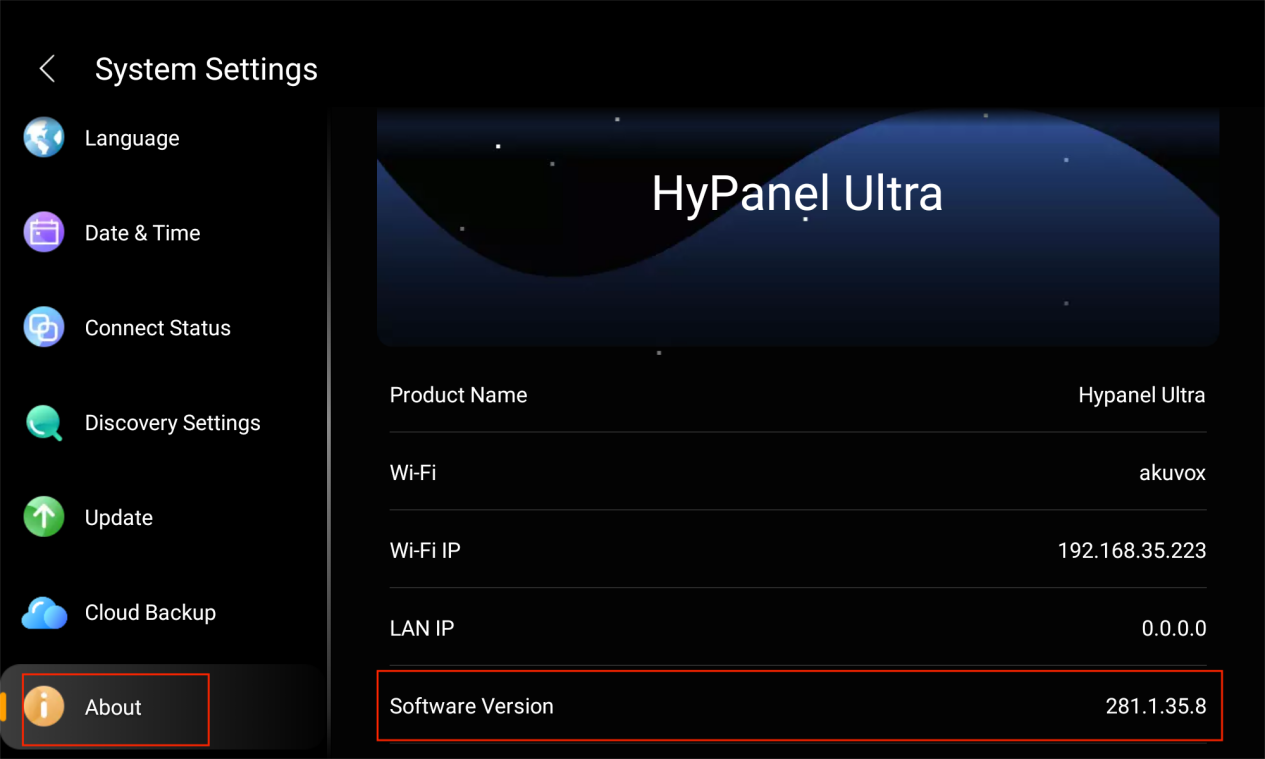
Device’s firmware version.
Find the device’s version under  > System Settings > About > Software Version.
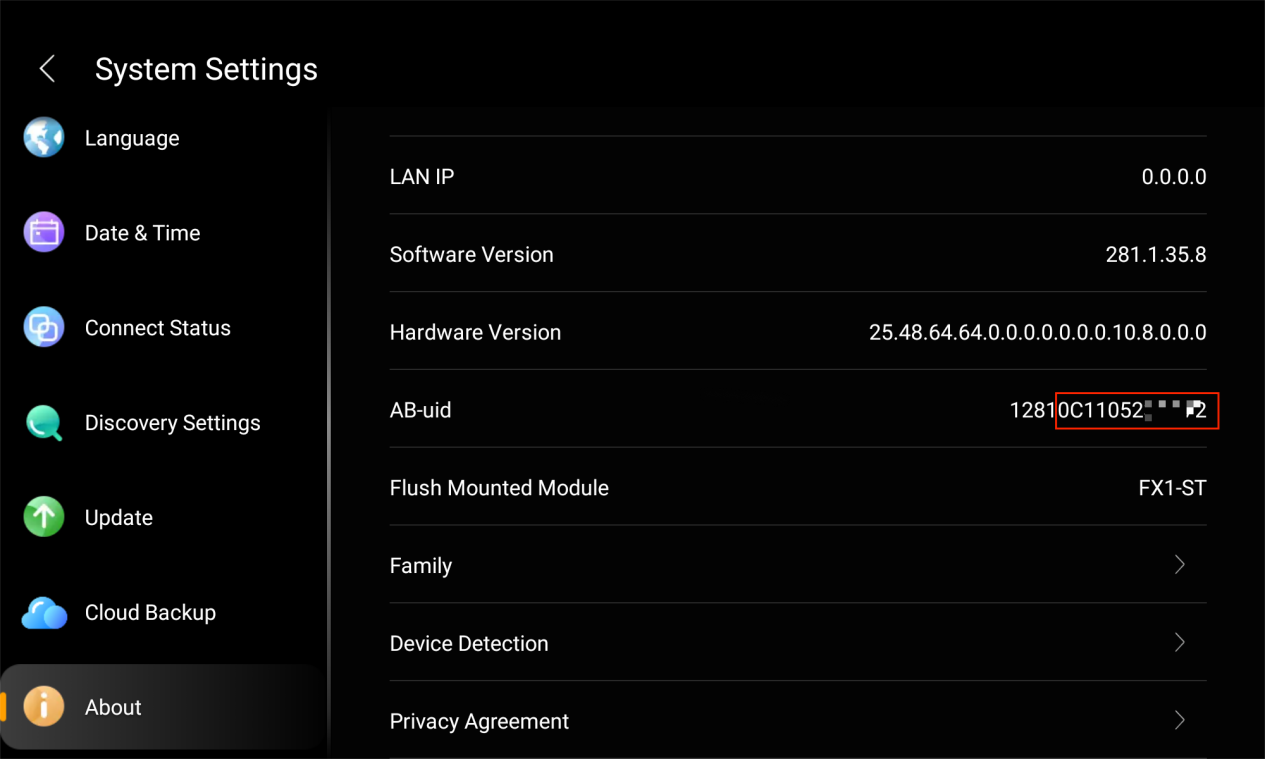
Device’s MAC address.
To find a device’s MAC, go to  > System Settings > About > AB-uid. The MAC address is the last 12 digits of the number displayed.
For other methods to find a device’s MAC, please refer to Check MAC Address of akubela Panels.