If call failures occur between akubela devices or between akubela devices and Akuvox door phones, please provide the following information to the service provider or technical support.
Note
If the issue involves a SIP call, include the information below when contacting the technical support. They will arrange a remote session with you to resolve the problem.
Device logs of all call parties.
Please refer to Export akubela Device Logs for detailed instructions.
Note
If the call is between a device and the BelaHome app, please also provide the app’s log. Instructions can be found here.
Data packets.
Please refer to Capture Packets on akubela Panels for Troubleshooting for detailed instructions.
Related devices’ firmware versions.
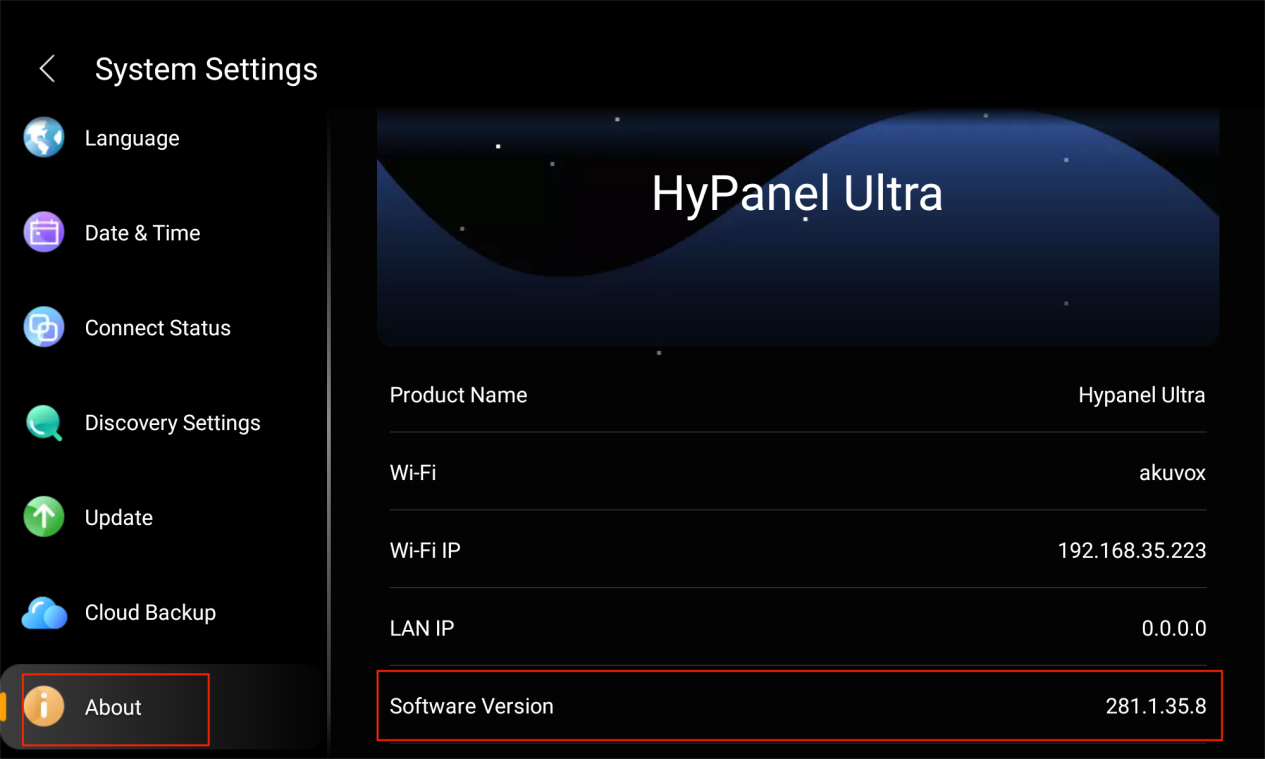
Find the device’s version under  > System Settings > About > Software Version.
Related devices’ MAC address.
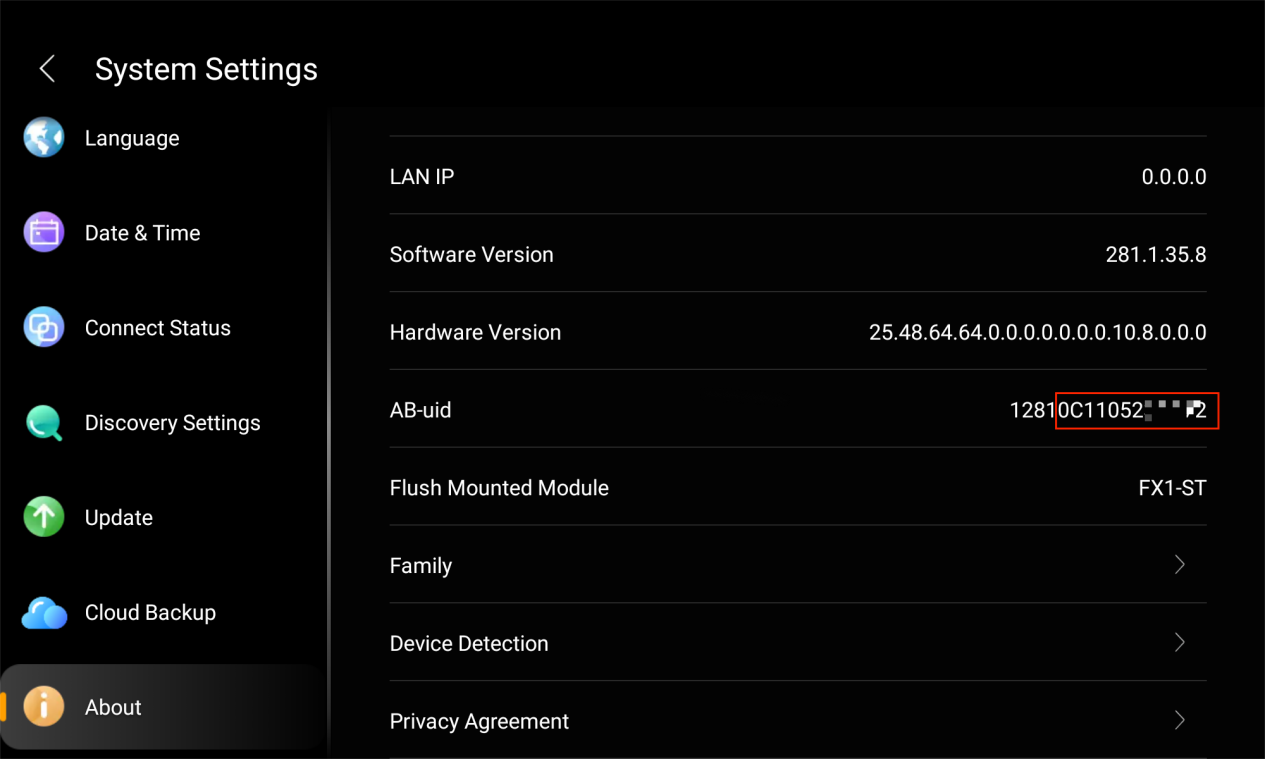
To find a device’s MAC, go to  > System Settings > About > AB-uid. The MAC address is the last 12 digits of the number displayed.
For other methods to find a device’s MAC, please refer to Check MAC Address of akubela Panels.